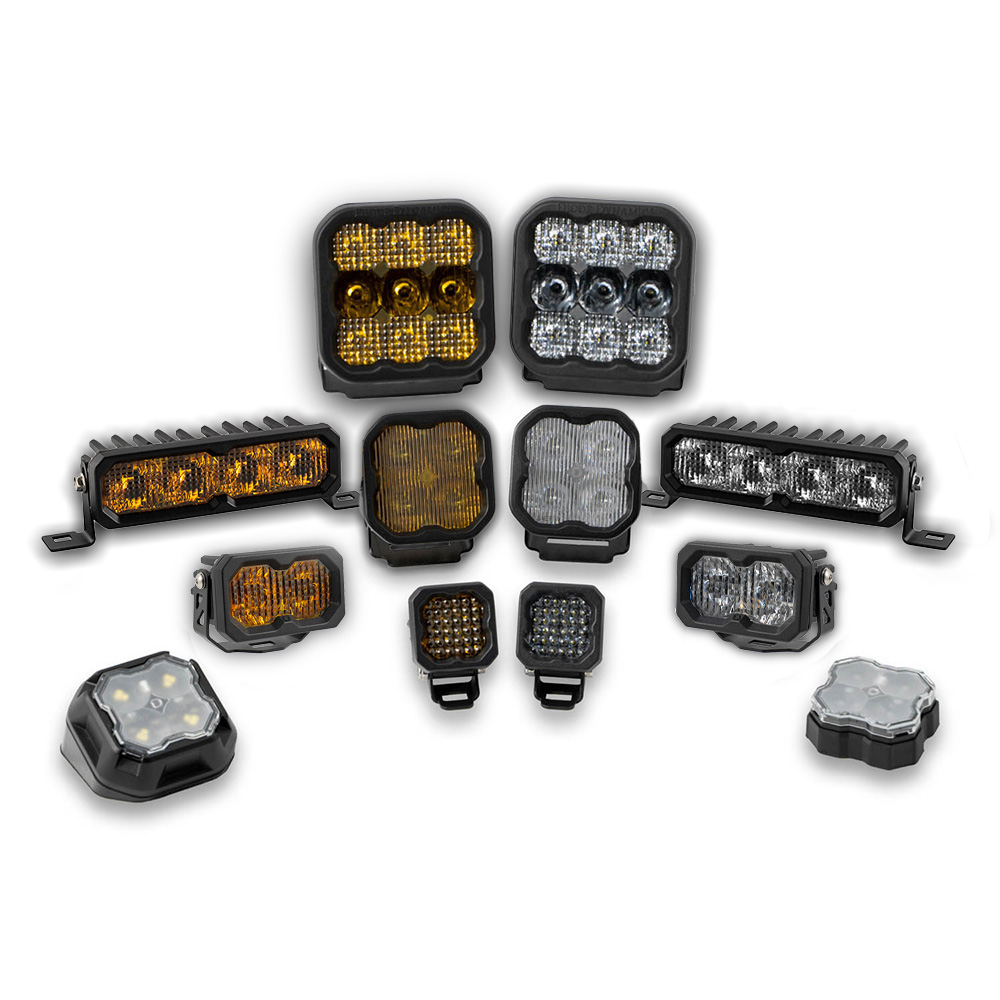
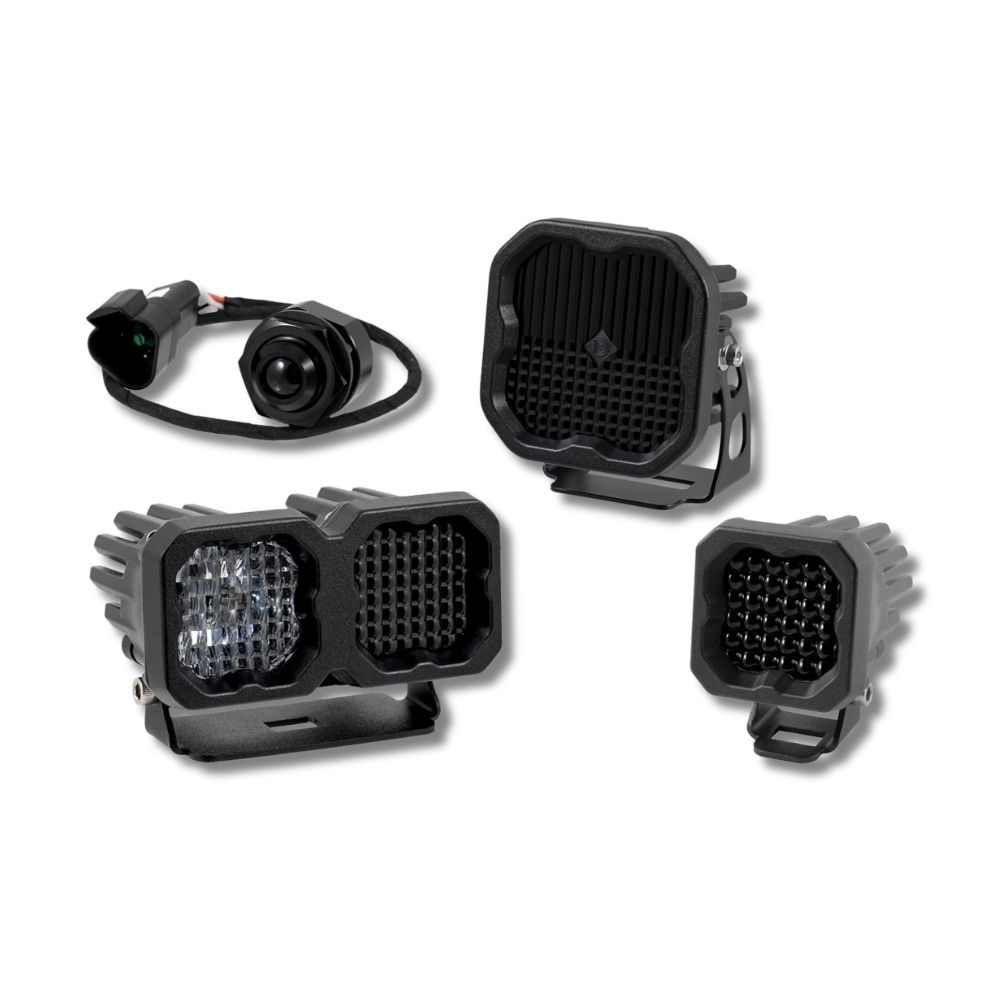
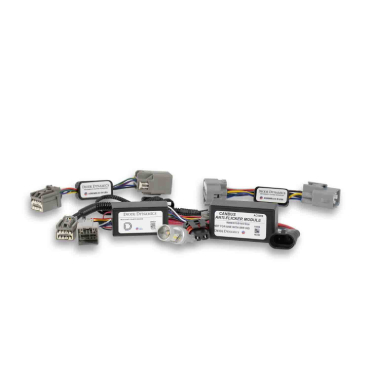
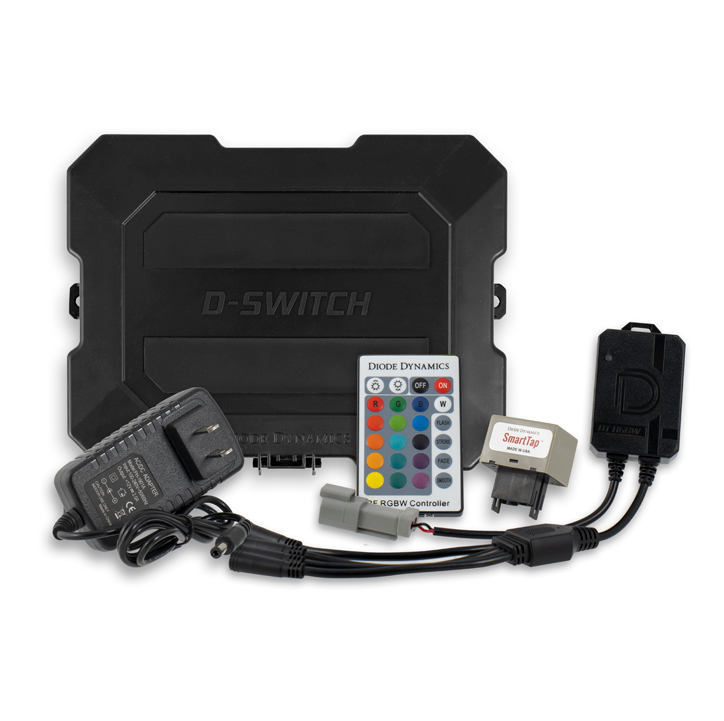



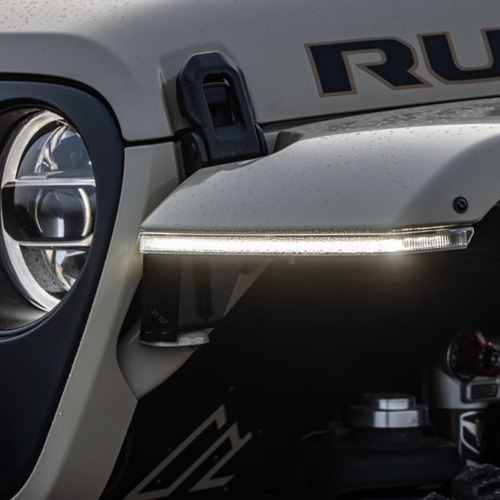

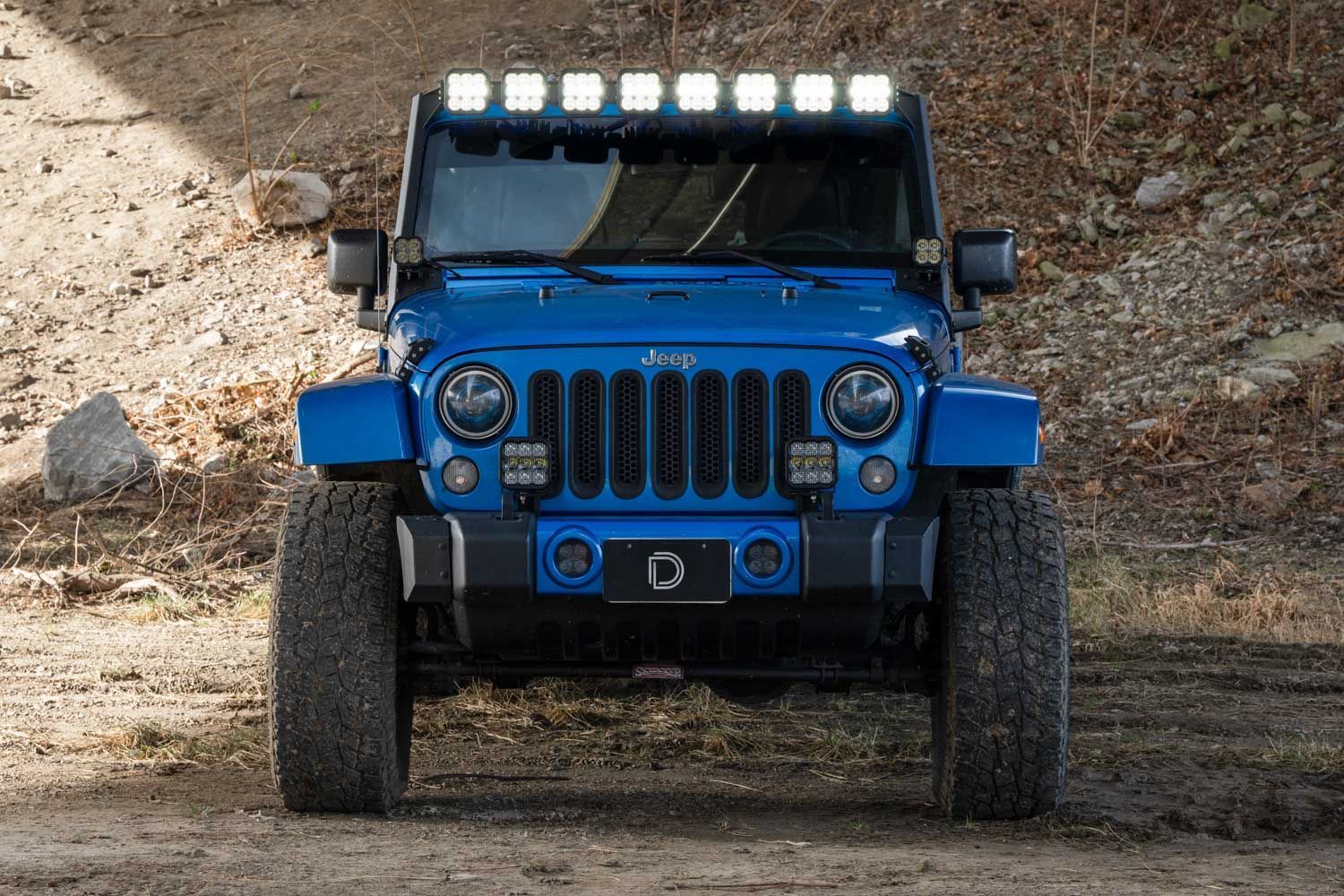
Thank you for your purchase of our SS5 CrossLink Windshield Lightbar Kit. CAD-designed to use existing mounting points, this kit is compatible with the 2007–2018 Jeep JK Wrangler. Installation instructions are included below.
Table of Contents
- Installation Video
- Installation Tools
- Bracket Installation
- Lightbar Installation
- Wiring Instructions
- Backlight Color Programming
- Backlight Color Reset
- Questions About the Installation?
- Where Can I Buy the SS5 Windshield CrossLink Lightbar Kit for 2007–2018 Jeep JK Wrangler?
Installation Video
Installation Tools
- T40 Torx bit
- Ratchet
Time Required: Approximately 1–2 hours.
Bracket Installation
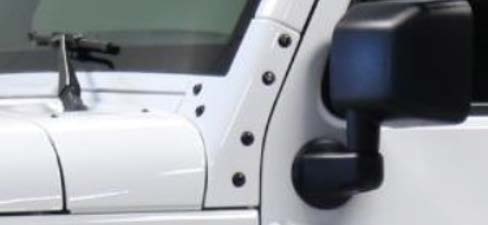
Step 1 – Remove driver-side A-pillar bolts
On the driver’s side A-pillar, remove the six bolts using a T40 Torx bit and ratchet. Five of the six bolts will be reused.
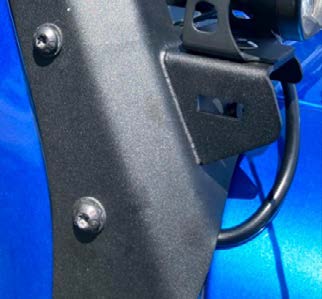
Step 2 – Position bracket and route wiring
Align the mounting pad with the bracket and route the wiring harness behind the bracket before reinstalling hardware.
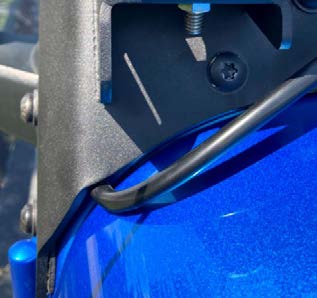
Step 3 – Secure bracket loosely
Loosely secure the bracket using five factory bolts and one supplied bolt, leaving approximately 1/4” clearance.
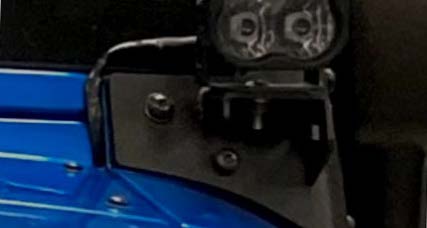
Step 4 – Repeat on passenger side
Repeat Steps 1–3 on the passenger side.
Lightbar Installation
Step 5 – Mount lightbar
Assemble the SS5 CrossLink lightbar using the CrossLink lightbar instructions. Mount the lightbar to the bracket using provided M6 hardware and leave slightly loose for adjustment.
Step 6 – Adjust curvature and supports
Adjust curvature as desired and ensure rubber bumpers contact the windshield frame. Apply outward tension while tightening to help mitigate vibration.
Step 7 – Final bracket tightening
Tighten all factory and supplied hardware on both brackets.
Wiring Instructions
Step 8 – Connect harness
Connect the lightbar to the included wiring harness. Route the harness to the battery and connect ring terminals to the positive and negative battery terminals.
Install and route the included switch into the cabin as desired.
IMPORTANT: All power sources must be properly fused.
Backlight Color Programming
SS5 LED Pods offer multiple backlight color options, including White (default), Red, Blue, Green, Purple, Yellow, Amber, and Teal.
- Start with all backlight power OFF.
- Cycle backlight power ON and OFF three times within three seconds, spacing each ON press about one second apart.
- After the third cycle, the backlight will enter programming mode.
- Continue cycling power at the same steady pace to scroll through the available colors.
- When the desired color is displayed, leave the backlight ON.
- After five seconds, the color will save automatically and exit programming mode.
- Turn power OFF.
The selected color will appear any time backlight power is applied during normal operation.
For additional SS5 mounting, wiring, and backlight information, refer to the Diode Dynamics SS5 LED Pods Installation Guide.
Backlight Color Reset
If multiple SS5 LED Pods are connected to the same backlight circuit and the colors become unsynchronized, perform the following reset procedure.
- Enter backlight programming mode by cycling power ON and OFF three times, using the same one-second timing.
- Continue cycling power through all available colors twice. This requires at least sixteen total power cycles.
- After all colors have displayed twice, all connected lights will reset to White.
- Leave the backlight ON for five seconds to save the reset.
- Program the desired backlight color as outlined above if needed.
Questions About the Installation?
If you have any questions about installing the SS5 Windshield CrossLink Lightbar Kit for 2007–2018 Jeep JK Wrangler , contact us via our support page.
Where Can I Buy the SS5 Windshield CrossLink Lightbar Kit for 2007–2018 Jeep JK Wrangler?
Visit DiodeDynamics.com or use our Dealer Locator.
This installation guide applies to the following SKUs: DD7224, DD7225, DD7266, DD7267
Share This Post