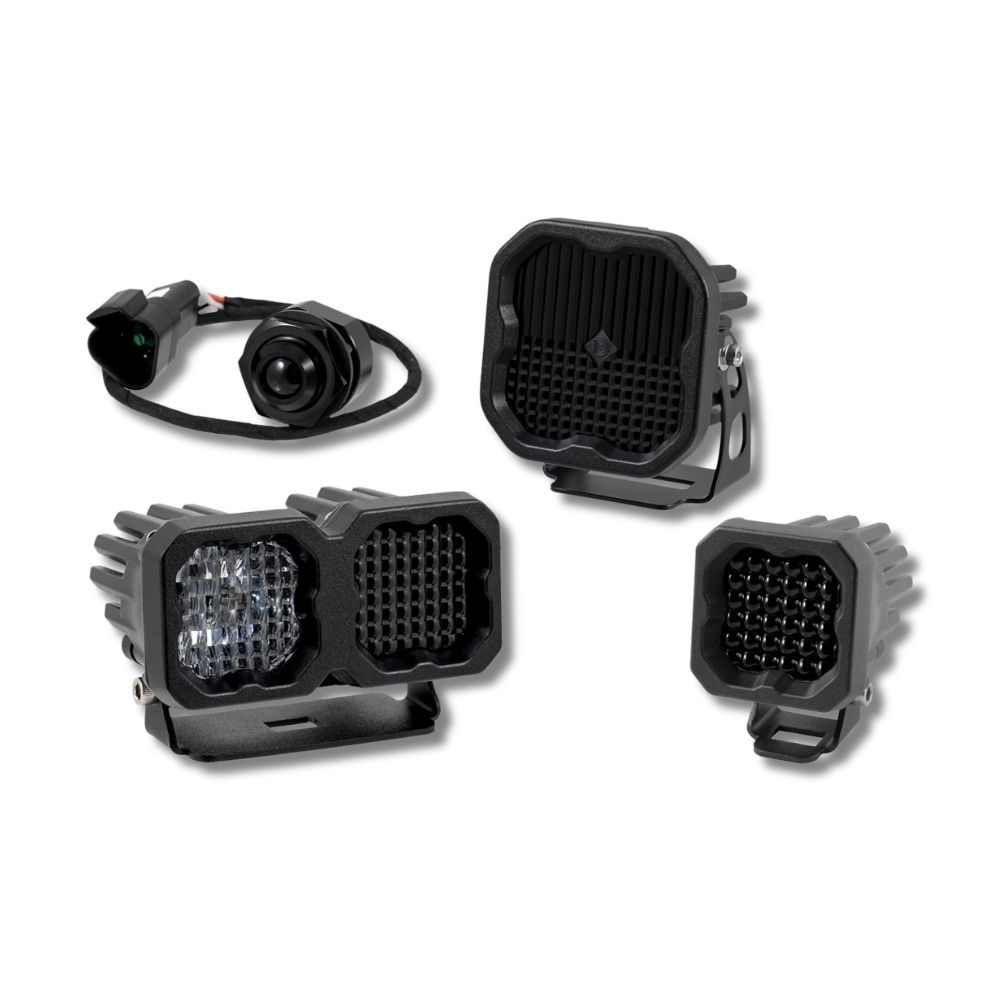



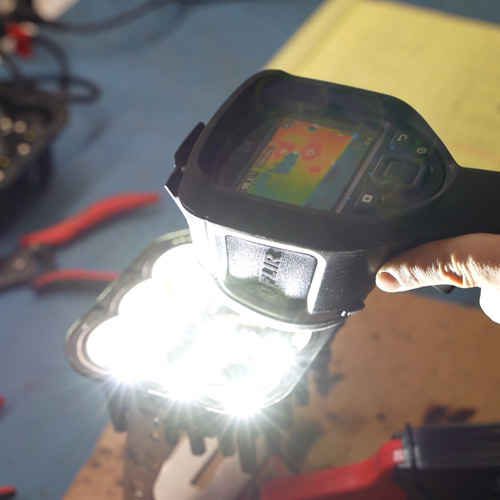
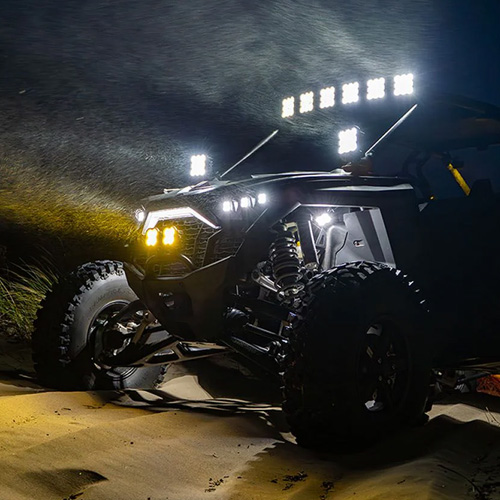
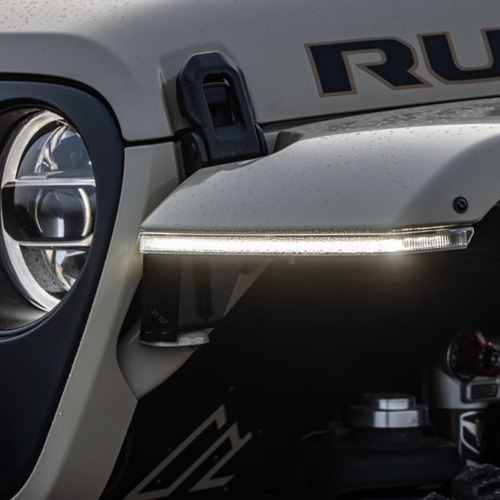

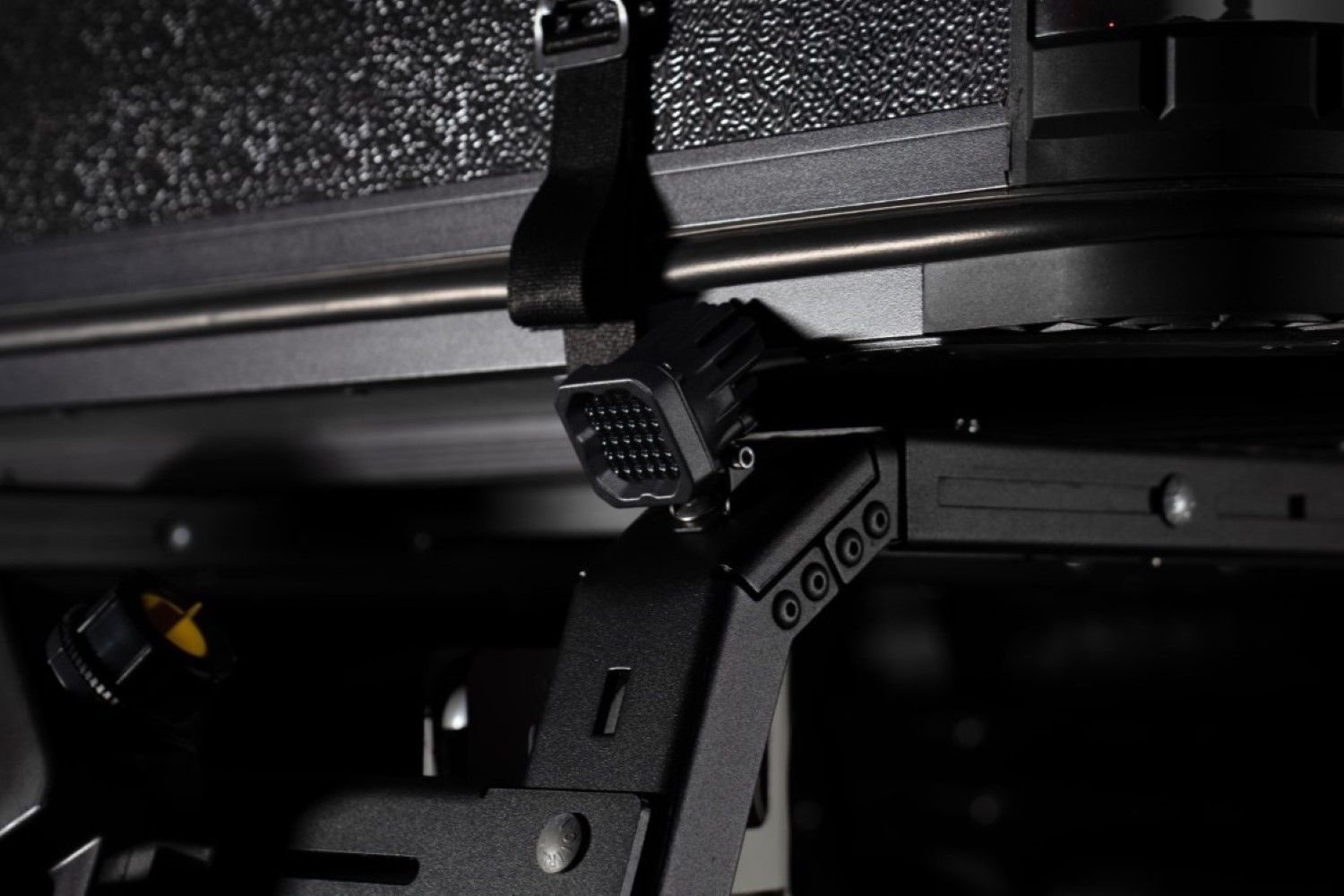
The Stage Series SSC1 IR LED Pod provides compact, controllable infrared illumination for compatible night vision systems. Developed originally for military customers, the IR lineup underwent approximately 18 months of military field testing before its retail introduction. This installation guide will provide you with detailed instructions on how to install the Stage Series SSC1 IR LED Pod. Continue reading for step-by-step instructions below!
Table of Contents
- Important IR Safety
- What's Included
- Installation Tools
- Installation Instructions
- Wiring Instructions
- Operation and Dimming
- Aiming Instructions
- Final Operation Check
- Questions About the Installation?
- Where Can I Buy the Stage Series SSC1 IR LED Pod?
Important IR Safety
WARNING: Infrared output falls outside the visible-light spectrum but can still cause eye injury. Never stare directly into an operating IR light or view it at close range through an optical device. Do not assume the light is safe simply because its output is difficult or impossible to see with the naked eye.
What's Included
- One SSC1 IR LED Pod in the selected Sport or Pro power level, 850nm or 940nm wavelength, and Wide, Spot, or Flood optic
- Standard SSC1 mounting bracket and hardware
- One 4-pin DT-style female pigtail with three 10cm bare leads
The physical installation is the same for the supported power levels, wavelengths, and optics.
Installation Tools
- 1/2" wrench
- 3/8" wrench
- 5/32" Allen key
- Drill and mounting hardware, if required by the application
- Basic wiring tools appropriate for the selected installation
Installation Instructions
Step 1 — Assemble the mounting bracket
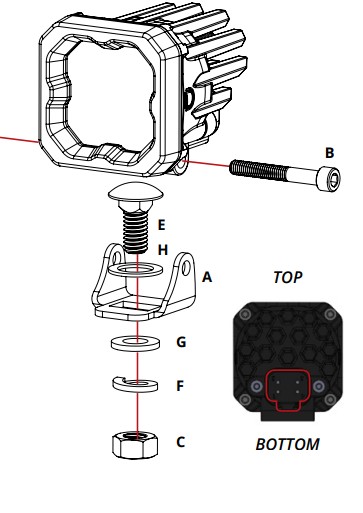
Assemble the SSC1 IR pod with the included standard bracket and hardware as shown. Leave the hardware slightly loose to allow final aiming adjustments.
Step 2 — Choose a mounting location
Select a suitable mounting point that provides clearance for the pod, bracket, connector, and wiring. Confirm that the mounting surface and any application-specific hardware can support the light before drilling or fastening.
Step 3 — Secure the pod
Attach the bracket to the selected mounting point with the included hardware or suitable application-specific fasteners. Make sure the pod is firmly mounted while leaving the adjustment hardware loose enough for final aiming.
Wiring Instructions
The SSC1 IR uses a DT-style connector and includes a three-wire pigtail. The red and blue inputs control high and low IR output rather than the main-beam and backlight functions of a standard visible-light SSC1.
- Red wire: High IR power
- Black wire: Ground
- Blue wire: Low IR power
Connect the pigtail to the pod, then route and secure the wiring away from heat, sharp edges, and moving components. Connect the leads to a properly fused control system suitable for the installation.
Operation and Dimming
The red and blue inputs provide separate high and low IR power modes. Both modes support PWM and variable-voltage dimming, allowing you to reduce output for the environment or night vision setup. This makes it possible to select a configuration with enough maximum output for the intended use, including a Pro configuration, and lower the output when less illumination is appropriate.
SSC1 IR is available in 850nm and 940nm. The 850nm version may produce a faint red glow at the emitter because its wavelength is closer to the visible spectrum. The 940nm version produces less visible signature to the naked eye. Night vision sensitivity varies by device, so confirm performance with the specific equipment in use rather than assuming one wavelength will always appear brighter.
Aiming Instructions
Step 4 — Aim and tighten the pod
Use a compatible night vision device to adjust the beam to the desired position. Once the pod is aimed, securely tighten all mounting and adjustment hardware.
Final Operation Check
Step 5 — Verify operation
From a safe position, use a compatible night vision device to confirm high power, low power, and any connected dimming controls operate as intended. Check that the wiring remains secure and clear of heat, sharp edges, and moving components.
The installation is now complete. Enjoy your new Stage Series SSC1 IR LED Pod!
Questions About the Installation?
If you have any questions about installing the Stage Series SSC1 IR LED Pod, contact us via our support page.
Where Can I Buy the Stage Series SSC1 IR LED Pod?
If you're ready to upgrade your auxiliary-lighting setup with the Stage Series SSC1 IR LED Pod, visit DiodeDynamics.com or use our Dealer Locator to find a dealer near you.
Want to know more about Diode Dynamics products? Visit DiodeDynamics.com and subscribe to our newsletter for new product releases and more!
This Installation Guide is for the following SKU: DD8922S, DD8924S, DD8923S, DD8928S, DD8930S, DD8929S, DD8925S, DD8927S, DD8926S, DD8922P, DD8924P, DD8923P, DD8928P, DD8930P, DD8929P, DD8833P, DD8835P, DD8834P, DD8925P, DD8927P, DD8926P

Share This Post