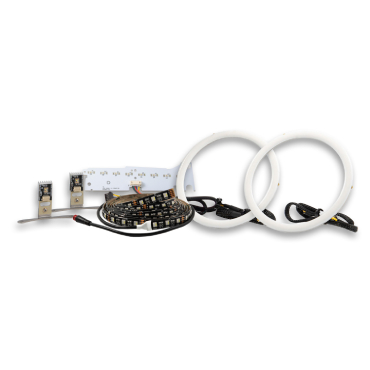



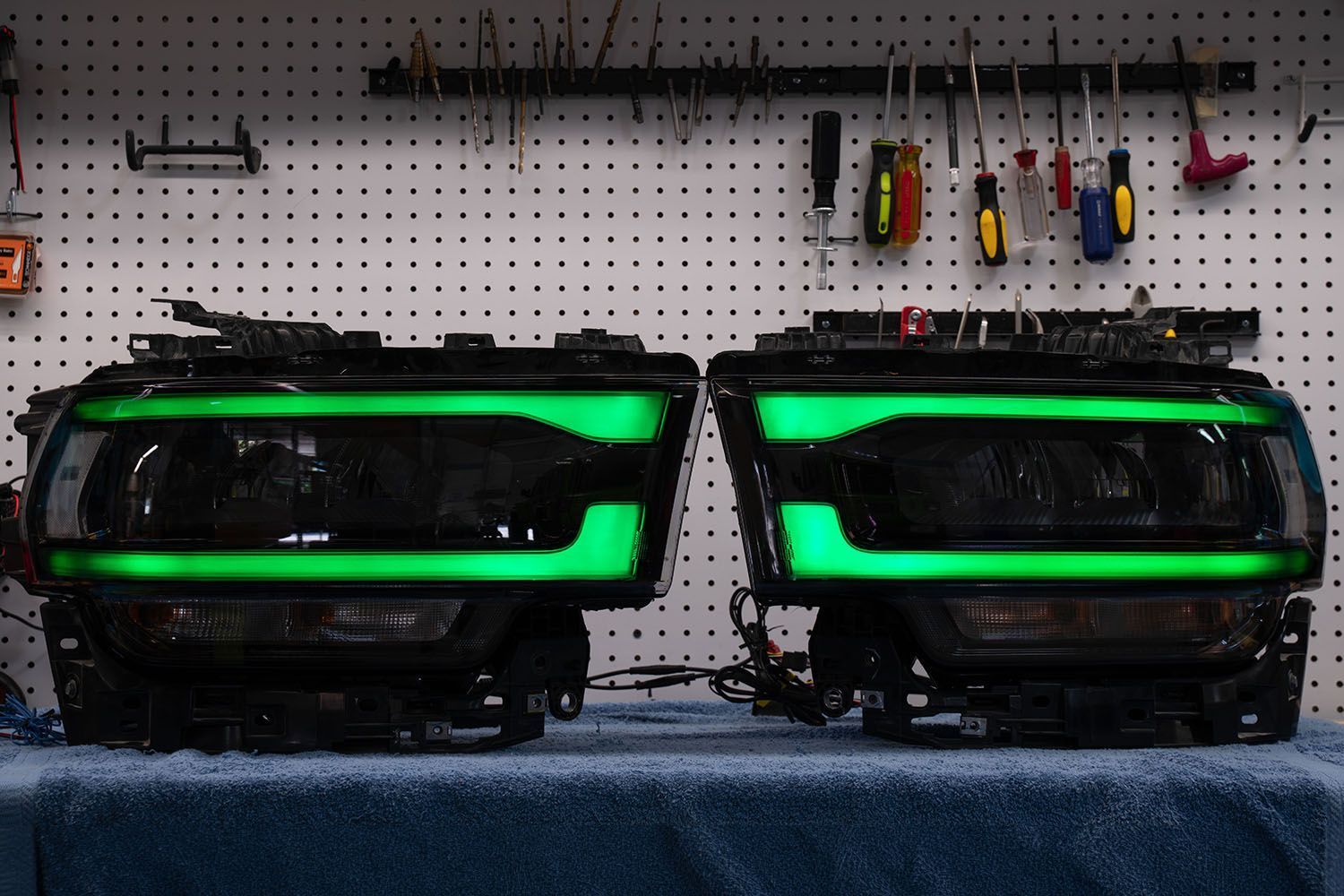
The 2019-2024 Ram 2500/3500 Midline RGBW DRL LED Boards adds multicolor control to your factory headlight accents, with dedicated white LEDs for white output. This installation guide will provide you with detailed instructions on how to install the 2019-2024 Ram 2500/3500 Midline RGBW DRL LED Boards. Continue reading for step-by-step instructions below!
Please note: Headlights must be opened before proceeding. Professional installation is strongly recommended. This guide covers general board replacement and wiring for compatible Ram HD midline LED headlights. Use the removal, disassembly, and resealing procedure appropriate for your headlight assembly.
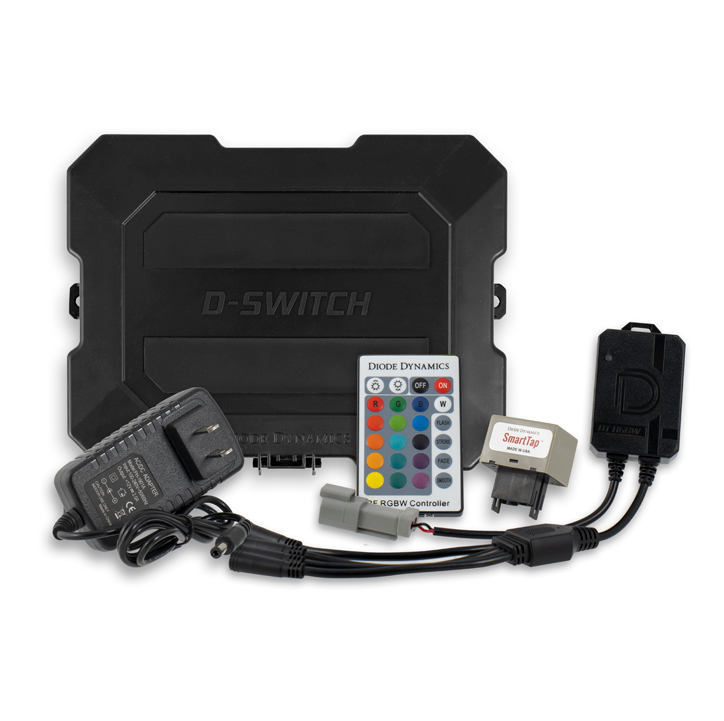
An RGBW controller is required for operation and is sold separately.
Table of Contents
- Installation Tools
- Installation Instructions
- Questions About the Installation?
- Where Can I Buy the 2019-2024 Ram 2500/3500 Midline RGBW DRL LED Boards?
Installation Tools
- Basic hand tools appropriate for your vehicle and headlight assembly
Installation Instructions
Step 1 - Access the Factory LED Boards
With the headlights removed and opened, access the factory DRL boards. Use the removal and disassembly procedure appropriate for your headlight assembly.
Step 2 - Replace the Factory LED Boards
Disconnect and remove the original DRL boards. Install the matching replacement boards in their original locations using the factory mounting points and hardware. Complete this process for both headlights.
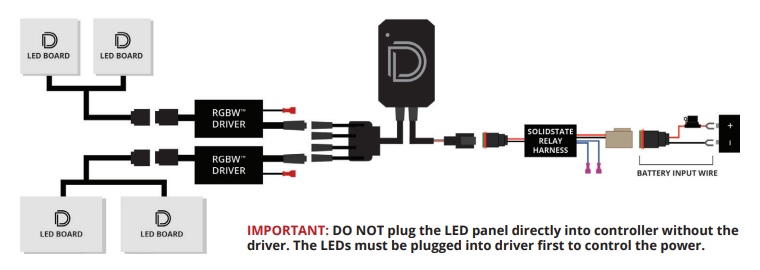
Step 3 - Connect the Drivers and Controller
Connect each LED board to its matching supplied driver. Connect the drivers to your RGBW controller using the appropriate adapter wires and extension wire.
IMPORTANT: Never connect an LED board directly to the controller. Each board must connect through its driver to control the power.
Step 4 - Connect the Ram Relay and Battery Harness
Connect the controller to the solid-state relay harness, then connect the relay harness to the battery input wire. Connect the battery input wire to the positive and negative battery terminals as shown below.
Step 5 - Connect the Ram Factory Signal Wires
Connect the two blue relay input wires to the driver-side parking light signals shown in the table below. Connect the four black driver ground wires to the factory ground connections. Use the connector illustration to identify the pin locations.
| Diode Dynamics Wire | Function | Headlamp Connector Pin | Driver-Side Factory Wire | Passenger-Side Factory Wire |
|---|---|---|---|---|
| Blue | Parking | 8 | White/Brown | Not used |
| Blue | Parking | 12 | Beige/Dark Blue | Not used |
| Black (four wires) | Ground | 2 | Black | Black |

Step 6 - Mount Components and Test
Mount the drivers and controller outside the headlights for serviceability, away from the engine block and excessive heat. Secure the relay and tuck wiring clear of hot or moving parts. Test both headlights, color control, and all connected factory lighting functions before resealing.
Step 7 - Reseal and Reinstall the Headlights
Reseal the headlights and any wiring pass-throughs using the appropriate procedure for the assembly. Reinstall the headlights and verify operation.
The installation is now complete. Enjoy your new 2019-2024 Ram 2500/3500 Midline RGBW DRL LED Boards!
Questions About the Installation?
If you have any questions about installing the 2019-2024 Ram 2500/3500 Midline RGBW DRL LED Boards, contact us via our support page.
Where Can I Buy the 2019-2024 Ram 2500/3500 Midline RGBW DRL LED Boards?
If you're ready to upgrade your 2019-2024 Ram 2500/3500 with the 2019-2024 Ram 2500/3500 Midline RGBW DRL LED Boards, visit DiodeDynamics.com or use our Dealer Locator to find a dealer near you.
Want to know more about Diode Dynamics products? Visit DiodeDynamics.com and subscribe to our newsletter for new product releases and more!
This Installation Guide is for the following SKU: DD2293
Share This Post