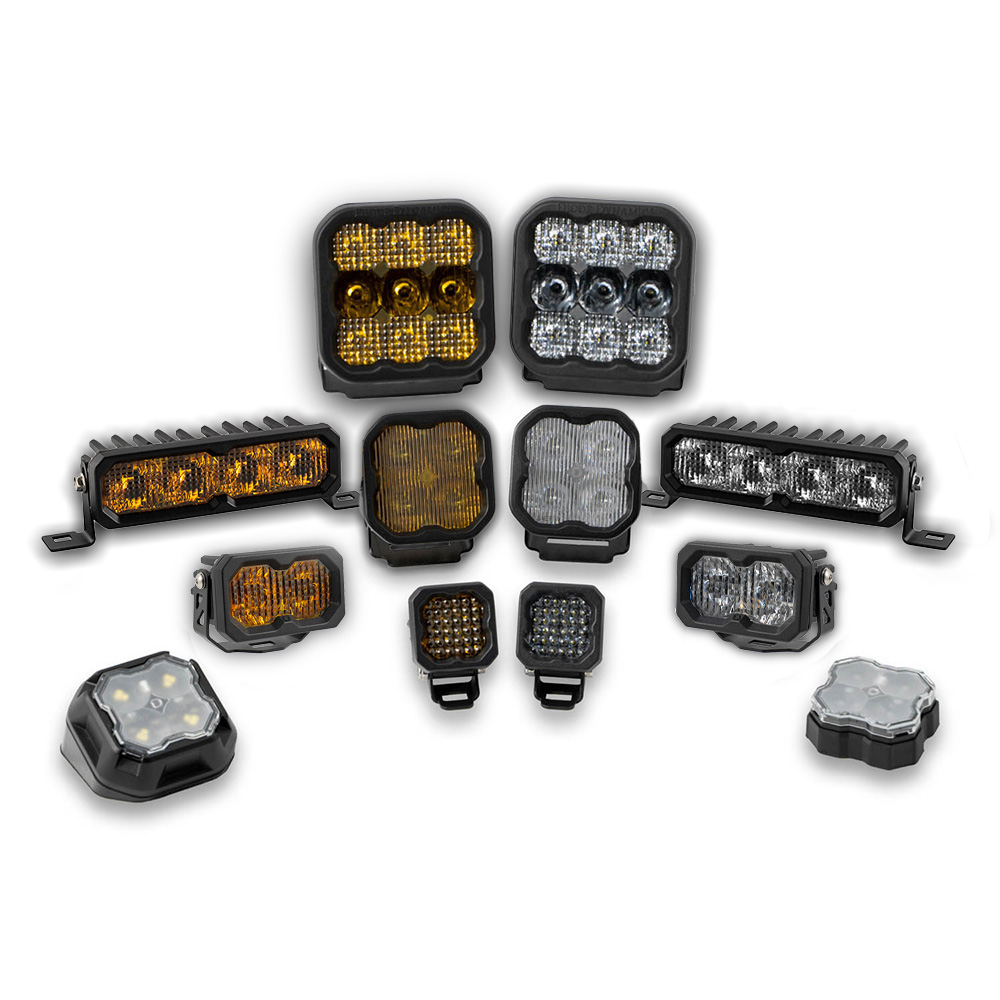
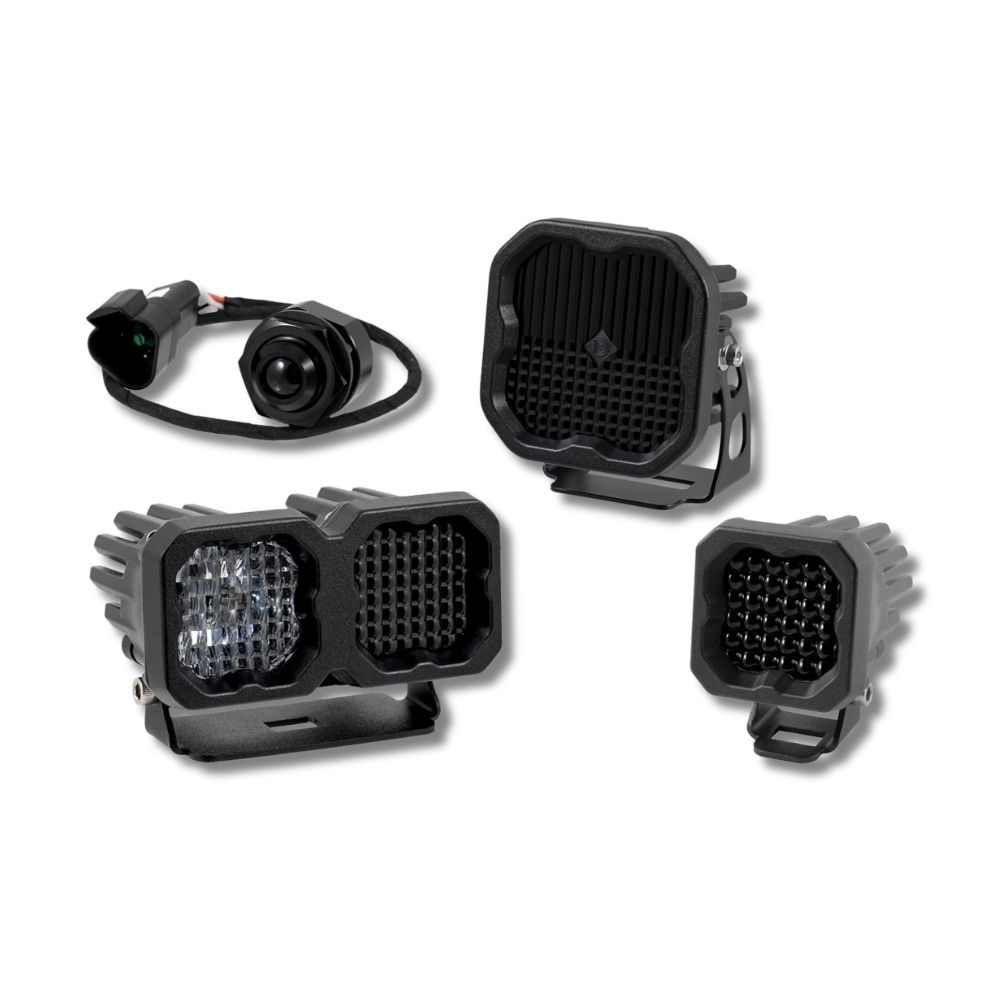


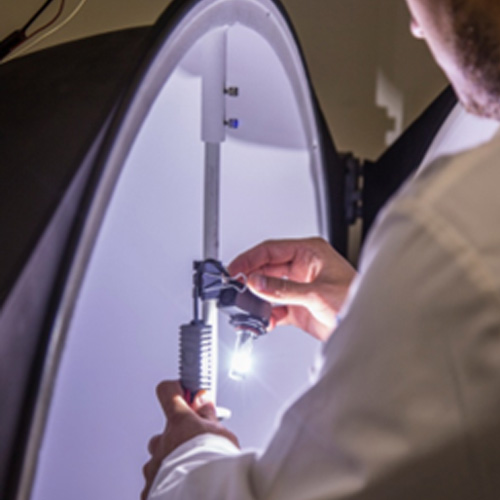
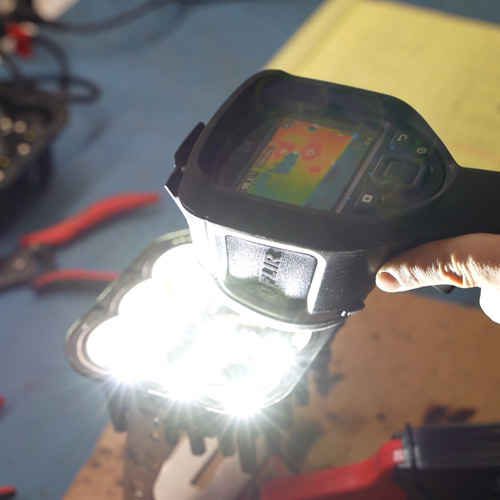
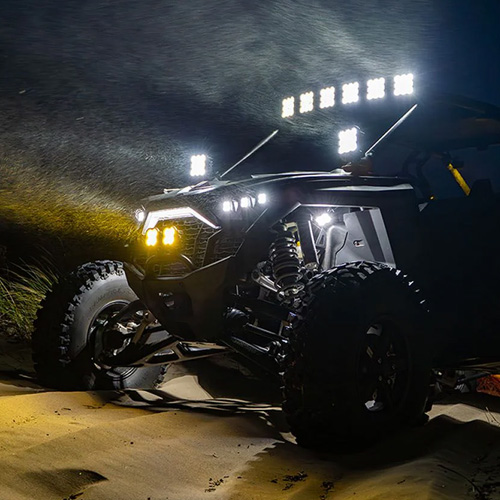
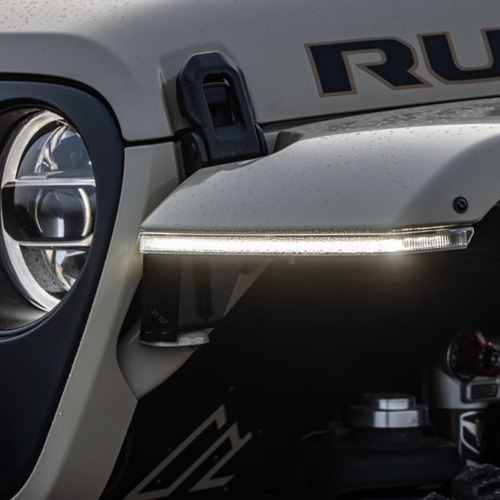

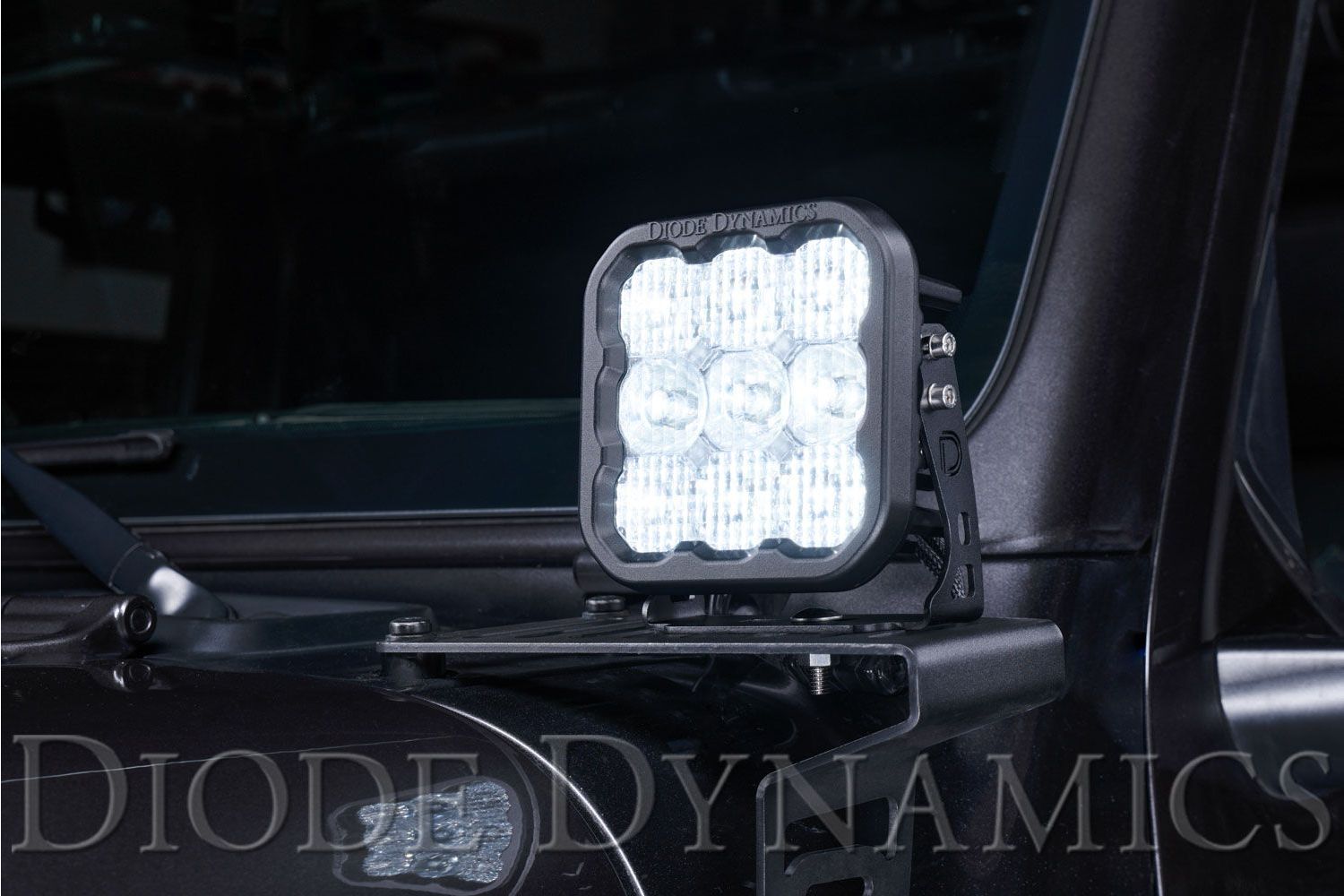
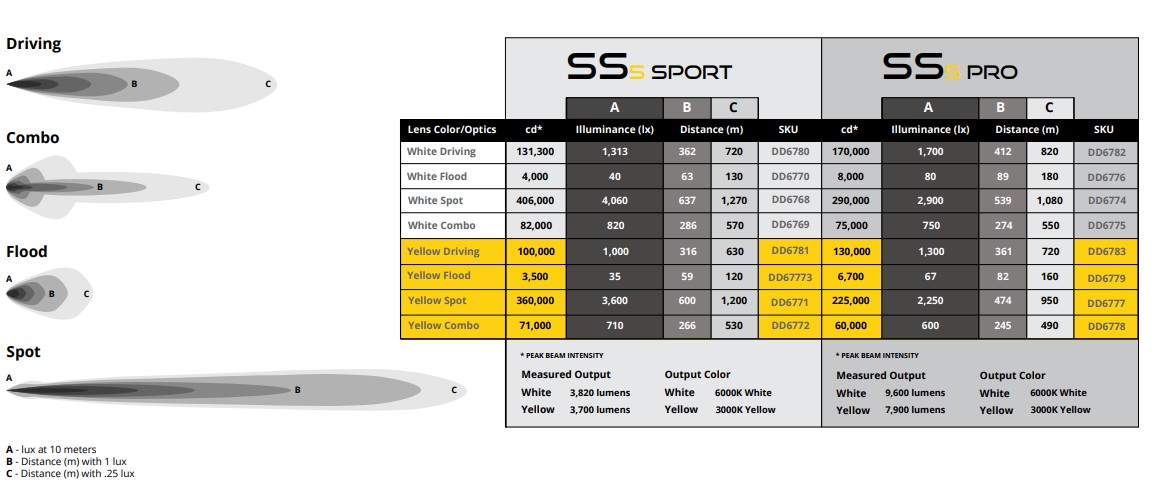
Diode Dynamics SS5 LED Pods deliver extreme output in a compact 5-inch form factor. Featuring advanced TIR optics, heavy-duty construction, and a selectable multicolor backlight, SS5 pods are designed for off-road, auxiliary, and motorsports applications where maximum performance is required.
This guide outlines the universal mounting, wiring, and backlight configuration process for Diode Dynamics SS5 LED Pods. Installation steps are consistent across all SS5 Sport and SS5 Pro configurations.
Table of Contents
- Installation Tools
- Installation Instructions
- Wiring Instructions
- Backlight Color Programming
- Backlight Color Reset
- Questions About the Installation?
- Where Can I Buy SS5 LED Pods?
Installation Tools
- 1/2” wrench
- 3/8” wrench
- 2.5mm Allen key
- 5/32” Allen key
- Drill and mounting hardware (if required)
Time Required: Approximately 30–60 minutes per pod.
Installation Instructions
Step 1 – Assemble the mounting bracket
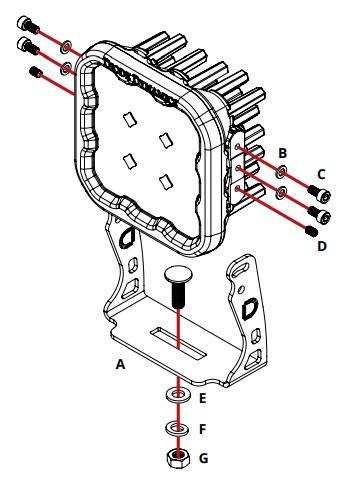
Assemble the SS5 LED pod with the included mounting bracket and hardware as shown in the installation diagram. Leave all fasteners slightly loose to allow for final aiming.

Step 2 – Select a mounting location
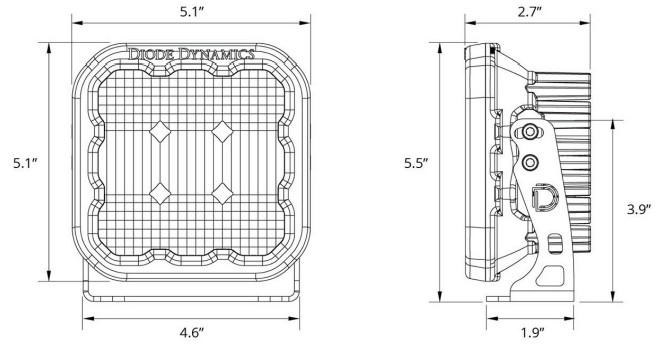
Choose a secure mounting location with adequate clearance and airflow. SS5 pods are compatible with most standard auxiliary light mounting brackets and surfaces.
Step 3 – Secure the pod
Using the included hardware or application-specific fasteners, secure the SS5 pod to the mounting surface. Ensure the pod is firmly mounted before proceeding.
Step 4 – Aim the pod
Adjust the pod to the desired beam angle. Once properly aimed, fully tighten all mounting hardware.
Wiring Instructions
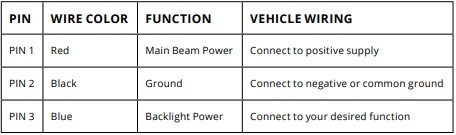
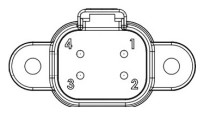
Important: SS5 LED pods draw high current and require adequately sized wiring. If you are not using a Diode Dynamics wiring harness, use 16 AWG wire or larger and always install an inline fuse.
Backlight Color Programming
SS5 LED Pods offer multiple backlight color options, including White (default), Red, Blue, Green, Purple, Yellow, Amber, and Teal.
- Start with all backlight power OFF.
- Cycle backlight power ON and OFF three times within three seconds, spacing each ON press about one second apart.
- After the third cycle, the backlight will enter programming mode.
- Continue cycling power at the same steady pace to scroll through the available colors.
- When the desired color is displayed, leave the backlight ON.
- After five seconds, the color will save automatically and exit programming mode.
- Turn power OFF.
The selected color will appear any time backlight power is applied during normal operation.
Backlight Color Reset
If multiple SS5 LED Pods are connected to the same backlight circuit and the colors become unsynchronized, perform the following reset procedure.
- Enter backlight programming mode by cycling power ON and OFF three times, using the same one-second timing.
- Continue cycling power through all available colors twice. This requires at least sixteen total power cycles.
- After all colors have displayed twice, all connected lights will reset to White.
- Leave the backlight ON for five seconds to save the reset.
- Program the desired backlight color as outlined above if needed.
Questions About the Installation?
If you have any questions about installing Diode Dynamics SS5 LED Pods, contact us via our support page.
Where Can I Buy Diode Dynamics SS5 LED Pods?
To browse all available SS5 LED Pod configurations—including Sport, Pro, beam patterns, and backlight options—visit our SS5 LED Pods category page on DiodeDynamics.com.
You can also use our Dealer Locator to find a Diode Dynamics dealer near you.
Want to know more about Diode Dynamics products? Visit DiodeDynamics.com and subscribe to our newsletter for new product releases and more!
This Installation Guide applies broadly to the following SKUs:
DD6768S, DD6768P, DD6769S, DD6769P, DD6770S, DD6770P, DD6771S, DD6771P, DD6772S, DD6772P, DD6773S, DD6773P, DD6774S, DD6774P, DD6775S, DD6775P, DD6776S, DD6776P, DD6777S, DD6777P, DD6778S, DD6778P, DD6779S, DD6779P, DD6780S, DD6780P, DD6781S, DD6781P, DD6782S, DD6782P, DD6783S, DD6783P, DD6768SNB, DD6769SNB, DD6770SNB, DD6771SNB, DD6772SNB, DD6773SNB, DD6774SNB, DD6775SNB, DD6776SNB, DD6777SNB, DD6778SNB, DD6779SNB, DD6780SNB, DD6781SNB, DD6782SNB, DD6783SNB
Share This Post