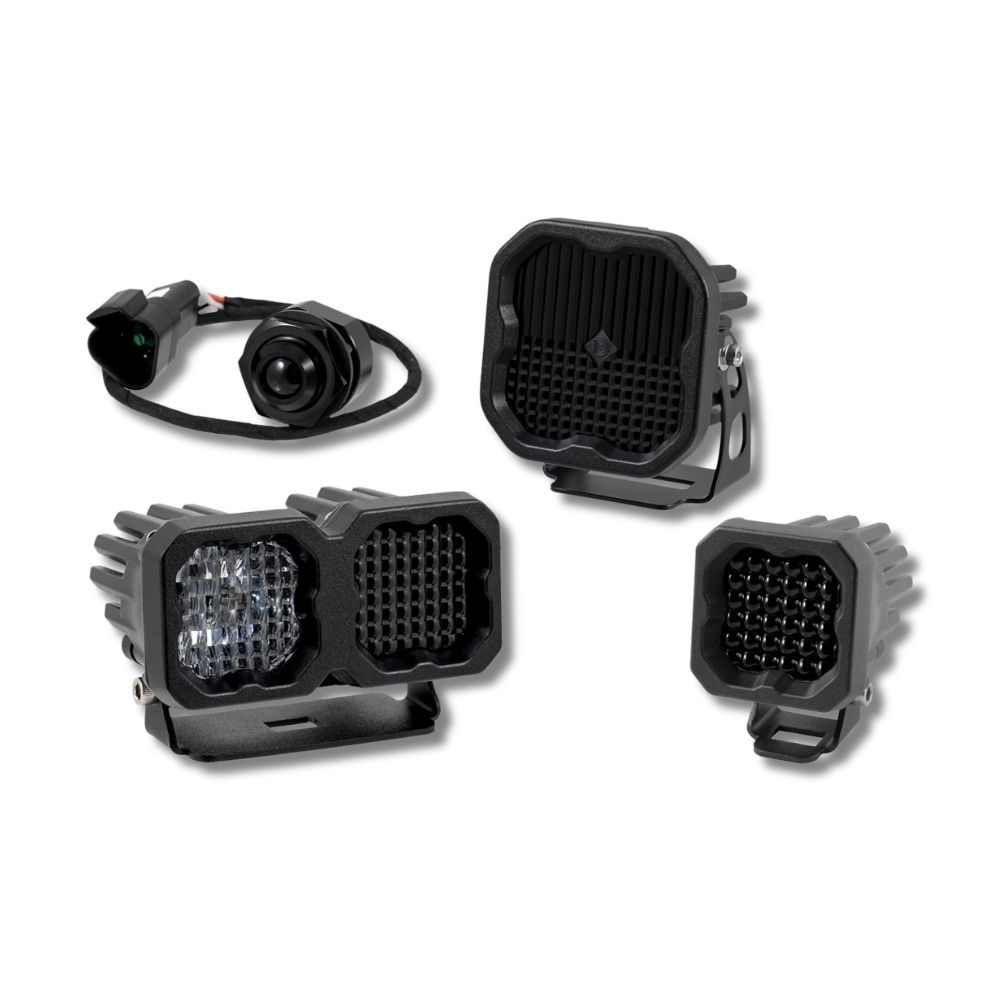



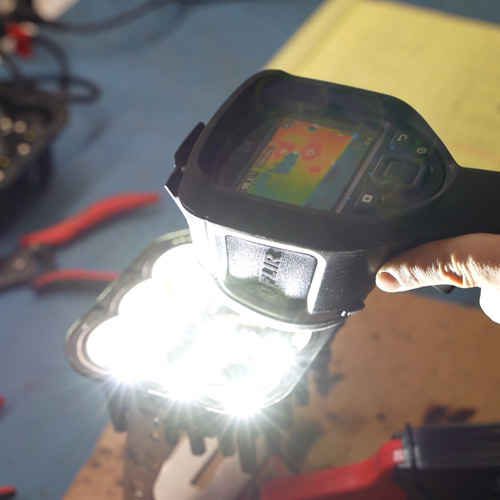

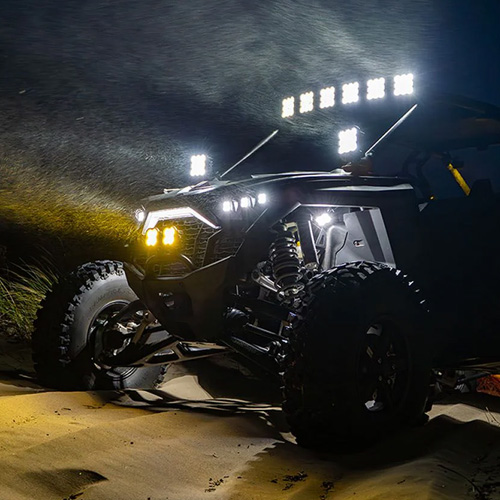
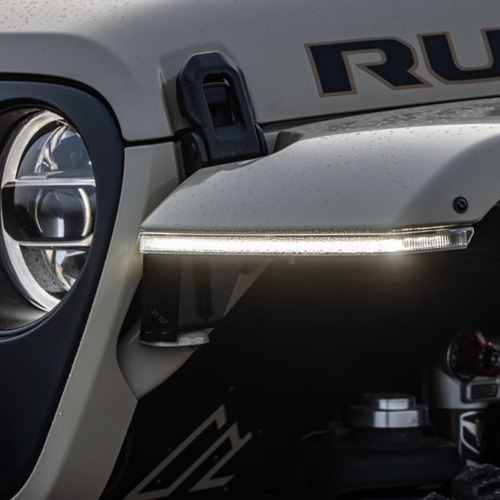

The Follow-Me IR Light creates a distinct three-point infrared signature for identification and following applications with compatible night vision systems. Developed originally for military customers, the IR lineup underwent approximately 18 months of military field testing before its retail introduction. This installation guide will provide you with detailed instructions on how to install the Follow-Me IR Light. Continue reading for step-by-step instructions below!
Table of Contents
- Important IR Safety
- Product Overview
- What's Included
- Installation Tools
- Installation Instructions
- Operation and Dimming
- Final Operation Check
- Questions About the Installation?
- Where Can I Buy the Follow-Me IR Light?
Important IR Safety
WARNING: Infrared output falls outside the visible-light spectrum but can still cause eye injury. Never stare directly into an operating IR light or view it at close range through an optical device. Do not assume the light is safe simply because its output is difficult or impossible to see with the naked eye.
Product Overview
The IP67-rated Follow-Me IR Light is designed primarily as an IR identification or chase light rather than a scene-illumination light. Its three-point signature uses much less IR output than SS3 IR or SSC1 IR driving pods. For that reason, Follow-Me output is published in microwatts per steradian rather than the higher-output measurements commonly associated with driving lights.
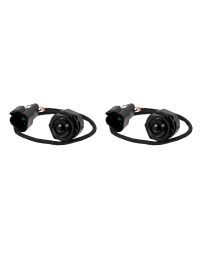
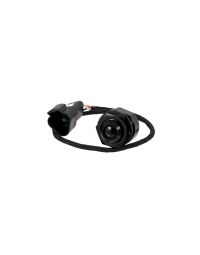
The Follow-Me IR Light is available in 850nm and 940nm and can be purchased individually or in pairs. The 850nm version may produce a faint red glow at the emitter because its wavelength is closer to the visible spectrum. The 940nm version produces less visible signature to the naked eye. Night vision sensitivity varies by device, so confirm performance with the specific equipment in use rather than assuming one wavelength will always appear brighter.
What's Included
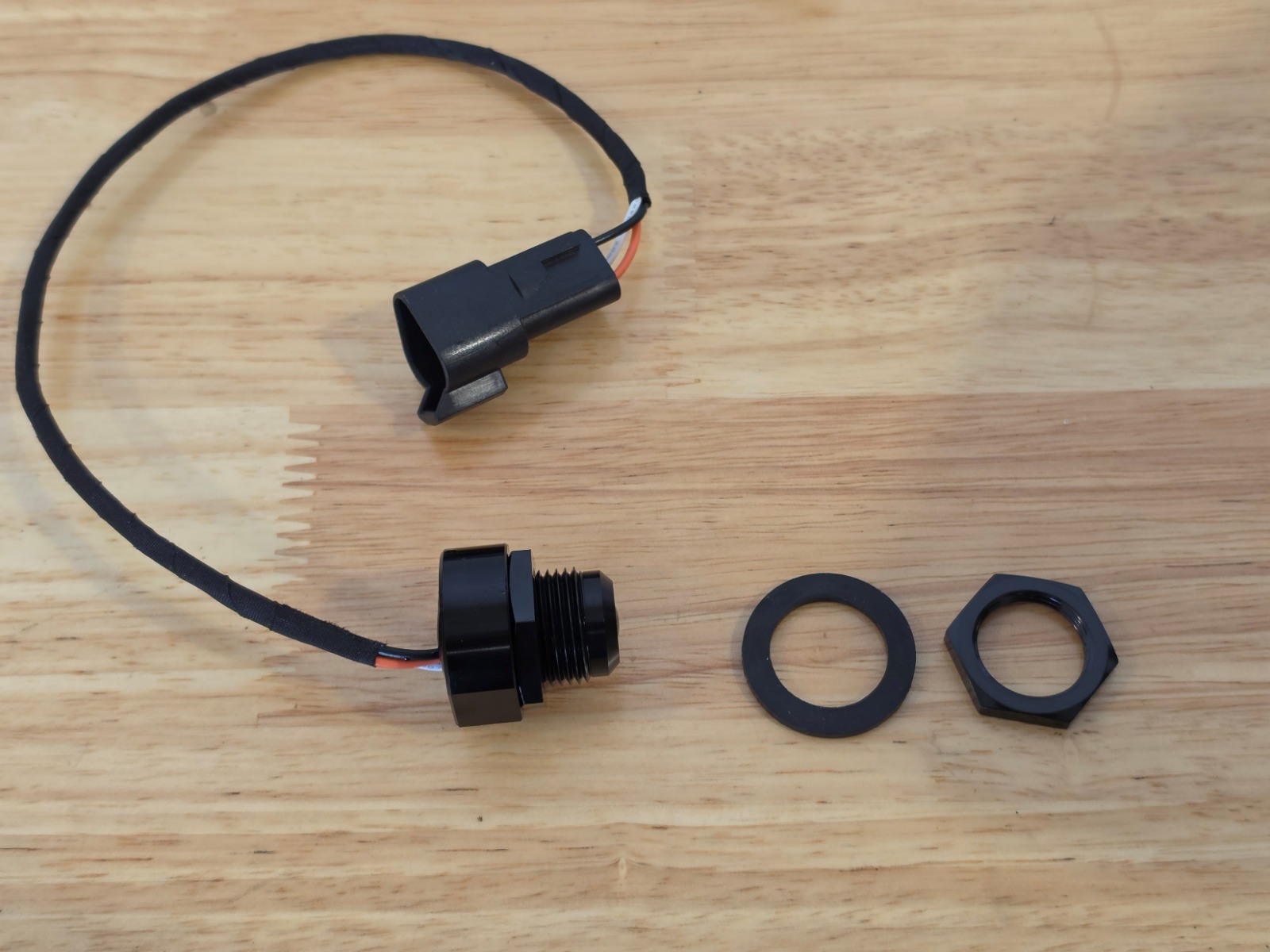
- Follow-Me IR Light assembly or assemblies, based on the selected quantity
- Rubber gasket and jam nuts for each light
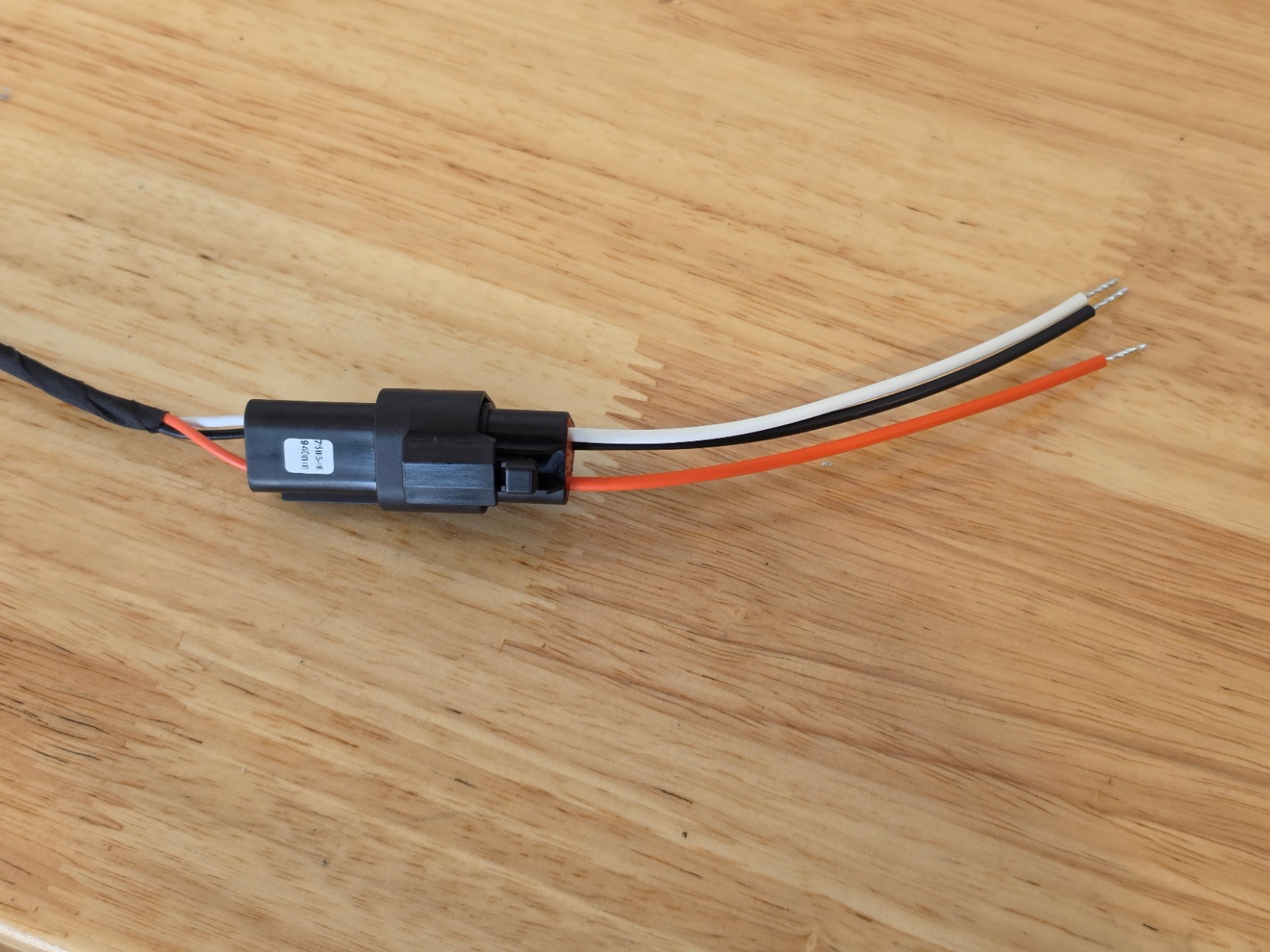
- Bare-lead Deutsch-style connector for each light
Installation Tools
- 7/16" drill bit
- Stepping drill bit capable of creating a 7/8" hole
- Two adjustable wrenches
Time required: Approximately 10-20 minutes.
Installation Instructions
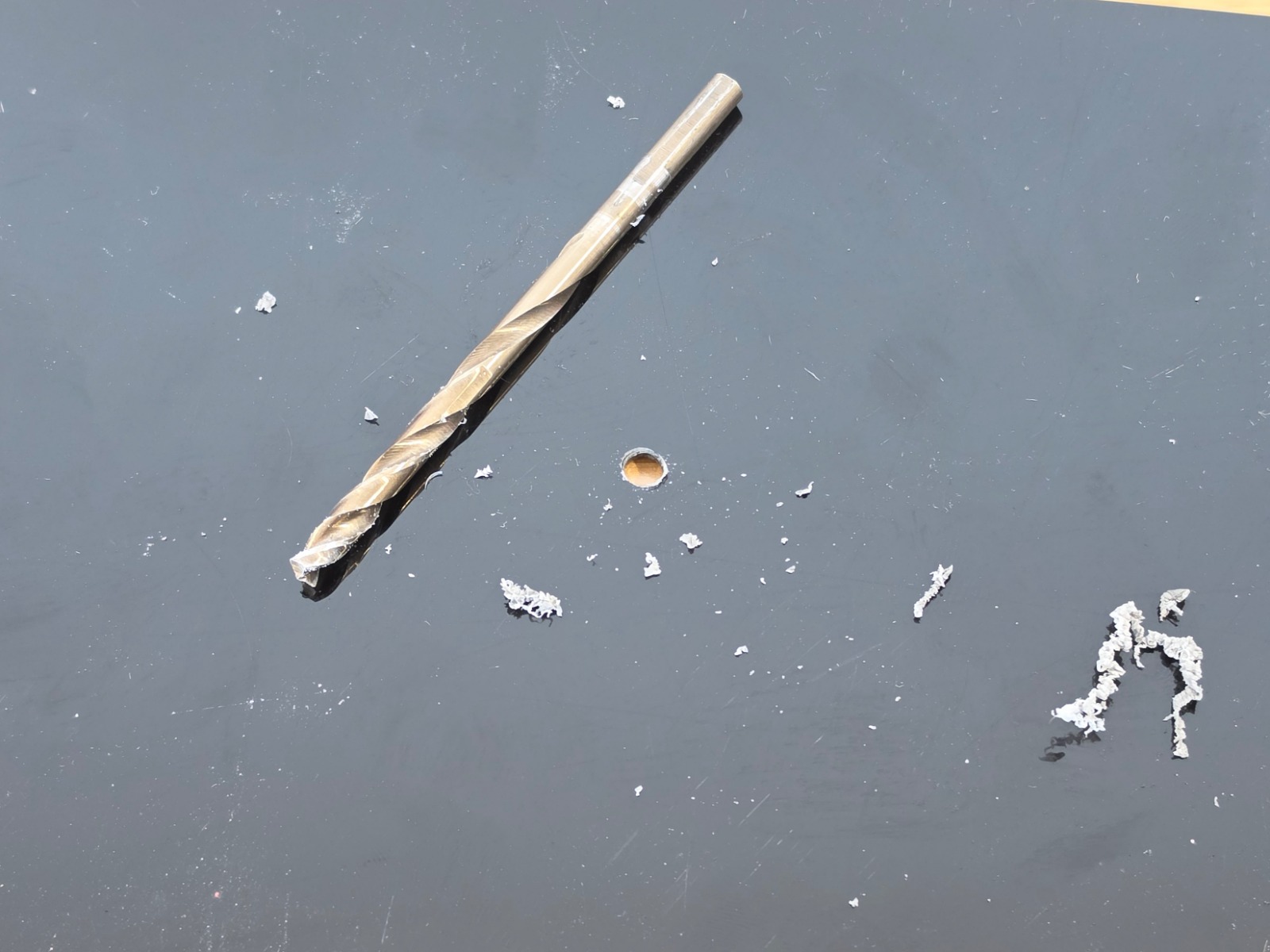
Step 1 — Drill the pilot hole
Locate the desired mounting point and confirm there is adequate clearance behind the surface for the light assembly, hardware, connector, and wiring. Drill a 7/16" pilot hole.
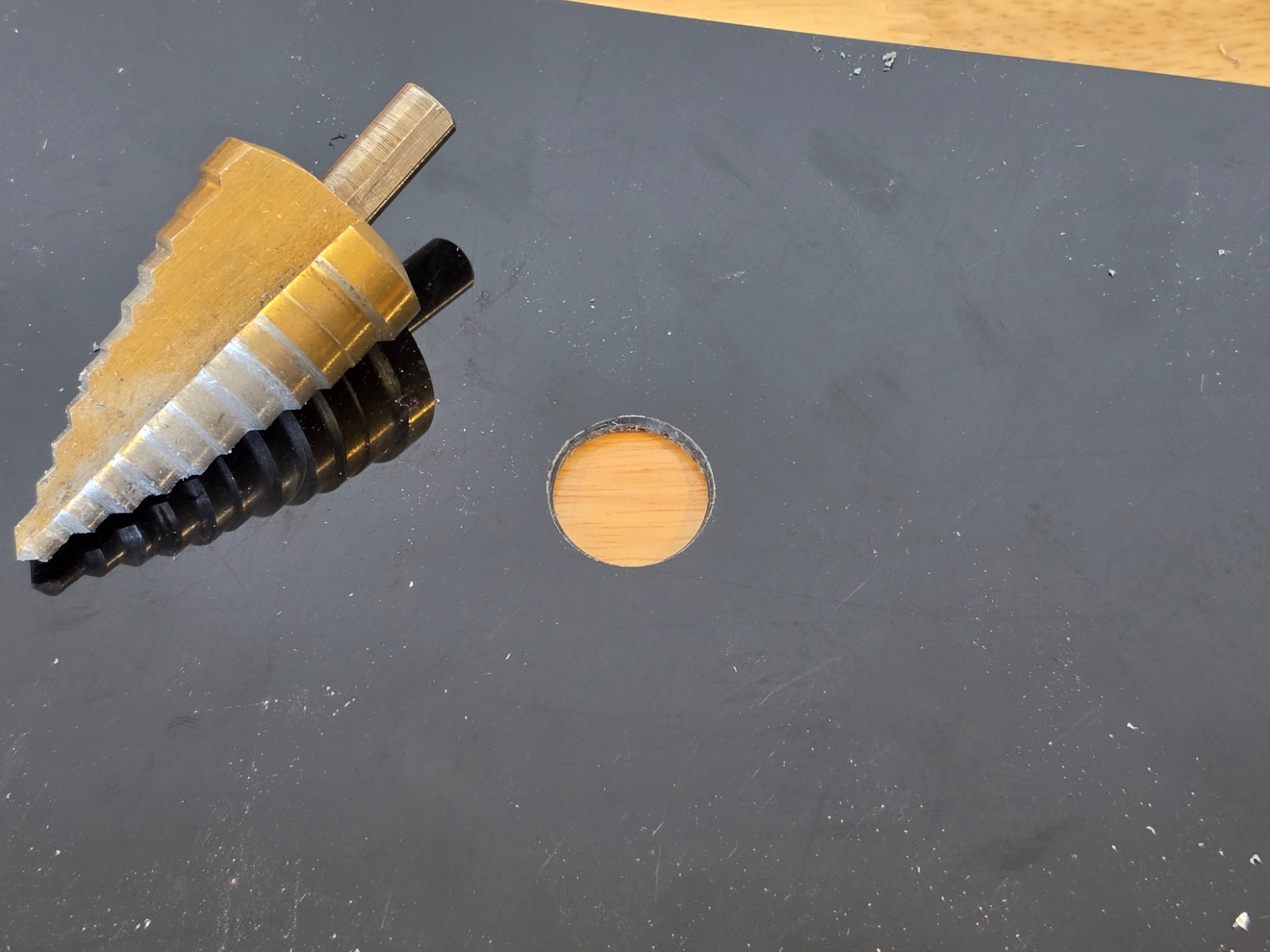
Step 2 — Enlarge the mounting hole
Use a stepping drill bit to enlarge the pilot hole to 7/8".
Step 3 — Remove the rear hardware
Remove the rear jam nut and rubber gasket from the light assembly. The second jam nut may also be removed depending on the thickness of the mounting surface.
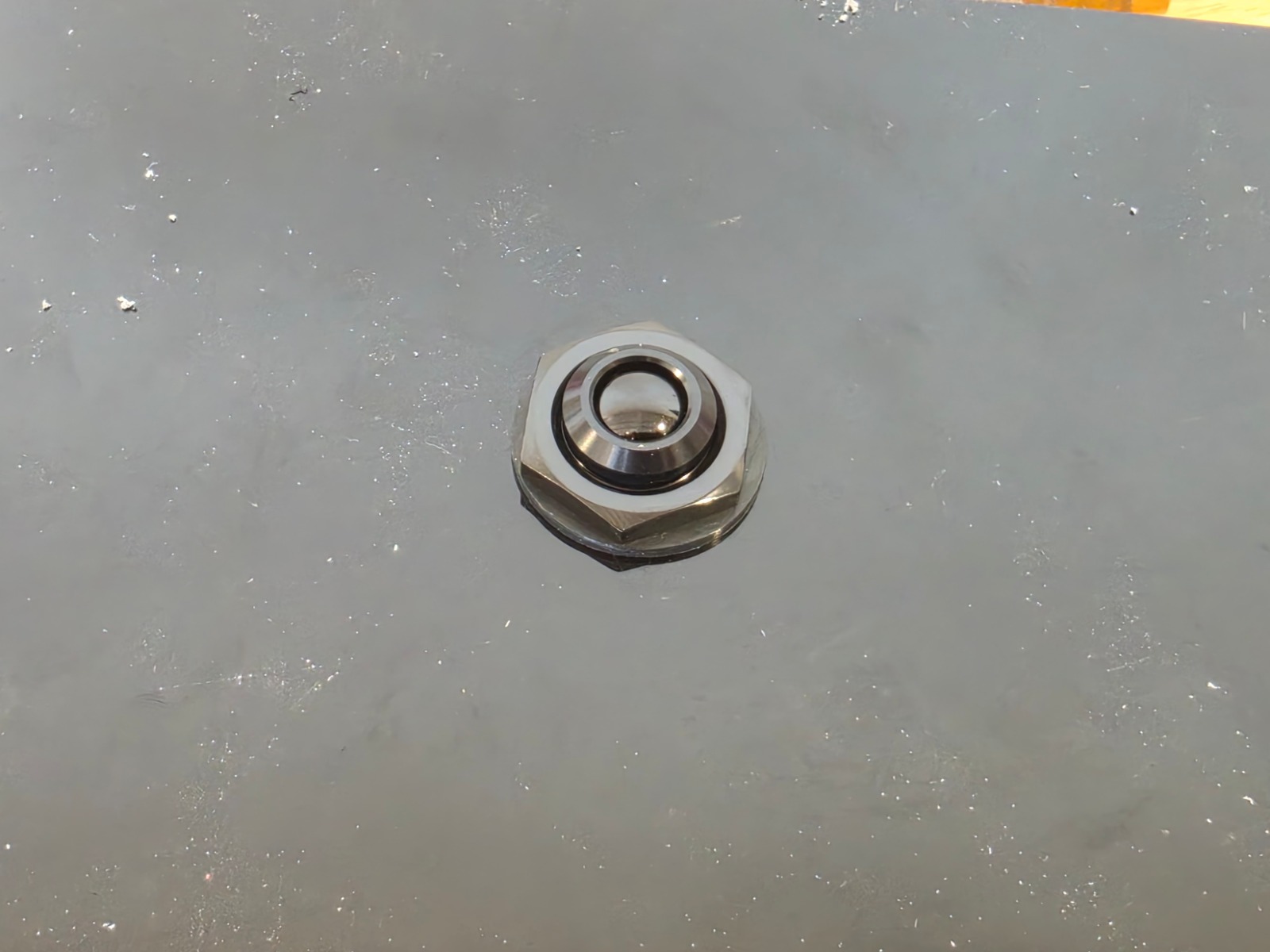
Step 4 — Insert the light assembly
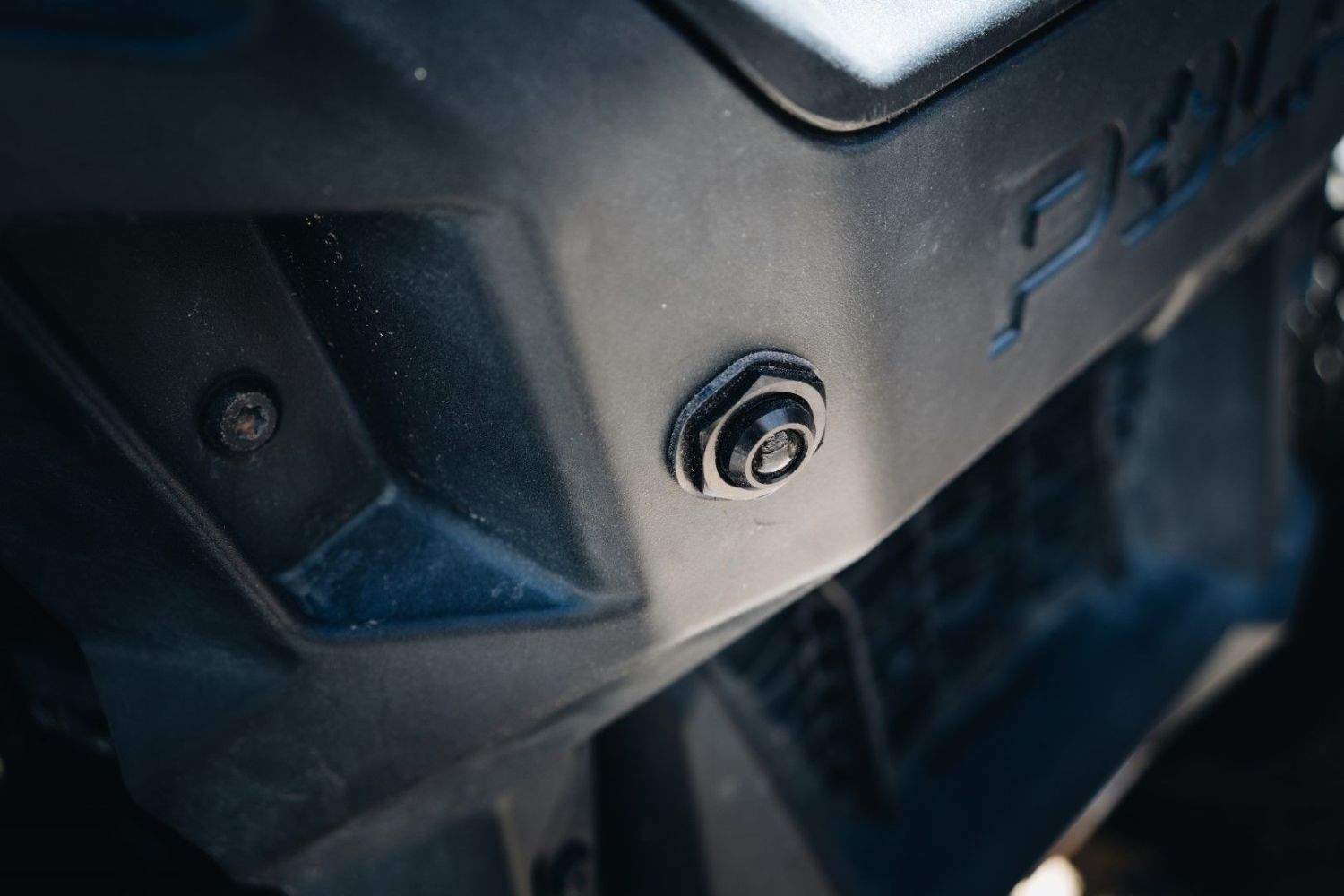
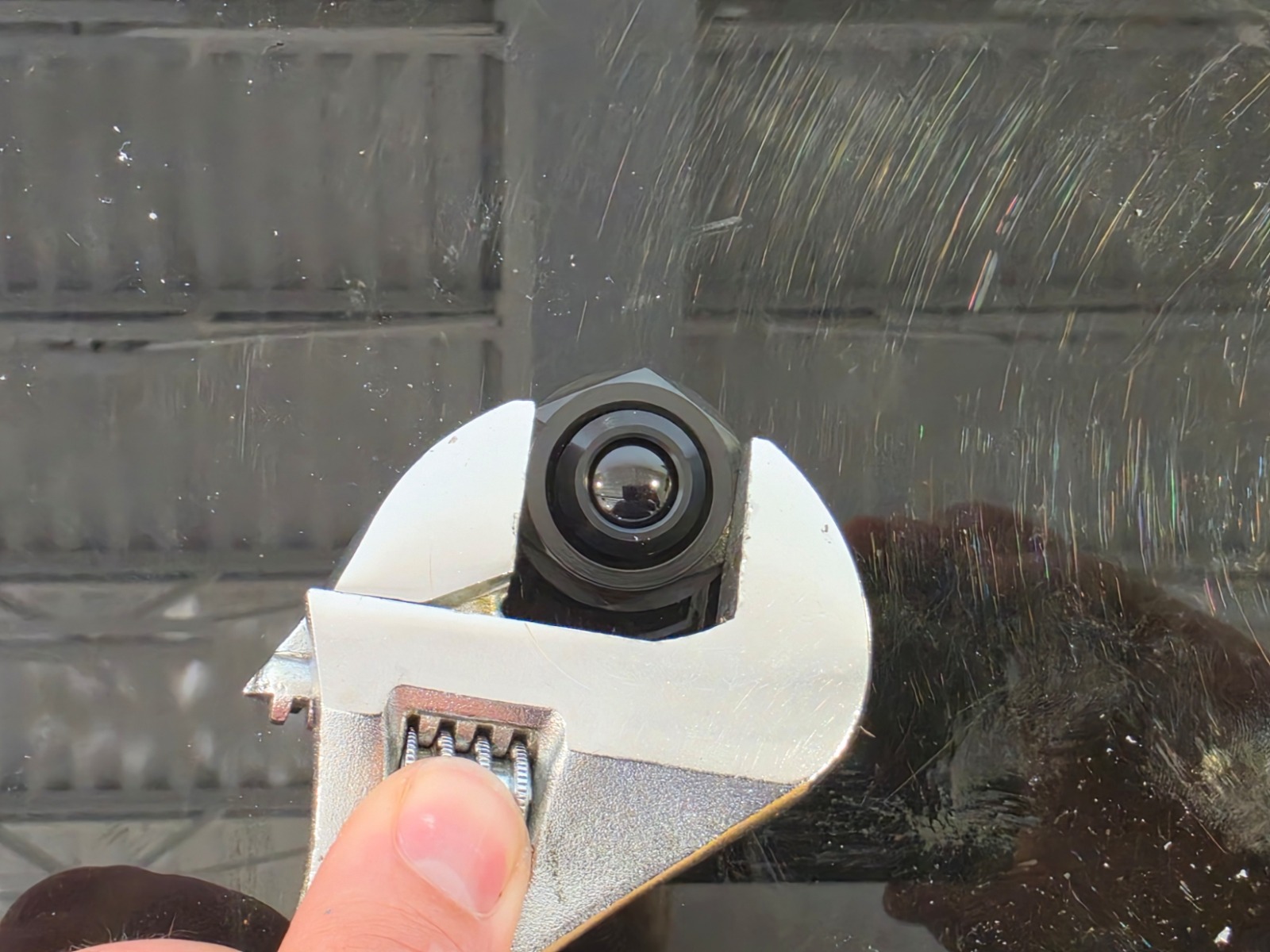
Insert the light assembly through the mounting hole from the rear. Reinstall the rubber gasket and jam nut from the front, then tighten them by hand.
Step 5 — Secure the light
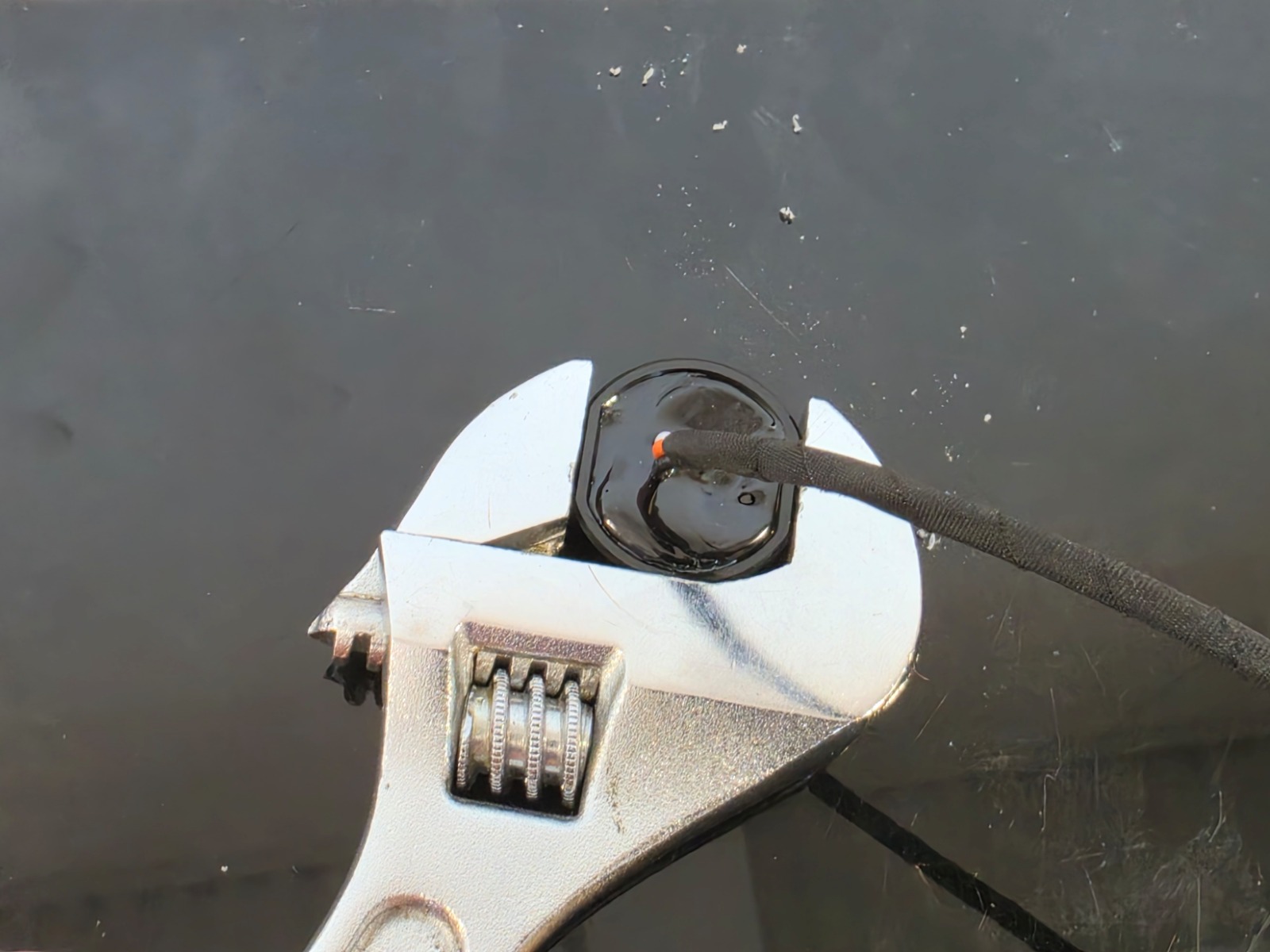
Use one adjustable wrench to hold the rear light assembly while using the second wrench to snug the front jam nut. Tighten the hardware securely without pinching or crimping the rubber gasket.
Step 6 — Connect the wiring
Connect the provided bare-lead Deutsch-style connector. The orange wire controls high power, the white wire controls low power, and the black wire is ground.
Connect the leads to a properly fused control system suitable for the installation. Route and secure the wiring away from heat, sharp edges, and moving components.
Operation and Dimming
The orange and white inputs provide separate high and low IR power modes. Both modes support PWM and variable-voltage dimming, allowing the identification signature to be adjusted for the environment or night vision setup. Do not apply undocumented PWM frequencies, voltage thresholds, or duty-cycle requirements. Refer to existing Diode Dynamics control information when selecting a compatible control method.
Final Operation Check
Step 7 — Verify operation
From a safe position, use a compatible night vision device to confirm the three-point signature, high power, low power, and any connected dimming controls operate as intended. Check that the light is secure, the gasket is not pinched, and the wiring remains protected.
The installation is now complete. Enjoy your new Follow-Me IR Light!
Questions About the Installation?
If you have any questions about installing the Follow-Me IR Light, contact us via our support page.
Where Can I Buy the Follow-Me IR Light?
If you're ready to add the Follow-Me IR Light to your vehicle or equipment, visit DiodeDynamics.com or use our Dealer Locator to find a dealer near you.
Want to know more about Diode Dynamics products? Visit DiodeDynamics.com and subscribe to our newsletter for new product releases and more!
This Installation Guide is for the following SKU: DD8917S, DD8565S, DD8917P, DD8565P
Share This Post