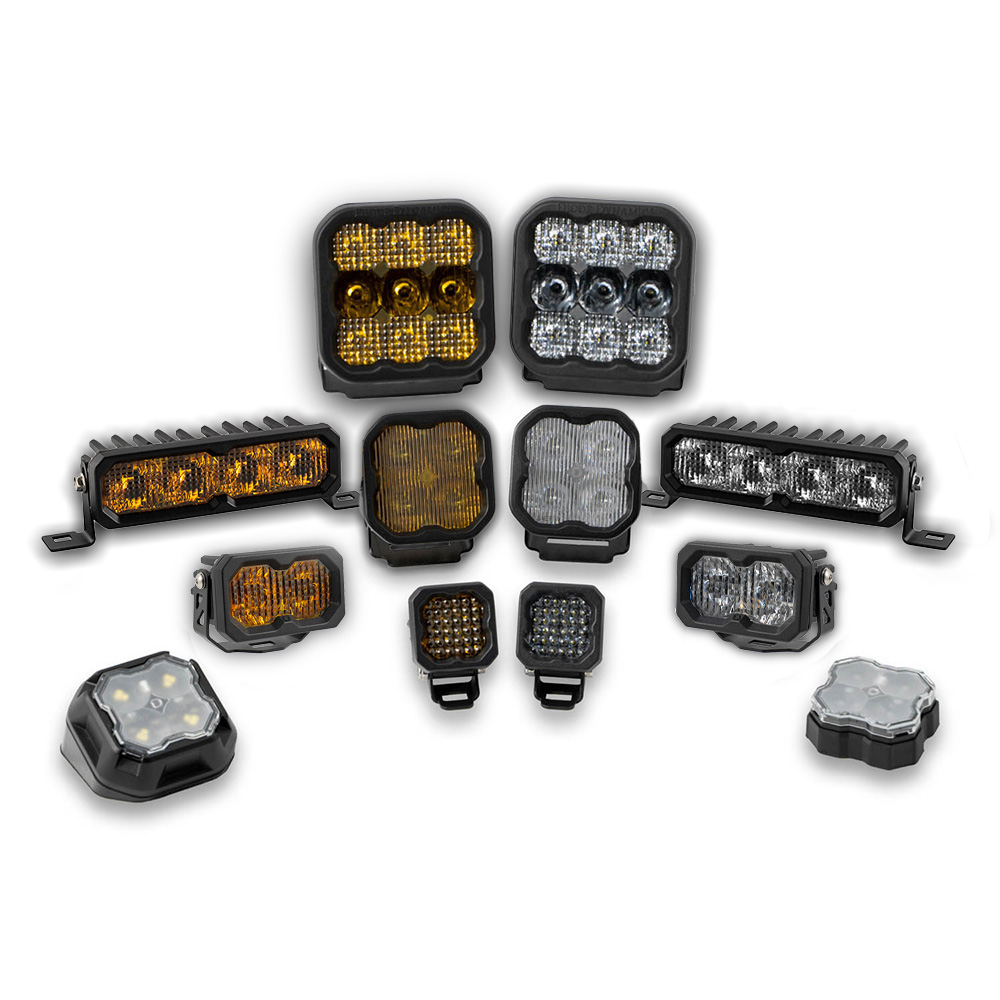
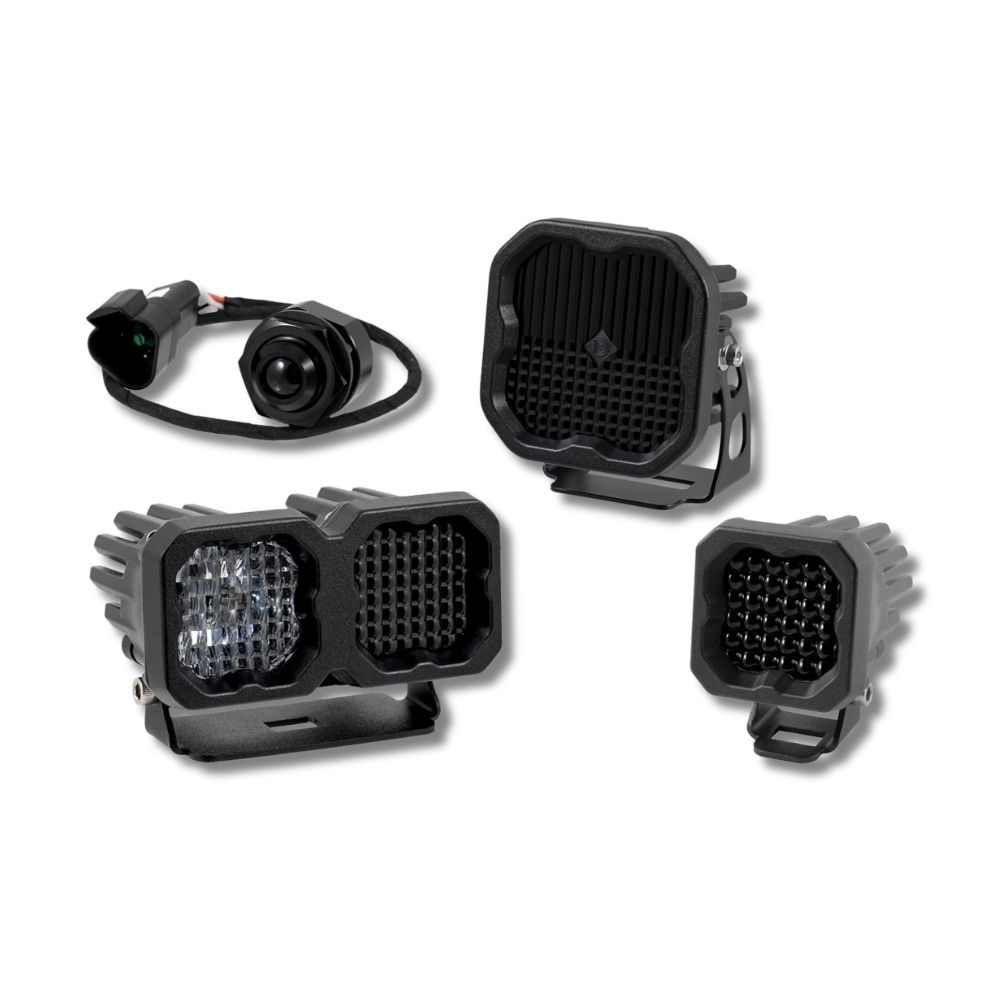

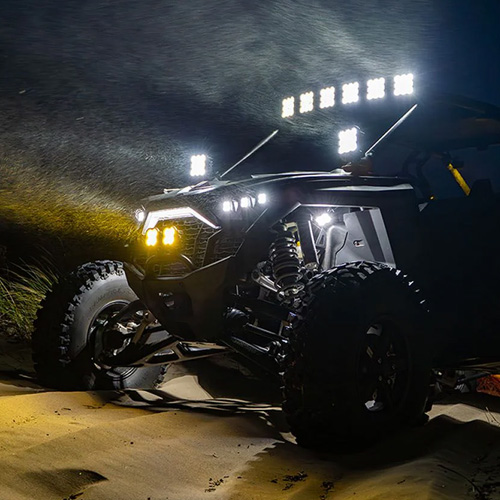
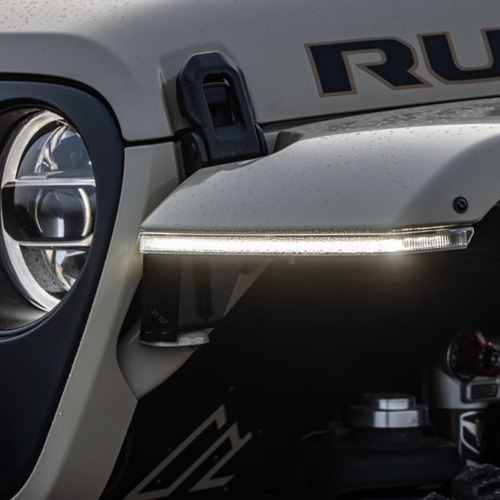

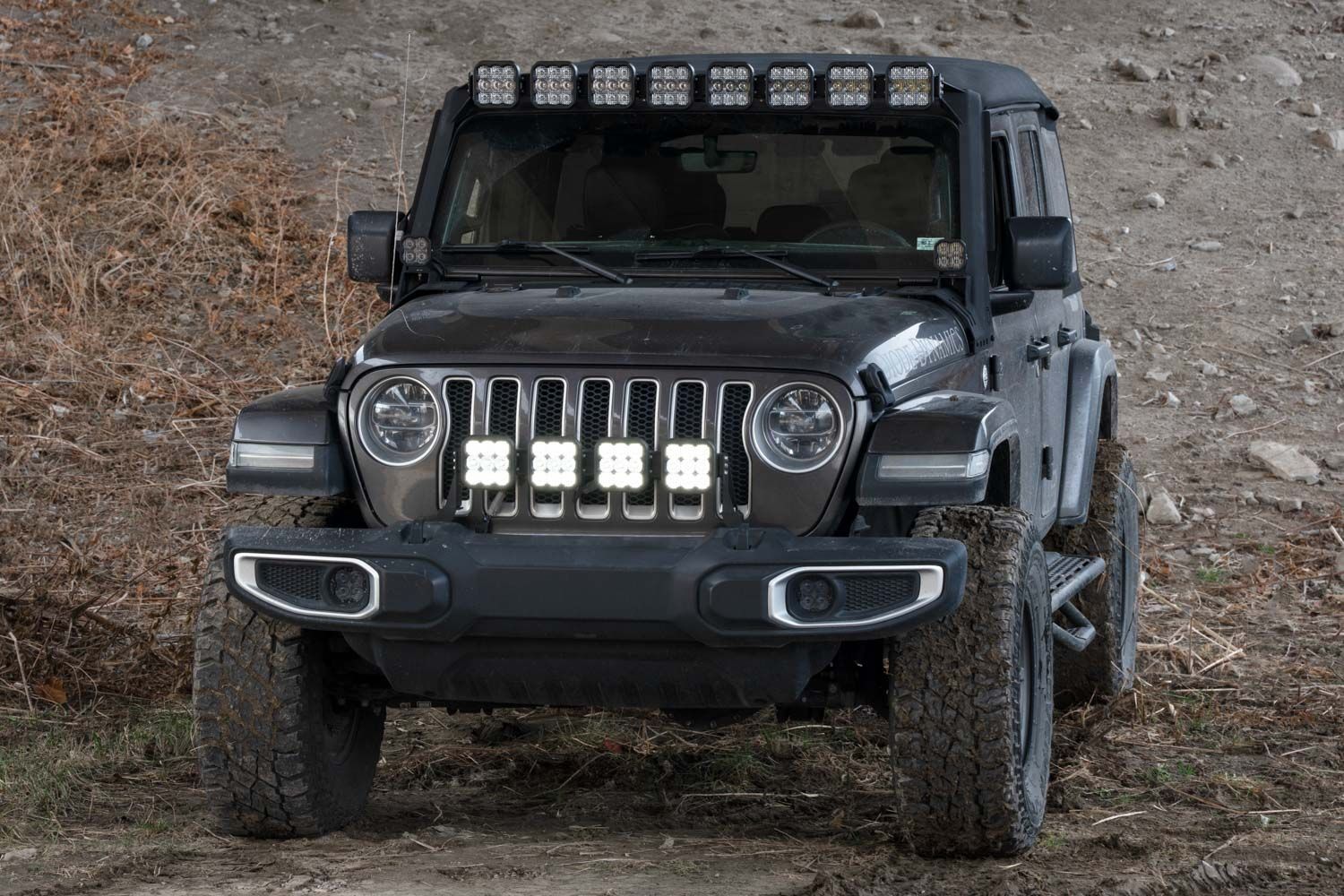
The Diode Dynamics SS5 Grille CrossLink Light Bar Kit for the Jeep JL Wrangler and JT Gladiator provides powerful forward-facing illumination using a rigid, vehicle-specific mounting solution. Featuring SS5 LED pods and a CrossLink support system, this kit is designed to mount cleanly behind the grille while maintaining strength, adjustability, and a factory-style appearance.
This guide walks through the installation process for the SS5 Grille CrossLink Light Bar Kit. Installation steps are identical for both the 2018–2026 Jeep JL Wrangler and 2020–2026 Jeep JT Gladiator.
Table of Contents
- Installation Tools
- Installation Instructions
- Wiring Instructions
- Backlight Color Programming
- Backlight Color Reset
- Questions About the Installation?
- Where Can I Buy This Kit?
Installation Tools
- Trim removal tool
- 3/8” ratchet
- 5/8” socket
- 10mm socket and wrench
- Drill with 10mm (25/64”) drill bit
- 5mm Allen key
- 4mm Allen key
Time Required: Approximately 2–3 hours.
Installation Instructions
Step 1 – Remove the grille
Open the hood. Using a trim removal tool, remove the six push rivets across the top of the grille. Gently lift the top of the grille up and pull straight out to release it from the vehicle.
Step 2 – Drill mounting holes
On each side of the vehicle, drill the existing hole on top of the frame rail to 10mm (25/64”). These holes will be used to install the supplied M6 rivnuts.
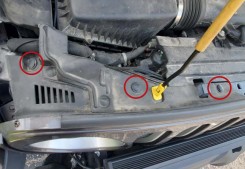
Step 3 – Install rivnuts
Install the supplied M6 rivnuts using the provided hardware method or a rivnut installation tool. Verify each rivnut is fully seated and secure before continuing.
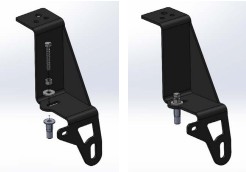
Step 4 – Install grille brackets
Install the driver and passenger-side brackets onto the frame rail using the factory 5/8” bumper bolt and the supplied M6 hardware. The passenger-side bracket includes an additional tab to secure the factory connector holder.
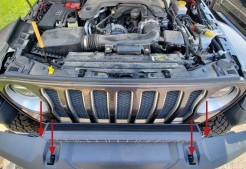
Step 5 – Reinstall the grille
Reverse the grille removal steps to reinstall the grille once both brackets are secured.
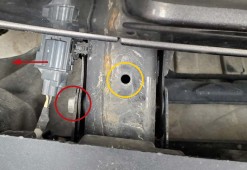
Step 6 – Assemble and mount the light bar
Assemble the SS5 CrossLink light bar using the CrossLink lightbar instructions. Mount the assembled light bar onto the grille brackets using the supplied M6 hardware, leaving fasteners slightly loose for final adjustment.
Wiring Instructions
These instructions apply to JL Wrangler and JT Gladiator models equipped with a factory Auxiliary Switch Bank. If your vehicle is not equipped with auxiliary switches, use the included toggle switch adapter wire. All power sources must be fused.
- Main beam wire (yellow): Connect to desired auxiliary switch power
- Backlight wire (blue): Connect to a low-current switch or accessory circuit
- Ground: Connect to factory grounding point
Route all wiring through the engine bay and secure it away from moving or hot components.
Backlight Color Programming
SS5 LED Pods offer multiple backlight color options, including White (default), Red, Blue, Green, Purple, Yellow, Amber, and Teal.
- Start with all backlight power OFF.
- Cycle backlight power ON and OFF three times within three seconds, spacing each ON press about one second apart.
- After the third cycle, the backlight will enter programming mode.
- Continue cycling power at the same steady pace to scroll through the available colors.
- When the desired color is displayed, leave the backlight ON.
- After five seconds, the color will save automatically and exit programming mode.
- Turn power OFF.
The selected color will appear any time backlight power is applied during normal operation.
For additional SS5 mounting, wiring, and backlight information, refer to the Diode Dynamics SS5 LED Pods Installation Guide.
Backlight Color Reset
If multiple SS5 LED Pods are connected to the same backlight circuit and the colors become unsynchronized, perform the following reset procedure.
- Enter backlight programming mode by cycling power ON and OFF three times, using the same one-second timing.
- Continue cycling power through all available colors twice. This requires at least sixteen total power cycles.
- After all colors have displayed twice, all connected lights will reset to White.
- Leave the backlight ON for five seconds to save the reset.
- Program the desired backlight color as outlined above if needed.
Questions About the Installation?
If you have any questions about installing the Diode Dynamics SS5 Grille CrossLink Light Bar Kit for your Jeep, contact us via our support page.
Where Can I Buy the SS5 Grille CrossLink Light Bar Kit?
- SS5 Grille CrossLink Light Bar Kit for 2018–2026 Jeep JL Wrangler
- SS5 Grille CrossLink Light Bar Kit for 2020–2026 Jeep JT Gladiator
This Installation Guide is for the following SKUs:
DD6826, DD6827, DD7268, DD7269, DD6825P
Share This Post