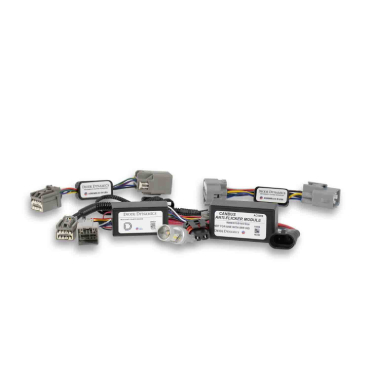





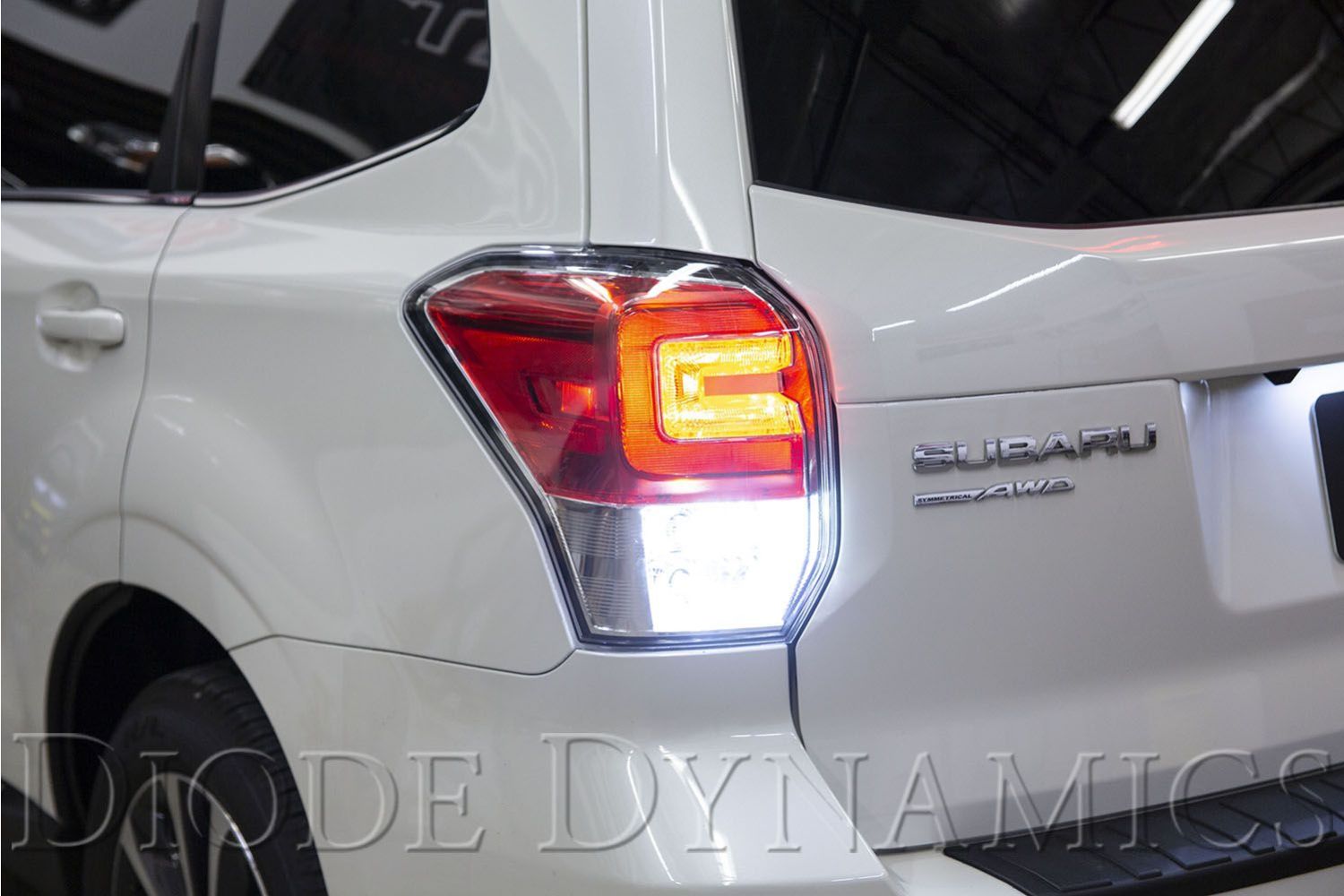
The Diode Dynamics Tail as Turn® Backup Module for the 2017–2018 Subaru Forester Premium converts the factory rear tail light into a bright amber turn signal, improving visibility while retaining a clean, OEM-style appearance. This module installs inline with the factory wiring for a true plug-and-play upgrade.
This guide walks through the installation process for the Tail as Turn® module, including accessing the tail light, installing the module, and reassembling the vehicle.
Table of Contents
- Installation Video
- Installation Tools
- Installation Instructions
- Questions About the Installation?
- Where Can I Buy the Tail as Turn® Module?
Installation Video
Installation Tools
- Phillips screwdriver
Time Required: Approximately 20–30 minutes.
Installation Instructions
Step 1 – Access the tail light
Open the rear lift gate to access the tail lights. Using a Phillips screwdriver, remove the two screws securing the tail light to the vehicle.
Step 2 – Remove the tail light
Pull straight back on the tail light to release the alignment pins holding it in place.
Step 3 – Install the Tail as Turn® module
Unplug the factory tail light connector by depressing the clip and pulling it out. Plug the Diode Dynamics Tail as Turn® module inline between the factory connector and the tail light.
Step 4 – Replace bulbs if applicable
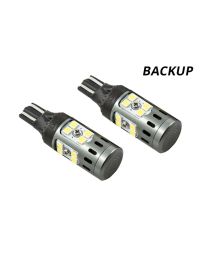
If you are installing Diode Dynamics LED bulbs (sold separately), replace the factory turn signal and backup bulbs at this time.
Note: The factory turn signal bulbs must be removed and either left empty or replaced with LED bulbs for proper Tail as Turn® operation.
Step 5 – Check polarity
Before reinstalling the tail light, check bulb polarity. If an LED bulb does not illuminate, remove it, flip it 180 degrees, and reinstall.
Step 6 – Reinstall the tail light
Tuck the wiring neatly behind the tail light. Reinstall the tail light onto the vehicle and secure it with the original Phillips screws. Repeat Steps 1–6 for the opposite side.
Caution: Any resistors included with LED bulbs may become hot during extended turn signal use. This is normal.
Questions About the Installation?
If you have any questions about installing the Diode Dynamics Tail as Turn® Backup Module for 2017–2018 Subaru Forester Premium, contact us via our support page.
Where Can I Buy the Tail as Turn® Module for 2017–2018 Subaru Forester Premium?
If you're ready to upgrade your 2017–2018 Subaru Forester Premium with the Diode Dynamics Tail as Turn® Backup Module, visit DiodeDynamics.com or use our Dealer Locator to find a dealer near you.
Want to know more about Diode Dynamics products? Visit DiodeDynamics.com and subscribe to our newsletter for new product releases and more!
This Installation Guide is for the following SKUs: DD3045, DD0113P, DD0109P, DD0116P, DD0143P, DD0144


Share This Post