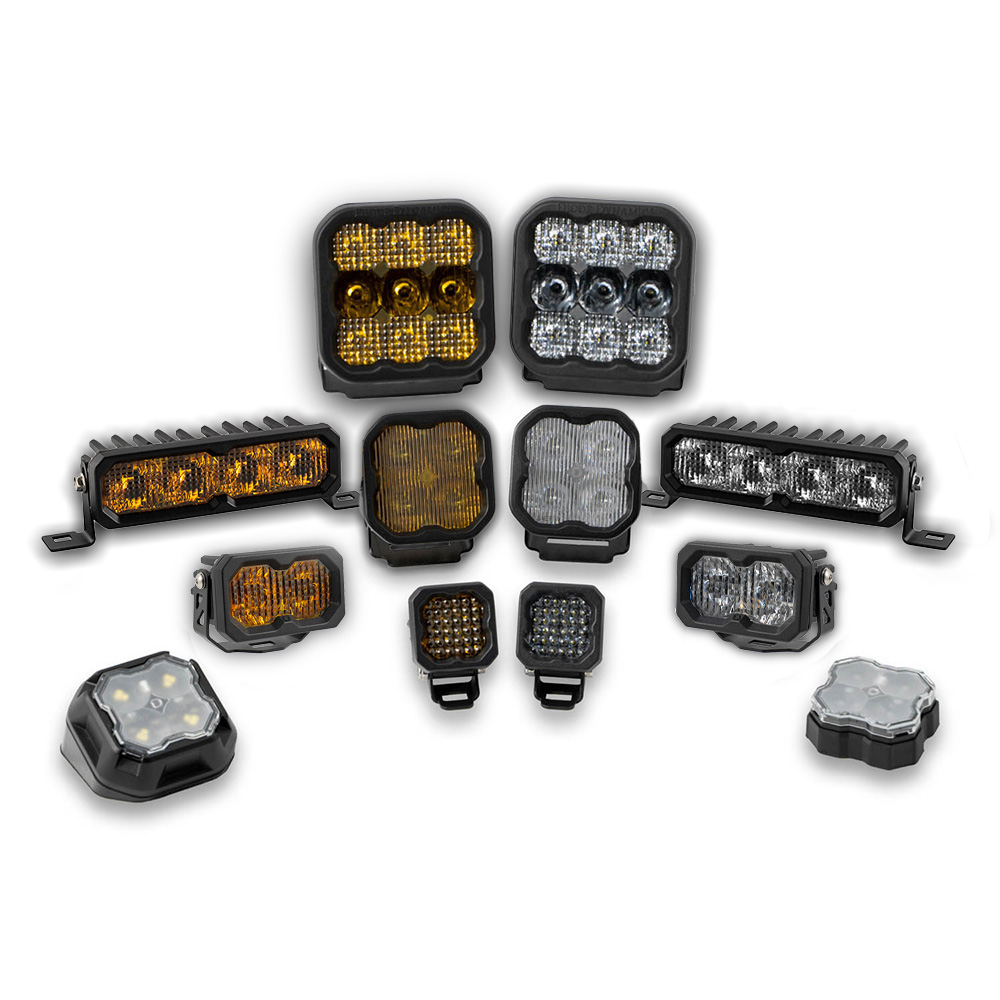
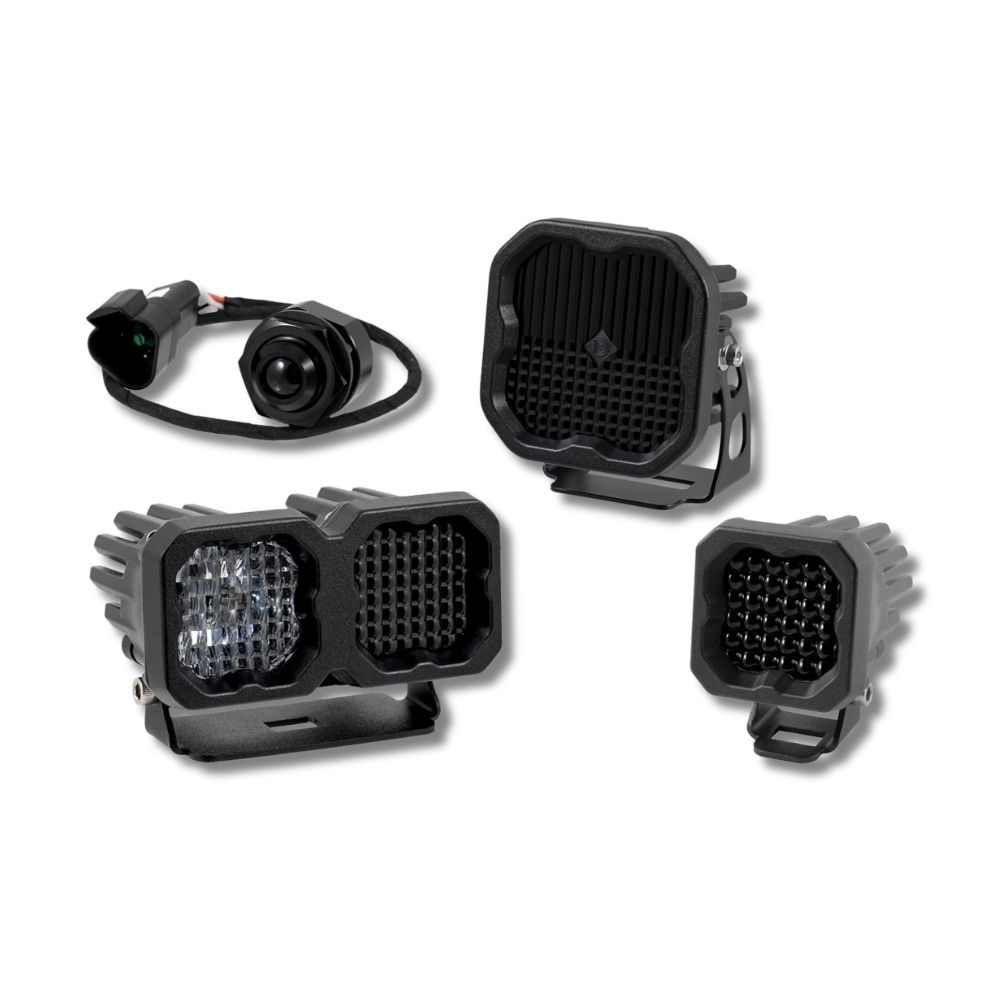
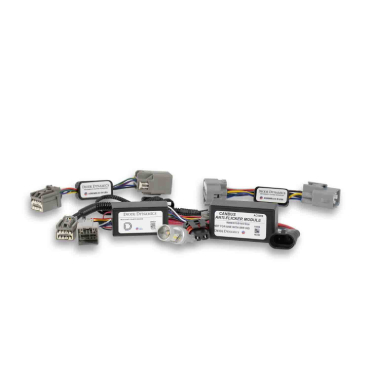
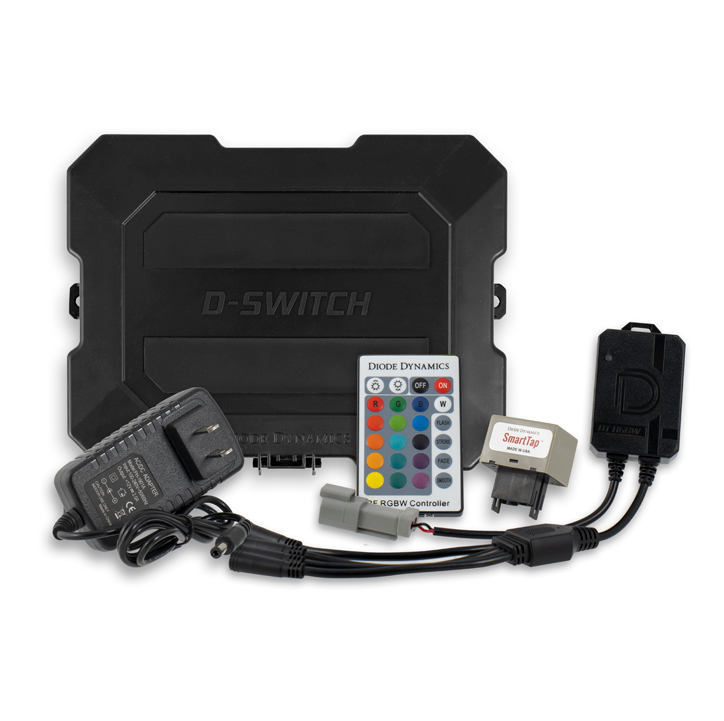



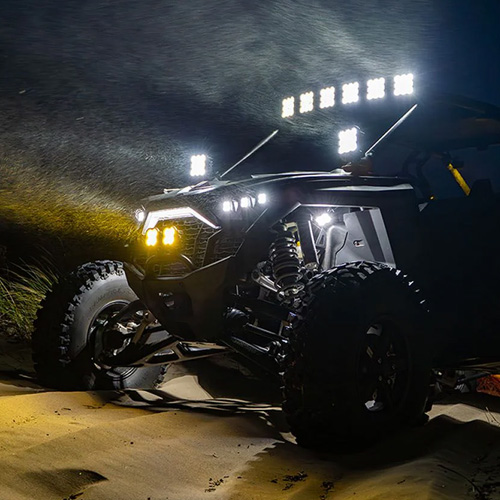
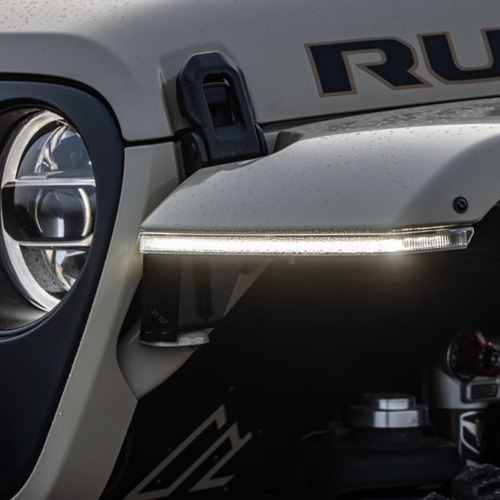

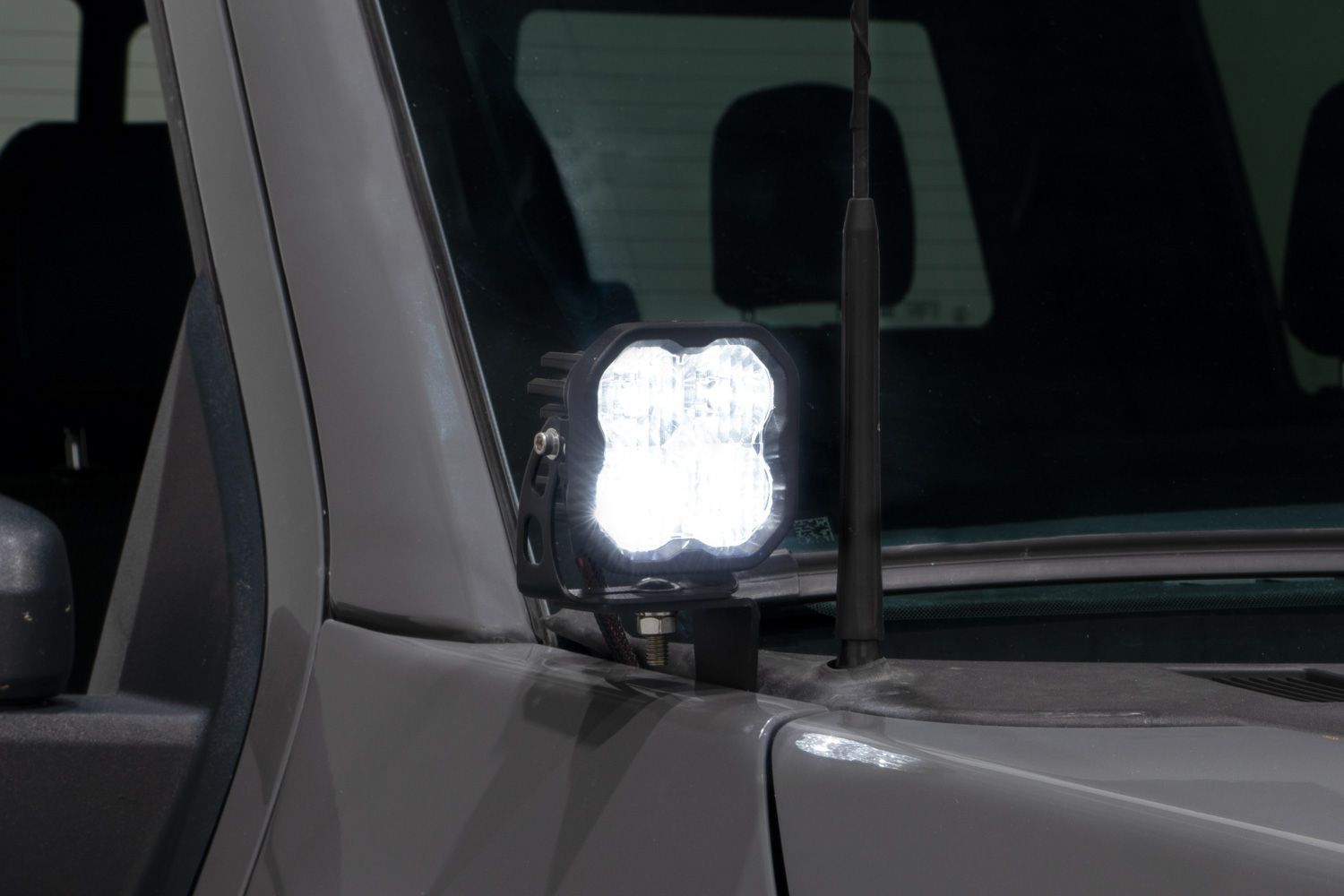
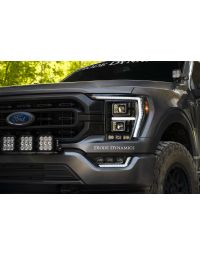
Thank you for your purchase of our new LED Pod Ditch Light Kit. CAD-designed to use existing mounting points, this kit is compatible with the 2021+ Ford F-150. Basic installation instructions are included below.
Table of Contents
- Installation Video
- Installation Tools
- Bracket Installation
- Wiring & Pod Mounting
- Important Notes
- SS5 Backlight Color Programming
- SS5 Backlight Color Reset
- Questions About the Installation?
- Where Can I Buy the Stage Series Backlit Ditch Light Kit for 2021–2026 Ford F-150?
Installation Video
Installation Tools
- Painter’s tape
- Trim removal tool
- 10mm socket
- Extension
- Zip ties
Time Required: Approximately 30–60 minutes.
Bracket Installation
Step 1 – Protect the fender
Working on one side of the vehicle at a time, place painter’s tape across the top of the fender to prevent scratching.
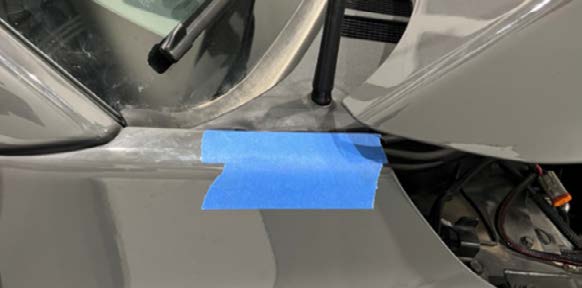
Step 2 – Remove top fender bolt
Gently pry the rubber cowl trim piece away from the front fender and use a 10mm socket with an extension to remove the top fender bolt.
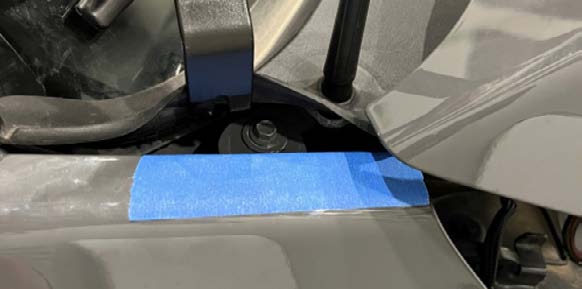
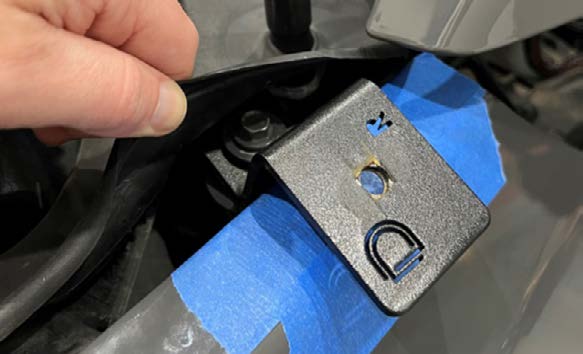
Step 3 – Install ditch light bracket
Install your new ditch light bracket using the factory fender bolt. Place the bracket as close to the fender as possible without touching the fender.
Ensure that the top of the fender lines up properly with the hood and A-pillar after installation.
Remove the tape and repeat the steps on the other side of the vehicle.
Wiring & Pod Mounting
Step 4 – Route wiring harness
Route the included wiring harness along the fenders, outside the hood hinge assembly and under the bracket mounting point.
Secure with zip ties such that the wires cannot get caught in the hood hinge.
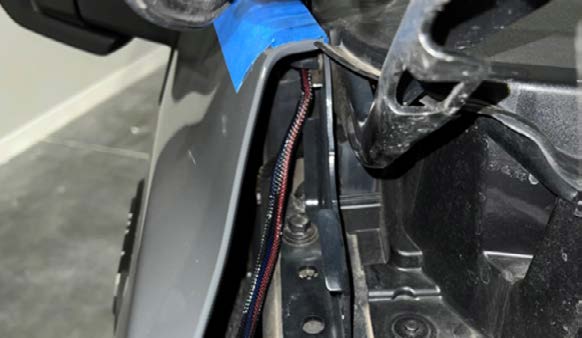
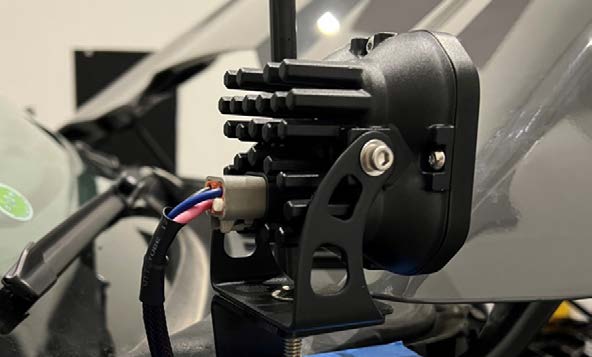
Step 5 – Mount LED pods
Once the bracket is mounted to the hood, mount your selected LED pods onto the ditch light brackets using the included pod mounting hardware.
For SS5 configurations: Refer to the Diode Dynamics SS5 LED Pods Installation Guide for additional SS5 mounting, wiring, and backlight information.
Ensure that the hood can be opened without interfering with the pod before fully securing down the bracket.
Important Notes
- Do not use automatic car washes with this kit installed.
- Secure all wiring away from moving components.
- Verify hood operation before final tightening.
SS5 Backlight Color Programming
The following programming instructions apply only to ditch light kits equipped with SS5 LED Pods. SS5 LED Pods offer multiple backlight color options, including White (default), Red, Blue, Green, Purple, Yellow, Amber, and Teal.
- Start with all backlight power OFF.
- Cycle backlight power ON and OFF three times within three seconds, spacing each ON press about one second apart.
- After the third cycle, the backlight will enter programming mode.
- Continue cycling power at the same steady pace to scroll through the available colors.
- When the desired color is displayed, leave the backlight ON.
- After five seconds, the color will save automatically and exit programming mode.
- Turn power OFF.
The selected color will appear any time backlight power is applied during normal operation.
SS5 Backlight Color Reset
The following reset procedure applies only to ditch light kits equipped with SS5 LED Pods. If multiple SS5 LED Pods are connected to the same backlight circuit and the colors become unsynchronized, perform the following reset procedure.
- Enter backlight programming mode by cycling power ON and OFF three times, using the same one-second timing.
- Continue cycling power through all available colors twice. This requires at least sixteen total power cycles.
- After all colors have displayed twice, all connected lights will reset to White.
- Leave the backlight ON for five seconds to save the reset.
- Program the desired backlight color as outlined above if needed.
Questions About the Installation?
If you have any questions about installing the Stage Series Backlit Ditch Light Kit for 2021–2026 Ford F-150, contact us via our support page.
Where Can I Buy the Stage Series Backlit Ditch Light Kit for 2021–2026 Ford F-150?
Visit DiodeDynamics.com or use our Dealer Locator to find an authorized dealer.
This installation guide applies to the following SKUs: DD7365, DD7366, DD7367, DD7368, DD7369, DD7370, DD7371, DD7372, DD7364P
Share This Post