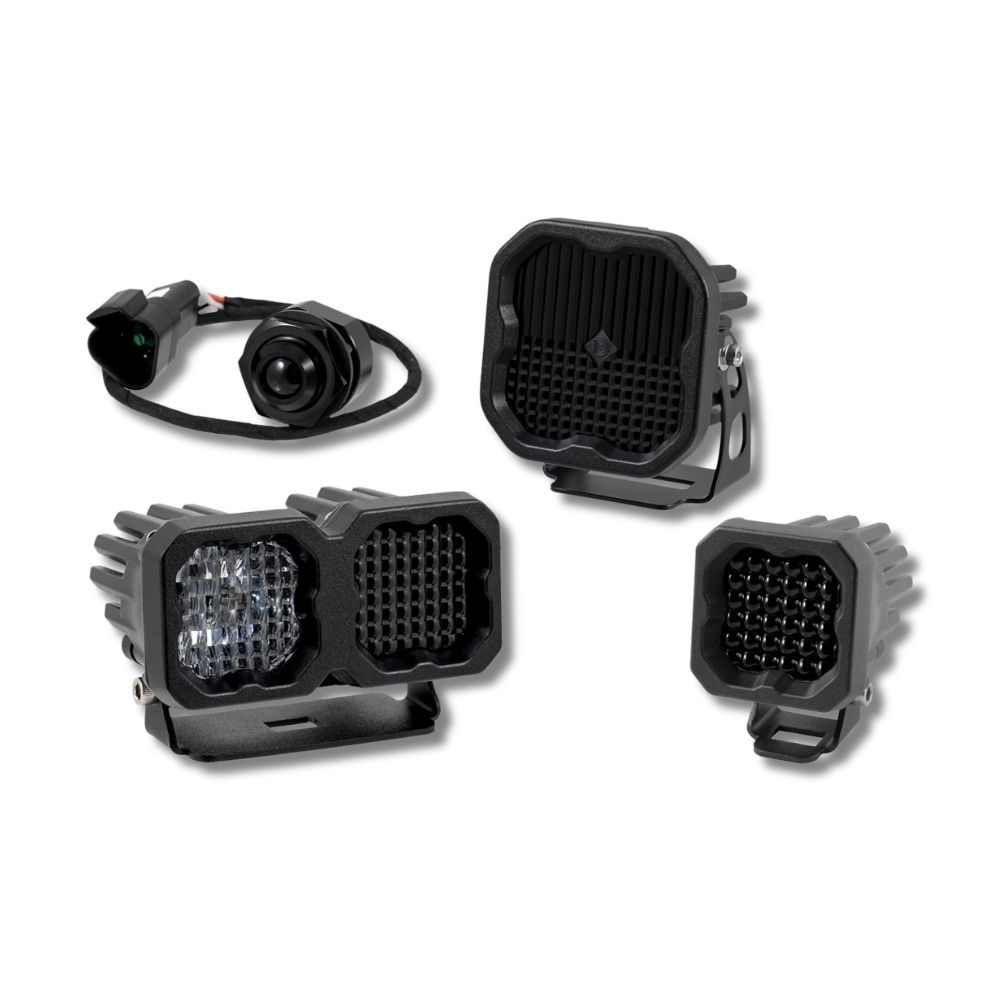
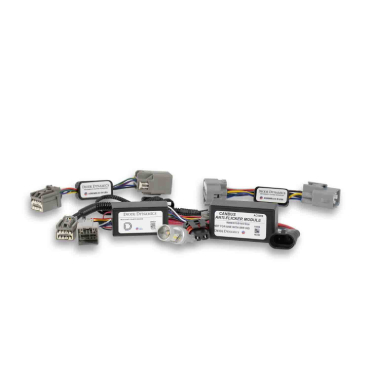
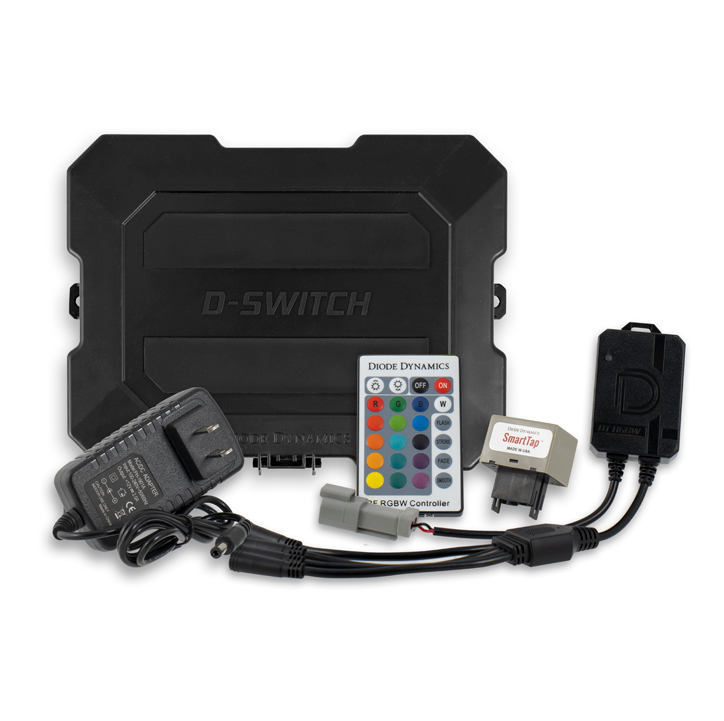


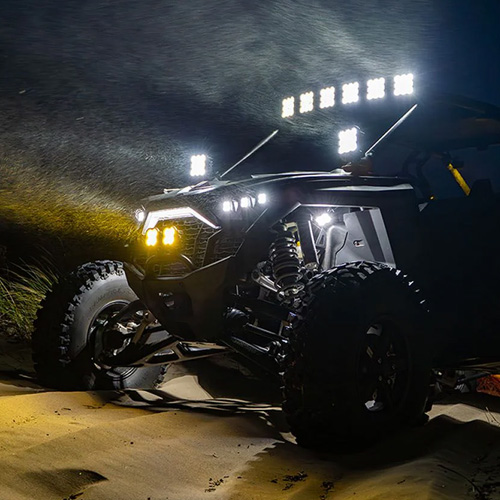

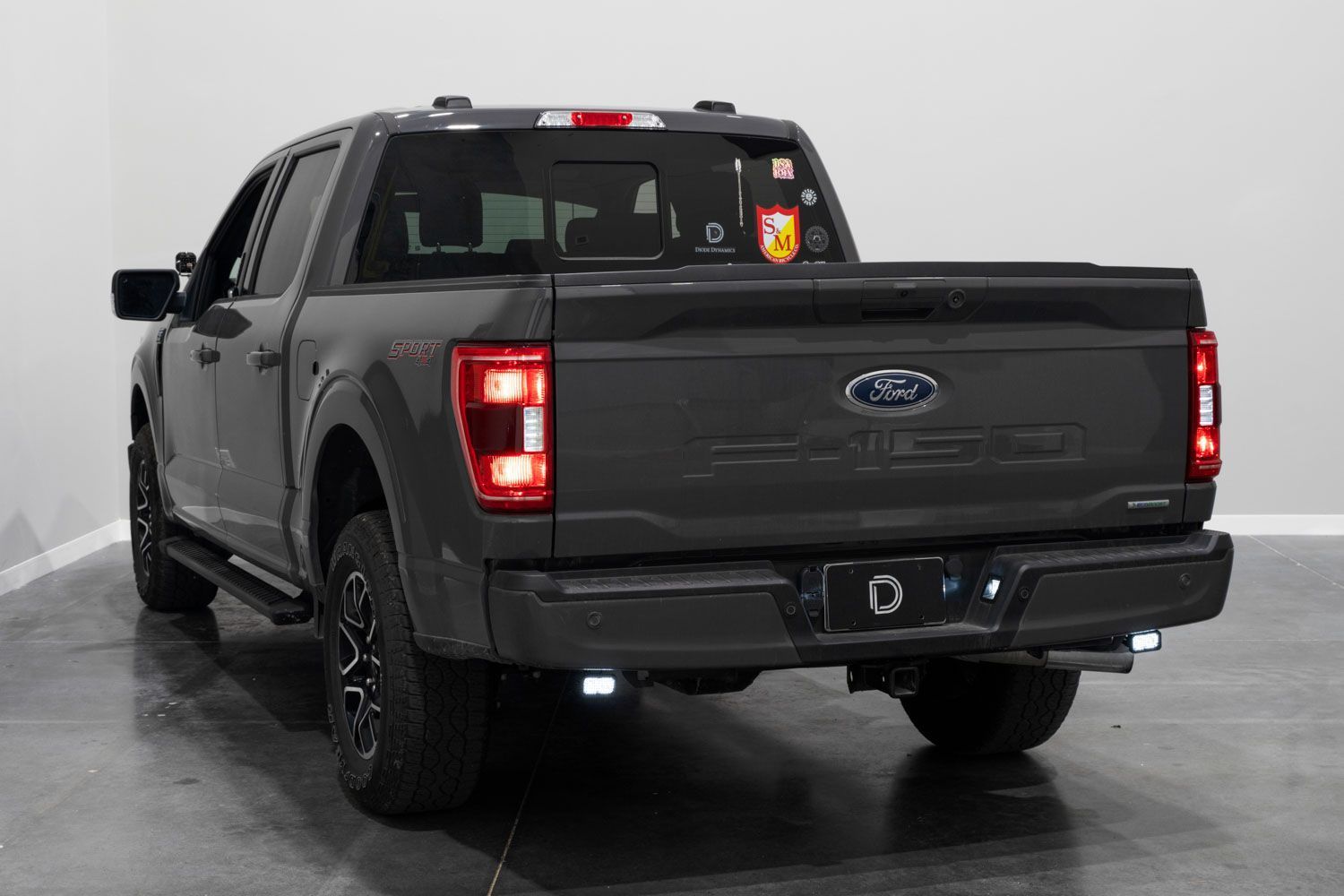
Upgrade your 2021–2023 Ford F-150 with the Stage Series Reverse Light Kit from Diode Dynamics. This kit allows you to mount two high-performance LED pods under the rear bumper, dramatically improving visibility when backing up and adding functional style to your truck.
This guide walks you through bracket installation, tail light removal, wiring, and final aiming so you can complete the install confidently and correctly.
Table of Contents
- Installation Video
- Installation Tools
- Installation Instructions
- Questions About the Installation?
- Where Can I Buy the Stage Series Reverse Light Kit?
Installation Video
Installation Tools
- 13mm socket and ratchet
- 8mm socket
- 5/32” Allen key
- 3/8” wrench
- Drill with 3/4” (19mm) drill bit (if mounting switch in cabin)
Time Required: Approximately 1–2 hours.
Installation Instructions
Step 1 – Remove Factory Bumper Bolts
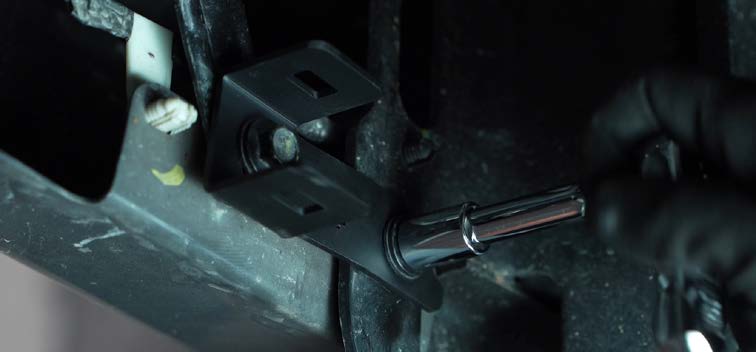
Using a 13mm socket and ratchet, remove the factory bolts located on the underside of the rear bumper. Position the new reverse light bracket and reinstall it using the factory hardware.
Step 2 – Install Universal Pod Bracket
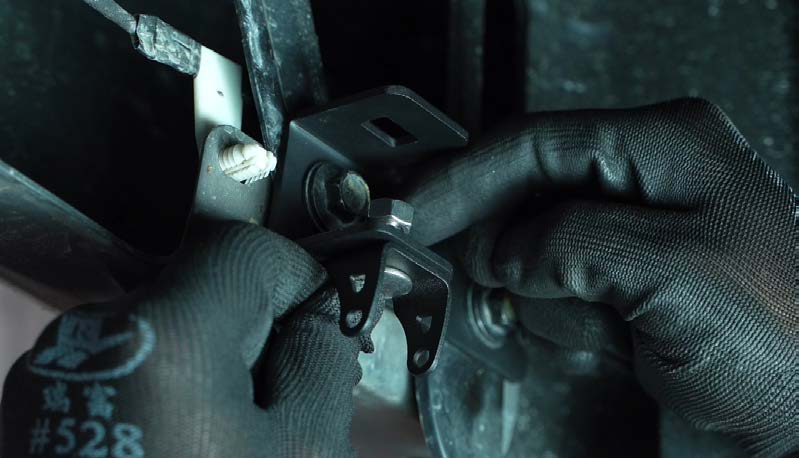
Attach the universal pod bracket to the reverse light bracket using the supplied hardware. Ensure the curved portion of the bracket faces toward the rear of the vehicle.
Step 3 – Mount the LED Pods
Install your SSC1 or SSC2 LED pod onto the universal bracket using the provided hardware. Using a 5/32” Allen key and 3/8” wrench, tighten the hardware so the pod holds position but can still pivot for aiming. Repeat Steps 1–3 on the opposite side of the vehicle.
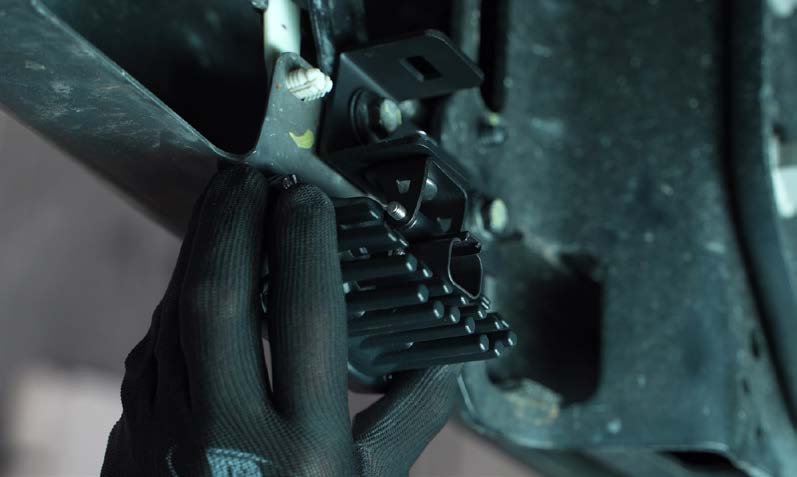
Step 4 – Remove Tail Light Bolts
Lower the tailgate to access the two bolts on the side of the tail light. Using an 8mm socket, remove the bolts securing the tail light to the truck bed.
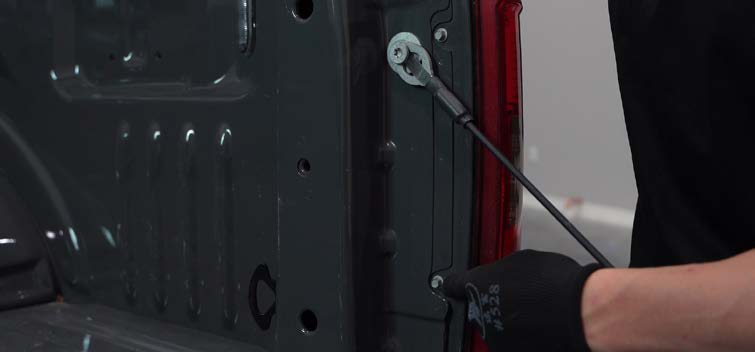
Step 5 – Remove Tail Light Housing
Firmly grasp the top and bottom of the tail light housing and pull outward to release it from the vehicle.
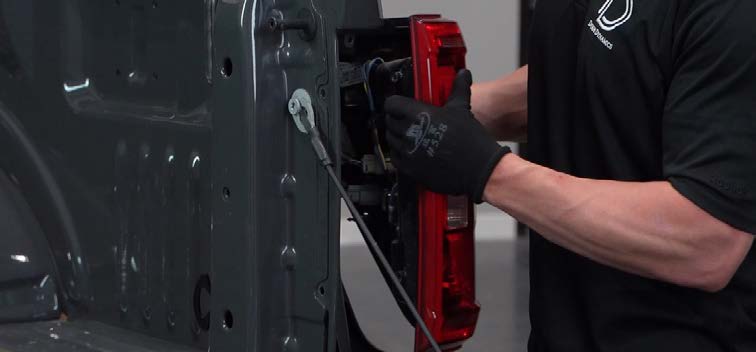
Step 6 – Disconnect Tail Light Connectors
Disconnect the two connectors located on the back of the tail light assembly.
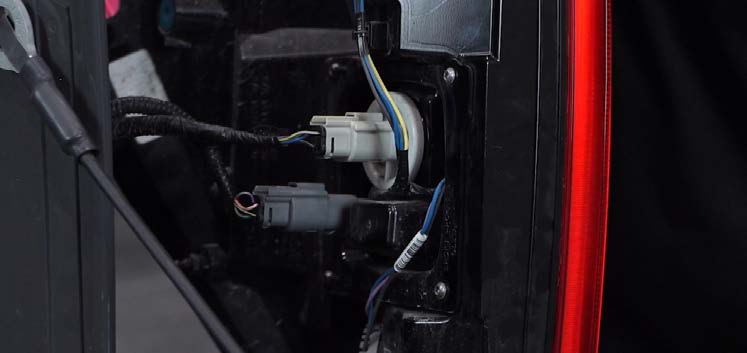
Step 7 – Connect to Battery
Attach the split ring terminals from the wiring harness to the battery. Connect the black wire to the negative battery terminal (or factory grounding point) and the red wire to the positive terminal.
Step 8 – Mount the Relay
Choose a suitable location near the battery to securely mount the relay.
Step 9 – Install the Switch
Determine your preferred switch mounting location. For override functionality, mount the switch inside the cabin by routing the wiring through the firewall. Unplug the toggle switch from the harness to ease routing, then drill a 3/4” (19mm) hole to mount it. Reconnect the switch and secure it in place.
Step 10 – Route Harness to Rear of Vehicle
Route the connector end of the harness underneath the vehicle toward the rear bumper. Avoid excessive heat sources and moving components. Following the frame rails to the back of the truck is recommended.
Step 11 – Route Power Wires Through Bed
Route the power wires through the truck bed along the tail light harnesses.
Step 12 – Tap Reverse and Parking Wires
Using the included T-taps, connect the yellow main beam power wire to the reverse light wire and the blue backlight wire to the parking light wire. Reference your trim level connector configuration (6-pin, 8-pin, 4-pin, or 12-pin) to identify the correct pins. Ensure any power source used is properly fused.
Step 13 – Connect Pods and Aim
Plug the DT connectors into the back of the pods. Aim the lights as desired, then fully tighten the mounting hardware using the 5/32” Allen key and 3/8” wrench. The pods can be adjusted while mounted.
Step 14 – Reinstall Tail Lights
Reconnect the tail light connectors and reinstall the housing. Secure it using the factory 8mm bolts removed earlier.
Questions About the Installation?
If you have any questions about installing the Stage Series Reverse Light Kit for 2021–2023 Ford F-150, contact us via our support page.
Where Can I Buy the Stage Series Reverse Light Kit for 2021–2023 Ford F-150?
If you're ready to upgrade your 2021–2023 Ford F-150 with the Stage Series Reverse Light Kit, visit DiodeDynamics.com or use our Dealer Locator to find a dealer near you.
Want to know more about Diode Dynamics products? Visit DiodeDynamics.com and subscribe to our newsletter for new product releases and more!
This Installation Guide is for the following SKUs: DD4102, DD7374, DD7375, DD7376, DD7377, DD7373P
Share This Post