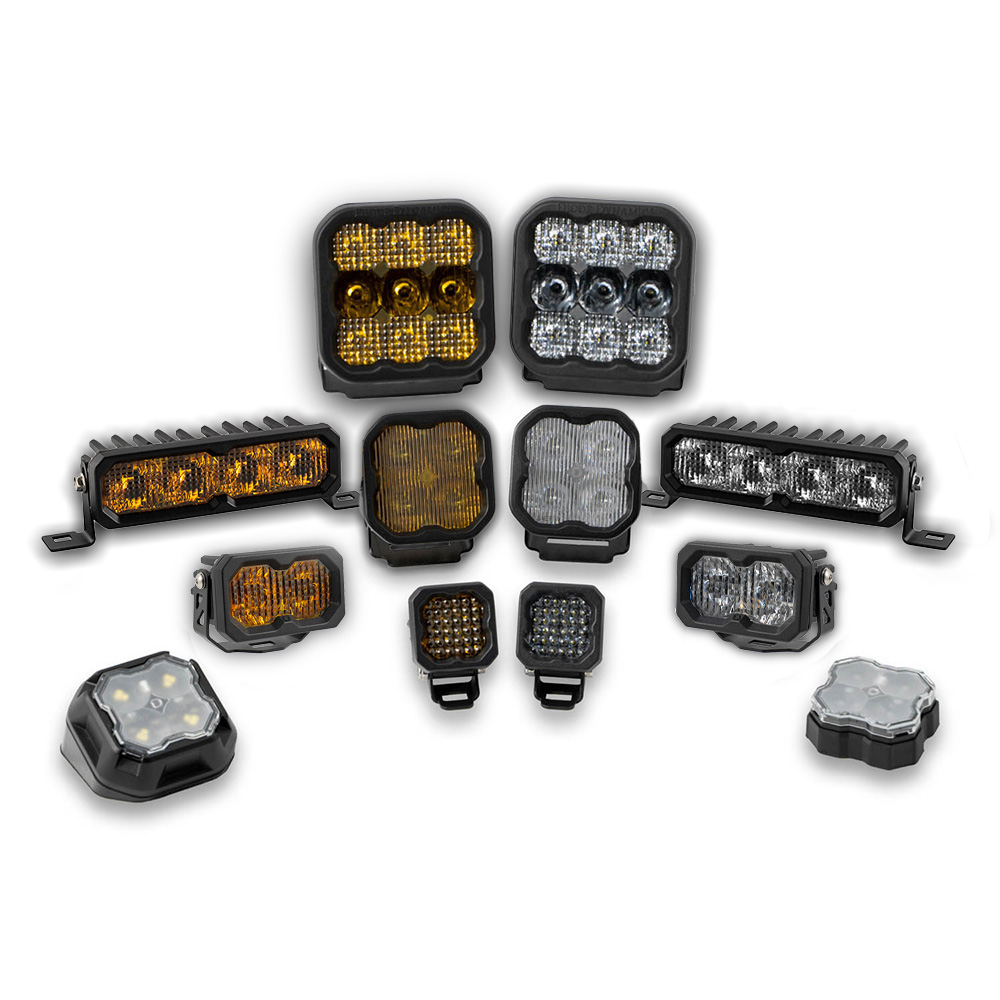
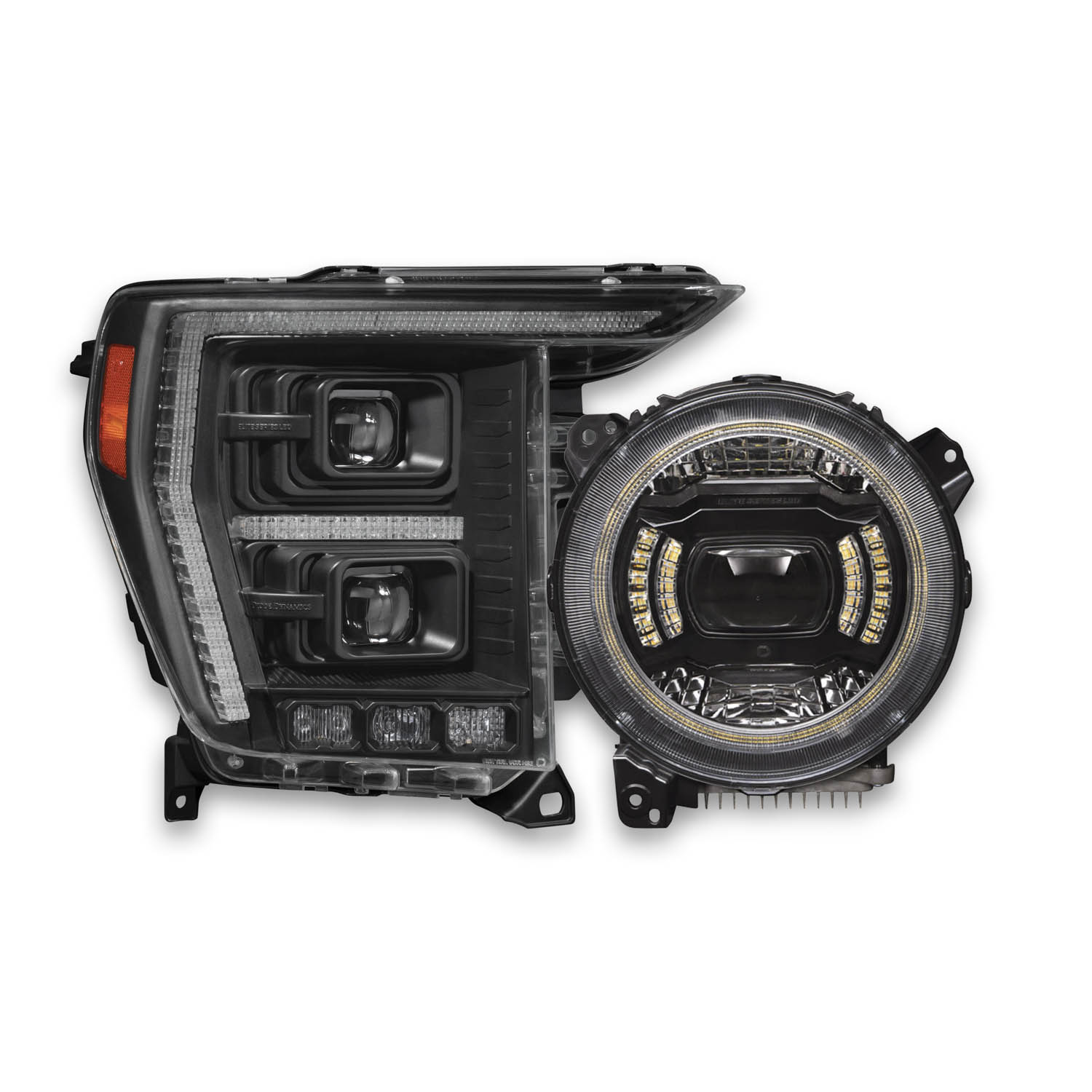
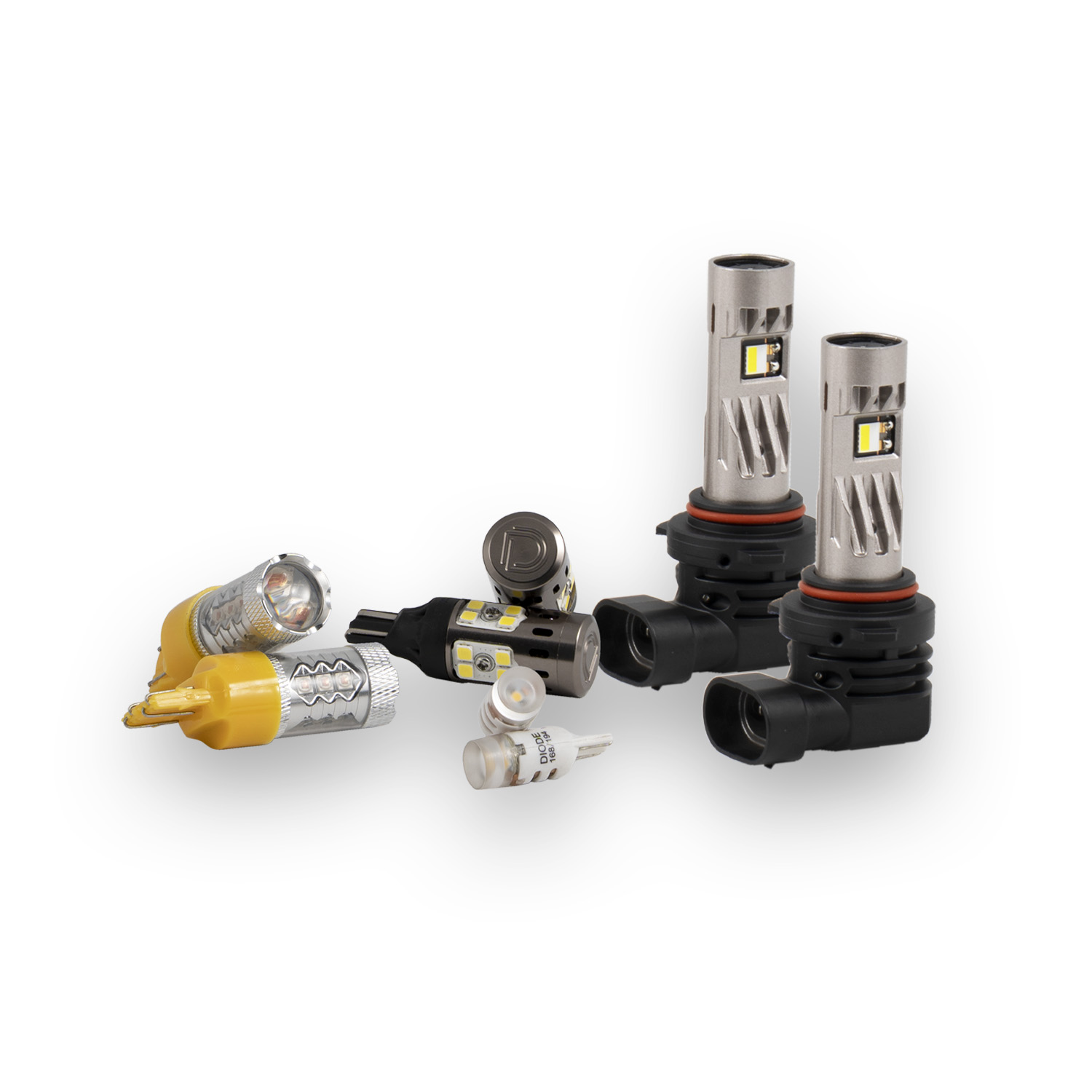
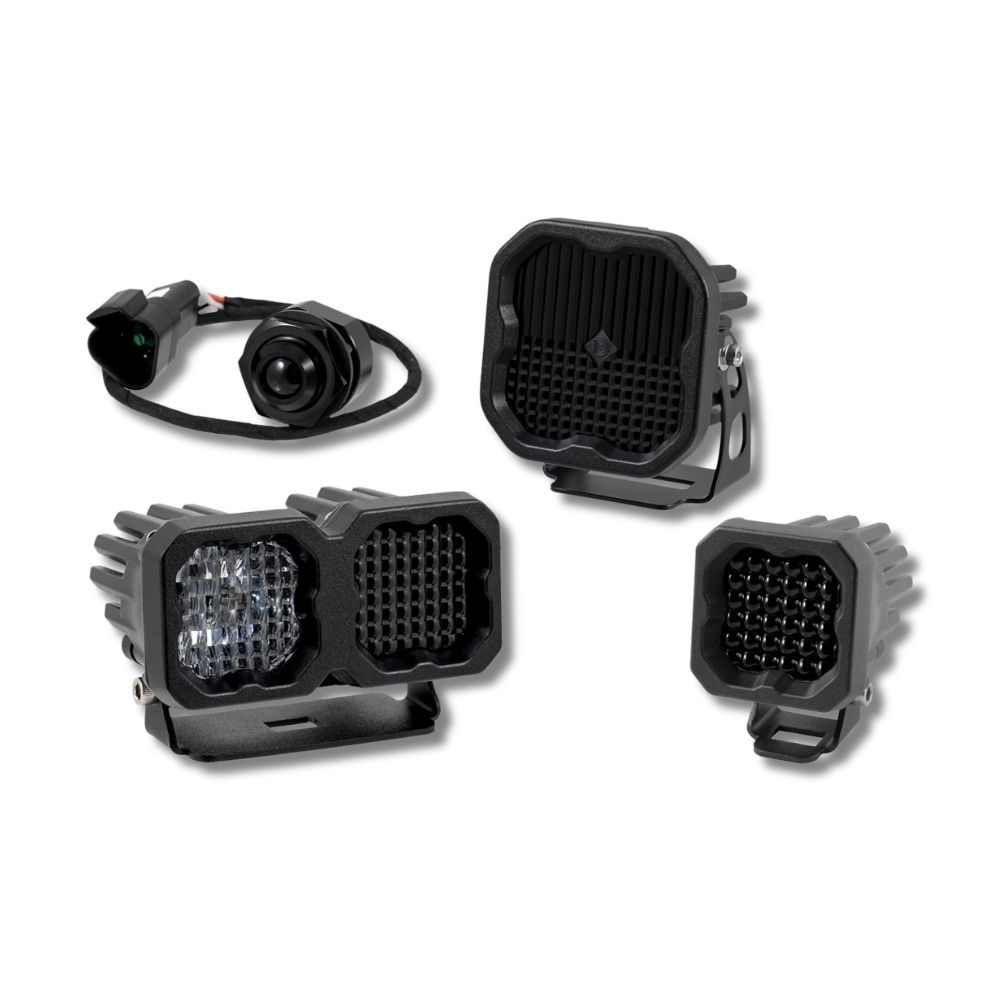
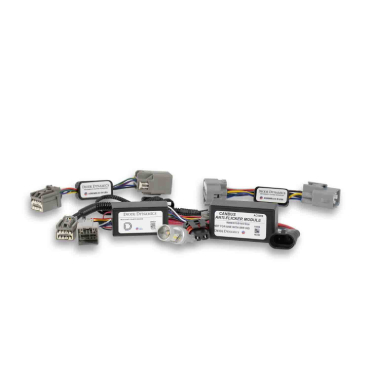
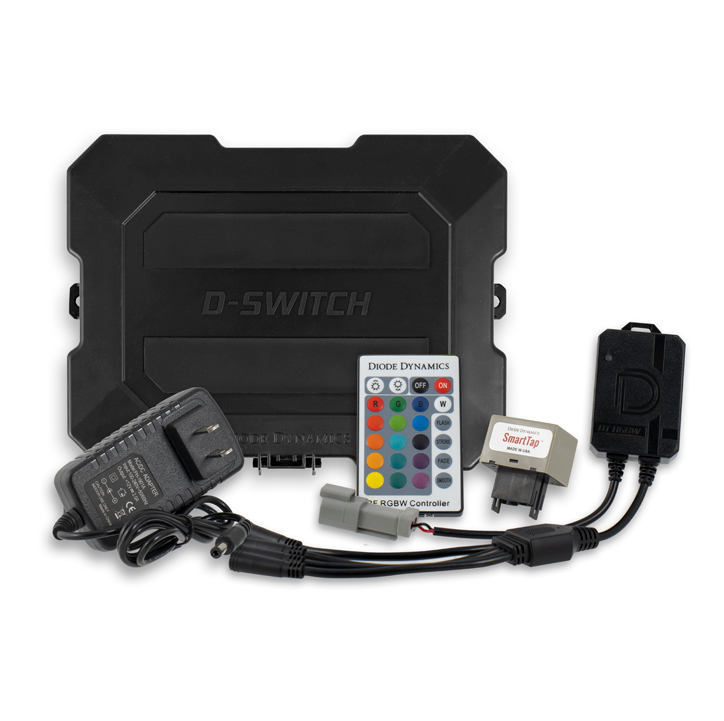

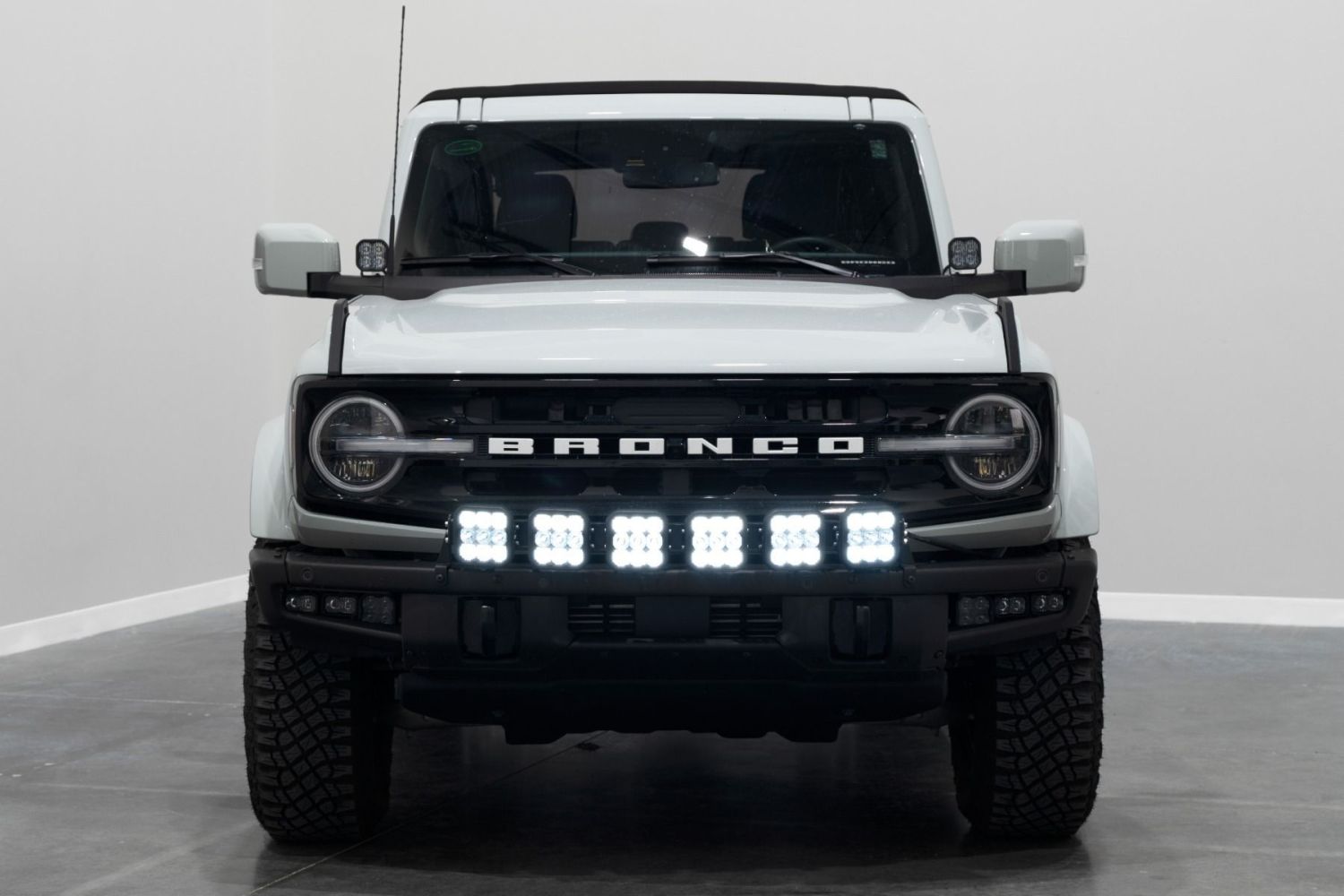
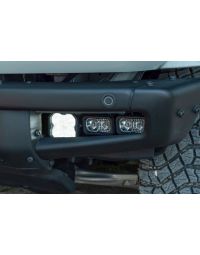
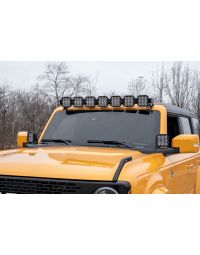
Thank you for your purchase of our SS5 Grille CrossLink Lightbar Kit. CAD-designed to use existing mounting points, this kit is compatible with the 2021–2025 Ford Bronco equipped with a steel bumper. Installation instructions are included below.
Table of Contents
- Installation Video
- Installation Tools
- Mounting Instructions
- Wiring Instructions
- Backlight Color Programming
- Backlight Color Reset
- Questions About the Installation?
- Where Can I Buy the SS5 Grille CrossLink Lightbar Kit for 2021–2025 Ford Bronco with Steel Bumper?
Installation Video
Installation Tools
- Trim removal tool
- Ratchet
- 7mm socket
- 8mm socket
- 10mm socket
- 13mm socket
- 5mm Allen wrench
- Wire strippers
Mounting Instructions
Step 1 – Remove fender liner screws
Using a T40 Torx bit and rachet, remove the four outer bolts on the bumper shown in the pictures below.
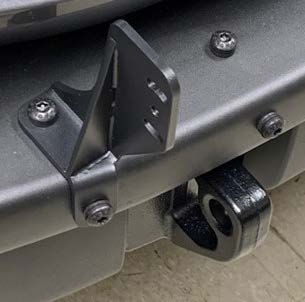
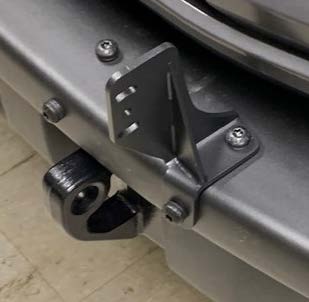
Step 2 – Install new grille brackets
Loosely install your new grille brackets, using the OEM T40 bolts and T40 bit.
Step 3 – Assemble CrossLink
Assemble your SS5 lightbar using the CrossLink lightbar instructions.
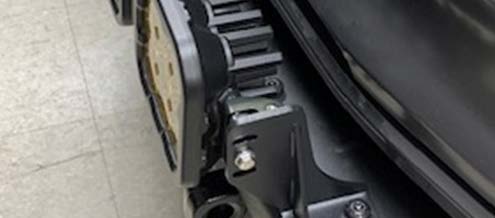
Step 4 – Mount CrossLink
Mount the assembled SS5 lightbar onto the brackets with the provided M6 flange screws.
Wiring Instructions
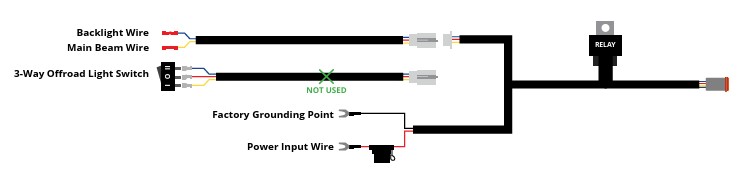
The following instructions are for Ford Broncos with an Auxiliary Switch Bank. If you do not have the Auxiliary Switch Bank, use the included toggle switch adapter wire to route a switch. All power sources must be fused.
Step 5 – Connect main beam wire
Locate the auxiliary switch wiring above the grille. Access the owner’s manual in the head unit and determine what wire color you will connect to based on the amperage rating. Connect the yellow wire for the main beam to an auxiliary switch wire. Using wire strippers, remove enough insulation to make a good connection. Insert the wire into the butt connector and crimp it to secure the connection.
Step 6 – Connect backlight wire
Repeat this process for the blue backlight wire. The wire for the backlight can be connected to any of the other auxiliary switch wiring locations, like the back of the hood, or if you have a Stage Series backlit light already installed, you may choose to tap it into the same switch.
Step 7 – Connect battery terminals
Connect positive and negative battery wires to the battery, or to main power terminals near the fuse box.
Step 8 – Finalize wiring
Secure the wires, test thoroughly, and tighten all hardware to complete your installation.
IMPORTANT: All power sources must be properly fused.
Backlight Color Programming
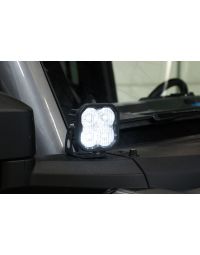
SS5 LED Pods offer multiple backlight color options, including White (default), Red, Blue, Green, Purple, Yellow, Amber, and Teal.
- Start with all backlight power OFF.
- Cycle backlight power ON and OFF three times within three seconds, spacing each ON press about one second apart.
- After the third cycle, the backlight will enter programming mode.
- Continue cycling power at the same steady pace to scroll through the available colors.
- When the desired color is displayed, leave the backlight ON.
- After five seconds, the color will save automatically and exit programming mode.
- Turn power OFF.
The selected color will appear any time backlight power is applied during normal operation.
For additional SS5 mounting, wiring, and backlight information, refer to the Diode Dynamics SS5 LED Pods Installation Guide.
Backlight Color Reset
If multiple SS5 LED Pods are connected to the same backlight circuit and the colors become unsynchronized, perform the following reset procedure.
- Enter backlight programming mode by cycling power ON and OFF three times, using the same one-second timing.
- Continue cycling power through all available colors twice. This requires at least sixteen total power cycles.
- After all colors have displayed twice, all connected lights will reset to White.
- Leave the backlight ON for five seconds to save the reset.
- Program the desired backlight color as outlined above if needed.
Questions About the Installation?
If you have questions about installing the SS5 Grille CrossLink Lightbar Kit for 2021–2025 Ford Bronco with Steel Bumper , contact us via our support page.
Where Can I Buy the SS5 Grille CrossLink Lightbar Kit for 2021–2025 Ford Bronco with Steel Bumper?
Visit DiodeDynamics.com or use our Dealer Locator to find an authorized dealer.
This installation guide applies to the following SKUs: DD7235, DD7236, DD7270, DD7271, DD7234P
Share This Post