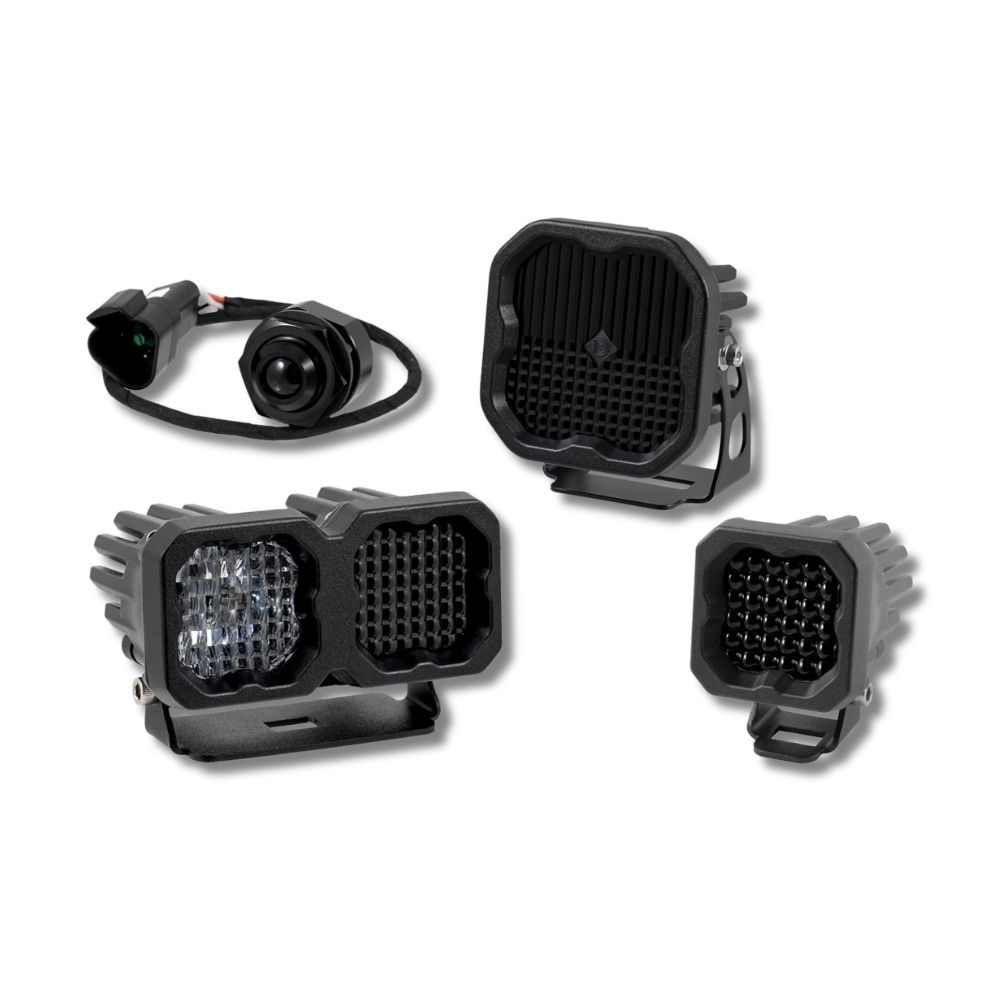
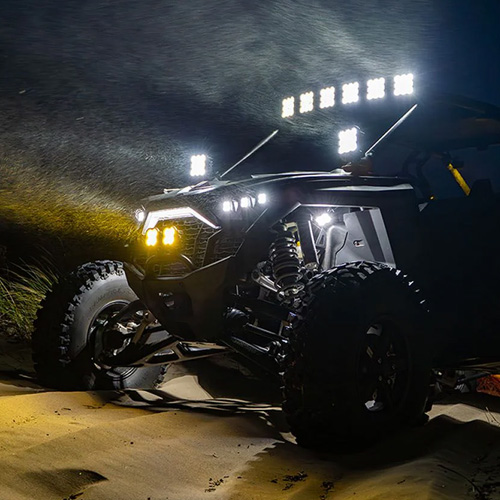

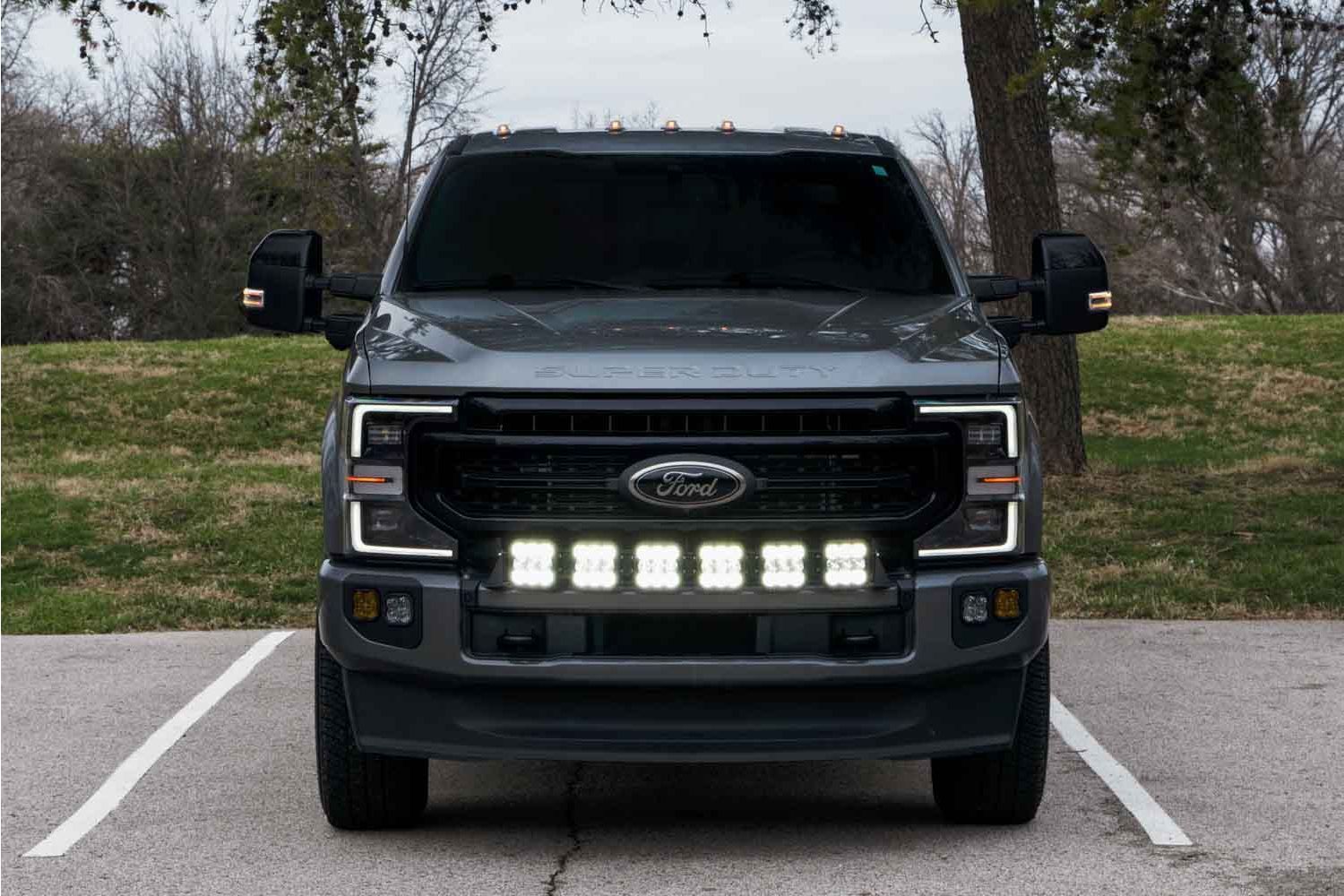
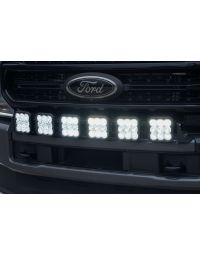
The SS5 Grille CrossLink LED Lightbar Kit adds a high-power LED pod light bar to your 2020-2022 Ford Super Duty bumper. The following installation guide will provide you with step-by-step instructions on how to install the SS5 Grille CrossLink Lightbar Kit.
Table of Contents
Installation Tools
- Plastic Trim Removal Tool
- Ratchet
- Ratchet Extension
- 13mm Socket
- 10mm Socket
- 13mm Wrench
- Needle Nose Pliers
Mounting Instructions
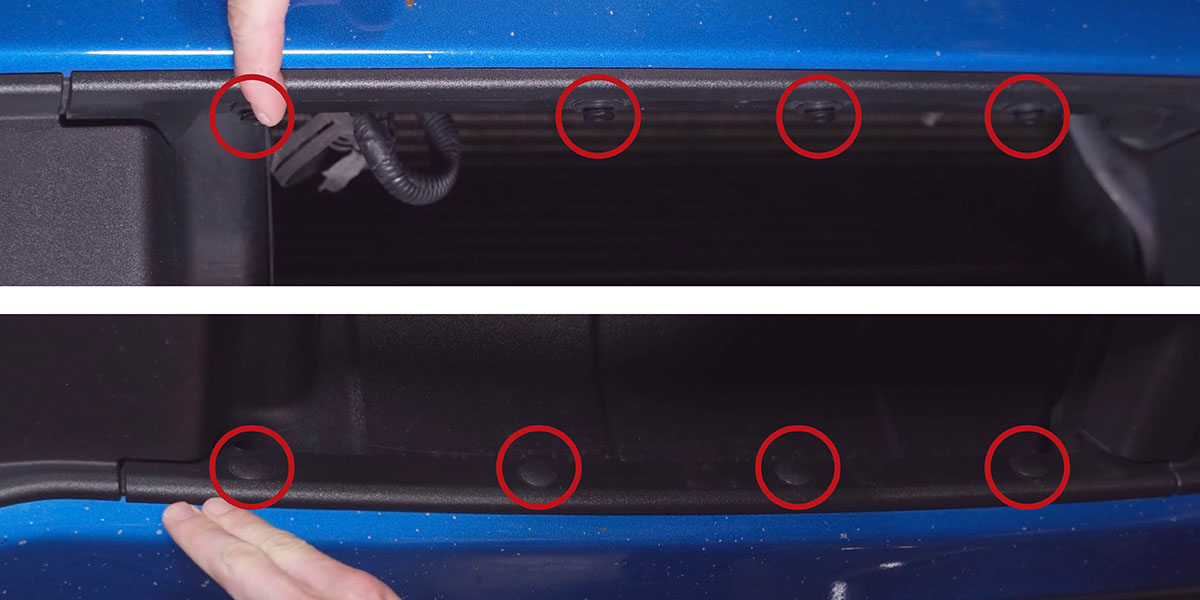
Step 1 - Remove Grille Clips
Using a trim removal tool, remove the 4 push tabs and 4 tree clips securing the front grille.
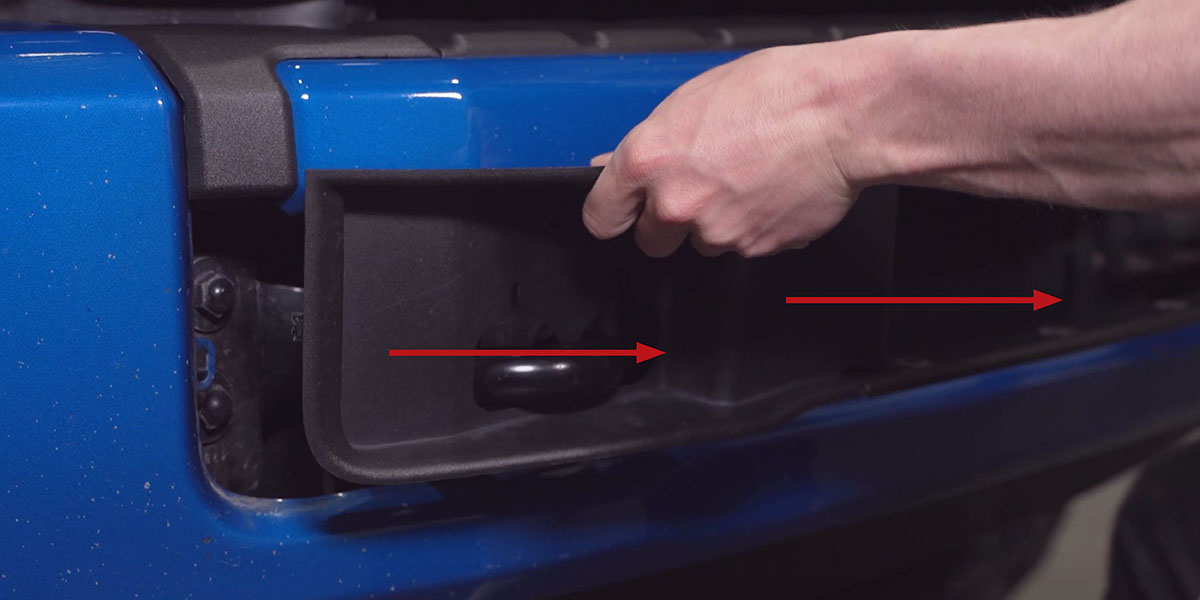
Step 2 - Remove Plastic Trim
Pull the plastic trim away from the vehicle to expose the inside of the front bumper/grille.
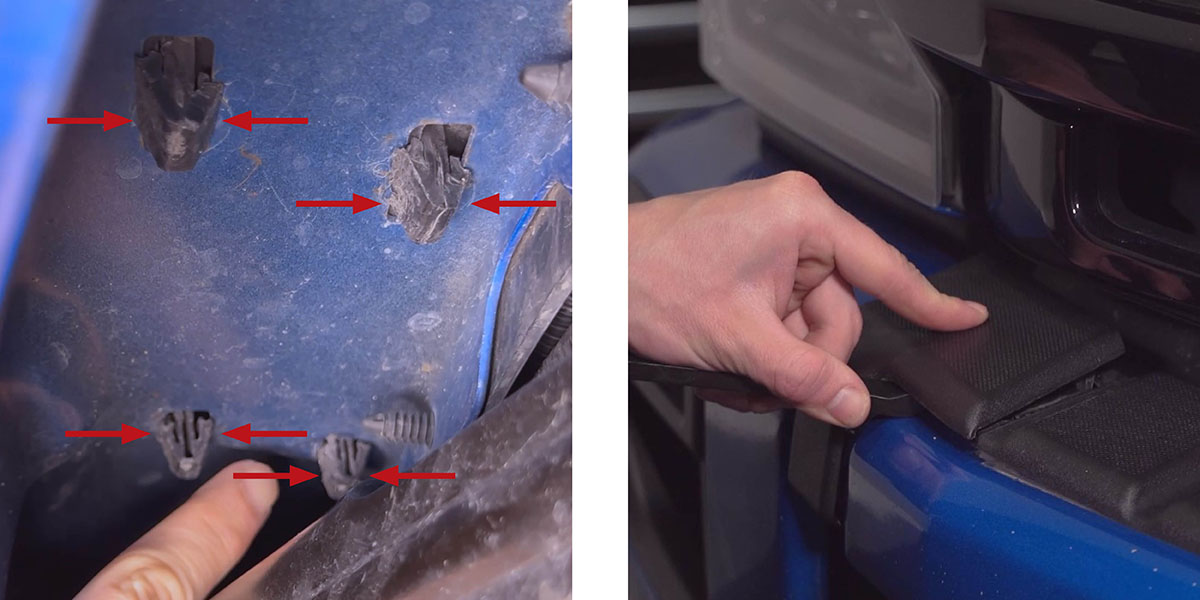
Step 3 - Expose Mounting Holes
Pry up the plastic trim on the front bumper using the plastic trim removal tool to expose the mounting holes for the bracket. You may need to reach under the bumper and squeeze the trim clips together to loosen them.
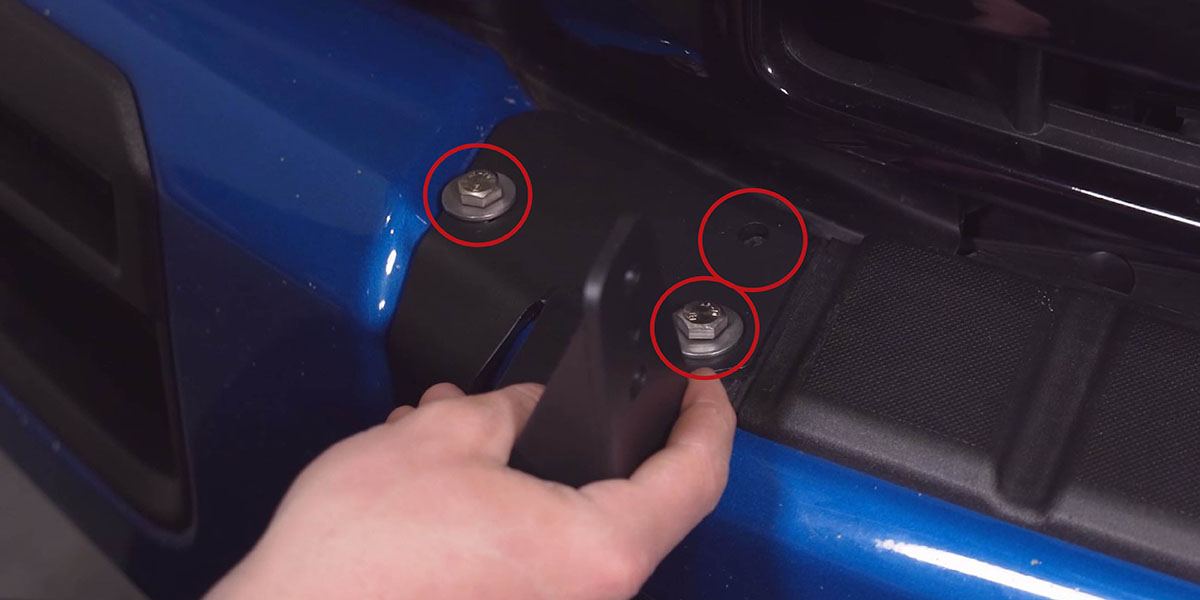
Step 4 - Install Mounting Bracket
Install the bracket as shown below with the six 13mm bolts, 13mm nuts, and washers provided in the kit.
Wiring Instructions
Step 5 - Route DT Connector
On the passenger side of the vehicle, feed the 4-pin female DT connector down towards the fog lights.
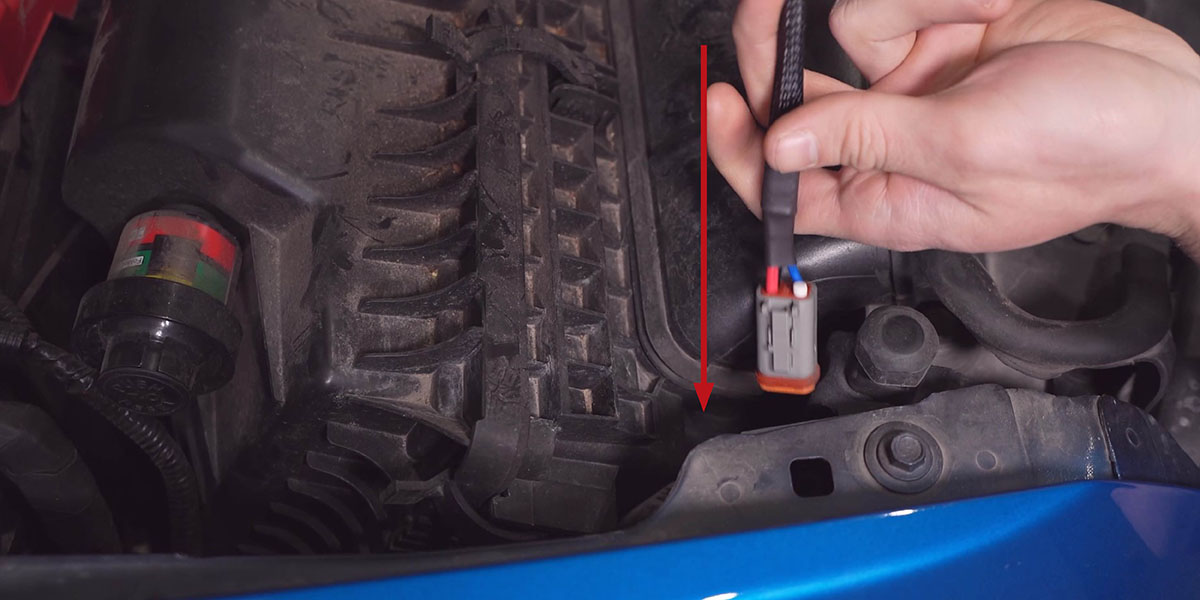
Step 6 - Loosen Inner Fender Liner
Remove the 10mm bolt and the plastic clip holding the inner fender liner.
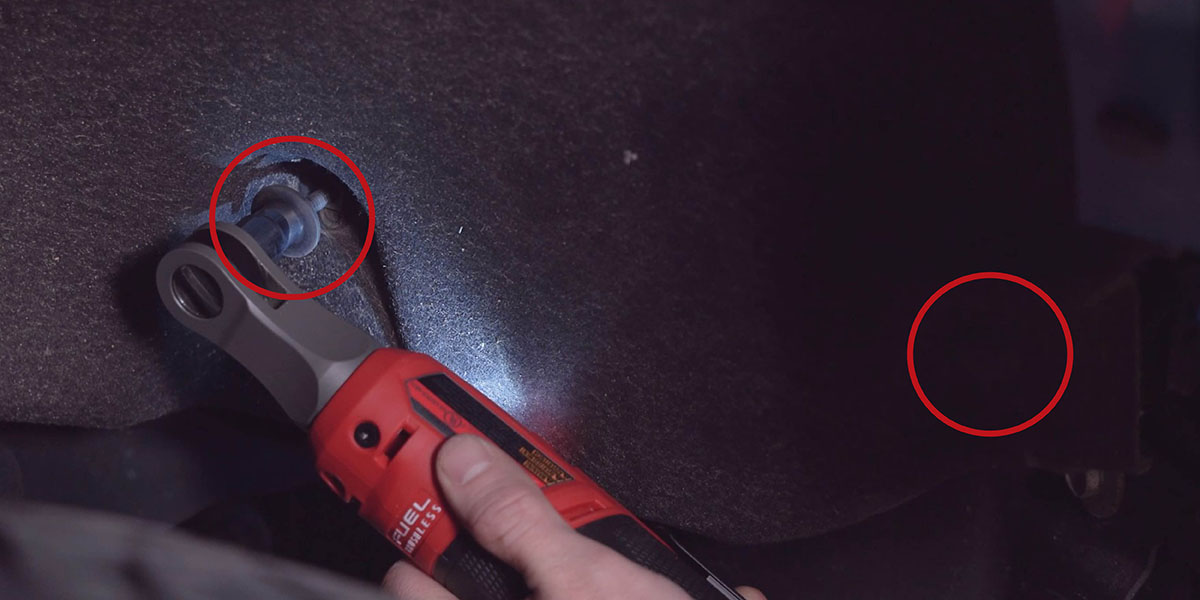
Step 7 - Route DT Connector Through Fender Liner
Find the female DT connector and pull enough slack so that the connector will reach the front passenger grille bracket.

Step 8 - Route DT Connector To Grille
Feed the female DT connector to the opening of the grille as seen in the picture below.
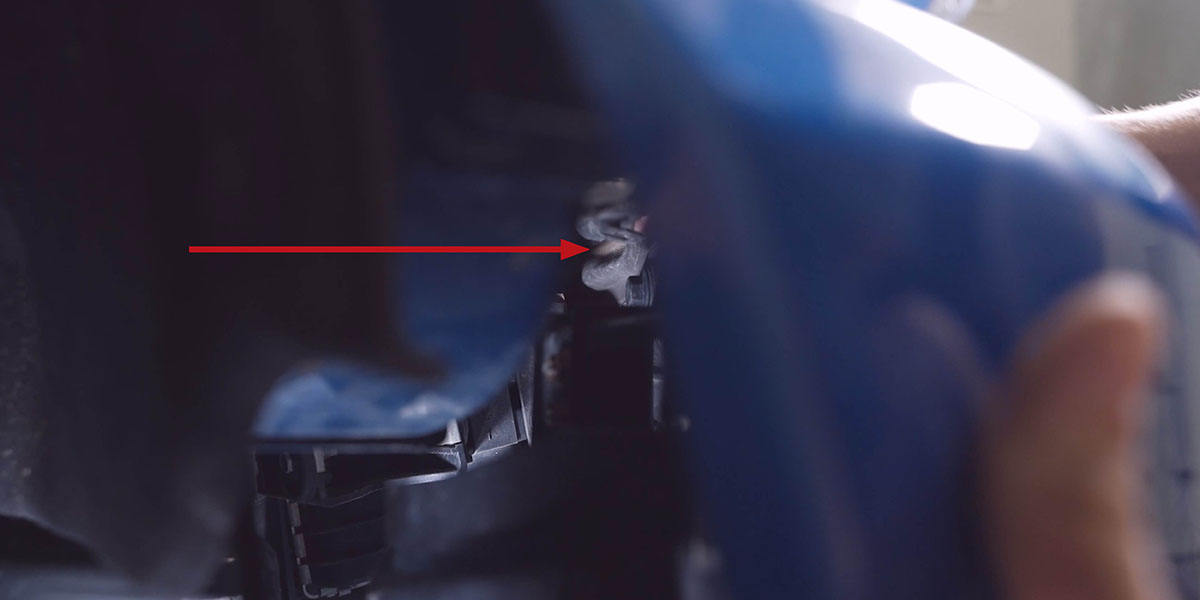
Step 9 - Route DT Connector Through Grille
Pull enough of the wire harness through to connect the female DT connector to the SS5 CrossLink light bar and tuck the rest away.

Assemble the SS5 CrossLink Kit
Step 10 - Link SS5 LED Pods
Assemble your SS5 lightbar using the CrossLink lightbar instructions. When you assemble the SS5 lightbar, use the 2nd notch on the links as shown in the picture below.
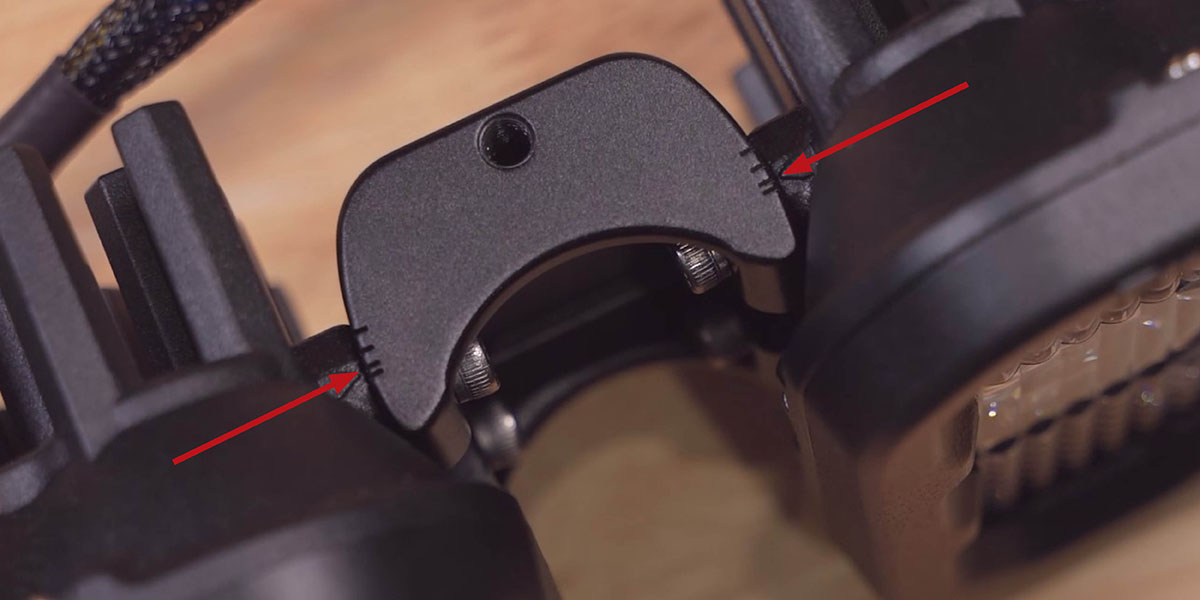
Step 11 - Install CrossLink Light Bar
Install the wiring harness and route all wiring, following the included wire harness instructions.
Install the 6-pod SS5 CrossLink light bar.

Step 12 - Reinstall the Grille
Reinstall the grille by reversing Steps 1-2.
Step 13 - Complete Installation
Secure the wires, test thoroughly, and tighten all hardware to complete your installation.
For additional universal SS5 mounting, wiring, and backlight information, refer to the Diode Dynamics SS5 LED Pods Installation Guide.
Backlight Color Programming
SS5 LED Pods offer multiple backlight color options, including White (default), Red, Blue, Green, Purple, Yellow, Amber, and Teal.
- Start with all backlight power OFF.
- Cycle backlight power ON and OFF three times within three seconds, spacing each ON press about one second apart.
- After the third cycle, the backlight will enter programming mode.
- Continue cycling power at the same steady pace to scroll through the available colors.
- When the desired color is displayed, leave the backlight ON.
- After five seconds, the color will save automatically and exit programming mode.
- Turn power OFF.
The selected color will appear any time backlight power is applied during normal operation.
Backlight Color Reset
If multiple SS5 LED Pods are connected to the same backlight circuit and the colors become unsynchronized, perform the following reset procedure.
- Enter backlight programming mode by cycling power ON and OFF three times, using the same one-second timing.
- Continue cycling power through all available colors twice. This requires at least sixteen total power cycles.
- After all colors have displayed twice, all connected lights will reset to White.
- Leave the backlight ON for five seconds to save the reset.
- Program the desired backlight color as outlined above if needed.
Questions About the Installation?
If you have any questions or issues installing the SS5 Grille CrossLink Lightbar Kit for 2020-2022 Ford Super Duty, please contact us for further information.
Where Can I Buy an SS5 Grille CrossLink Lightbar Kit for 2020-2022 Ford Super Duty?
If you're ready to upgrade your 2020-2022 Ford Super Duty with an SS5 CrossLink Grille Kit, you can purchase one by clicking here or using our dealer locator to find a dealer near you.
Want to know more about Diode Dynamics products? Visit DiodeDynamics.com and subscribe to our newsletter for new product releases and more!
This Installation Guide is for the following SKUs: DD7570, DD7571, DD7572, DD7573, DD7574
Share This Post