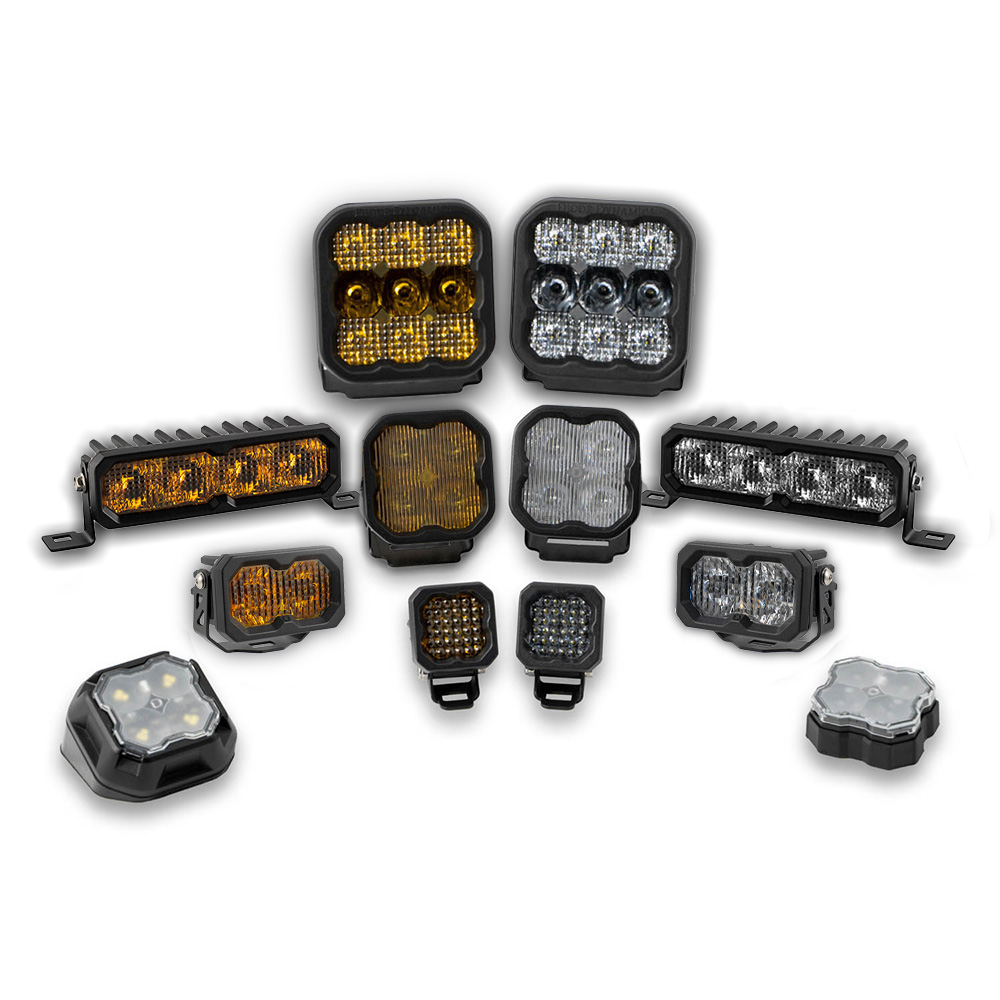
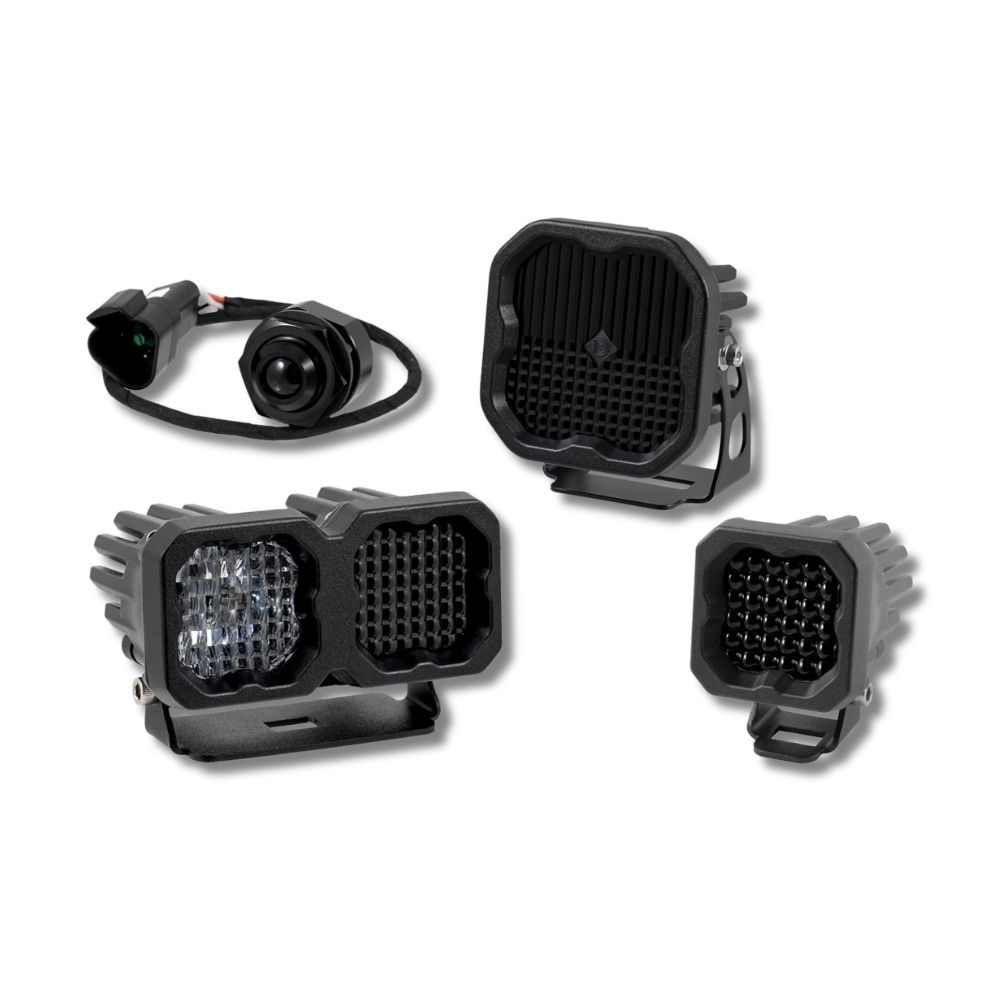
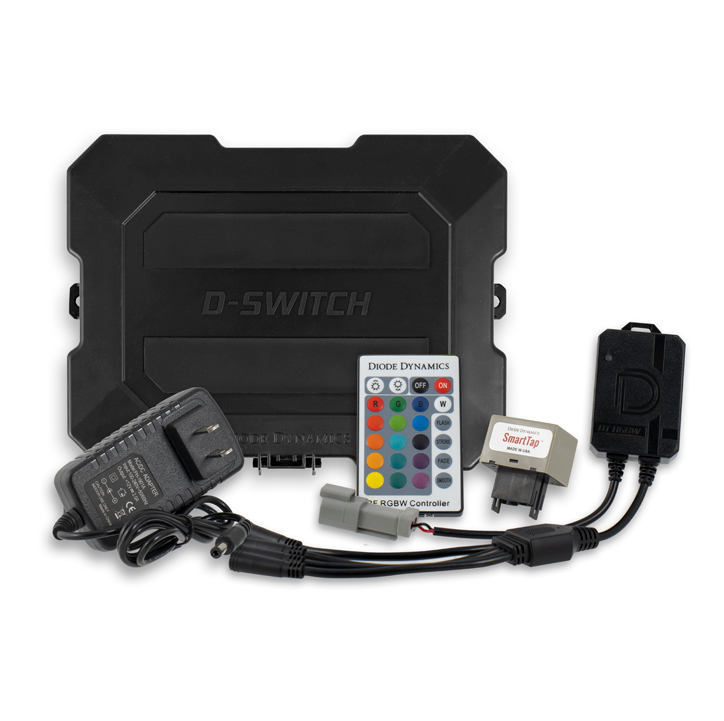



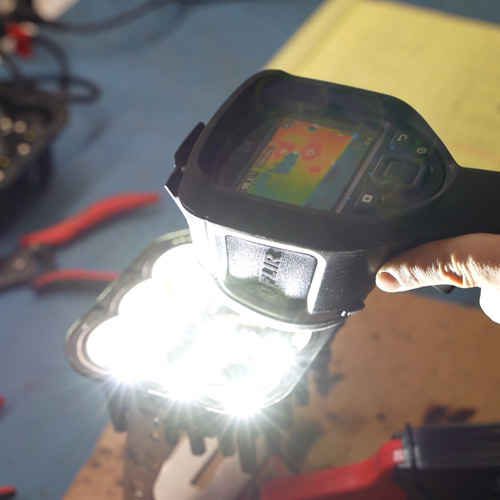
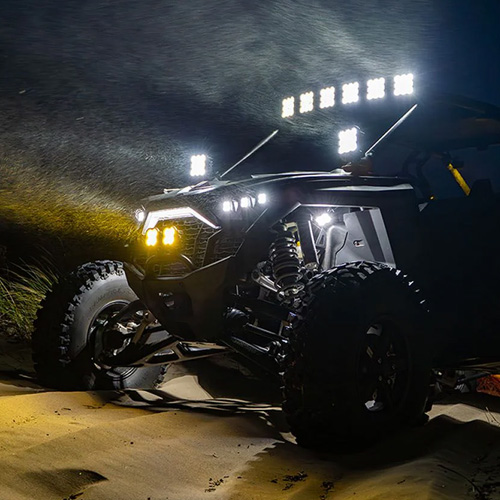
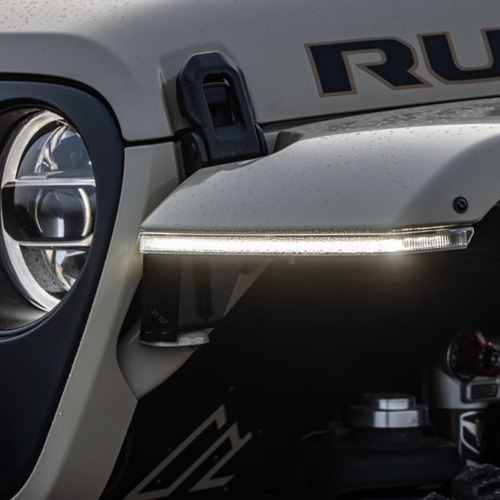

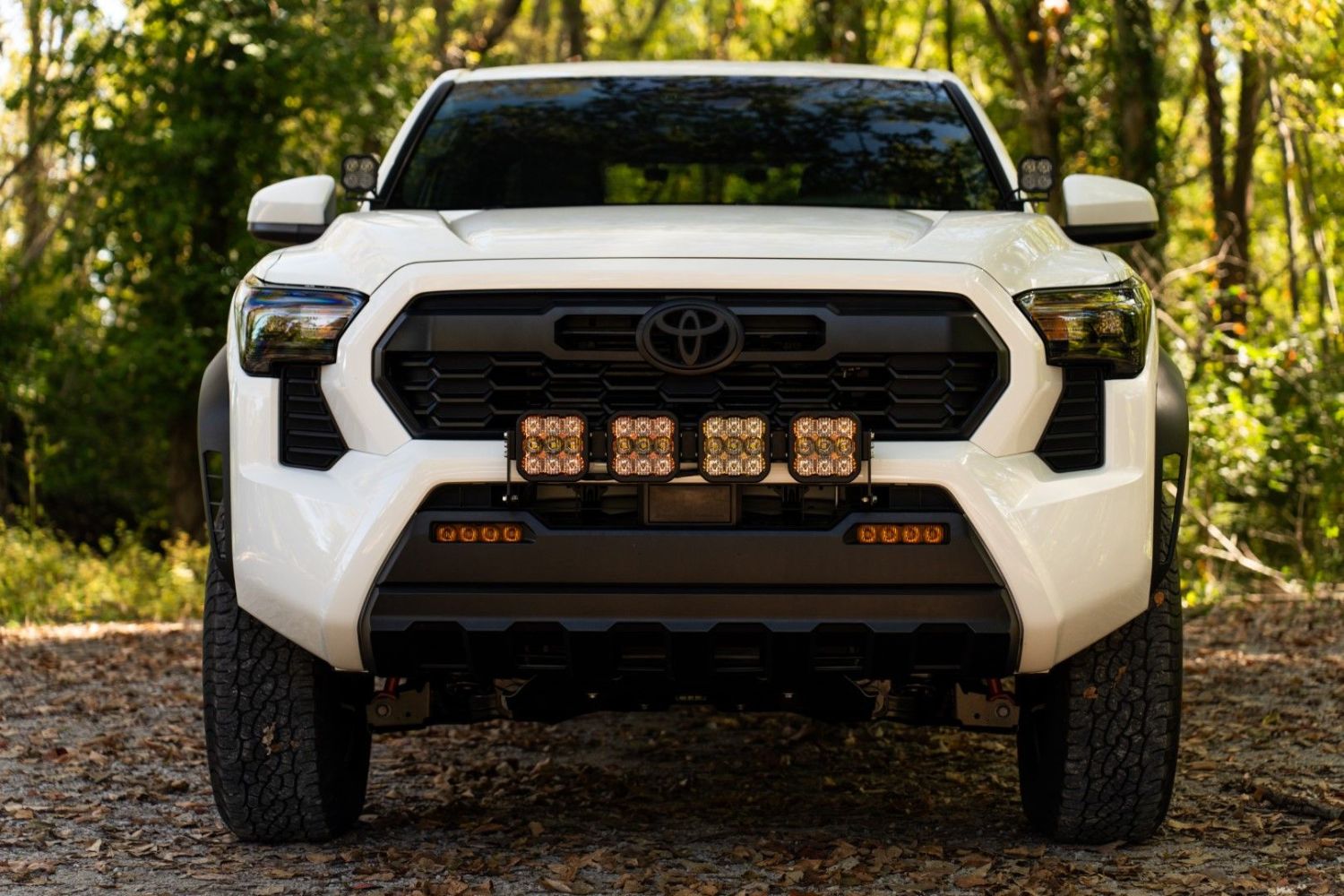
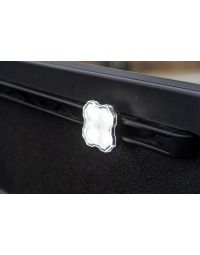
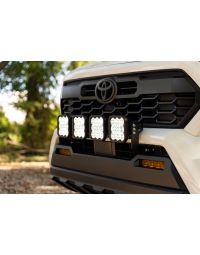
The SS5 Grille CrossLink Lightbar Kit for the 2024+ Toyota Tacoma offers an unmatched combination of durability, brightness, and versatility. This kit features our cutting-edge SS5 LED pods with a modular CrossLink design, providing both exceptional forward lighting and an ambient accent backlight with eight selectable colors. Designed, engineered, and assembled in the USA, this kit installs using factory mounting points, with no cutting or drilling required. Watch our installation video or continue reading below for step-by-step instructions!
NOTE: This product is not approved for road use in the United States. Disconnect the negative battery terminal before starting your installation.
Table of Contents
Installation Video
Tools Required
- Trim Removal Tool
- 10mm Socket and Wrench
- 14mm and 17mm Sockets
- 12mm Socket
- Flathead Screwdriver
- Phillips Head Screwdriver
- Bubble Level
- Zip Ties (included with the kit)
Installation Instructions
Step 1 - Remove Factory Components
Open the hood and remove the four button clips securing the air intake duct. Use a trim removal tool to push down on the buttons and release the duct. Remove the air intake duct by lifting it out.
Step 2 - Remove the Front Bumper
Using a 10mm socket, remove the three bolts near the air intake duct. Remove two additional push pins with a trim tool, and disconnect the two multi-pin connectors near the passenger-side headlamp. If your vehicle has a front air dam, remove it before proceeding. Next, remove five screws from the driver-side wheel liner using a 10mm socket, and repeat for the passenger side. Use a flathead or trim tool to release the two twist clips in the fender liner. Partially remove the fender flare by squeezing the clips and pulling it outward. Flex the fender flare outward and remove one Phillips head screw to release the bumper panel. Finally, remove the bumper by pulling it away from the vehicle and place it on a padded surface.
Step 3 - Modify the Active Shutter System
With the bumper face down, release the mid support by applying upward pressure to the clips. Remove the three bottom shutters on both sides of the active shutter system using a pick tool to release the pressure snaps. Reinstall the mid support back on the vehicle using a 10mm socket.
Step 4 - Mount the Brackets
Using a 14mm and 17mm socket, remove the bolts on the subframe. Attach the driver-side bracket to the subframe by reusing the 14mm and 17mm bolts, adding the provided washers, and securing them in place. Repeat for the passenger side.
Step 5 - Wire the Harness
Connect the positive and negative battery leads to the corresponding terminals using a 12mm socket. Route the wiring under the headlight and along the subframe, using the included zip tie slots on the brackets to secure the wires. Disconnect the included three-way switch from the harness and tape the ends together. Fish the wire leads through the driver-side firewall grommet and into the cabin, then reconnect the switch.
Step 6 - Reattach the Bumper
Reverse the steps used to remove the bumper, ensuring the DT connector and brackets are properly aligned. Secure the sub-brackets to the inboard side of the main brackets using the included nuts and screws, leaving them hand-tight for now.
Step 7 - Assemble and Mount the SS5 CrossLink Lightbar
Assemble the SS5 CrossLink lightbar using the SS5 CrossLink lightbar instructions. Align the lightbar with the first notch of the hardware. Plug the CrossLink harness into each SS5 pod, ensuring the male input lead hangs off the right side. Attach the lightbar to the sub-brackets using the provided screws. Use a bubble level to ensure it is centered laterally and vertically, then secure it in place using a 5mm Allen wrench and a 13mm socket.
The installation is now complete. Enjoy your new SS5 Grille CrossLink Lightbar Kit!
Backlight Color Programming
SS5 LED Pods offer multiple backlight color options, including White (default), Red, Blue, Green, Purple, Yellow, Amber, and Teal.
- Start with all backlight power OFF.
- Cycle backlight power ON and OFF three times within three seconds, spacing each ON press about one second apart.
- After the third cycle, the backlight will enter programming mode.
- Continue cycling power at the same steady pace to scroll through the available colors.
- When the desired color is displayed, leave the backlight ON.
- After five seconds, the color will save automatically and exit programming mode.
- Turn power OFF.
The selected color will appear any time backlight power is applied during normal operation.
For additional SS5 mounting, wiring, and backlight information, refer to the Diode Dynamics SS5 LED Pods Installation Guide.
Backlight Color Reset
If multiple SS5 LED Pods are connected to the same backlight circuit and the colors become unsynchronized, perform the following reset procedure.
- Enter backlight programming mode by cycling power ON and OFF three times, using the same one-second timing.
- Continue cycling power through all available colors twice. This requires at least sixteen total power cycles.
- After all colors have displayed twice, all connected lights will reset to White.
- Leave the backlight ON for five seconds to save the reset.
- Program the desired backlight color as outlined above if needed.
Questions About the Installation?
If you have any questions about installing the SS5 Grille CrossLink Lightbar Kit for the 2024+ Toyota Tacoma, visit our support page.
Where Can I Buy the SS5 Grille CrossLink Lightbar Kit for the 2024+ Toyota Tacoma?
If you're ready to upgrade your 2024+ Toyota Tacoma with the SS5 Grille CrossLink Lightbar Kit, visit DiodeDynamics.com or use our Dealer Locator to find a dealer near you.
Looking for more lighting options for your Tacoma? Check out our full selection of 2024+ Toyota Tacoma LED lighting upgrades.
Want to know more about Diode Dynamics products? Visit DiodeDynamics.com and subscribe to our newsletter for new product releases and more!
This Installation Guide is for the following SKUs: DD8027, DD8028, DD8029, DD8030, DD8026P.
Share This Post