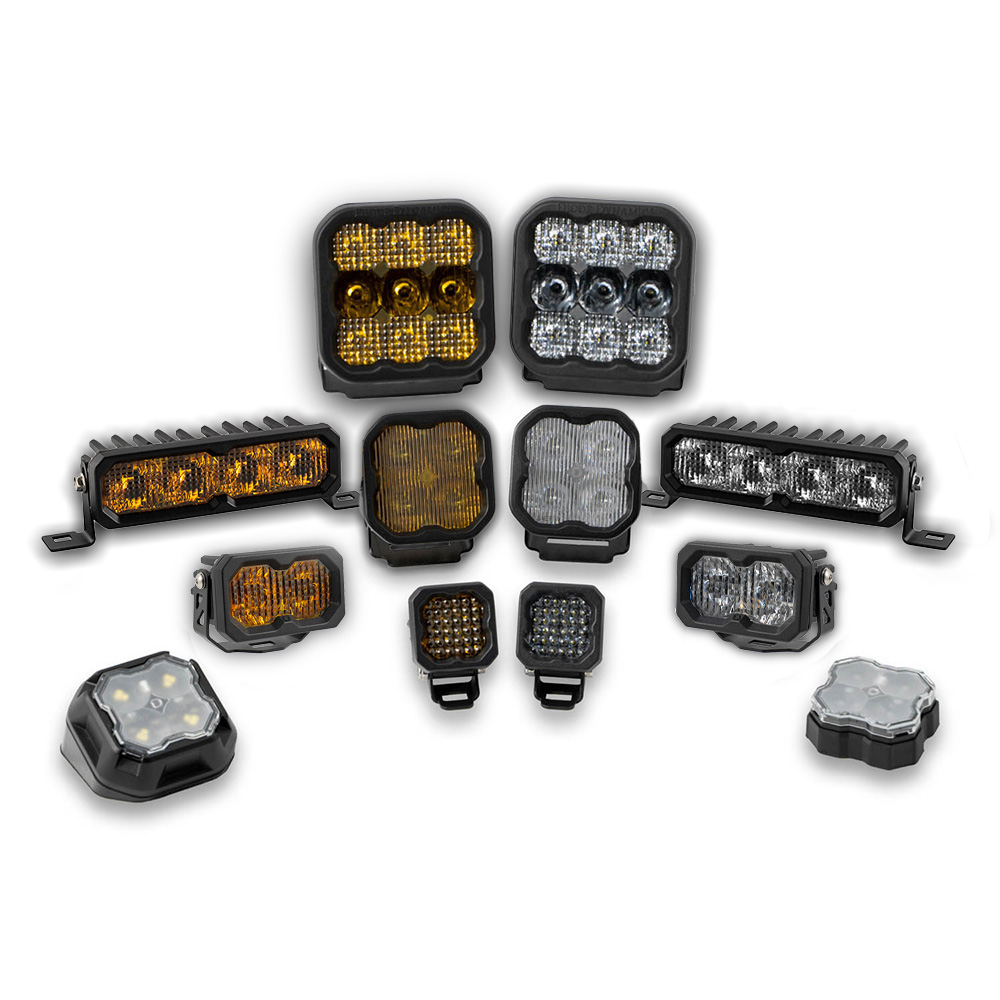

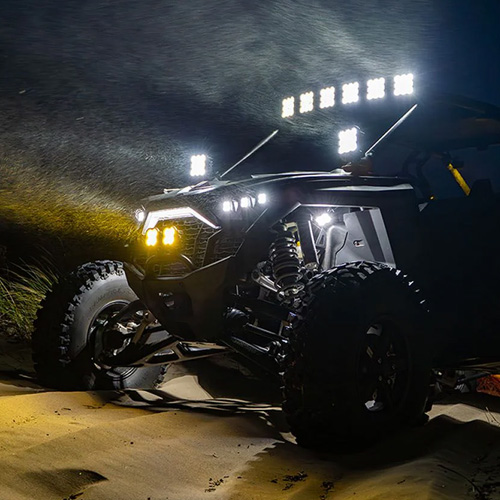
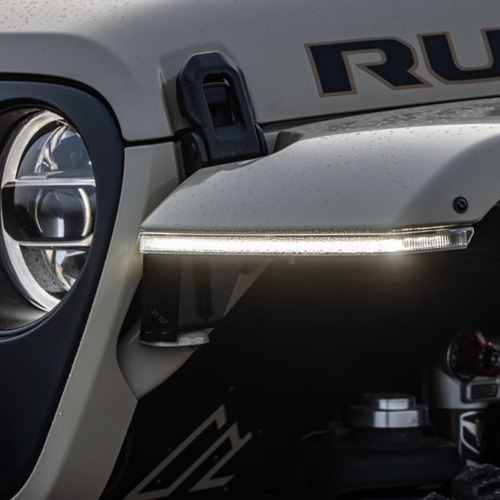

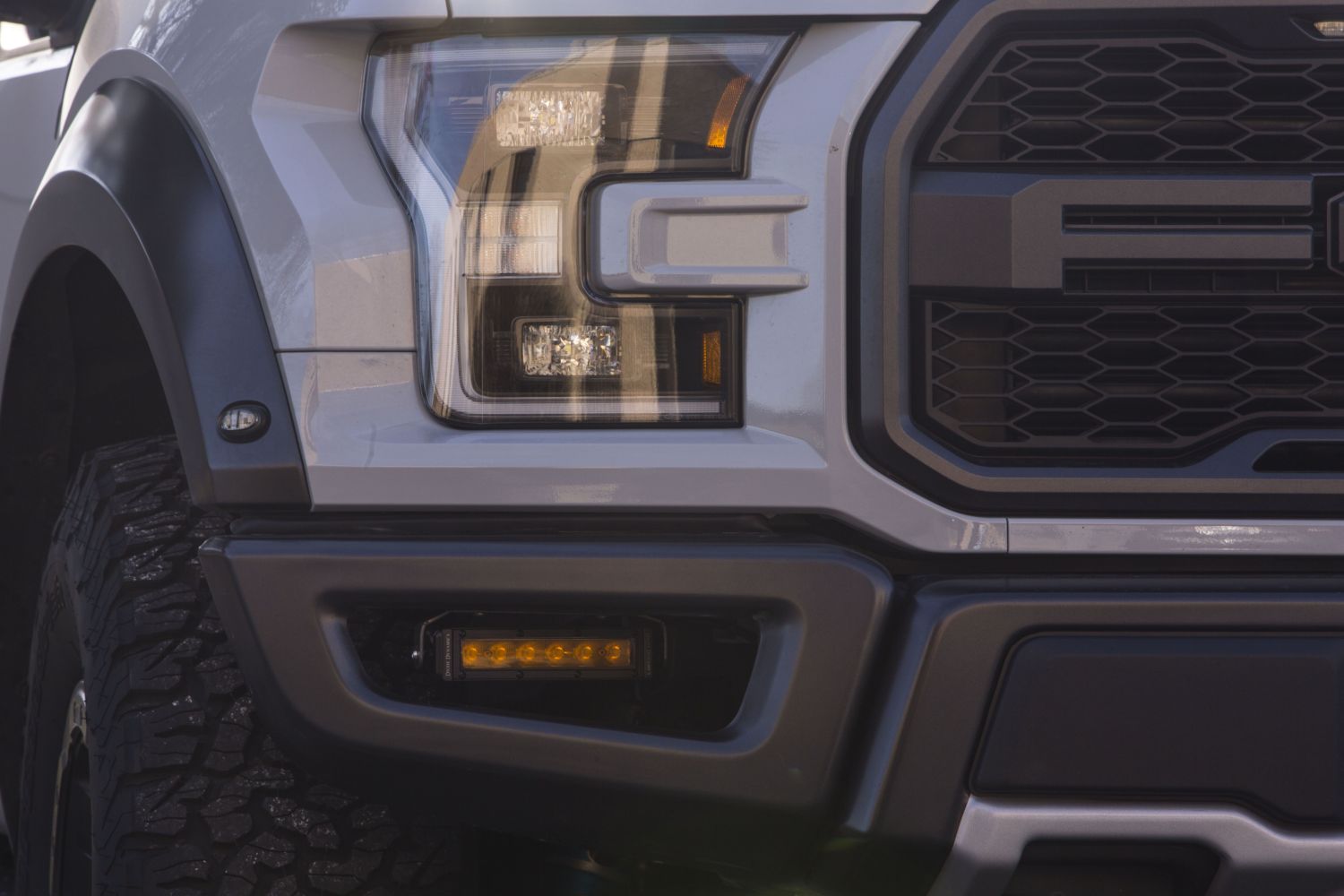
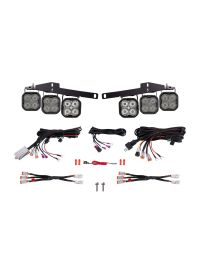
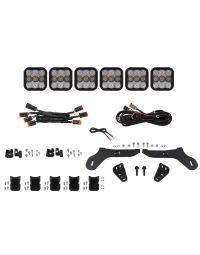
The Diode Dynamics SAE/DOT Stage Series LED Light Bar Kit for the 2017–2020 Ford Raptor is a vehicle-specific solution designed to provide powerful, road-legal forward lighting using factory mounting locations. This kit includes custom-designed brackets and hardware for a clean, OEM-style installation.
This guide walks through the installation process for mounting the Stage Series LED light bar and brackets, followed by wiring, aiming, and final testing.
Table of Contents
- Installation Video
- Installation Tools
- Installation Instructions
- Aiming and Testing
- Questions About the Installation?
- Where Can I Buy This Kit?
Installation Video
Installation Tools
- 8mm socket
- 10mm socket
- 13mm socket
- Ratchet and socket extension
- 4mm Allen key
Time Required: Approximately 1–2 hours.
Installation Instructions
Step 1 – Loosen factory mounting hardware
Using a 13mm socket, loosen the factory screw at the bumper mounting point. Do not fully remove the screw. Next, remove the adjacent 13mm screw completely.

Step 2 – Loosen strut mounting hardware
Using an 8mm socket, loosen the screw on the strut mounting point without fully removing it. Then remove the adjacent screw completely.
Step 3 – Install the base bracket
Slide the supplied bracket between the bumper and the support using the factory mounting location. Reinstall the original 13mm screw and hand-tighten only.

Step 4 – Secure the opposite side of the bracket
Slide the other side of the bracket between the strut and the bumper. Using the supplied M6 hardware, install the bolt and hand-tighten only.
Step 5 – Tighten all mounting hardware
Once the bracket is properly aligned, fully tighten all hardware that was previously loosened or hand-tightened.
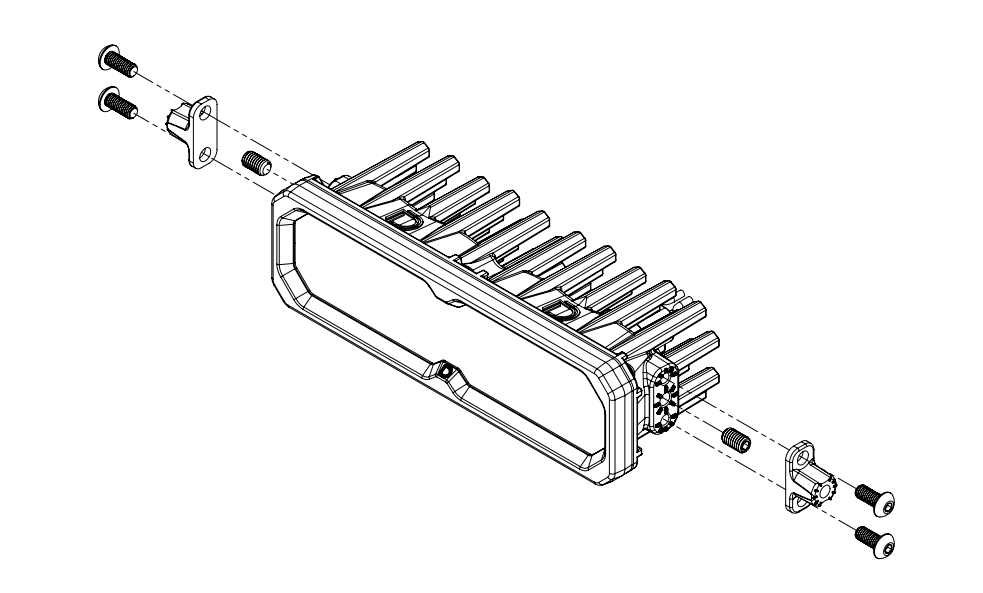
New Stage Series Lightbars include a mounting adapter bracket that allows them to work with existing mounting brackets used across current kits. This adapter ensures proper fitment without requiring a redesigned bracket.
If your kit includes this adapter, it must be installed onto the lightbar before attaching the lightbar to the main mounting brackets.
Install the included set screws in the center mounting position on both sides of the lightbar. Then, attach the adapter to the lightbar using the included Torx screws in the top and bottom mounting holes. Once the adapter is secured, use the supplied hex bolt to mount the lightbar to the main mounting bracket as normal.
Step 6 – Mount the LED light bar
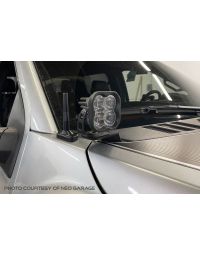
Using the included hardware, attach the Stage Series LED light bar to the mounting bracket. Once attached, secure the light bar assembly to the base bracket.

Step 7 – Wire the light bar
Connect the light bar to your preferred wiring solution, such as a Diode Dynamics wiring harness or vehicle-specific switch solution (sold separately). Route all wiring safely away from moving or hot components.
Connect Backlight Wire (Optional)
New Stage Series Light Bars feature an integrated amber backlight that fully illuminates the TIR optic, creating a distinctive accent appearance while improving visibility when parked, staged, or stopped on the trail.
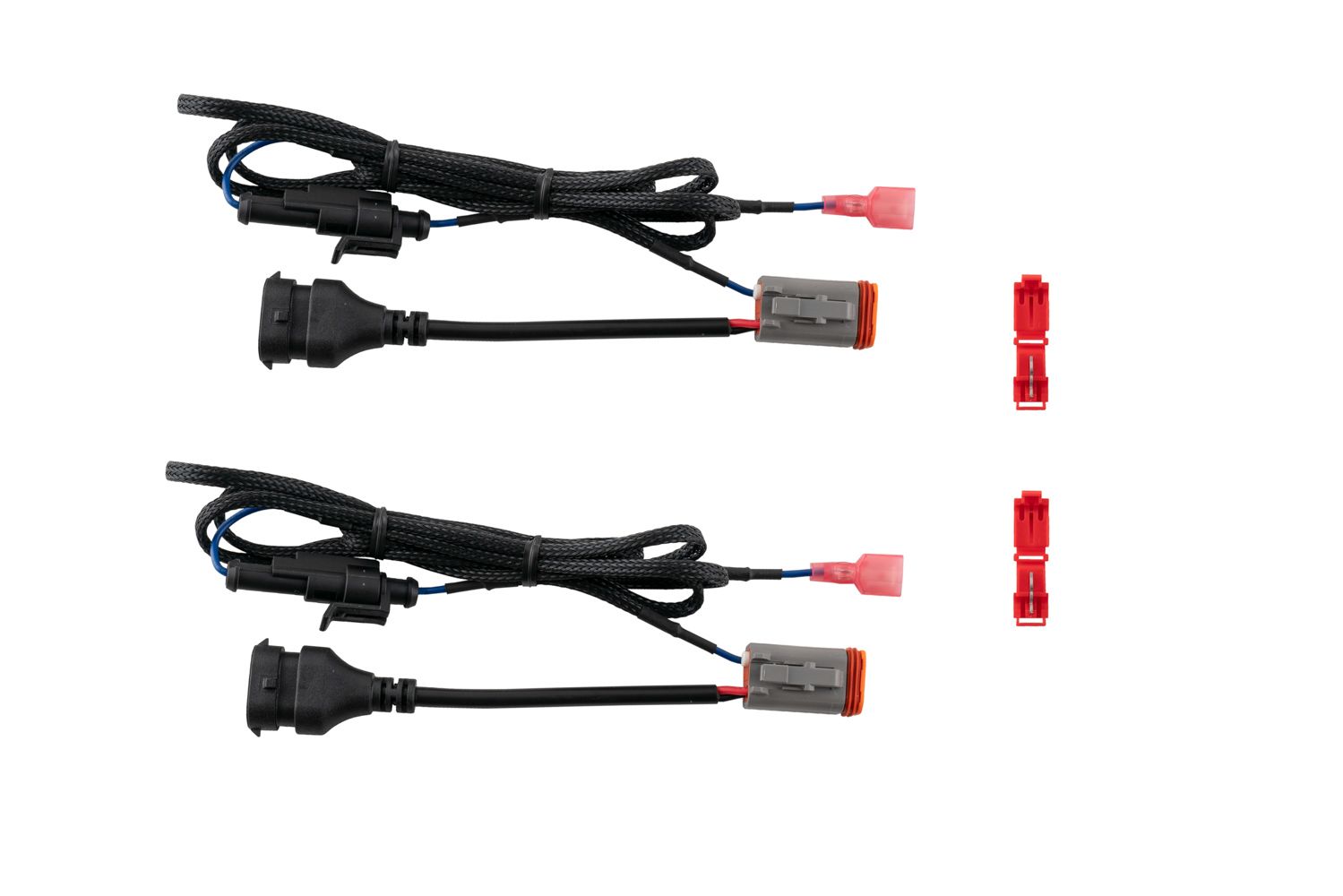
If your light bar is equipped with the backlight function, connect the blue wire with the red male spade connector to a fused 12V source. The parking light or sidemarker circuit is commonly used so the backlight activates with your vehicle’s exterior lighting.
Use the included T-taps to make this connection:
-
Position the T-tap over the selected wire.
-
Use needle-nose pliers to fully seat and crimp the tap.
-
Insert the red male spade connector into the T-tap until secure.
NOTE: The power source must be fused. Do not connect the backlight wire directly to the vehicle battery.
Aiming and Testing
Step 8 – Test and aim the lights
Power on the light bar and verify proper operation. Aim the light bar in the desired direction before tightening all mounting hardware fully.
Note: Check local laws and regulations regarding aiming, installation location, and on-road use of auxiliary lighting.
Questions About the Installation?
If you have any questions about installing the Diode Dynamics SAE/DOT Stage Series LED Light Bar Kit for 2017–2020 Ford Raptor , contact us via our support page.
Where Can I Buy the SAE/DOT Stage Series LED Light Bar Kit?
If you're ready to upgrade your 2017–2020 Ford Raptor with the Diode Dynamics SAE/DOT Stage Series LED Light Bar Kit, visit DiodeDynamics.com or use our Dealer Locator to find a dealer near you.
Want to know more about Diode Dynamics products? Visit DiodeDynamics.com and subscribe to our newsletter for new product releases and more!
This Installation Guide is for the following SKUs: DD6006, DD6004, DD6217, DD6005
Share This Post