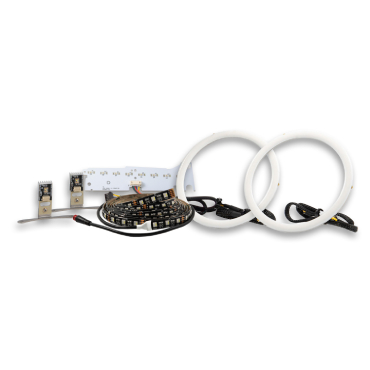

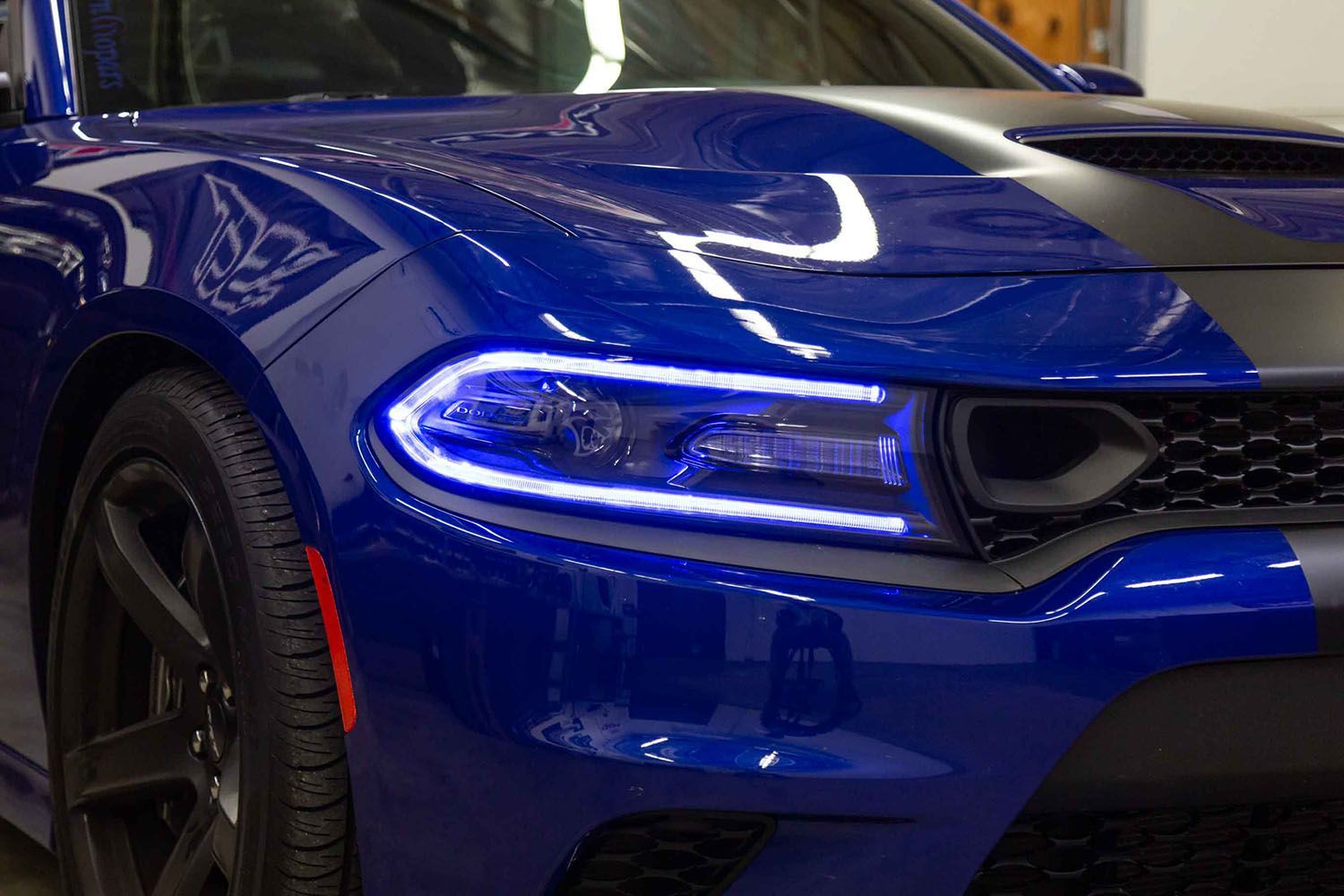
The Diode Dynamics Multicolor DRL LED Boards for the 2019–2021 Dodge Charger are a direct replacement for the factory LED panels inside the headlight, allowing you to add full RGBW or RGBWA color control while retaining a clean, OEM-style appearance.
This guide walks through the installation process for the Dodge Charger Multicolor DRL LED Boards, including removal of the factory boards, installation of the new Diode Dynamics boards, wiring, and final testing. Because this installation requires opening the headlights, professional installation is strongly recommended.
Please note: Headlights must be opened before proceeding with installation. Professional installation is strongly recommended. Please contact Diode Dynamics if you need assistance locating an installer.
Kit Options: This guide covers the RGBW kit (DD2282) and RGBWA kit (DD2302). The RGBWA kit adds dedicated amber turn signal LEDs. An RGBW controller is required for either kit and is sold separately. Use the wiring instructions below that match your kit.
Table of Contents
- Installation Video
- Installation Tools
- Installation Instructions
- Questions About the Installation?
- Where Can I Buy the Multicolor DRL LED Boards?
Installation Video
Installation Tools
- Torx T15 screwdriver
- Torx T20 screwdriver
- Basic hand tools for headlight removal
Time Required: Approximately 3–4 hours.
Installation Instructions
Step 1 - Access the factory DRL board
Remove the four T20 torx screws securing the black bezel inside the headlight. Carefully remove the bezel and set it aside.

Step 2 - Remove the factory LED board
Remove the two T20 torx screws holding the heatsink and black alignment bracket in place. Unclip the power connector from the factory LED board. Remove the two T15 screws securing the alignment bracket to the heatsink, then remove the final T20 screw holding the factory board in place.

Step 3 - Transfer the thermal pad
Carefully remove the thermal adhesion pad (sil-pad) from the back of the factory LED board and reattach it to the back of the new Diode Dynamics LED board.

Step 4 - Install the new DRL LED board
Using the alignment tabs, place the new Diode Dynamics LED board into position and secure it with the original T20 screw. Reinstall the black alignment bracket using the original T15 screws, taking care not to overtighten. Reinstall the heatsink using the original T20 screws.

Step 5 - Route wiring and reinstall bezel
Route the wiring out of the headlamp through the dust cap, sealing any holes you create. Reinstall the black bezel using the original T20 screws and reinstall the headlamp lens. Repeat Steps 1–5 for the opposite headlight.

Step 6 - Connect the LED boards to the driver and controller
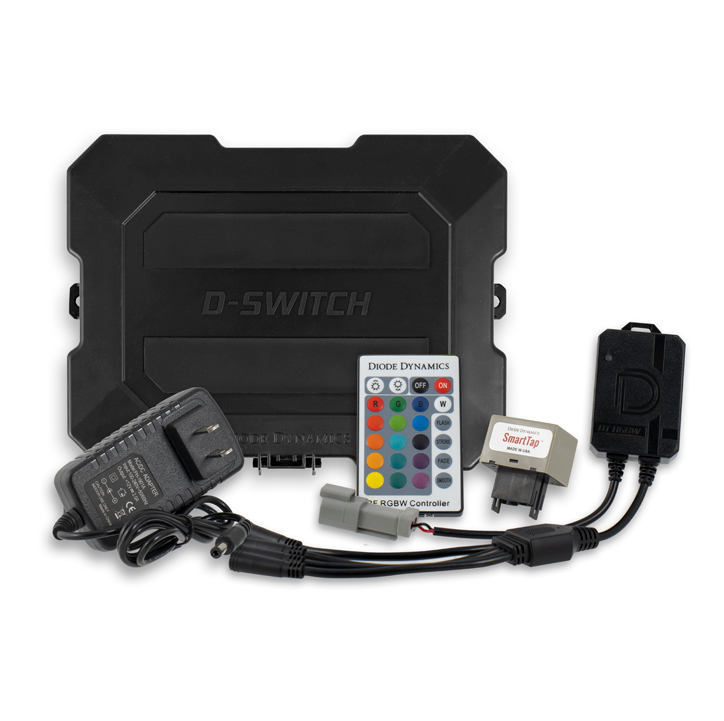
Connect each LED board to its matching supplied RGBW or RGBWA driver, then connect the drivers to a Diode Dynamics LED controller (sold separately). Do not connect the LED boards directly to the controller without the drivers.

Step 7 - Power and wiring connections
RGBW Kit (DD2282): Connect the controller to the included solid-state relay harness, then connect the relay harness to the battery input wire. Connect the battery input wire to the positive and negative battery terminals. Connect the two blue relay input wires to the factory DRL and parking light signals on one side of the vehicle, and connect the black ground wires as shown in the RGBW wiring chart below.
RGBW Kit Only: The following diagram and wire chart apply to DD2282.


RGBWA Kit (DD2302): This kit does not use a solid-state relay harness. Connect the RGBW controller to the battery input harness, then connect the harness to the positive and negative battery terminals. Connect the driver input wires to the corresponding factory wires on each side using the table below.
| Diode Dynamics Wire | Function | Driver-Side Factory Wire | Passenger-Side Factory Wire |
|---|---|---|---|
| Yellow | Turn signal | White/Green | White/Beige |
| White | Parking | White/Brown | White/Orange |
| Red | DRL | White/Yellow | White/Dark Blue |
| Black | Ground | Black | Black |
Step 8 - Mount components and test
Mount the drivers and controller outside of the headlight housing for serviceability, in a location away from the engine block to avoid excessive heat buildup. Secure the relay harness on the RGBW kit and tuck all wiring clear of hot or moving parts. Test color control and all connected factory lighting functions. For the RGBWA kit, verify that each turn signal activates the amber LEDs and that the boards return to the selected DRL color afterward. Once testing is complete, reseal the headlights and reinstall them on the vehicle.
The installation is now complete. Enjoy your new Multicolor DRL LED Boards!
Questions About the Installation?
If you have any questions about installing the Diode Dynamics Multicolor DRL LED Boards for 2019–2021 Dodge Charger, contact us via our support page.
Where Can I Buy the Multicolor DRL LED Boards for 2019–2021 Dodge Charger?
If you're ready to upgrade your 2019–2021 Dodge Charger with Multicolor DRL LED Boards, visit DiodeDynamics.com or use our Dealer Locator to find a dealer near you.
Want to know more about Diode Dynamics products? Visit DiodeDynamics.com and subscribe to our newsletter for new product releases and more!
This Installation Guide is for the following SKUs: DD2282, DD2302
Share This Post