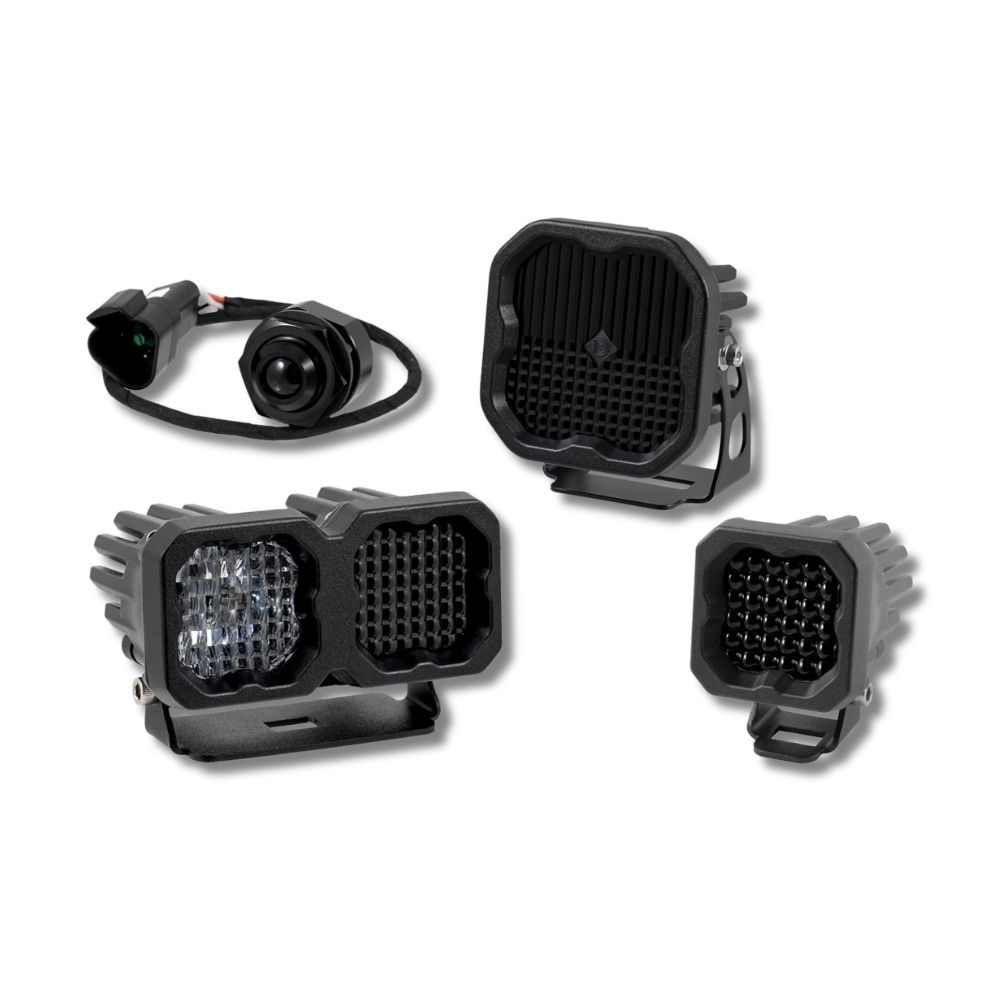


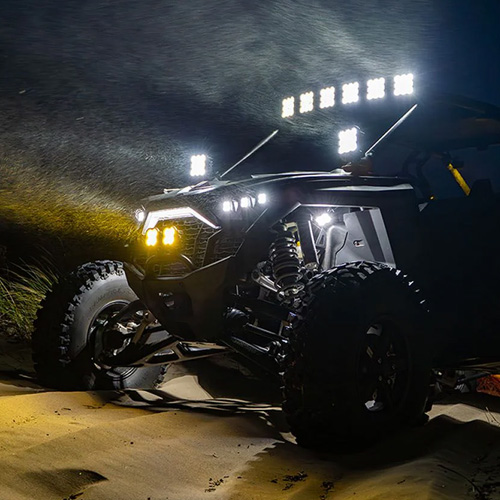
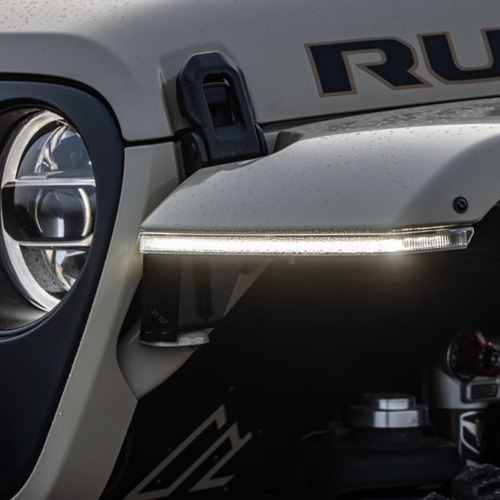

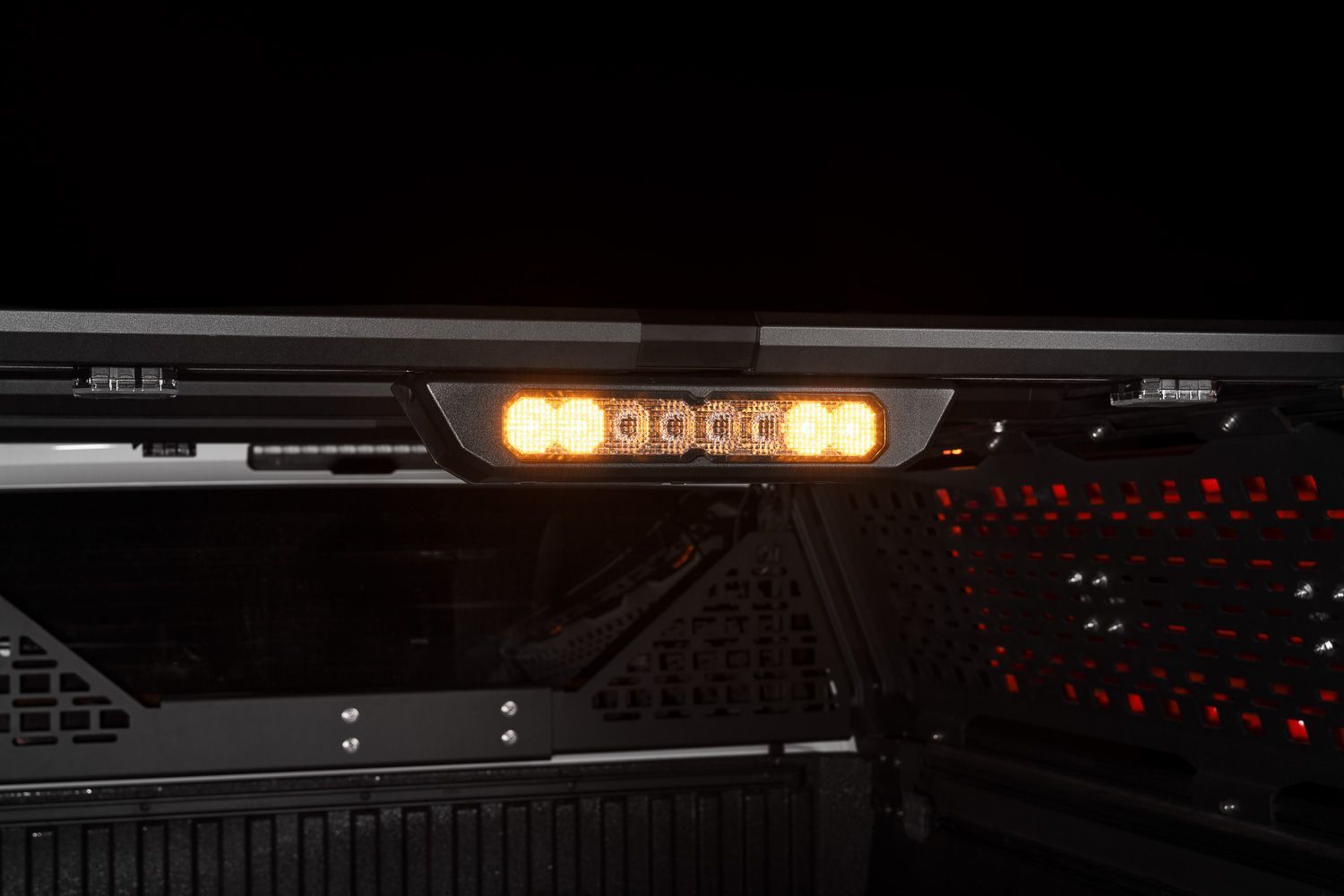
The Diode Dynamics Kuat IBEX Bed Rack with SS10 Chase Light Kit adds a powerful and integrated rear-facing lighting solution to the Kuat IBEX bed rack, providing enhanced visibility for brake, reverse, and chase light functions. This installation guide will provide you with detailed instructions on how to install the Diode Dynamics Kuat IBEX Bed Rack with SS10 Chase Light Kit. Continue reading for step-by-step instructions below!
Table of Contents
- Kuat IBEX Bed Rack Installation
- Kuat IBEX Bed Light Kit Installation
- SS10 Chase Light Installation
- Wiring and Setup
- Chase Light Programming
- Questions About the Installation?
- Where Can I Buy the Diode Dynamics Kuat IBEX Bed Rack with SS10 Chase Light Kit?
Kuat IBEX Bed Rack Installation
Before installing the lighting components, the Kuat IBEX bed rack must be fully assembled and mounted to your vehicle.
Please follow Kuat’s official installation guide for the IBEX bed rack: Kuat IBEX Bed Rack Installation Guide (PDF)
Once the bed rack is securely installed, return here to continue with the lighting installation.
Kuat IBEX Bed Light Kit Installation
This product is offered as a complete lighting bundle for the Kuat IBEX bed rack, which includes the SS10 Chase Light Kit covered in this guide as well as a dedicated bed lighting kit.
Installation instructions for the bed lights are provided in a separate guide: How to Install Stage Series LED Bed Light Kit for Kuat IBEX Bed Rack.
SS10 Chase Light Installation
Installation Tools
- 6mm Allen key
Step 1 — Install T-Slot Nuts
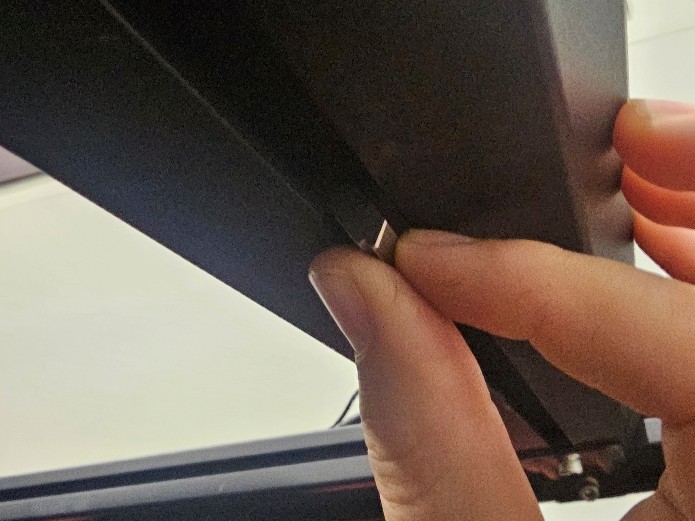
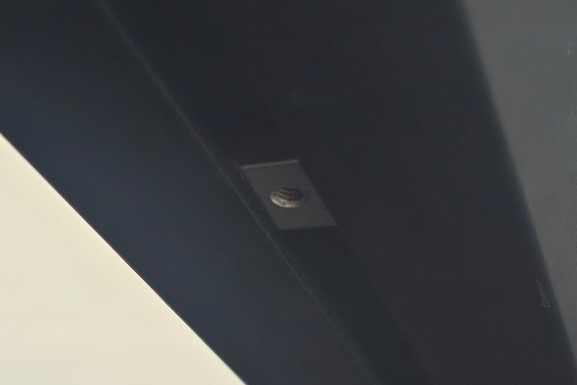
Angle and insert two T-slot nuts into the underside channel of the rearmost IBEX crossbar. Slide them into position where the chase light will be mounted.
Step 2 — Attach the Chase Light Housing
Install a mounting bolt on each side of the plastic chase light housing. Ensure the internal forked mounting pieces are fully engaged before positioning the assembly onto the crossbar.
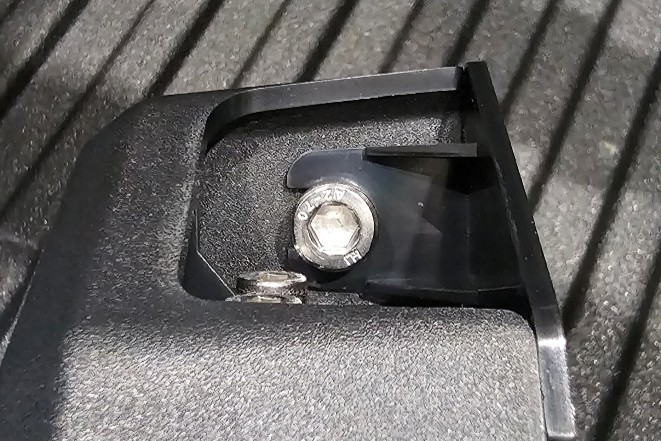
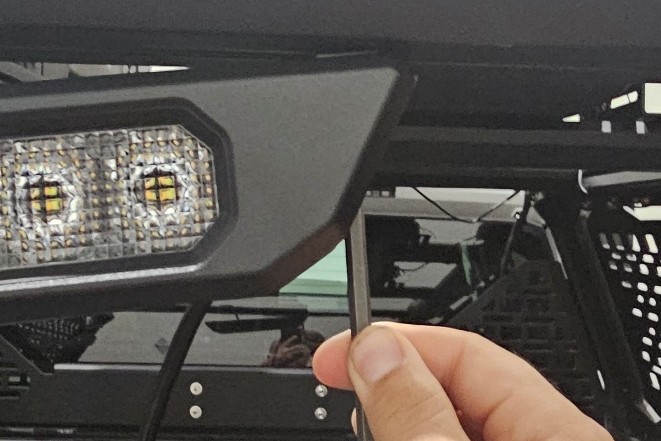
Step 3 — Center and Secure the Light
Center the chase light assembly on the crossbar, then tighten the mounting bolts evenly using a 6mm Allen key. Tighten to approximately 35 in-lbs. For best results, squeeze the housing pieces together while tightening.
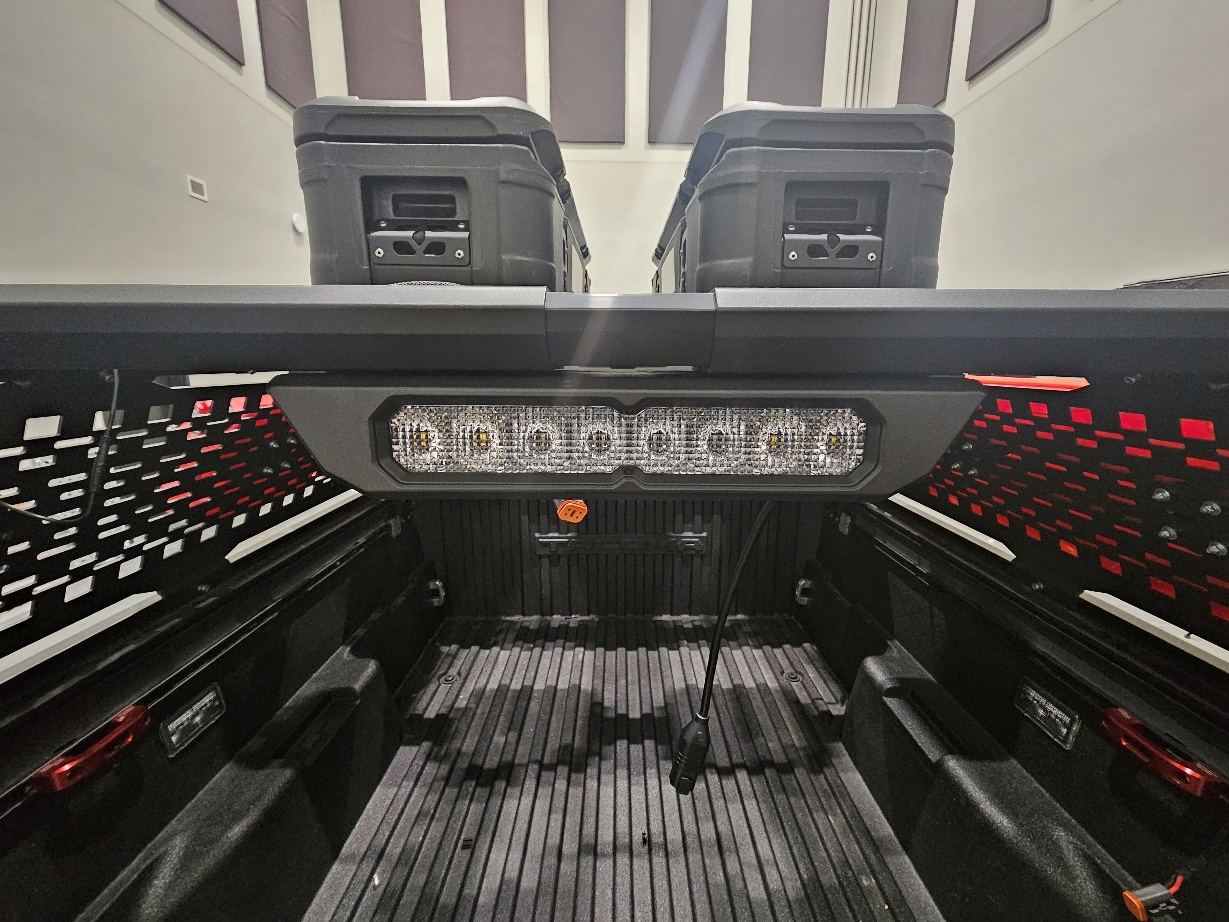
Wiring and Setup
Step 4 — Prepare Included Wiring Accessories
The kit includes a 3-meter extension harness, wire management strips, and a 4-wire pigtail. Lay these components out and determine the best routing path for your vehicle.
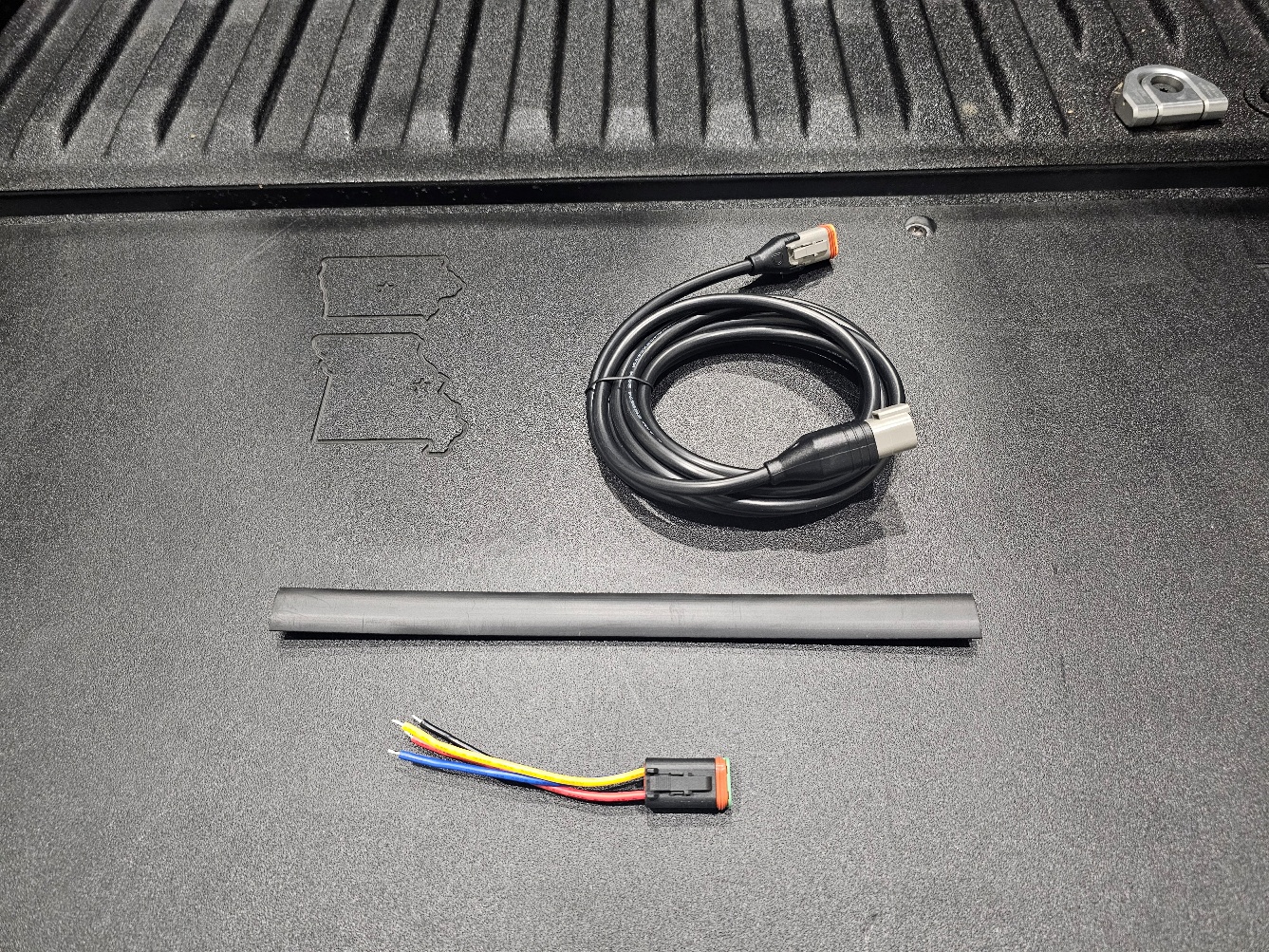
Step 5 — Route the Extension Harness
Use the 3-meter extension to route the wiring down into the truck bed cavity or tail light pocket, depending on your preferred connection point.
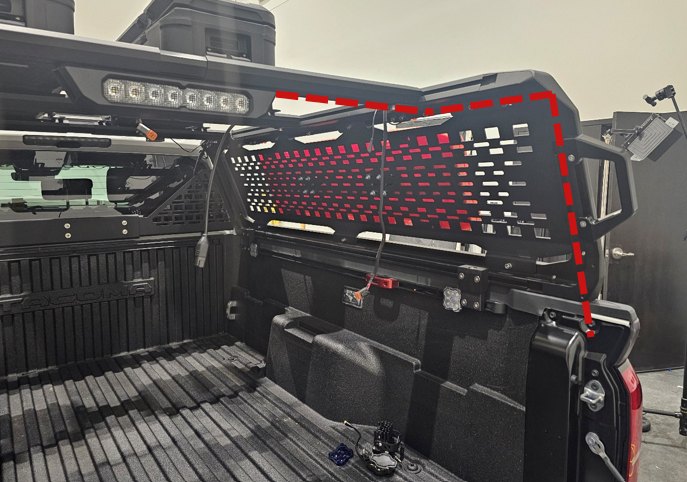
Step 6 — Secure Wiring in the Crossbar
Cut the wire management strip into smaller sections as needed and wedge them into the T-slot channel to hold the wiring securely in place along the crossbar.
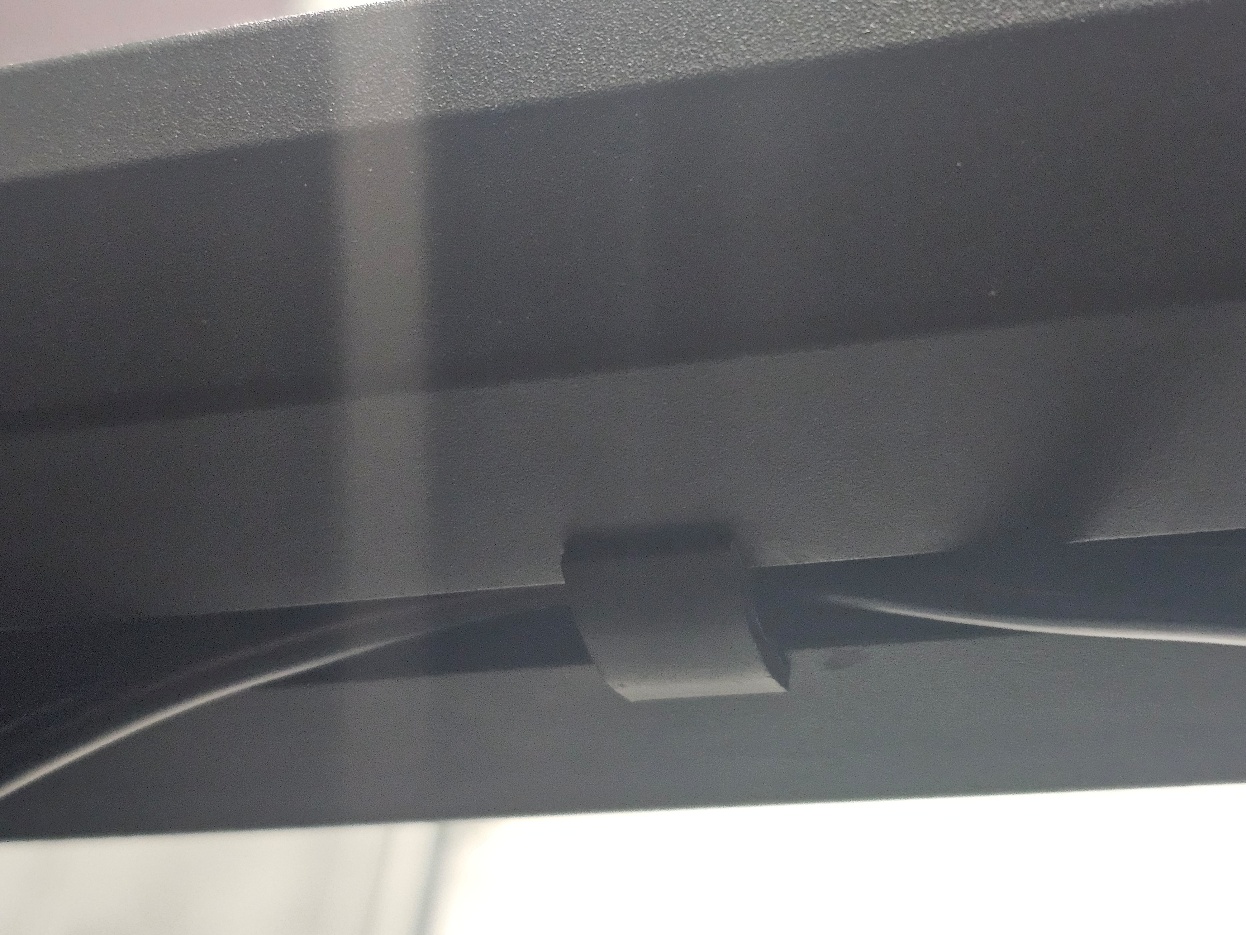
Step 7 — Connect Vehicle Wiring
Connect the wiring as follows: red wire to brake light signal, black wire to ground, blue wire to reverse light signal, and yellow wire to a switched power source for chase light operation. Wiring connectors such as T-taps or crimps are not included.

Chase Light Programming
Step 8 — Program Light Functions
To change a lighting pattern, apply 12V power to the desired function. Locate the Diode Dynamics logo on the housing and quickly tap the optic below the logo using the included magnet tool. Each tap cycles to the next available pattern.
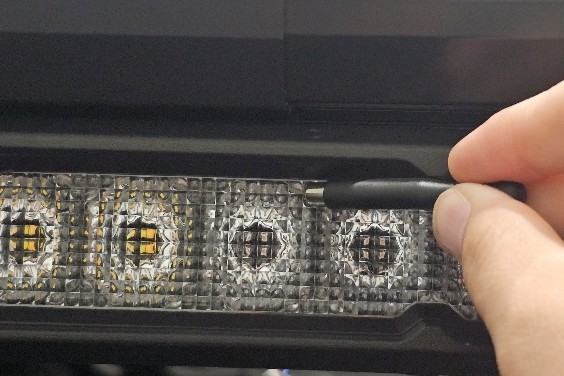
Step 9 — Reset to Default Settings
To reset all functions to their default patterns, apply 12V power to all inputs simultaneously and hold the magnet tool to the optic for five seconds. The light will flash to confirm the reset.
The installation is now complete. Enjoy your new Diode Dynamics Kuat IBEX Bed Rack with SS10 Chase Light Kit!
Questions About the Installation?
If you have any questions about installing the Diode Dynamics Kuat IBEX Bed Rack with SS10 Chase Light Kit, contact us via our support page.
Where Can I Buy the Diode Dynamics Kuat IBEX Bed Rack with SS10 Chase Light Kit?
If you're ready to upgrade your truck with the Diode Dynamics Kuat IBEX Bed Rack with SS10 Chase Light Kit, visit DiodeDynamics.com or use our Dealer Locator to find a dealer near you.
Want to know more about Diode Dynamics products? Visit DiodeDynamics.com and subscribe to our newsletter for new product releases and more!
This Installation Guide is for the following SKU: DD8724, DD8725, DD8726, DD8727, DD8728, DD8729, DD8730
Share This Post