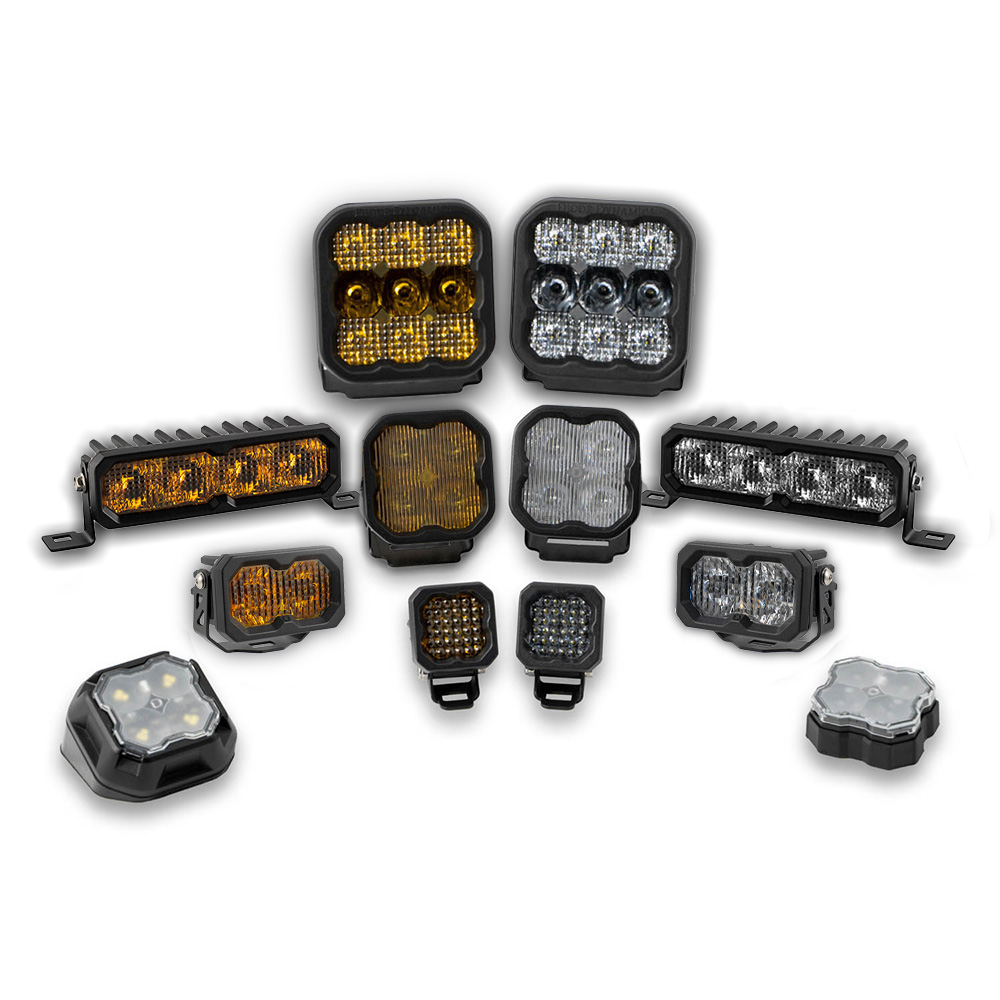
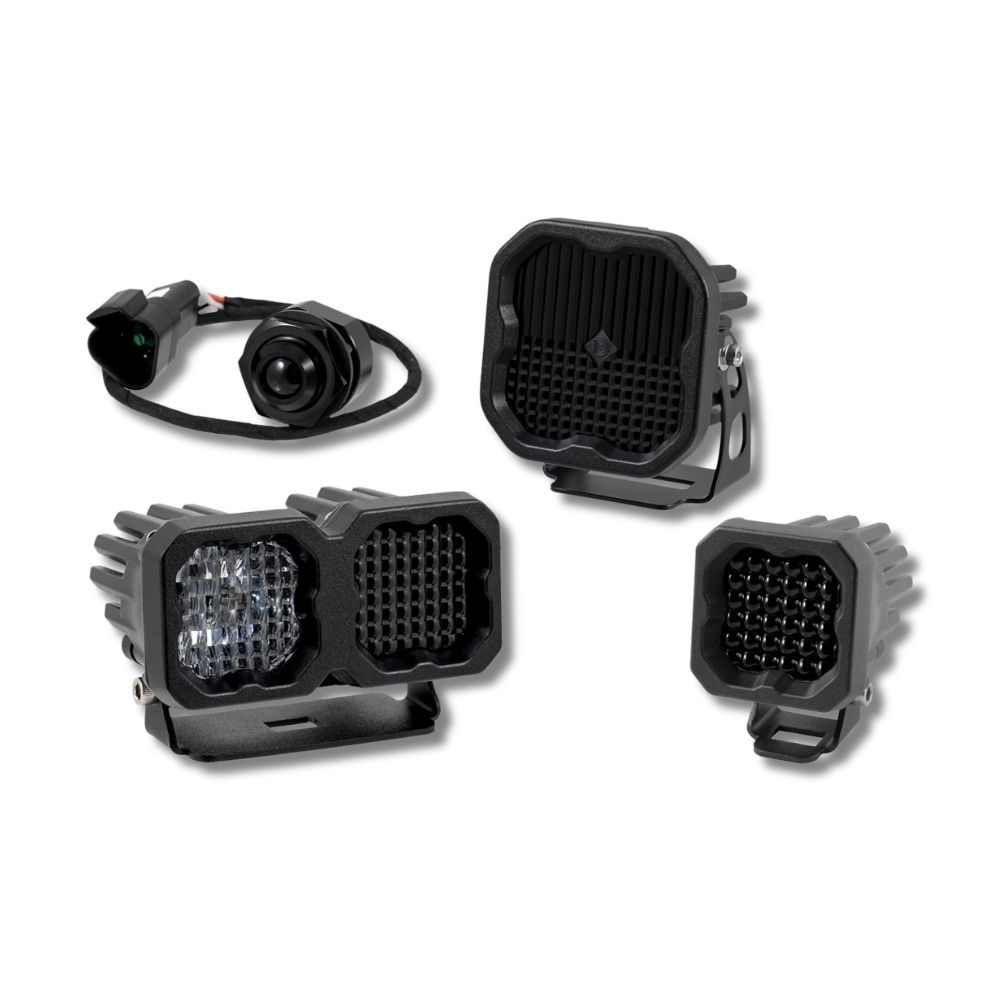


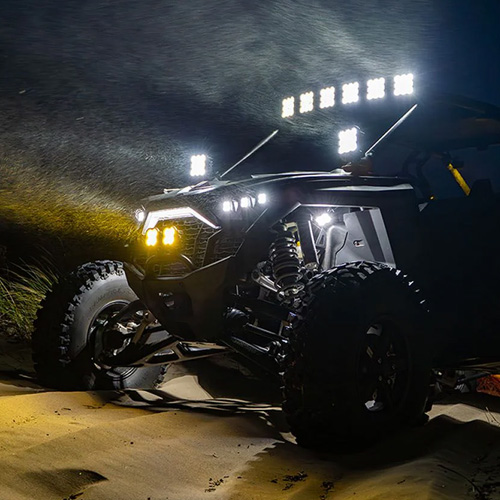
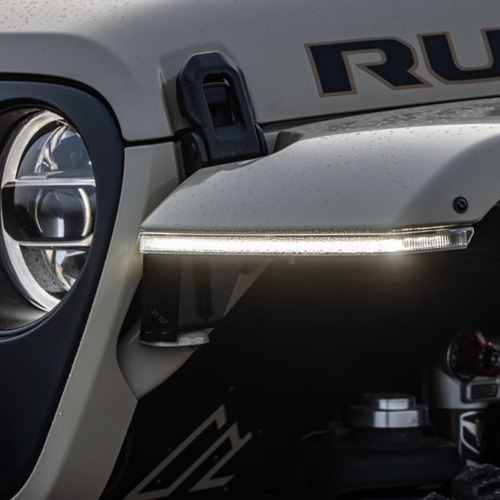

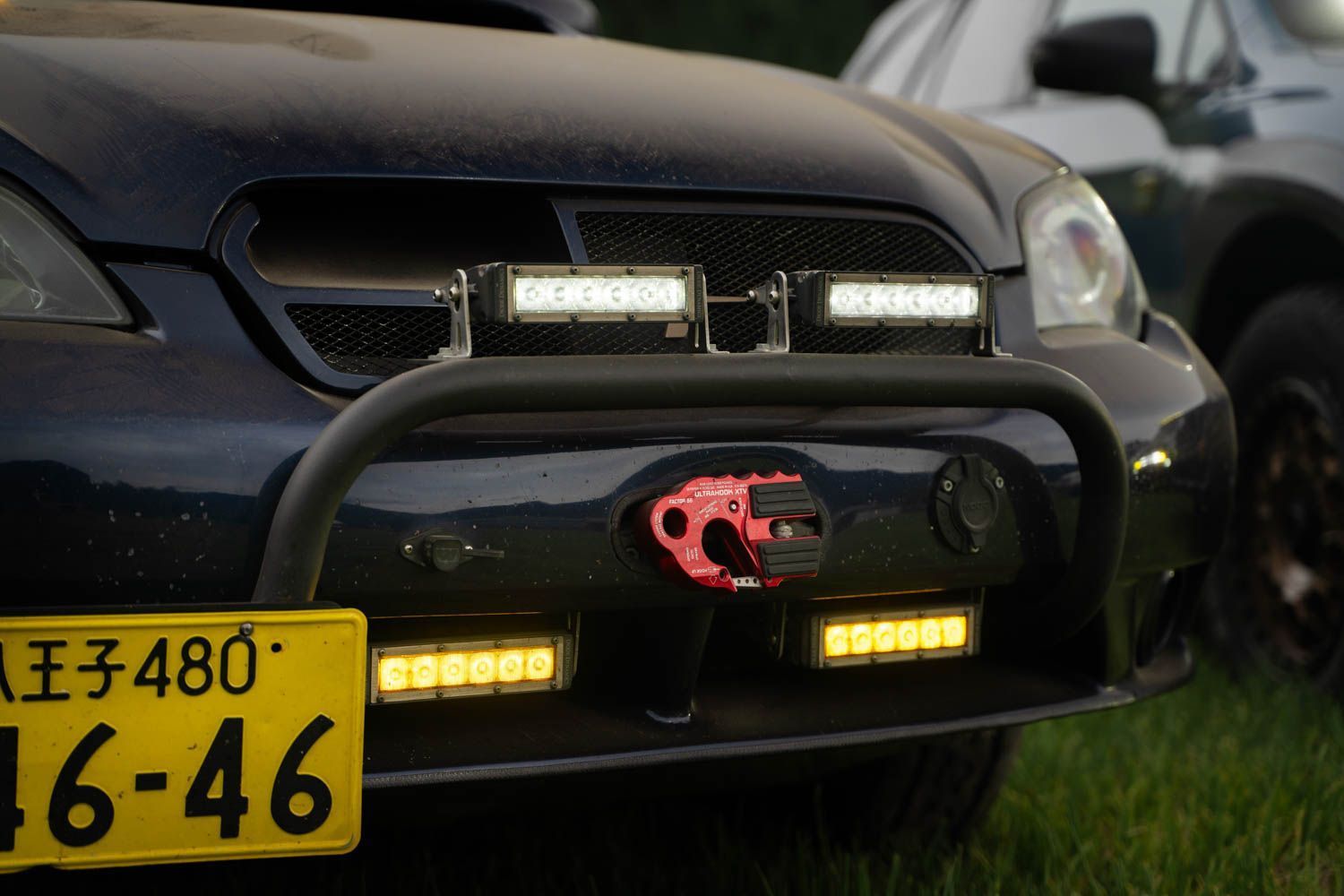
Diode Dynamics Stage Series LED Light Bars are engineered for high-performance off-road and auxiliary lighting applications. Featuring advanced TIR optics, durable aluminum construction, and a slim mounting profile, these light bars deliver powerful, controlled output in a wide range of driving conditions.
This guide provides a general overview of mounting and wiring Diode Dynamics Stage Series LED Light Bars. While this guide references a 6-inch Stage Series light bar, the same principles apply across the Stage Series lineup.
Table of Contents
- Installation Tools
- Installation Instructions
- Questions About the Installation?
- Where Can I Buy Stage Series LED Light Bars?
Installation Tools
- Basic hand tools (wrenches, sockets, or Allen keys depending on mounting method)
- 16 AWG or larger wiring (if not using a Diode Dynamics wiring harness)
- Optional Diode Dynamics wiring harness and switch
Time Required: Approximately 30–60 minutes per light bar.
Installation Instructions
Step 1 – Determine mounting location
Choose a suitable mounting location for your Stage Series LED Light Bar. These lights are compatible with many standard mounting brackets and can also be mounted using the included hardware. Reference the product dimensions to ensure proper clearance and fitment.
Step 2 – Install mounting brackets
Using the included mounting hardware, attach the brackets to the light bar. Leave the hardware slightly loose so the light can be adjusted after final installation.

Step 3 – Secure the light bar
Mount the light bar to the vehicle using the selected mounting points. Once properly positioned, tighten all mounting hardware securely.
Step 4 – Wire the light bar
Connect the red wire to a positive power source and the black wire to a negative or common ground. Because Stage Series LED Light Bars draw high current, ensure that adequately sized wiring is used. If you are not using a Diode Dynamics wiring harness, 16 AWG wire or larger is recommended.
If using a Diode Dynamics wiring harness on a 24V system, the relay must be replaced with a 24V-rated relay.
Step 5 – Aim and test the light
Power on the light bar to verify proper operation. Adjust the beam angle as needed, then fully tighten all mounting hardware once the desired aim is achieved.

Questions About the Installation?
If you have any questions about installing Diode Dynamics Stage Series LED Light Bars, contact us via our support page.
Where Can I Buy Diode Dynamics Stage Series LED Light Bars?
To browse all available Stage Series LED Light Bar options—including different sizes, beam patterns, and output colors—visit our Stage Series LED Light Bars page on DiodeDynamics.com.
You can also use our Dealer Locator to find a Diode Dynamics dealer near you.
Want to know more about Diode Dynamics products? Visit DiodeDynamics.com and subscribe to our newsletter for new product releases and more!
This Installation Guide applies broadly to the following SKUs: DD5014S, DD5014P, DD5022S, DD5022P, DD5036S, DD5044S, DD5044P
Share This Post