


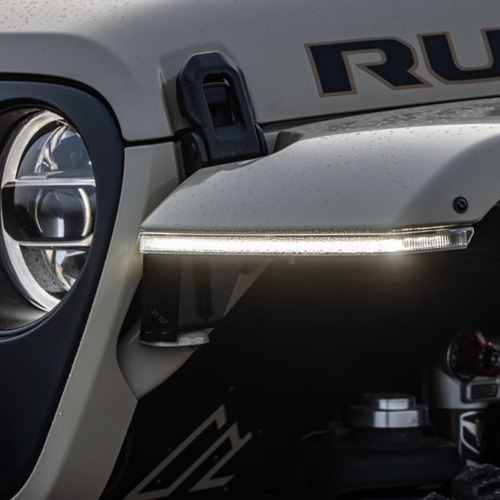

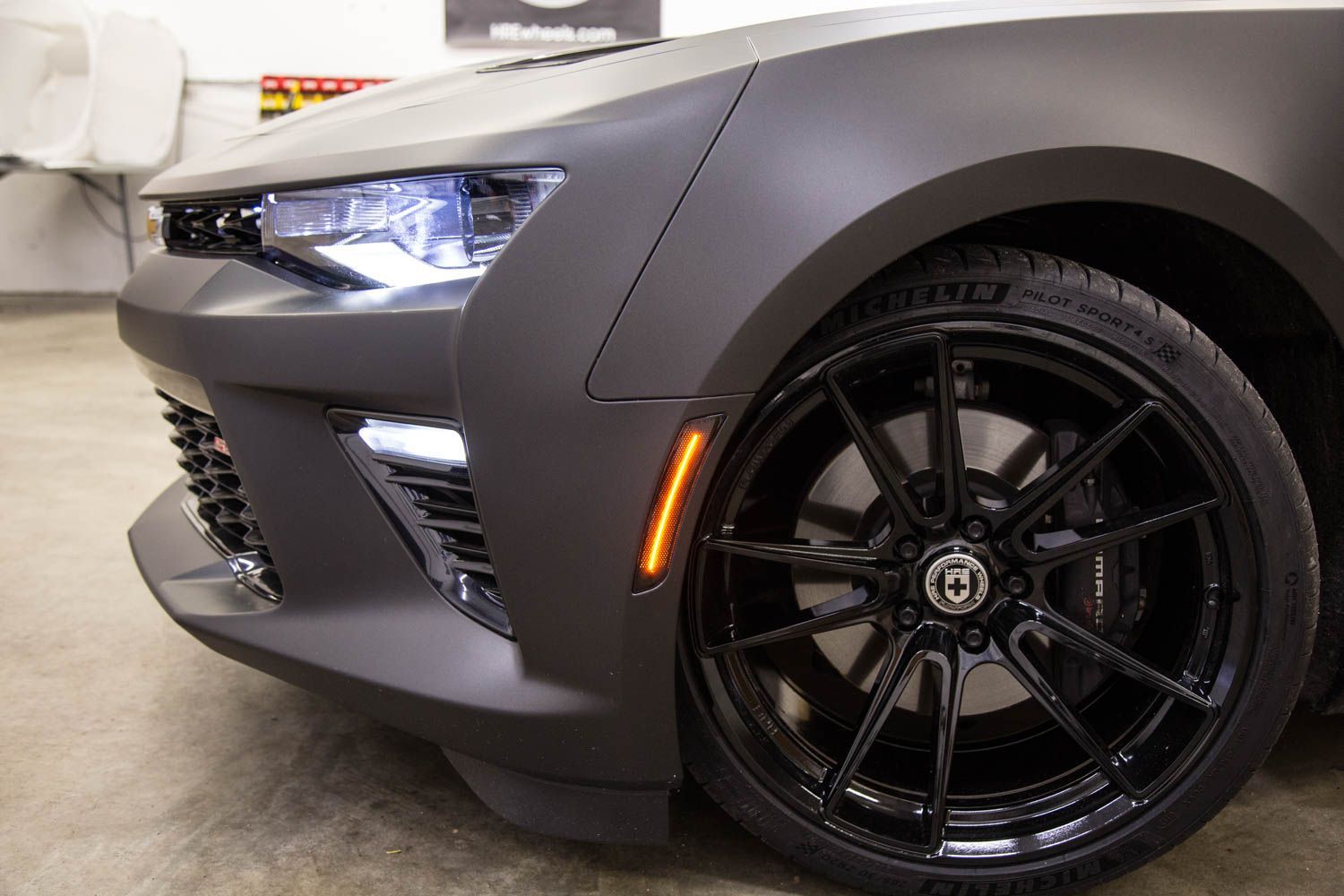
Diode Dynamics LED Sidemarkers for the 2016–2024 Chevrolet Camaro are a direct, plug-and-play replacement for the factory sidemarker lights. Designed to provide a brighter, more modern appearance, these LED sidemarkers install cleanly with no permanent vehicle modifications.
This guide walks through the installation process for both the front (amber) and rear (red) LED sidemarkers on the 2016–2024 Chevrolet Camaro.
Table of Contents
- Installation Video
- Installation Tools
- Installation Instructions
- Questions About the Installation?
- Where Can I Buy LED Sidemarkers?
Installation Video
Installation Tools
- T15 Torx bit
Time Required: Approximately 30–45 minutes.
Installation Instructions
Front and Rear Sidemarker Installation
Step 1 – Access the sidemarker
Using a T15 Torx bit, remove the fastener located in the fender liner inside the wheel well. Pull back the fender liner to gain access to the sidemarker.

Step 2 – Remove the factory sidemarker
Depress the clip on the bottom side of the sidemarker and push it outward. Then depress the clip on the top side to fully release the sidemarker from the bumper.

Step 3 – Remove the factory bulb socket
Remove the sidemarker from the vehicle, then twist the factory bulb socket counterclockwise to remove it from the factory sidemarker. Once removed, disconnect the bulb socket from the factory sidemarker by releasing the retaining tabs. The factory bulb and socket will not be reused.
Step 4 – Install the new LED sidemarker
Transfer the factory bulb socket housing to the new Diode Dynamics LED sidemarker by inserting it into the opening on the back of the sidemarker and twisting it clockwise until it locks into place. Reconnect the factory wiring harness to the socket, then test the sidemarker for proper operation before reinstalling it on the vehicle.
Step 5 – Reinstall the sidemarker
After transferring the factory socket housing to the new sidemarker and reconnecting the factory wiring harness, test the sidemarker to verify proper operation. Once confirmed, align the sidemarker with the bumper opening and press it firmly into place until it clips securely into position.

Step 6 – Reinstall hardware
Reinstall the fastener in the fender liner. Repeat Steps 1–6 for all four sidemarker locations.

Note: The sidemarkers are marked with red and yellow stickers to indicate rear (red) and front (amber) locations. Be sure to install each sidemarker in the correct position.
Questions About the Installation?
If you have any questions about installing the Diode Dynamics LED Sidemarkers for 2016–2024 Chevrolet Camaro, contact us via our support page.
Where Can I Buy LED Sidemarkers for 2016–2024 Chevrolet Camaro?
If you're ready to upgrade your 2016–2024 Chevrolet Camaro with Diode Dynamics LED Sidemarkers, visit DiodeDynamics.com or use our Dealer Locator to find a dealer near you.
Want to know more about Diode Dynamics products? Visit DiodeDynamics.com and subscribe to our newsletter for new product releases and more!
This Installation Guide is for the following SKUs: DD5061, DD5062, DD5063
Share This Post