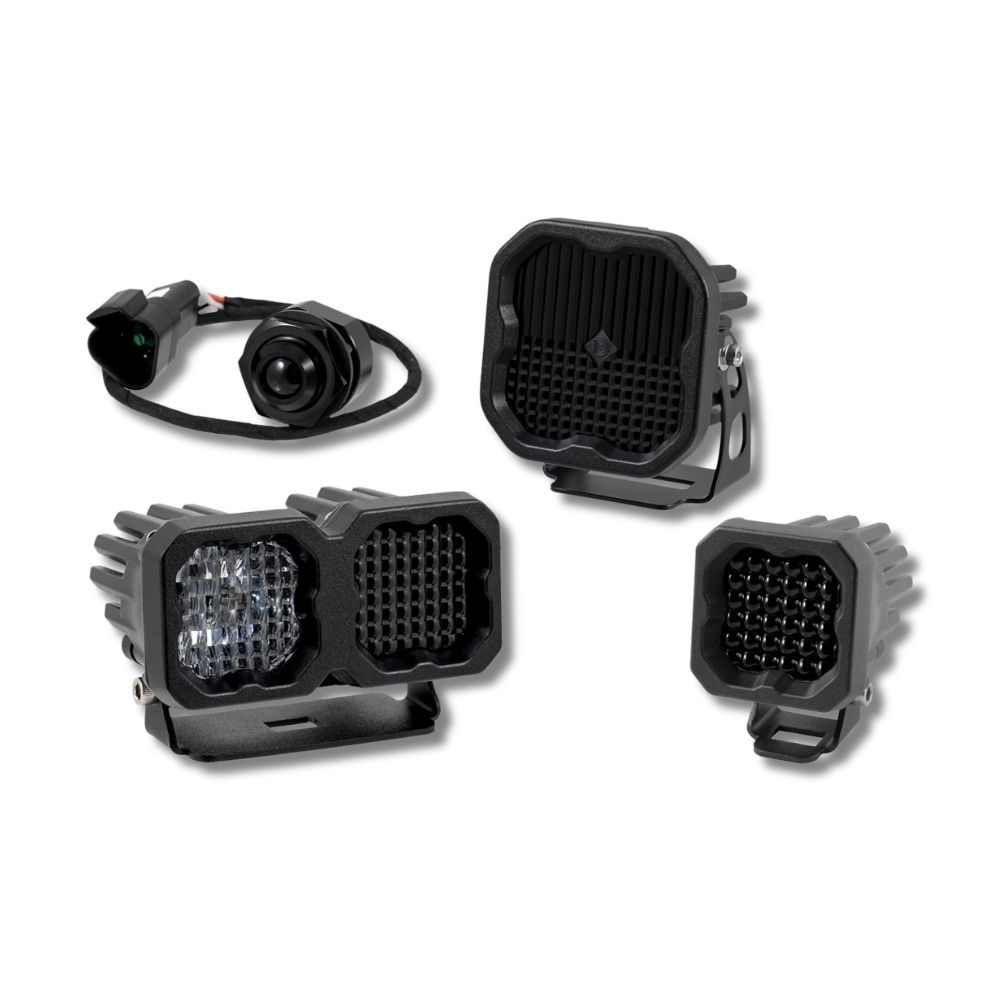
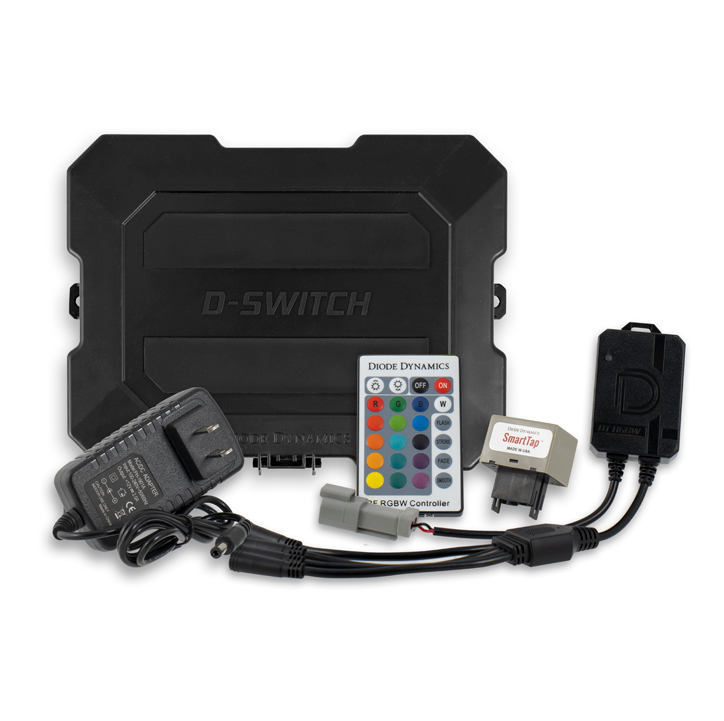




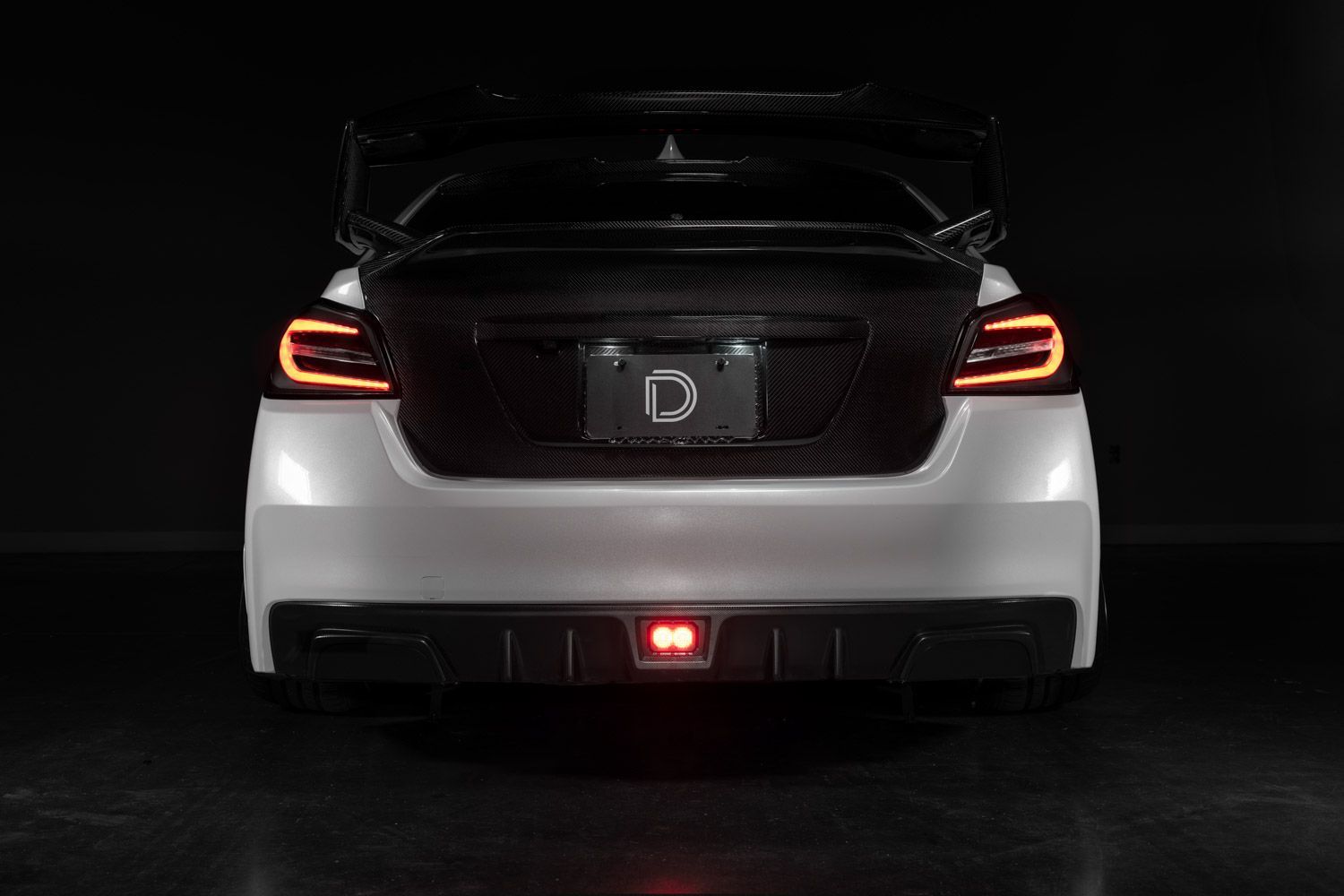
The 2015-2021 Subaru WRX/STi 4th Brake Light Kit adds a high-output LED brake and reverse light for increased visibility and a clean OEM-style appearance. This installation guide will provide you with detailed instructions on how to install the 2015-2021 Subaru WRX/STi 4th Brake Light Kit. Continue reading for step-by-step instructions below!
Table of Contents
- Installation Tools
- Installation Instructions
- Questions About the Installation?
- Where Can I Buy This Product?
Installation Tools
- 8mm socket
- Plastic trim removal tool
- Razor blade or utility knife
Installation Instructions
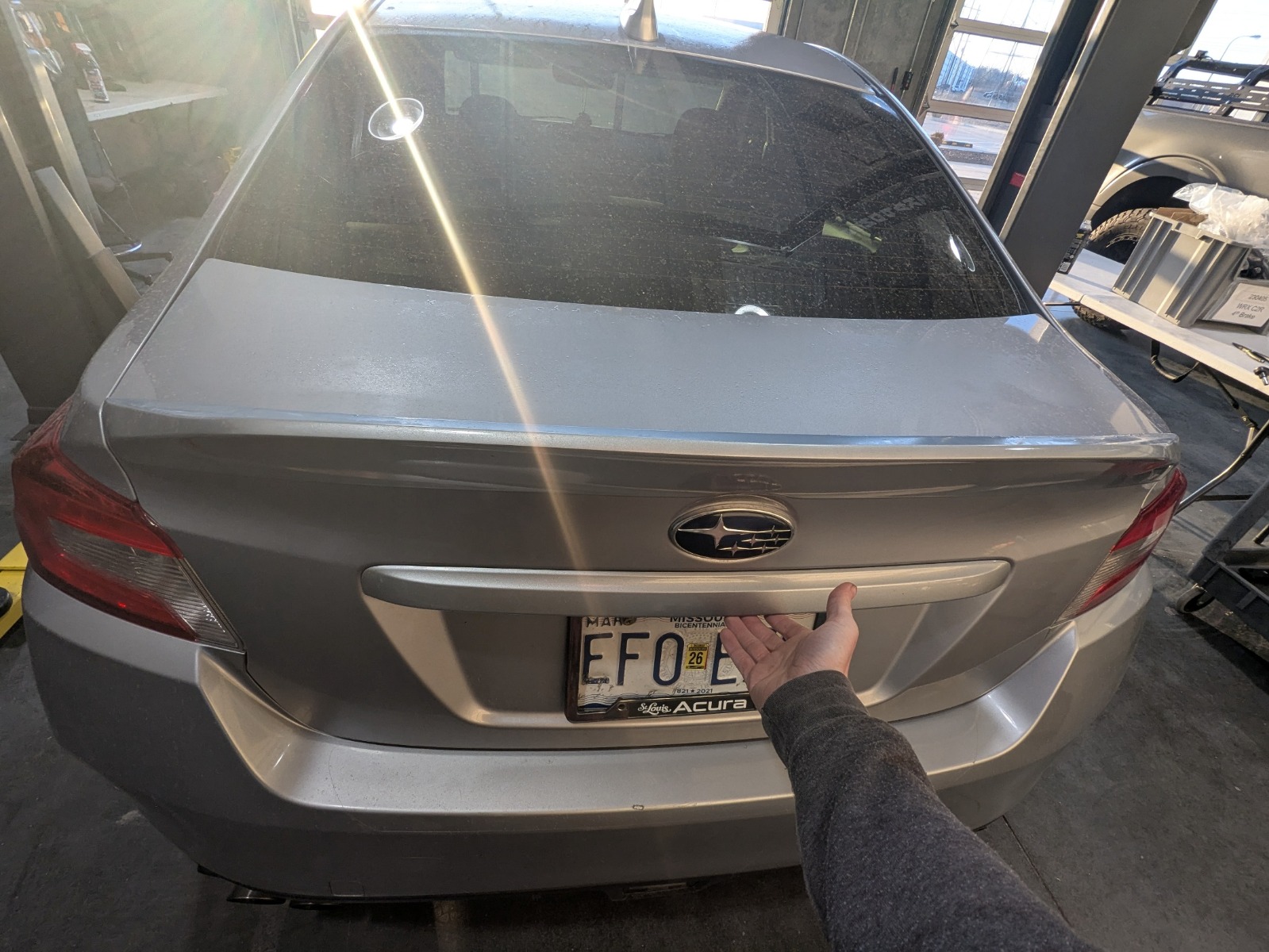
Step 1 — Open the Trunk and Remove Center Trim Clips
Open the trunk and remove the three plastic clips securing the center plastic trunk trim panel.
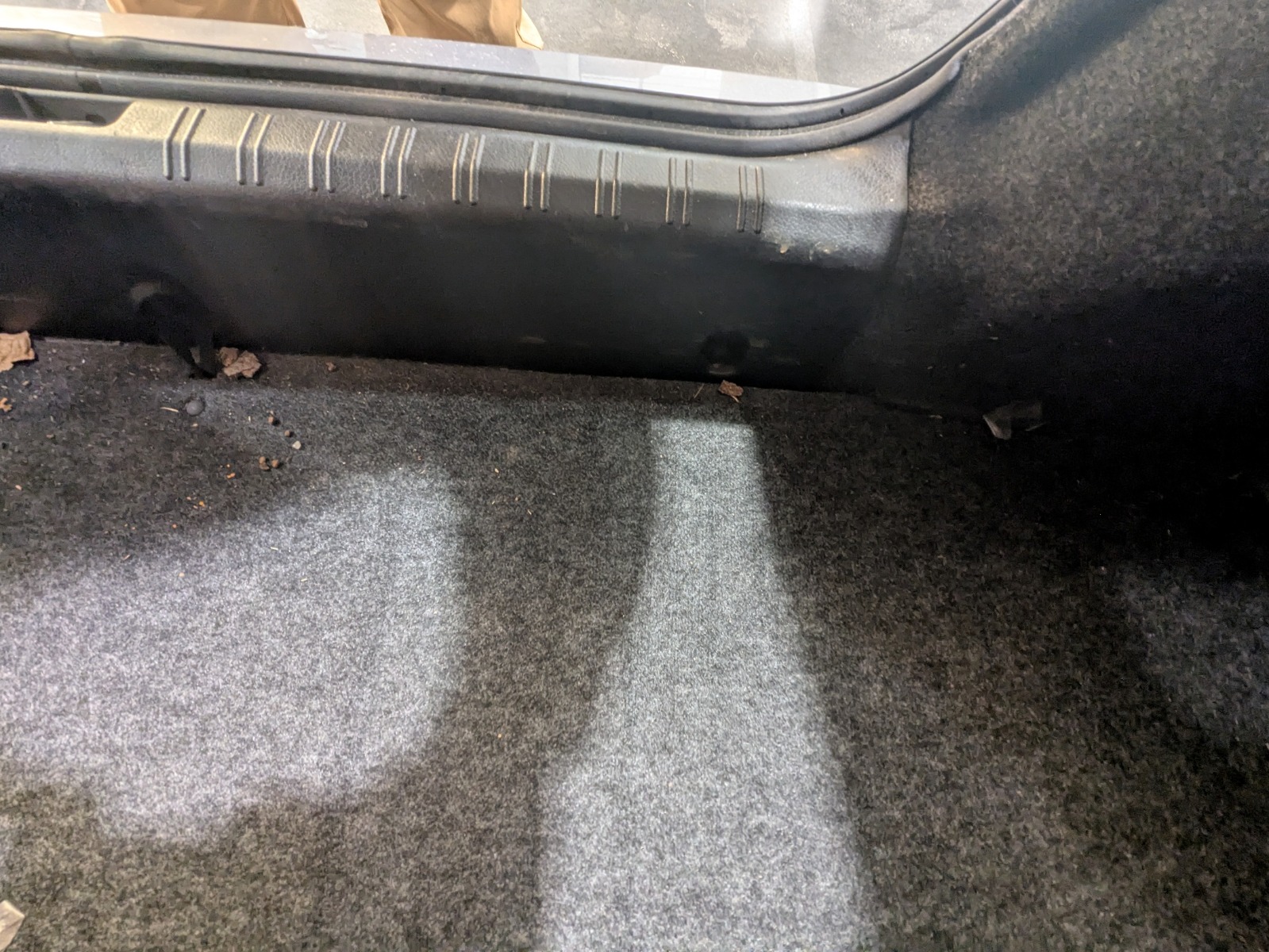
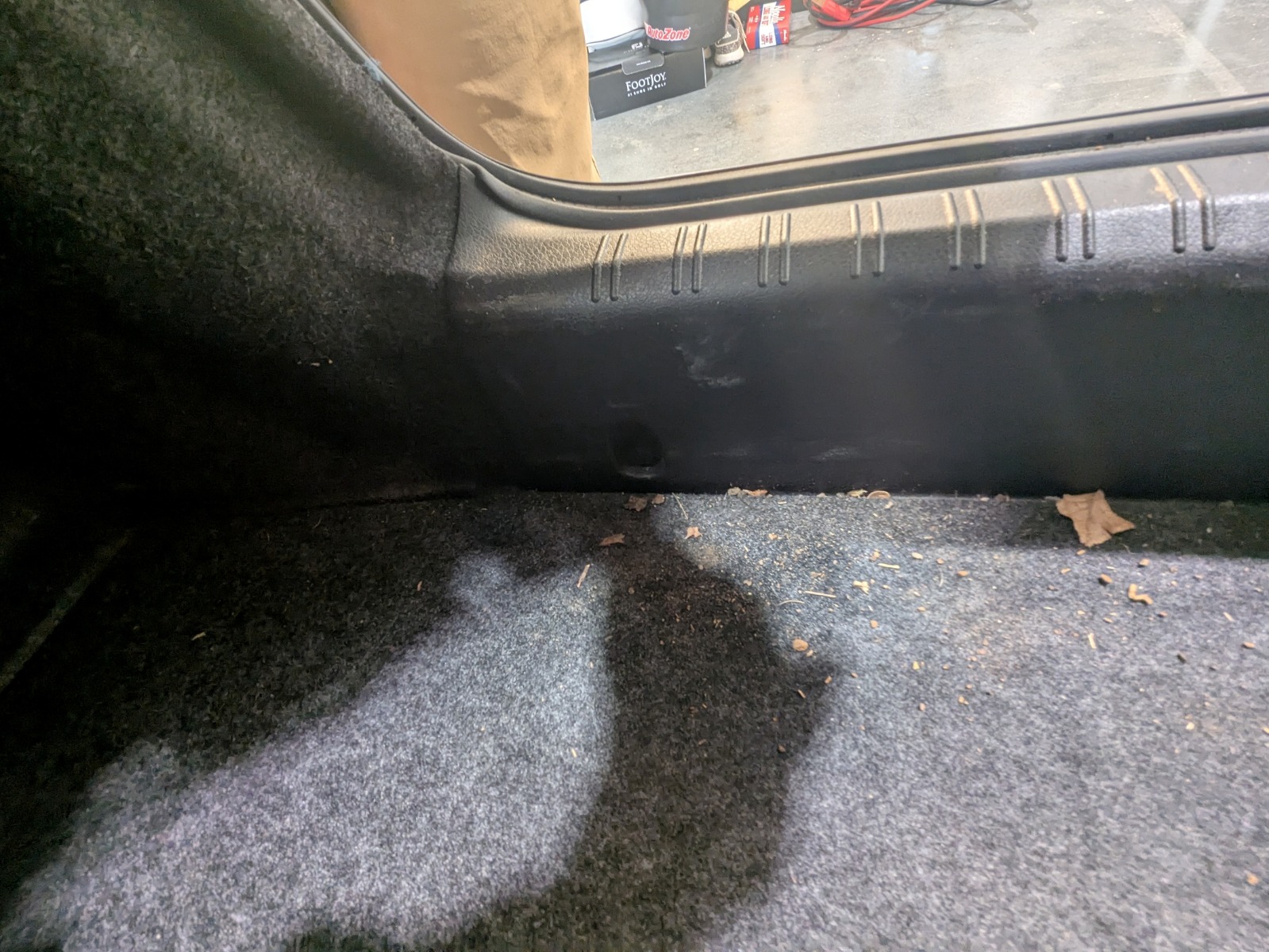
Step 2 — Remove Trunk Floor and Tool Holder
Lift out the trunk floor panel and remove the foam tool holder underneath.
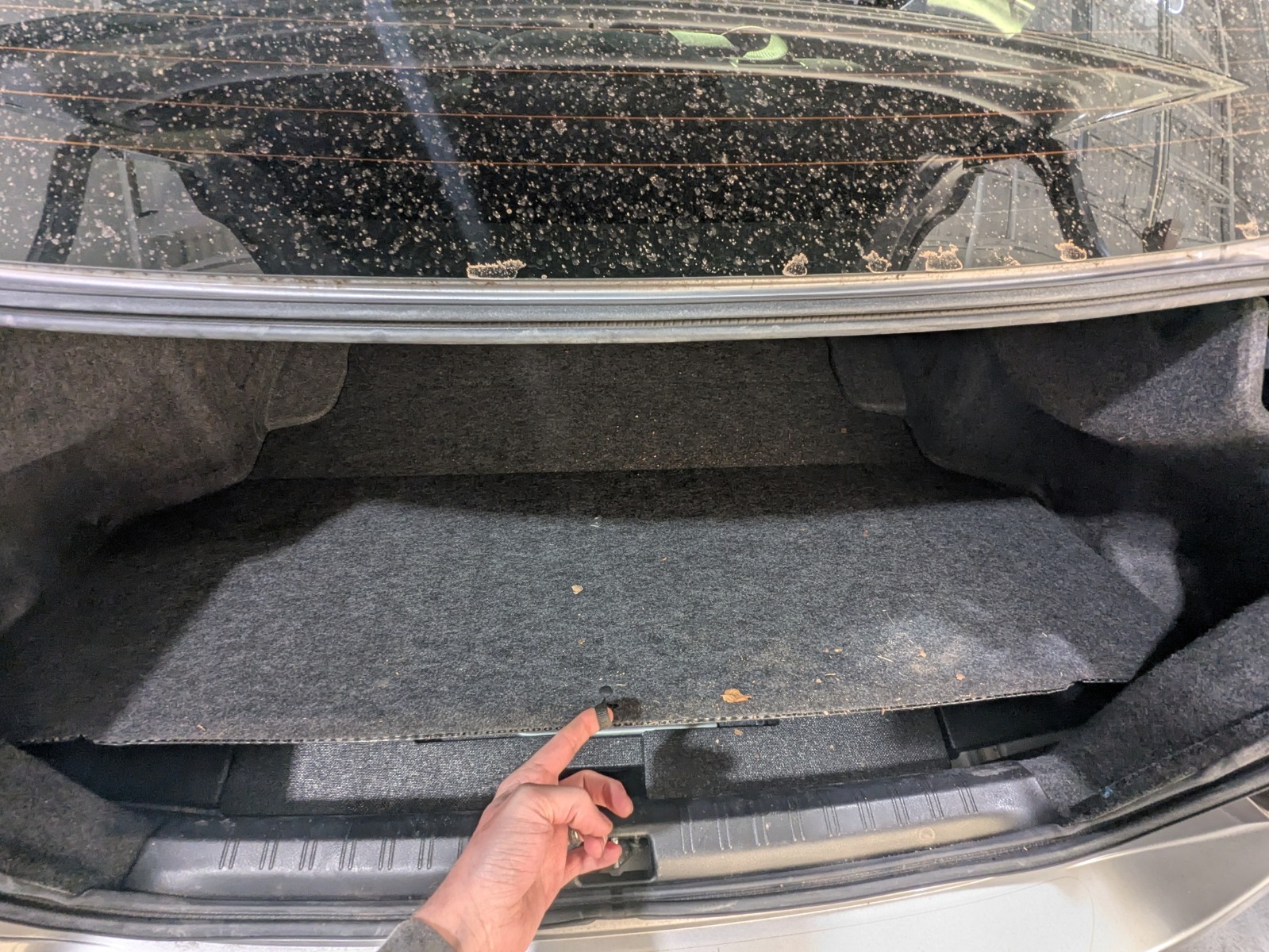
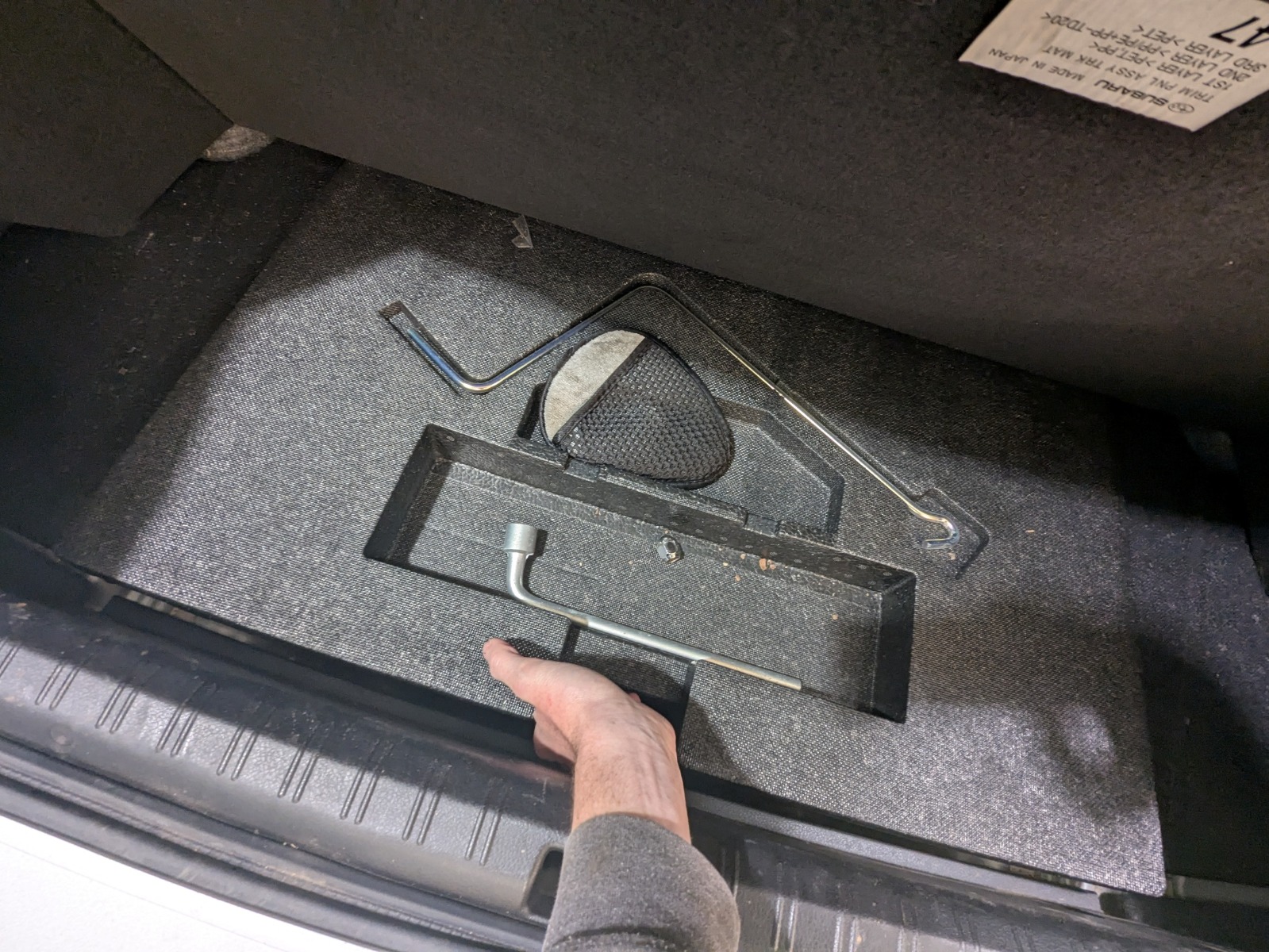
Step 3 — Remove Center Plastic Trim Panel
Pull upward on the center plastic trim piece to release it from the trunk.
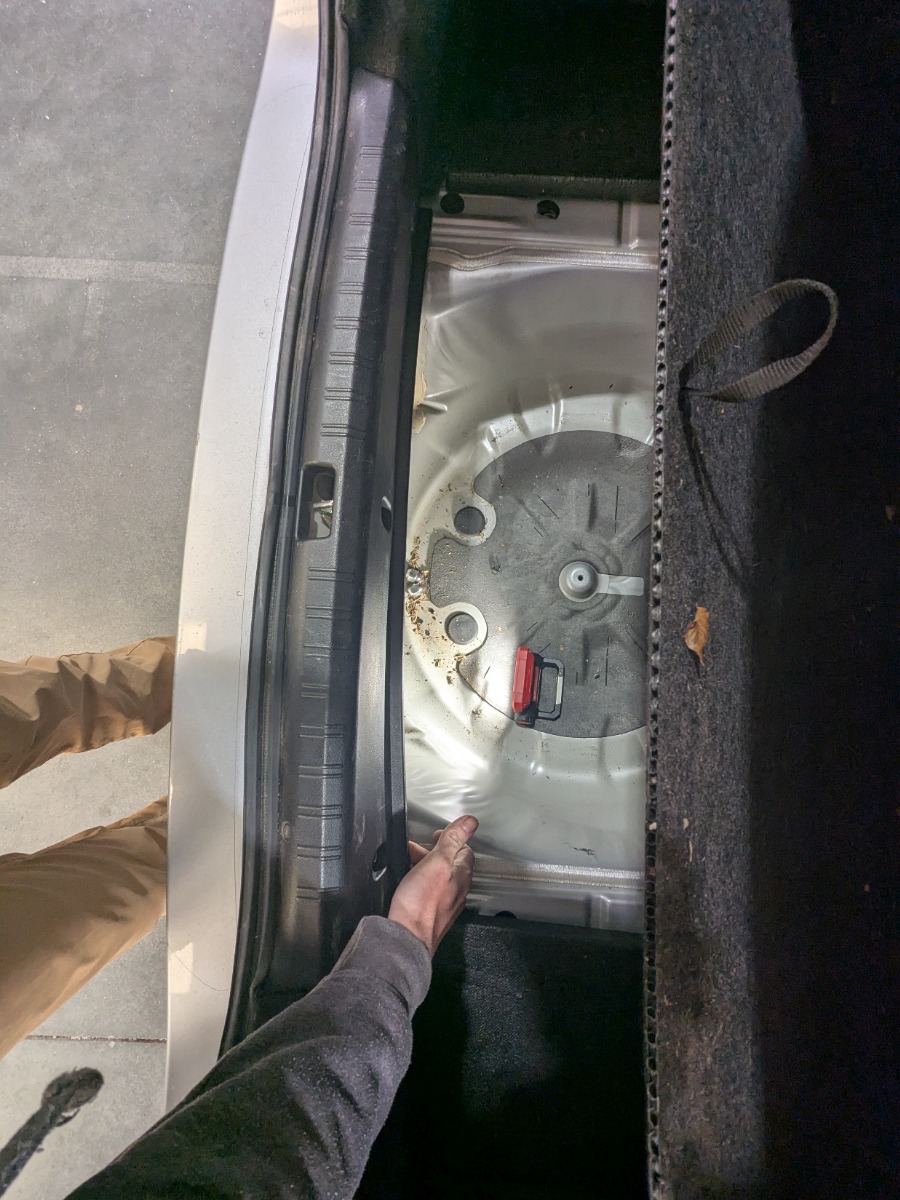
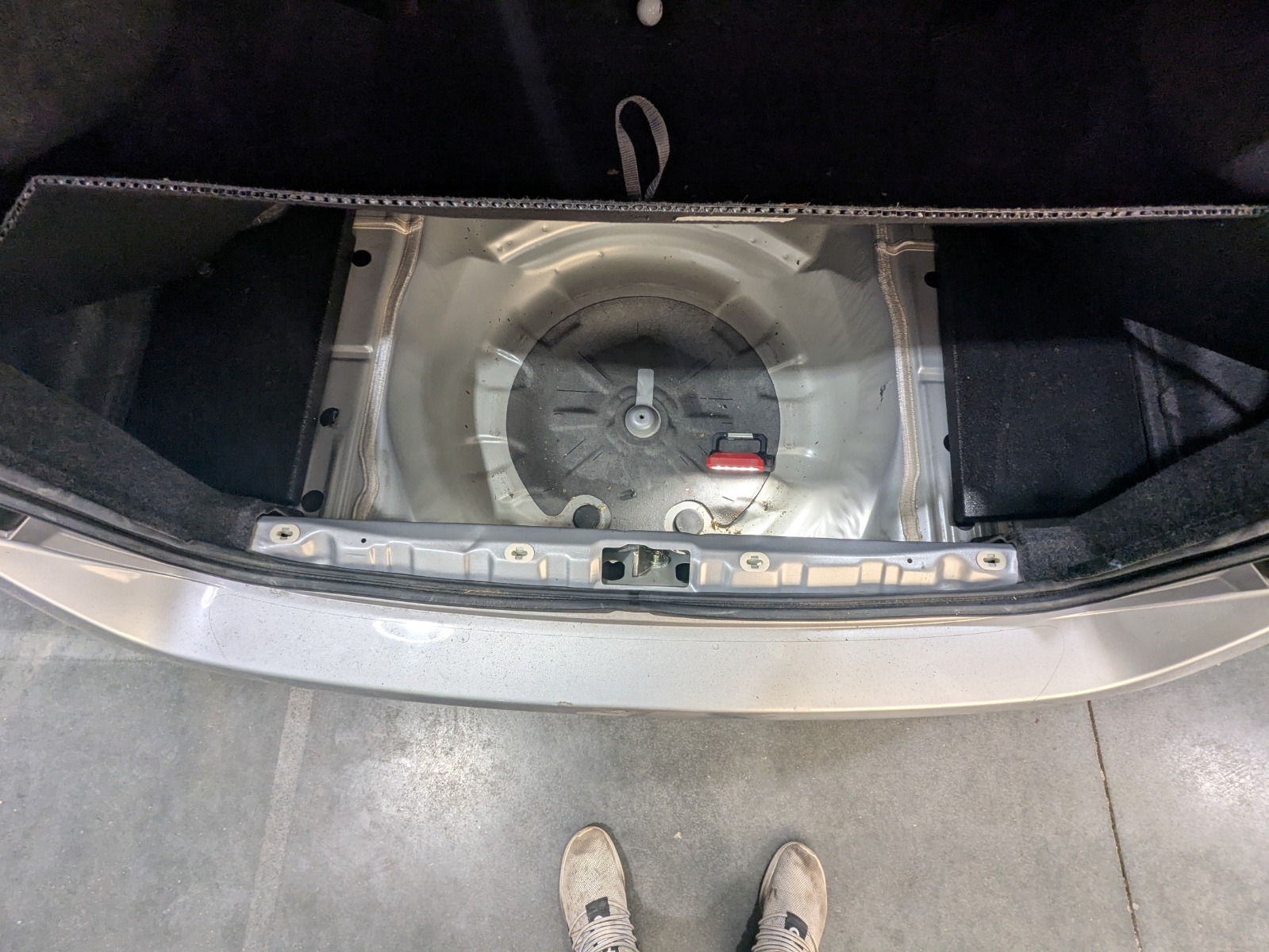
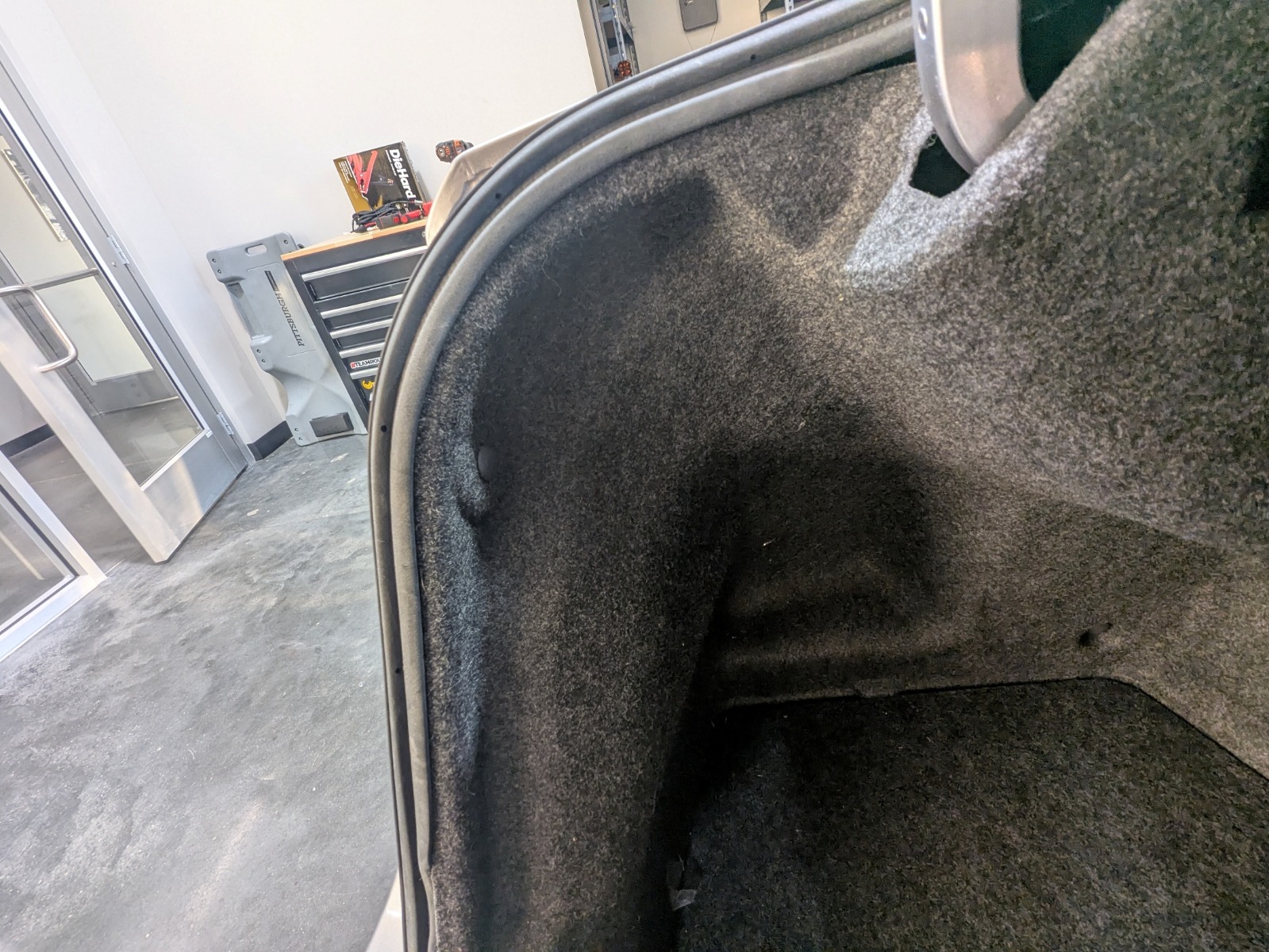
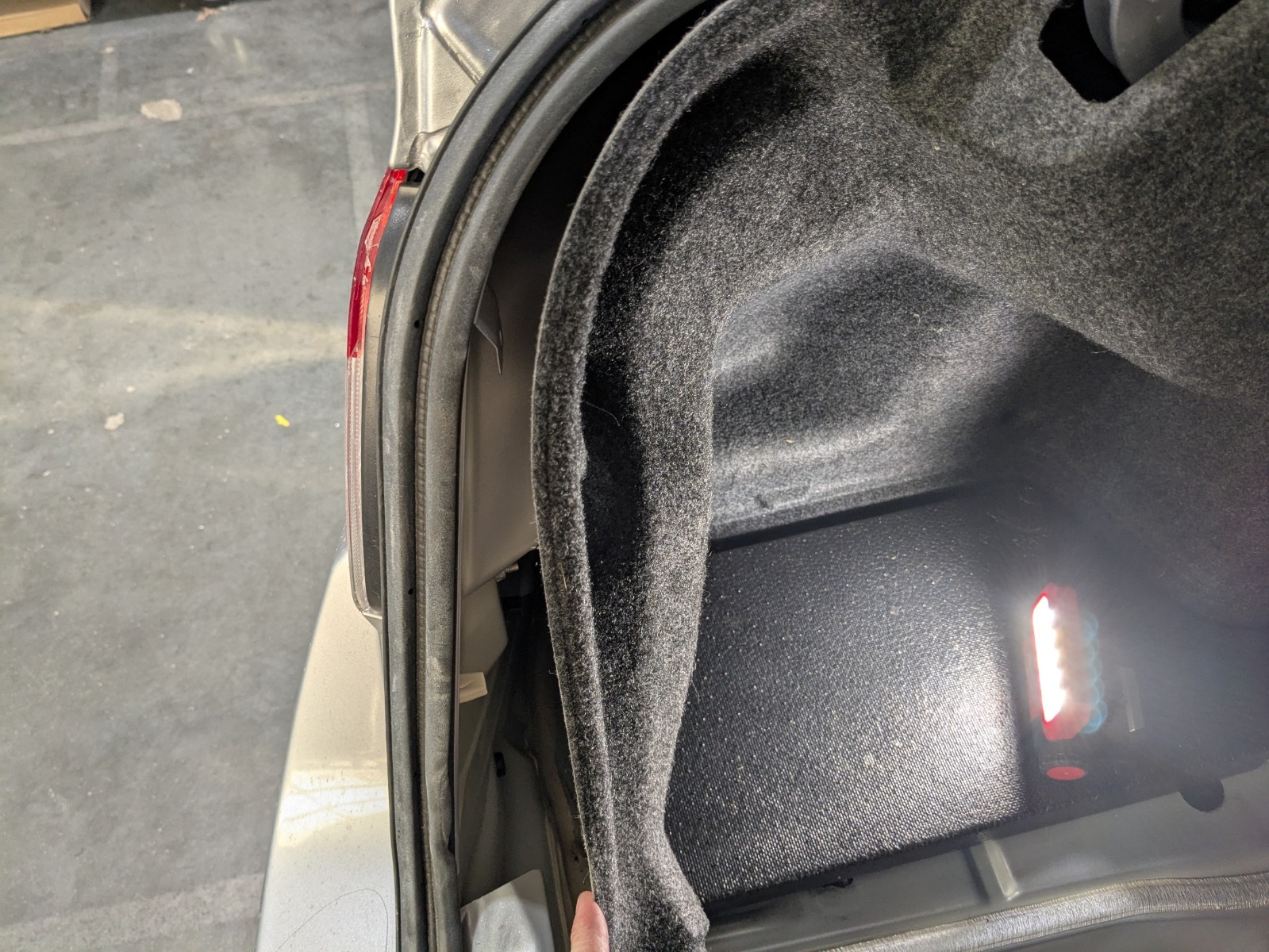
Step 4 — Move Trunk Carpet Aside
Remove the plastic clip near the taillight and gently move the trunk carpet out of the way.
Step 5 — Disconnect Factory Taillight Connector
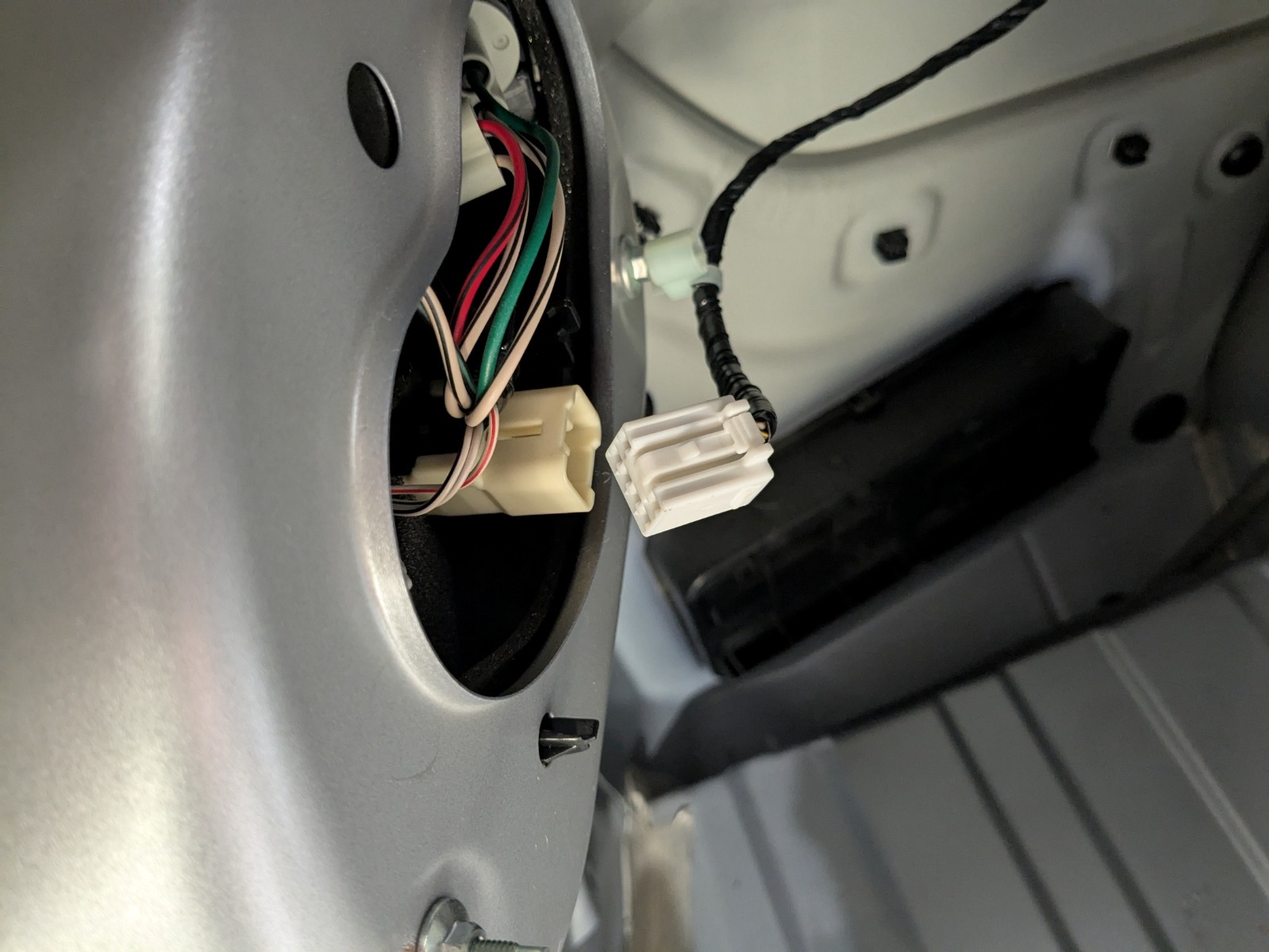
Unplug the factory taillight connector behind the trunk trim.
Step 6 — Install Inline Harness
Connect the supplied inline harness between the factory taillight connector and the OEM connector.

Step 7 — Reinstall Carpet and Retaining Clip
Push the trunk carpet back into position and reinstall the plastic retaining clip.
Step 8 — Position Connector Correctly
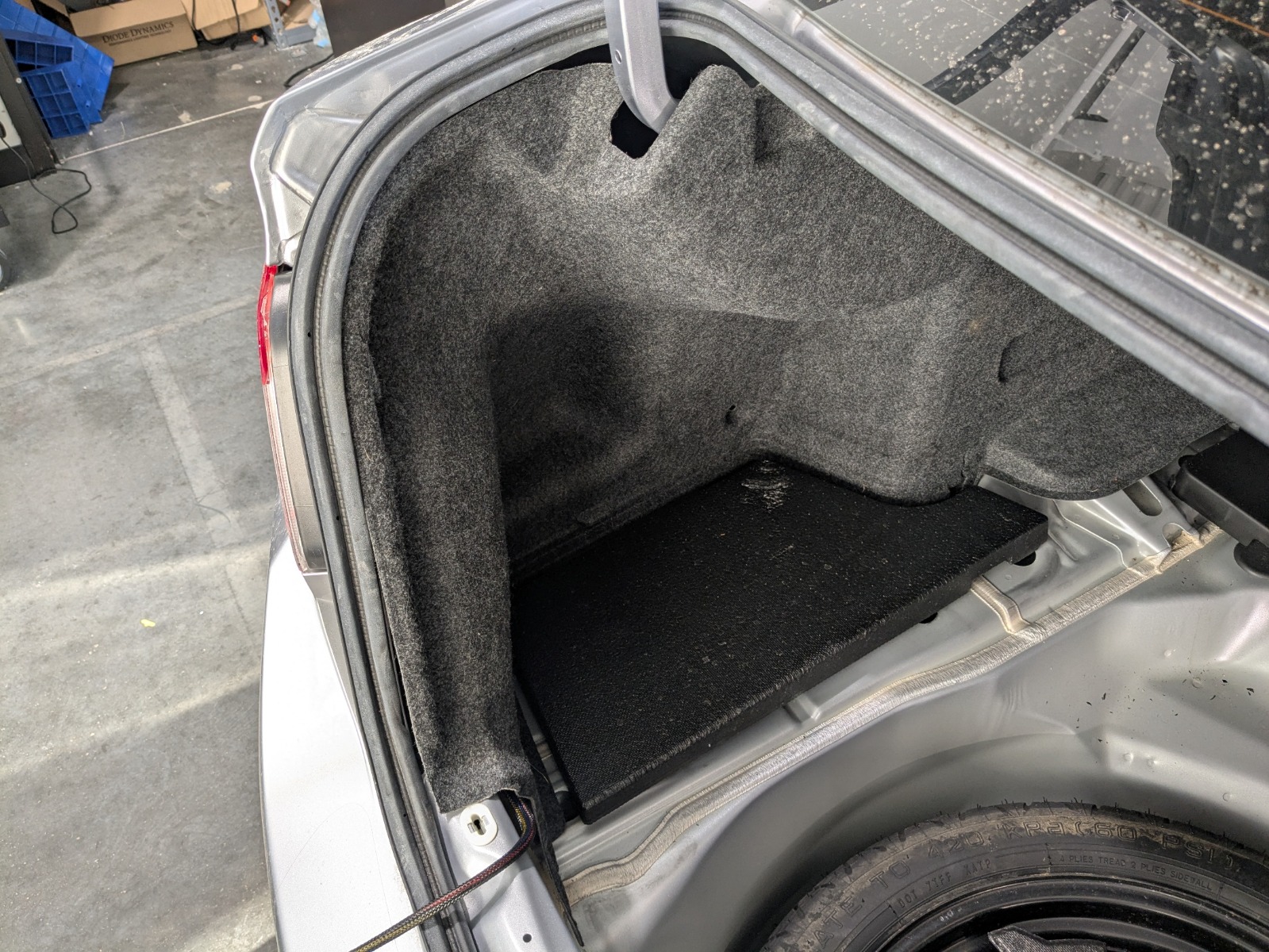
Ensure the connector is routed cleanly and is not trapped behind the carpet.
Step 9 — Remove Factory Rubber Grommet
Locate the factory rubber grommet in the trunk floor and remove it.
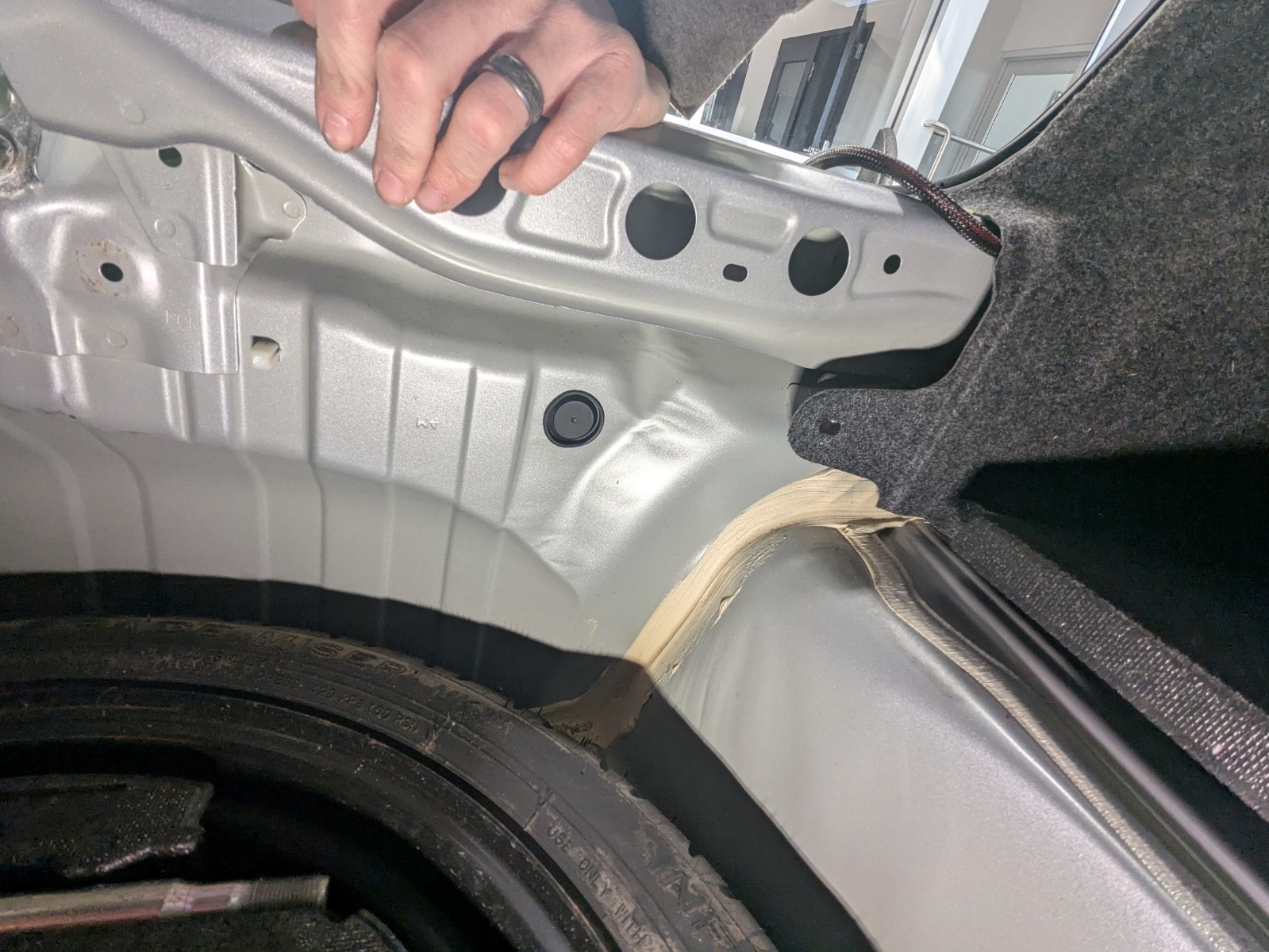

Step 10 — Modify Supplied Rubber Grommet
Using a razor blade, cut along the molded guide lines in the supplied rubber grommet.
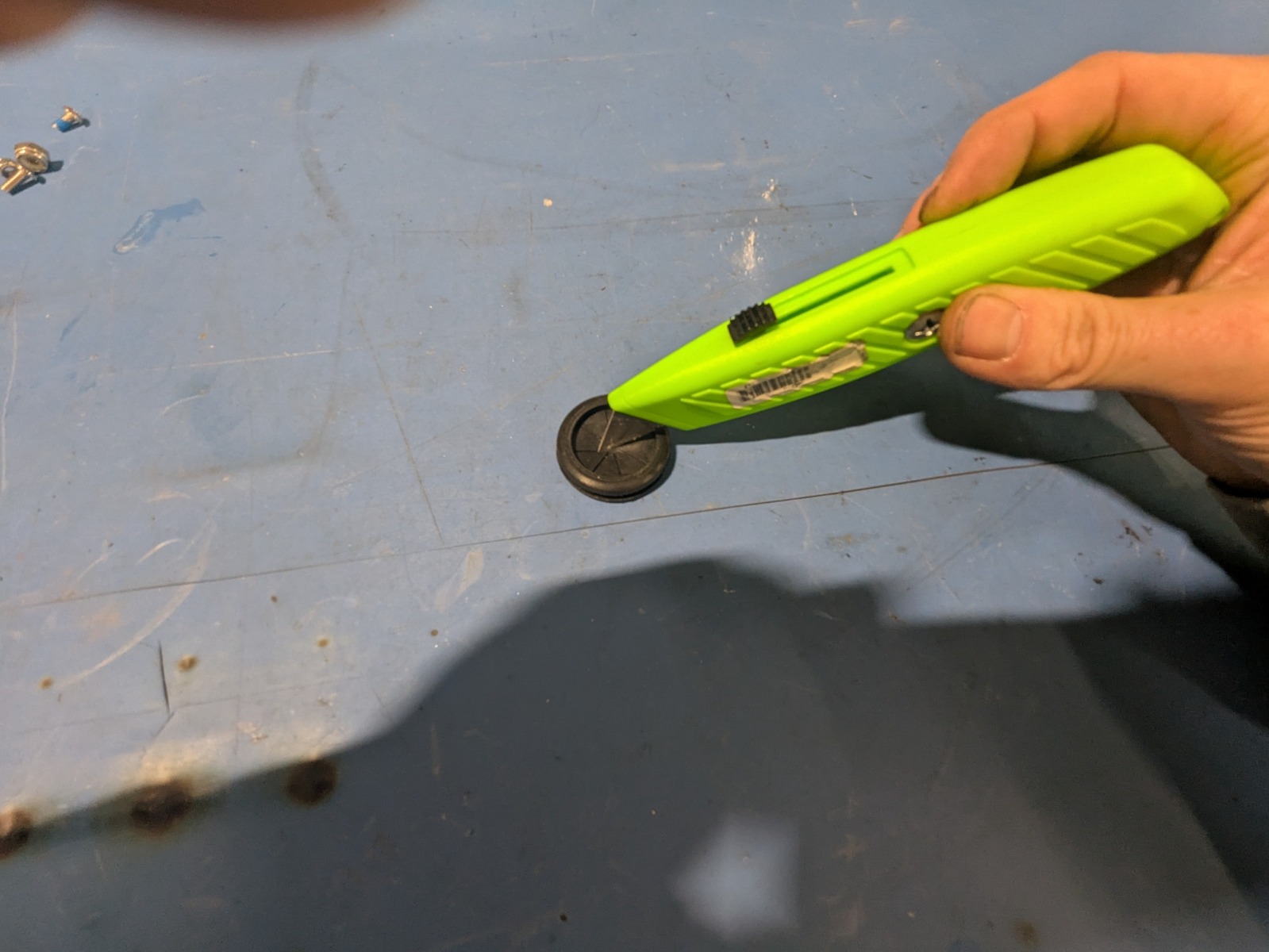
Step 11 — Prepare Grommet for Wiring
Confirm the rubber grommet is properly cut and ready for the connector to pass through.
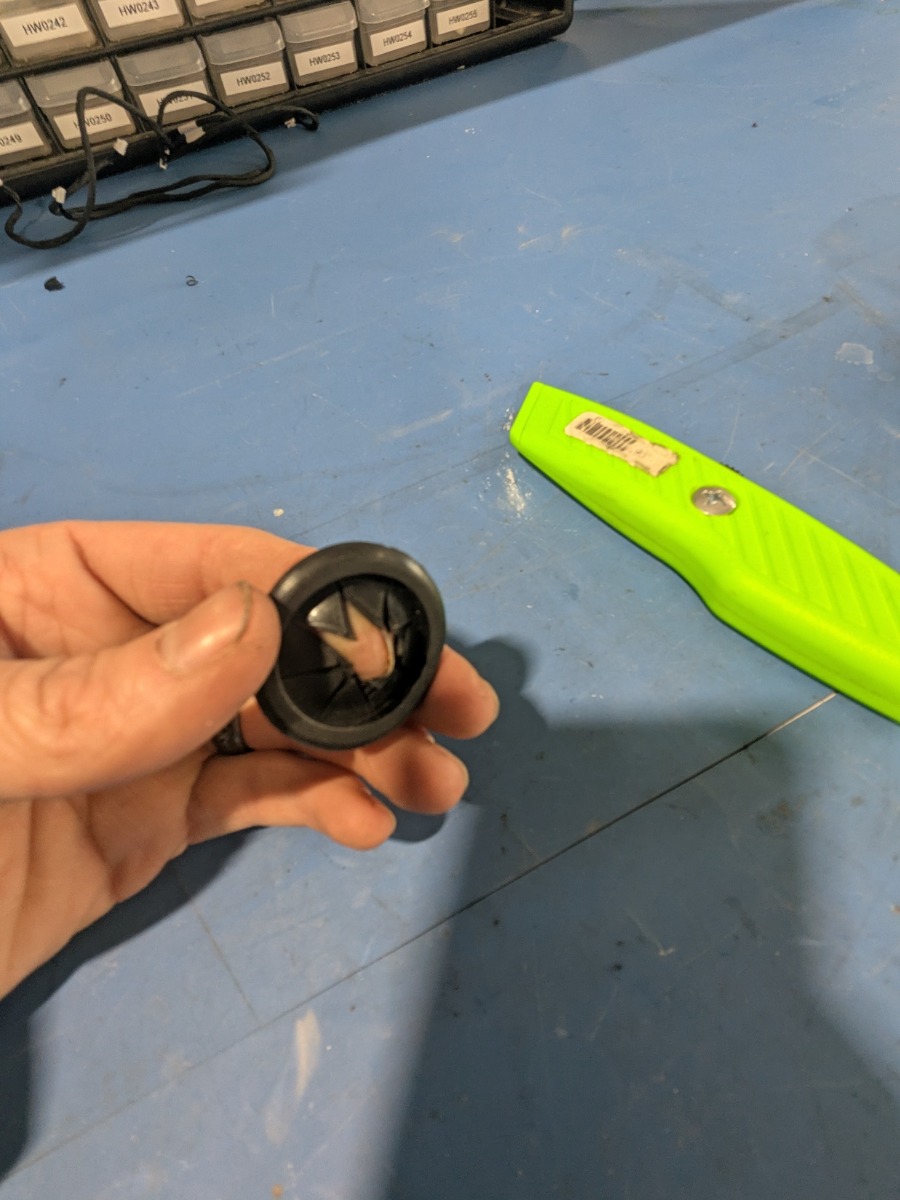
Step 12 — Feed Connector Through Grommet
Route the connector through the modified rubber grommet.
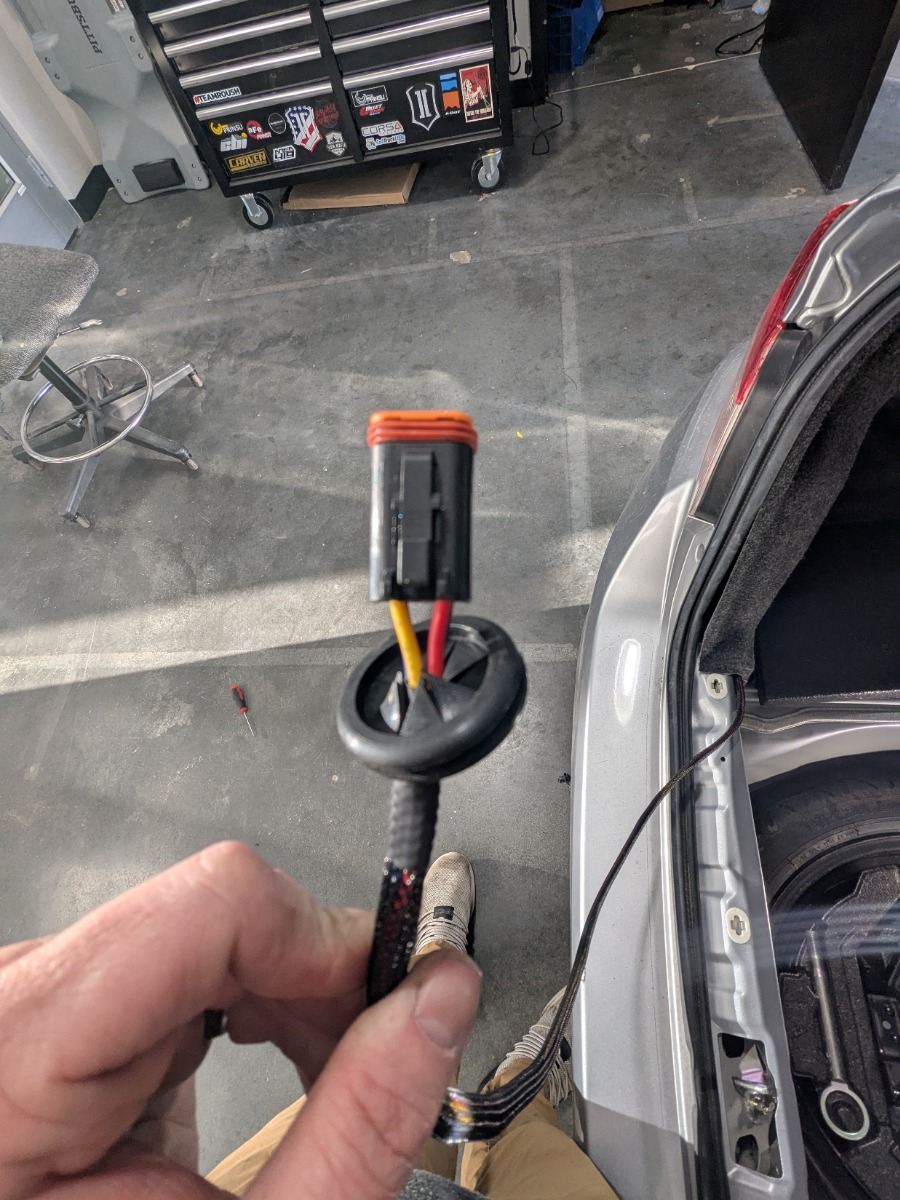
Step 13 — Route Wiring Through Trunk Floor
Feed the connector through the opening in the trunk floor where the factory grommet was removed.
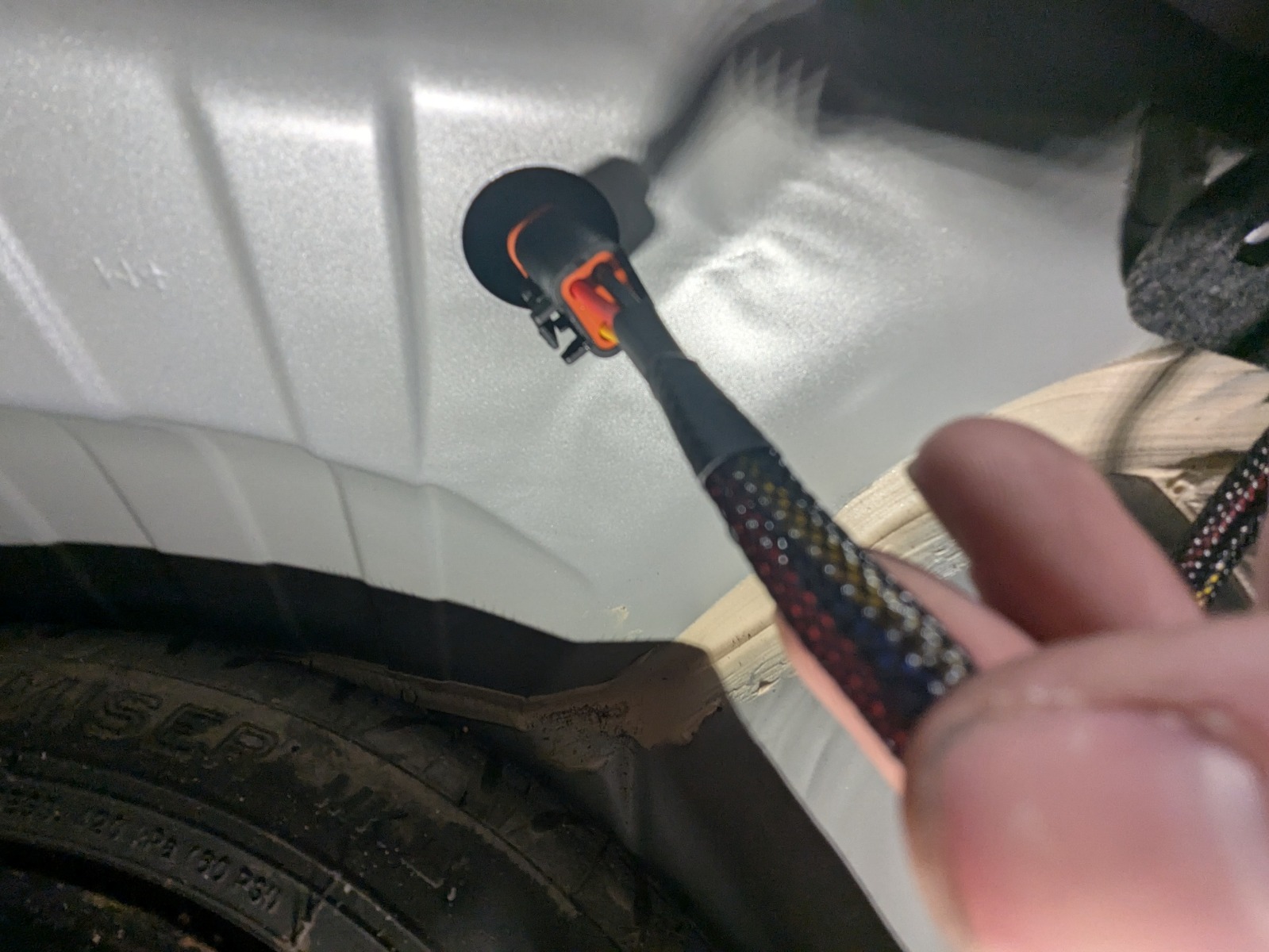
Step 14 — Route Connector Toward Rear Bumper
Continue feeding the connector downward toward the rear bumper area.
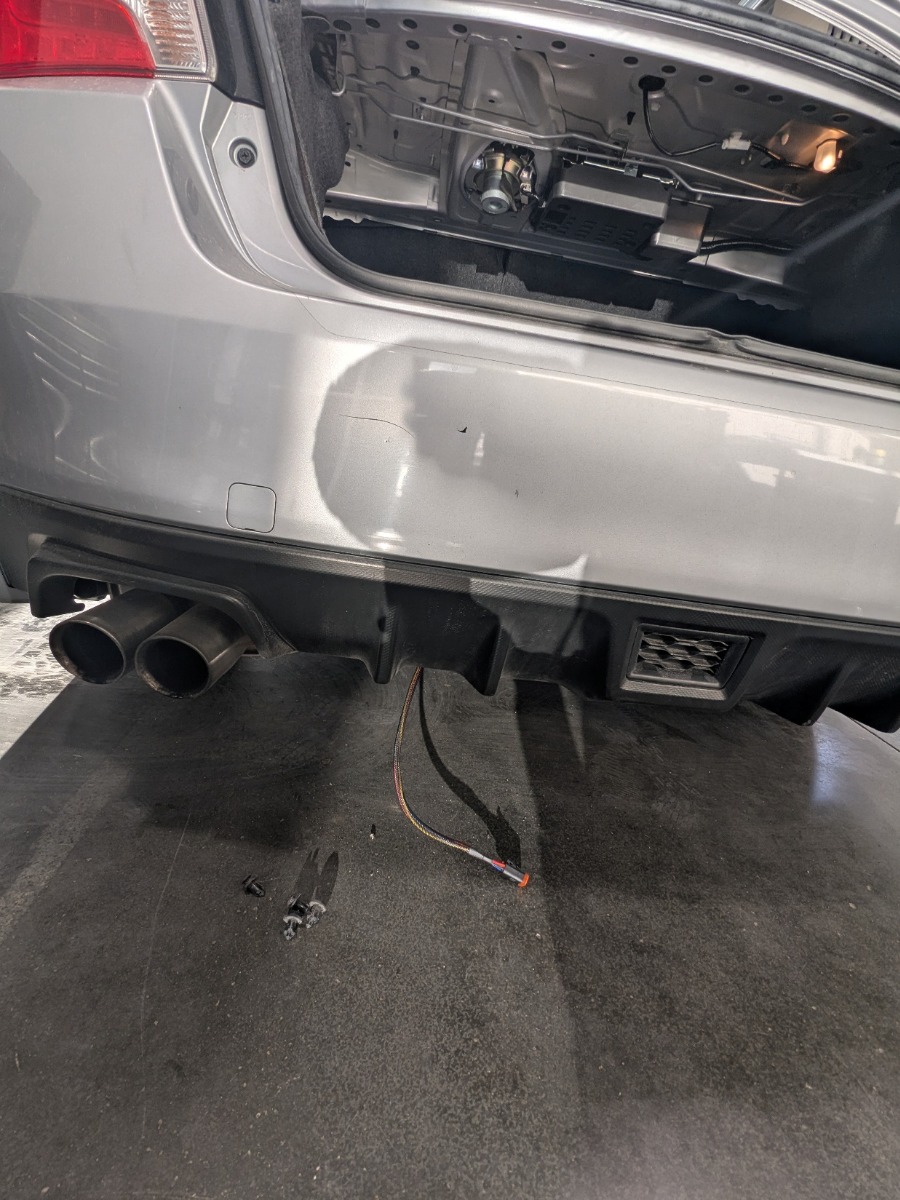
Step 15 — Install Rubber Grommet
Press the supplied rubber grommet firmly into the trunk floor opening to seal it.

Step 16 — Remove Rear Bumper Push Clips
Remove the four plastic push clips located underneath the rear bumper.
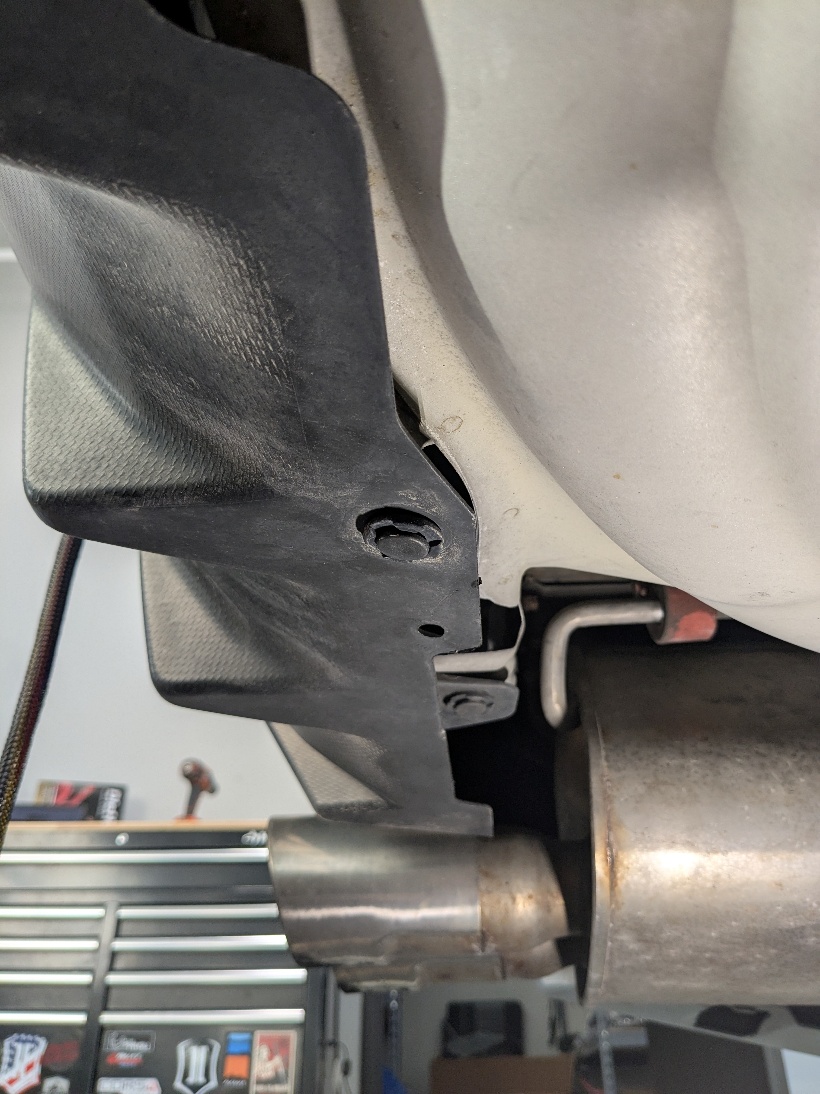
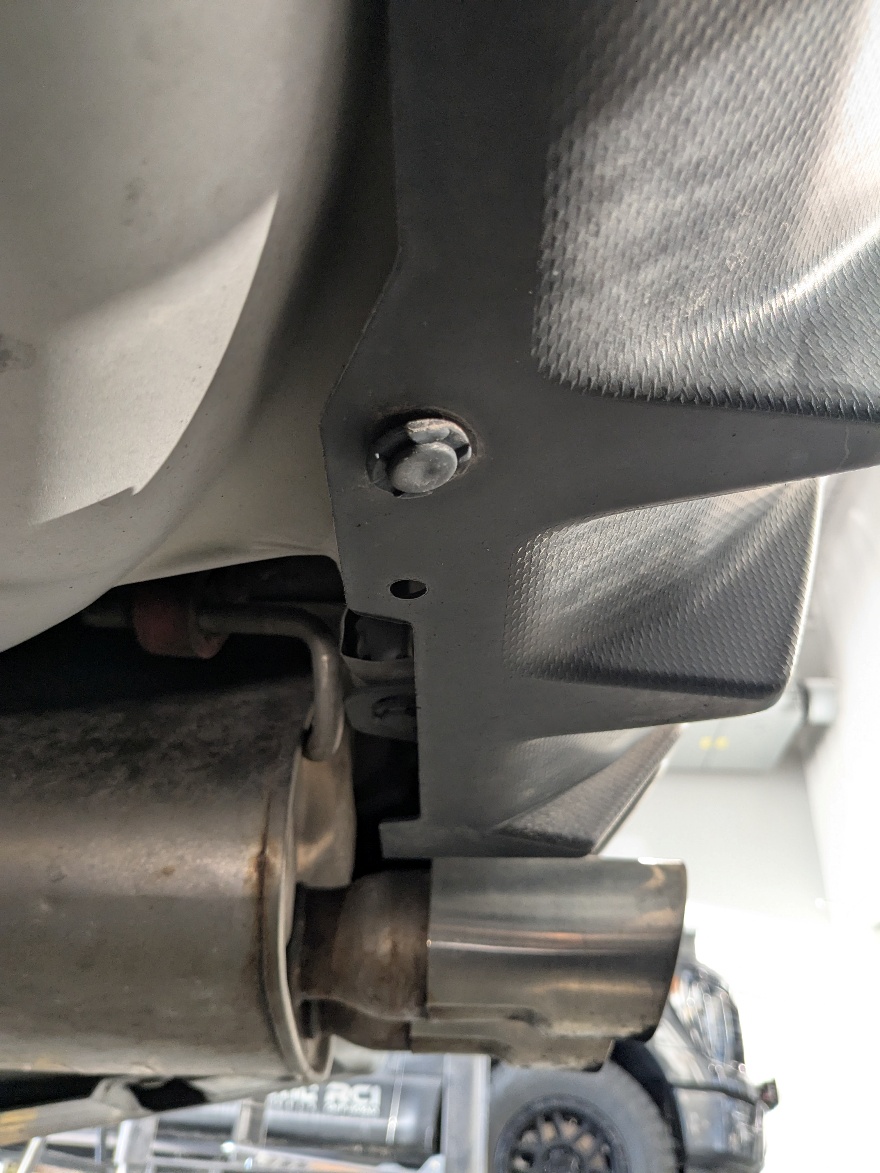
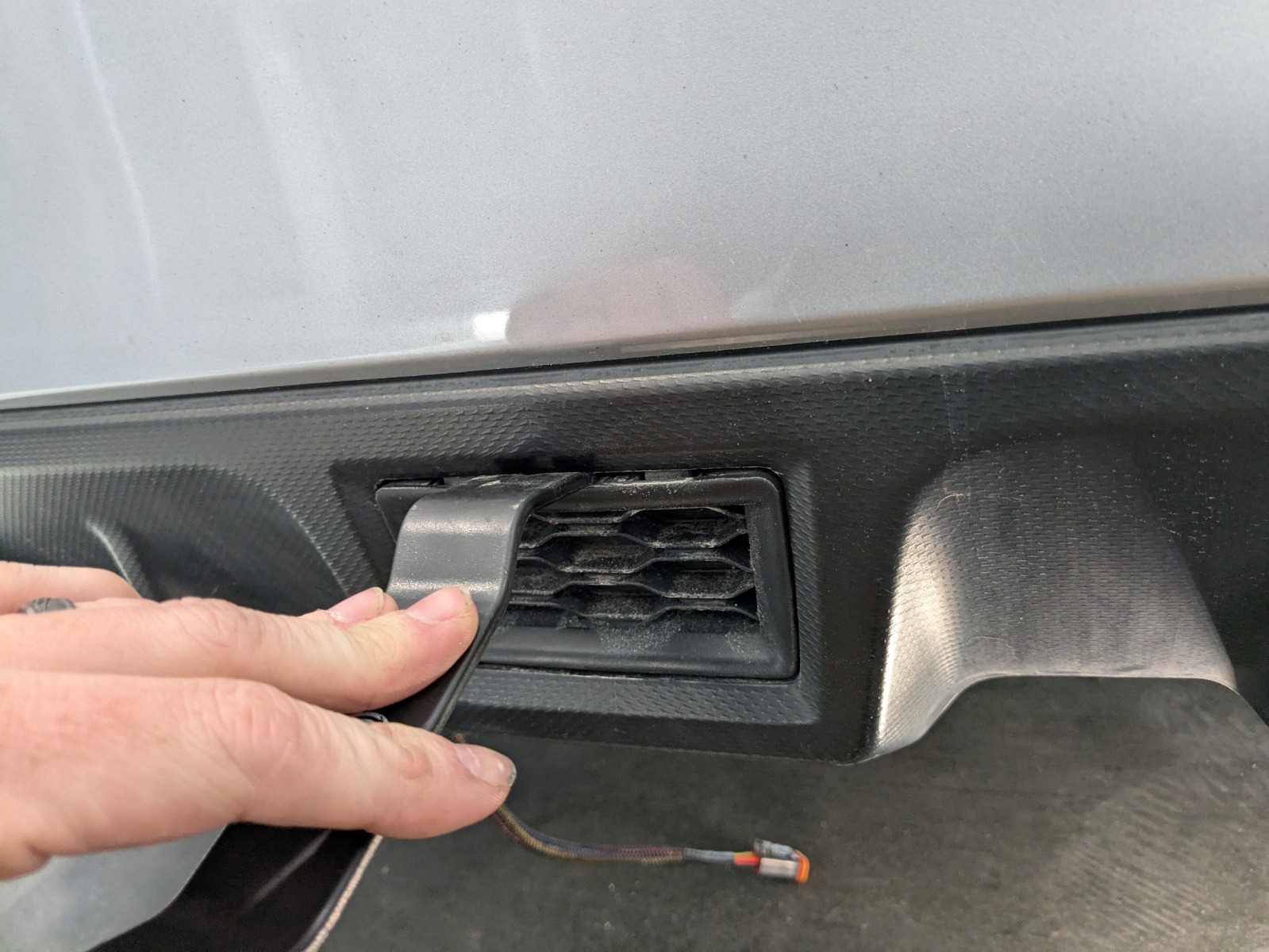
Step 17 — Remove Center Bumper Insert
Use a trim removal tool to remove the rectangular center insert from the lower rear bumper.
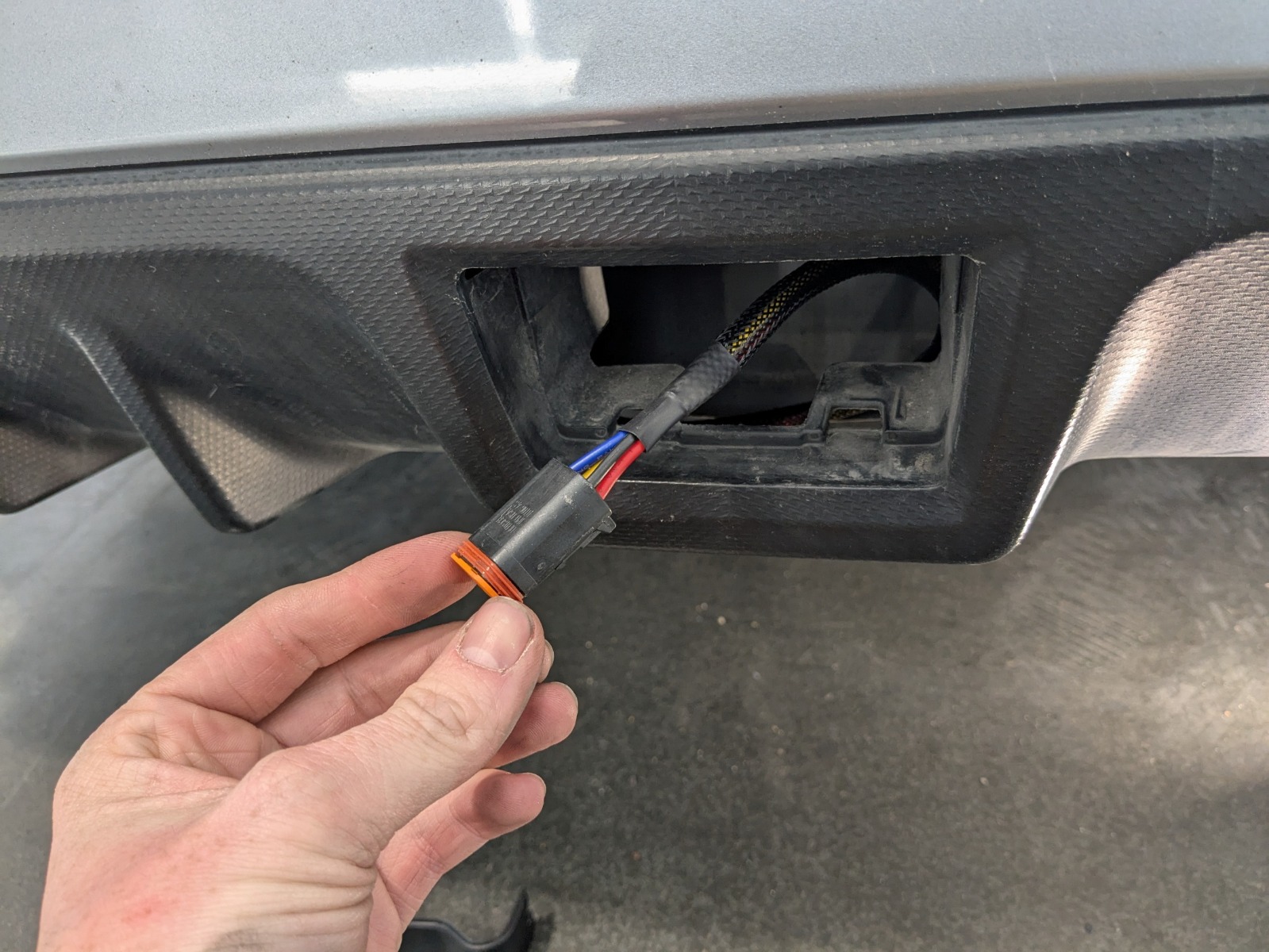
Step 18 — Route Connector Into Bumper Opening
Route the wiring connector into the opening behind the bumper.
Step 19 — Configure Brake Light Strobe (Optional)
Leave the purple wire connected to enable the brake light strobe feature. Cut the purple wire to disable the strobe if desired.
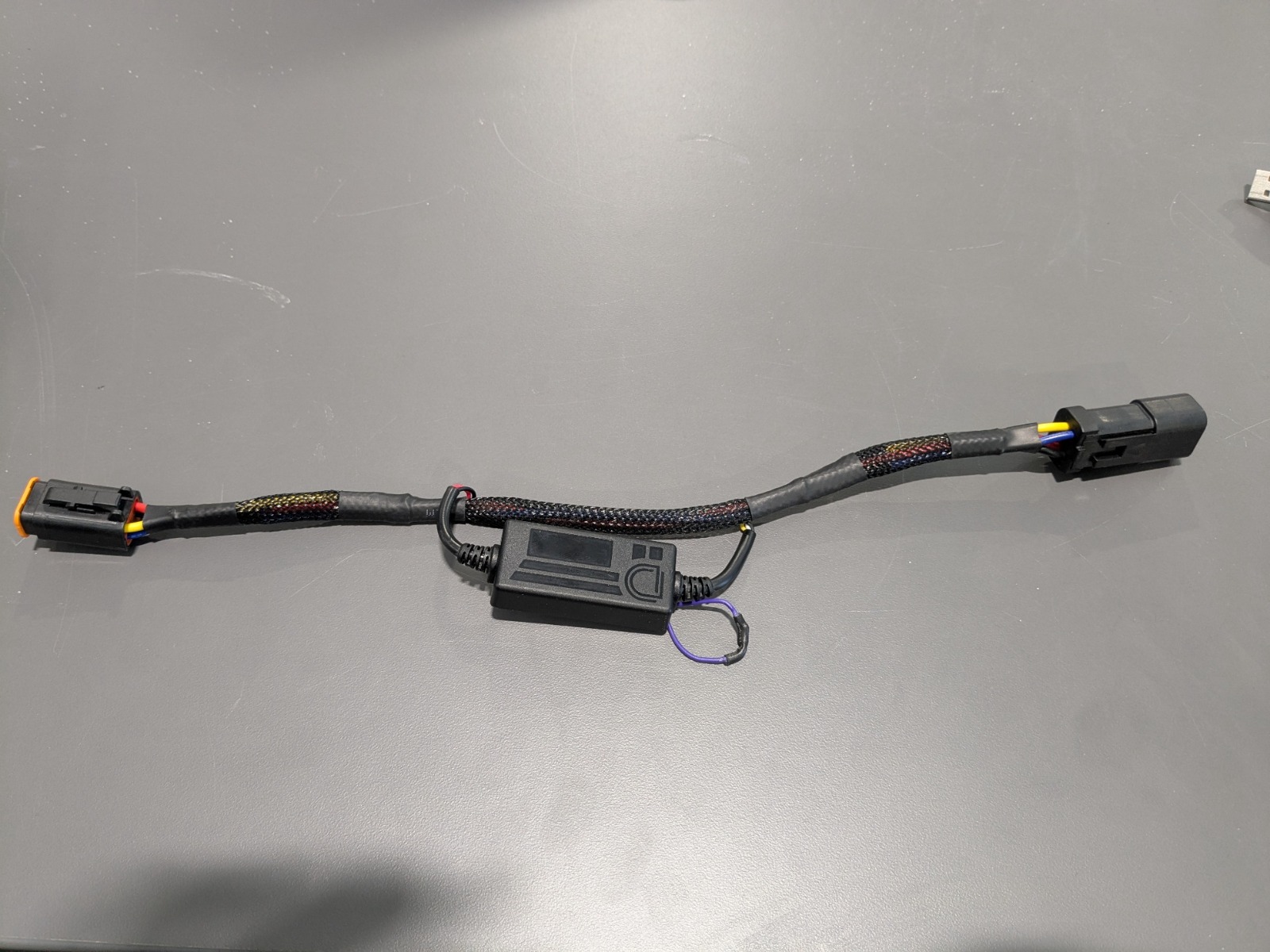
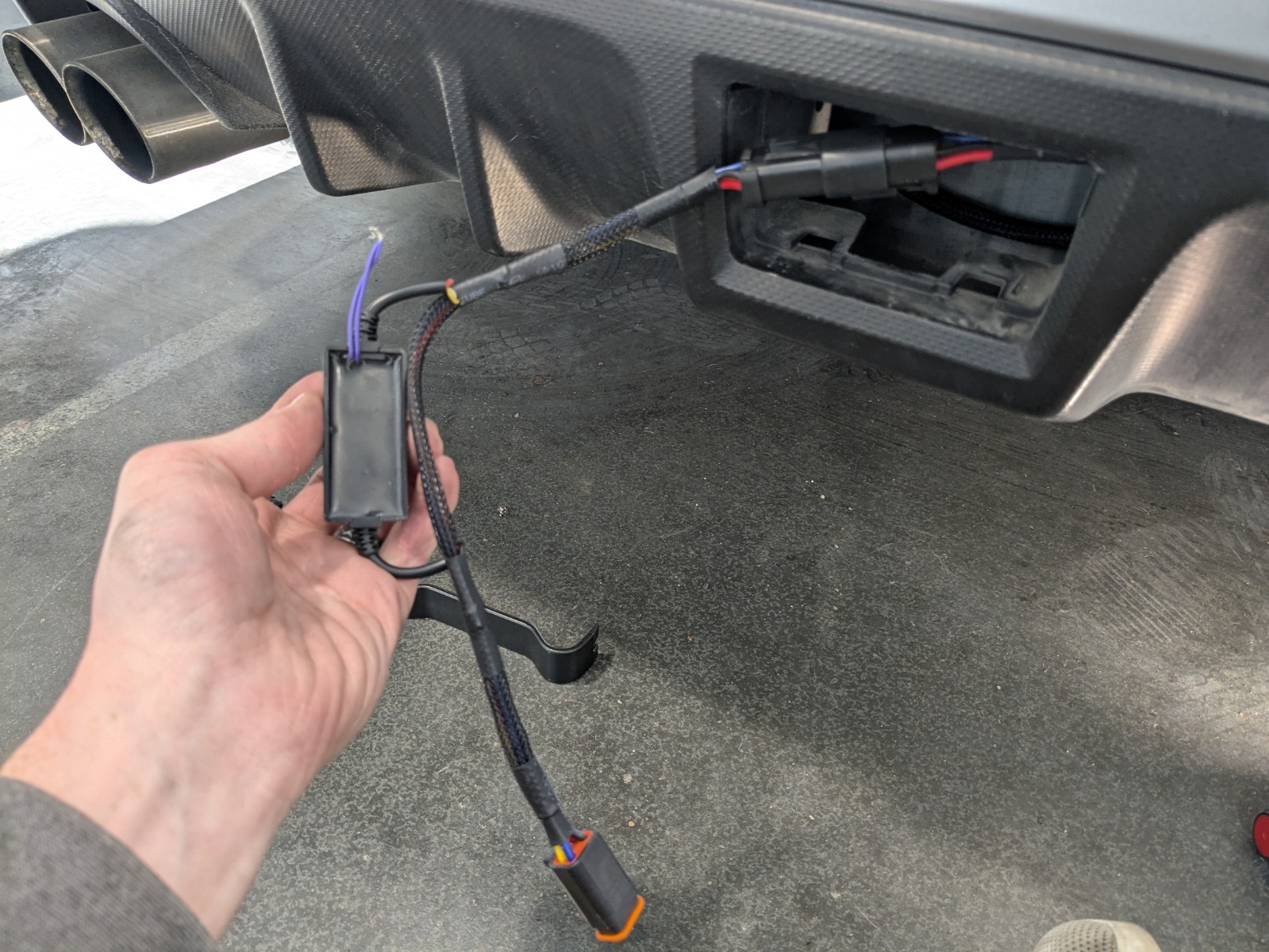
Step 20 — Install Strobe Module
Connect the safety strobe module inline with the wiring connector.
Step 21 — Install Clip Nuts on Bracket
Slide the supplied clip nuts onto the mounting bracket.
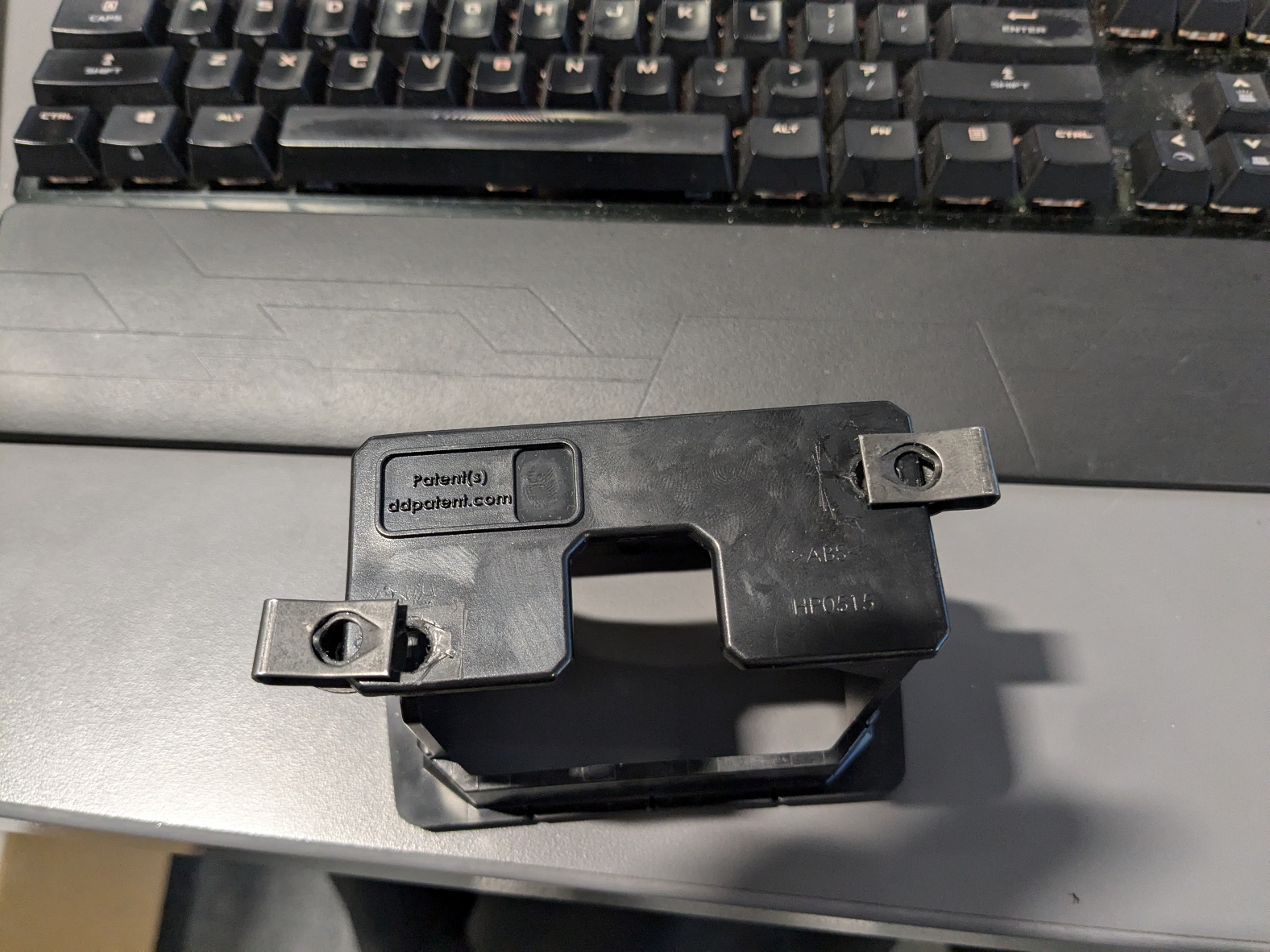
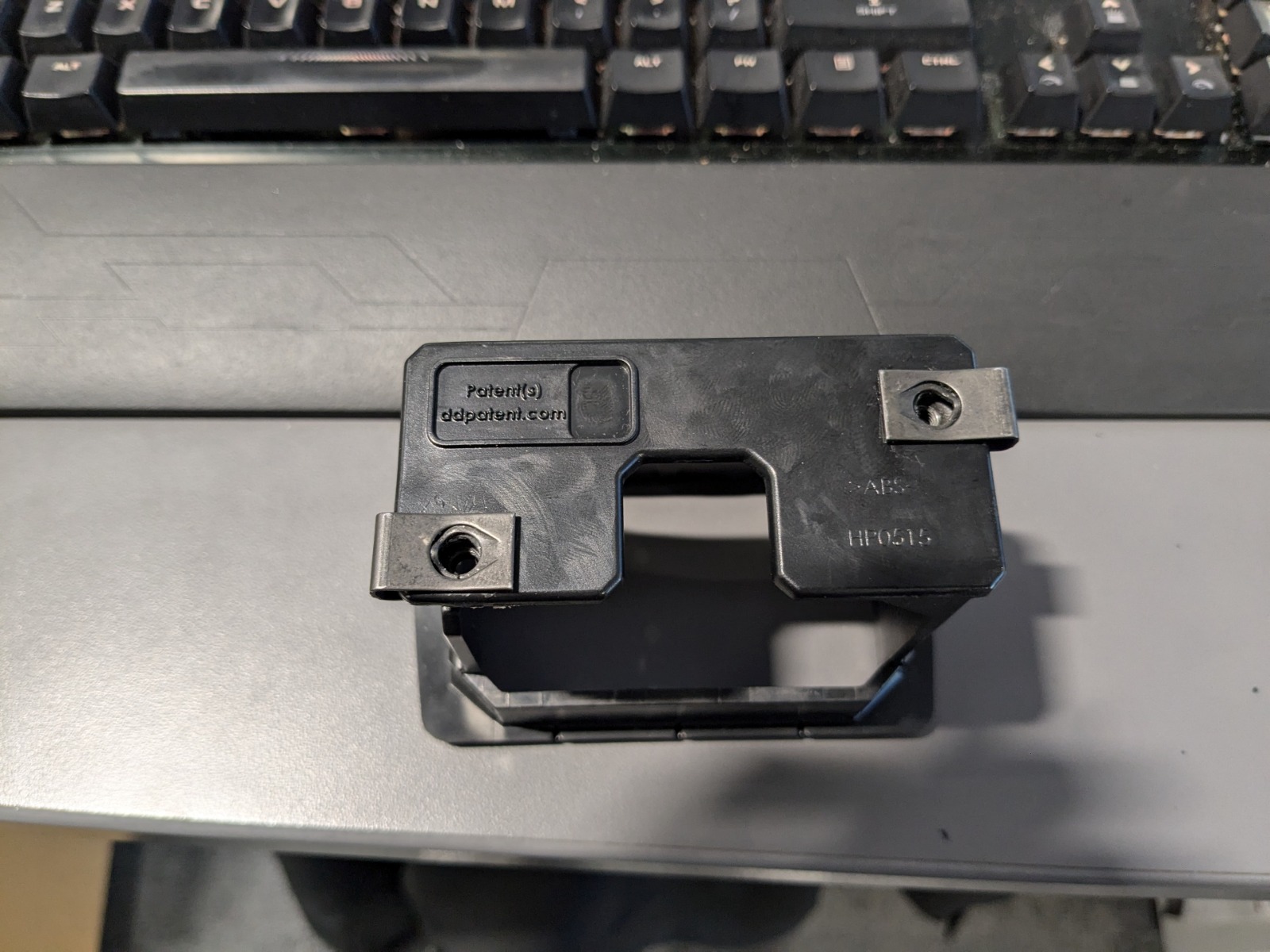
Step 22 — Insert Light Pod Into Bracket
Push the brake light pod into the mounting bracket until fully seated.
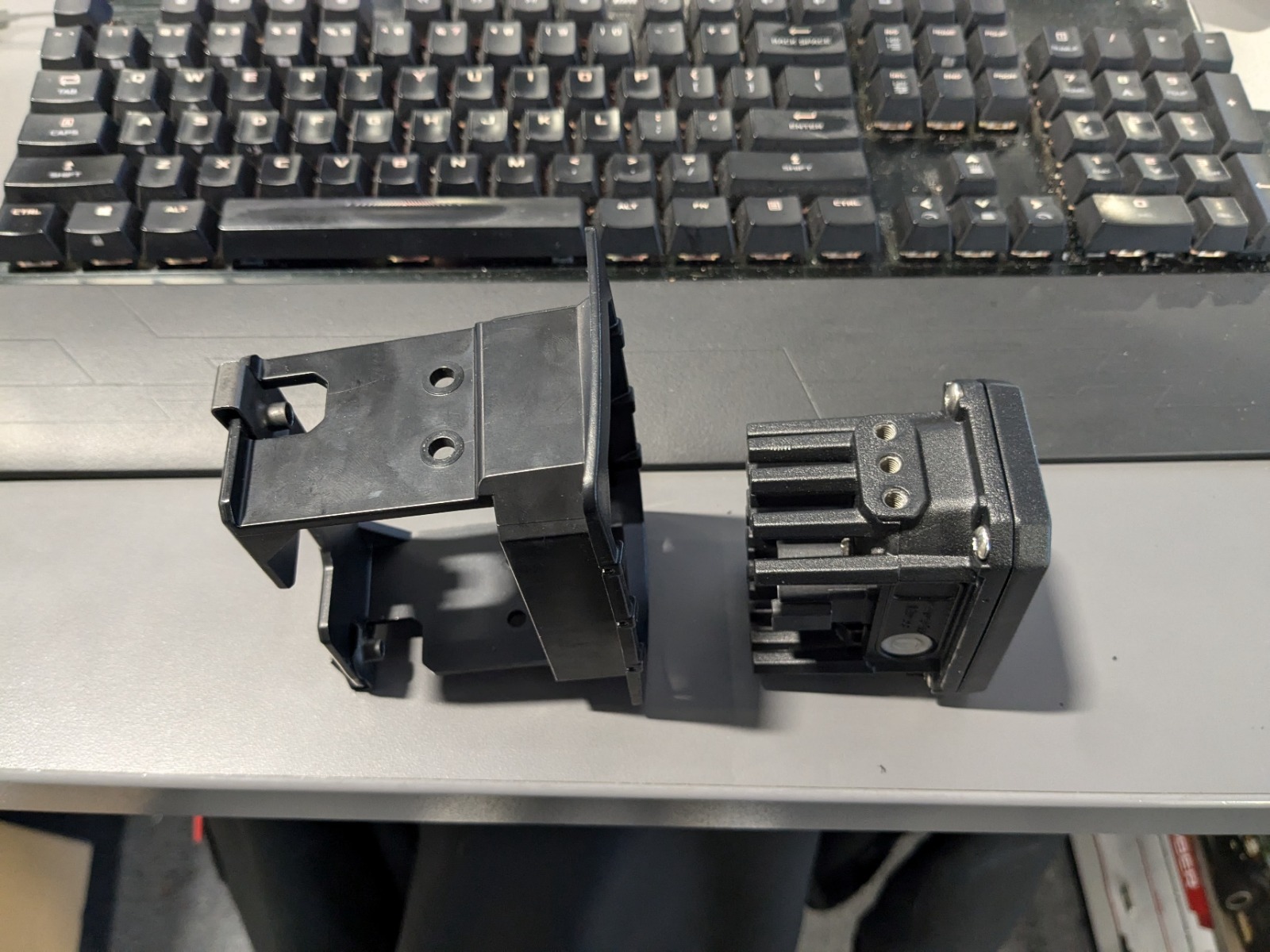
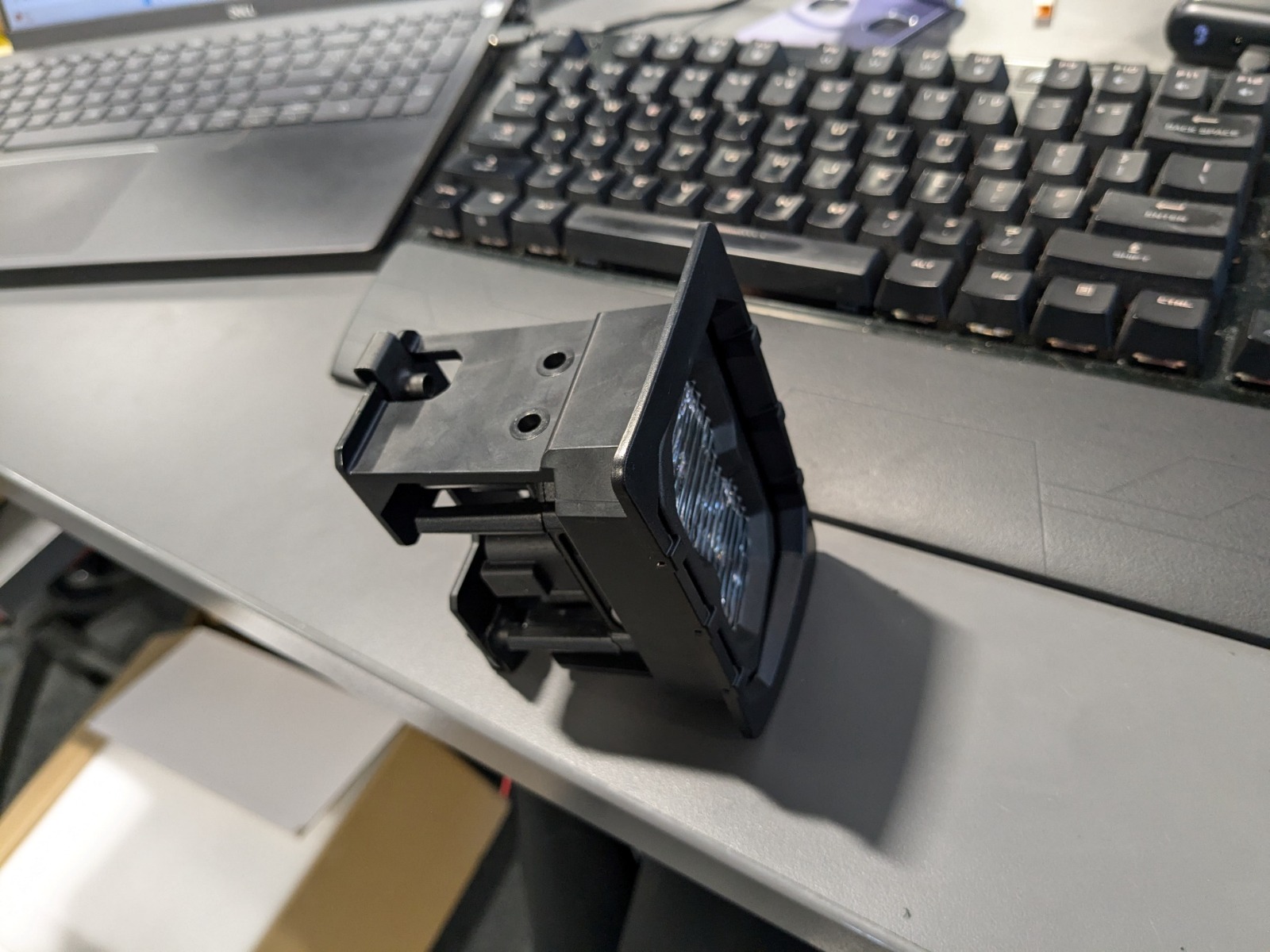
Step 23 — Secure Pod to Bracket
Install the provided screws to secure the pod to the bracket.
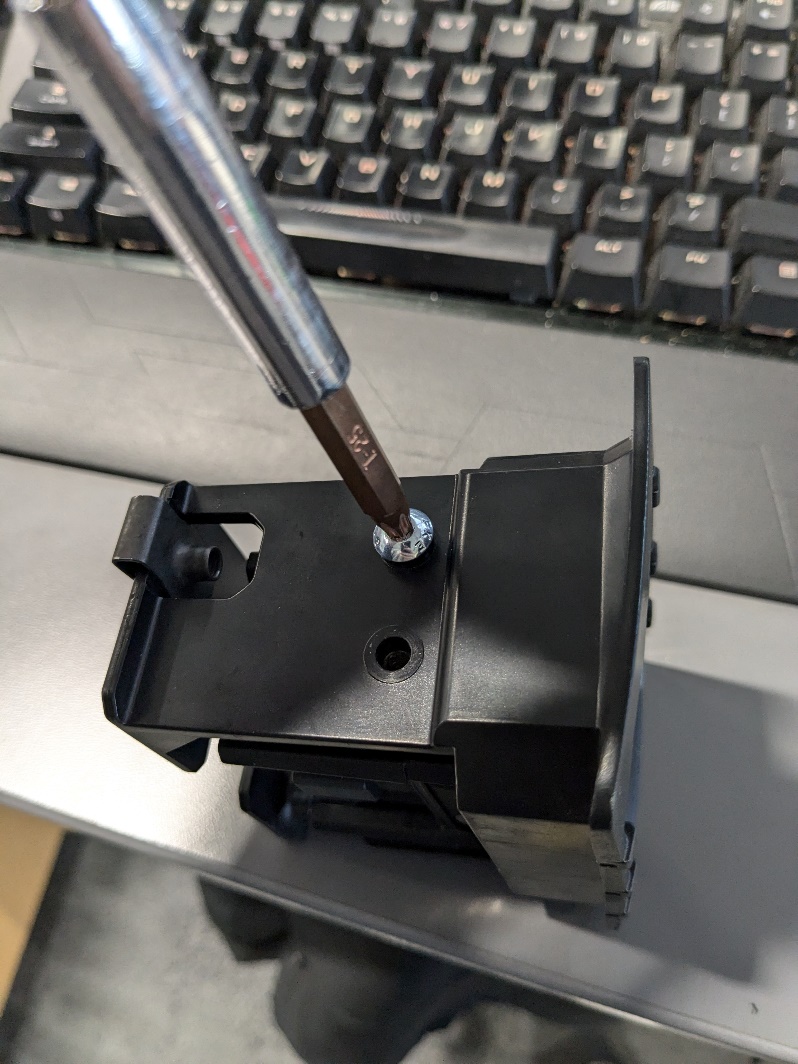

Step 24 — Connect Wiring to Brake Light
Plug the wiring connector into the brake light pod.

Step 25 — Install Brake Light Assembly Into Bumper
Push the assembled brake light into the rear bumper opening.
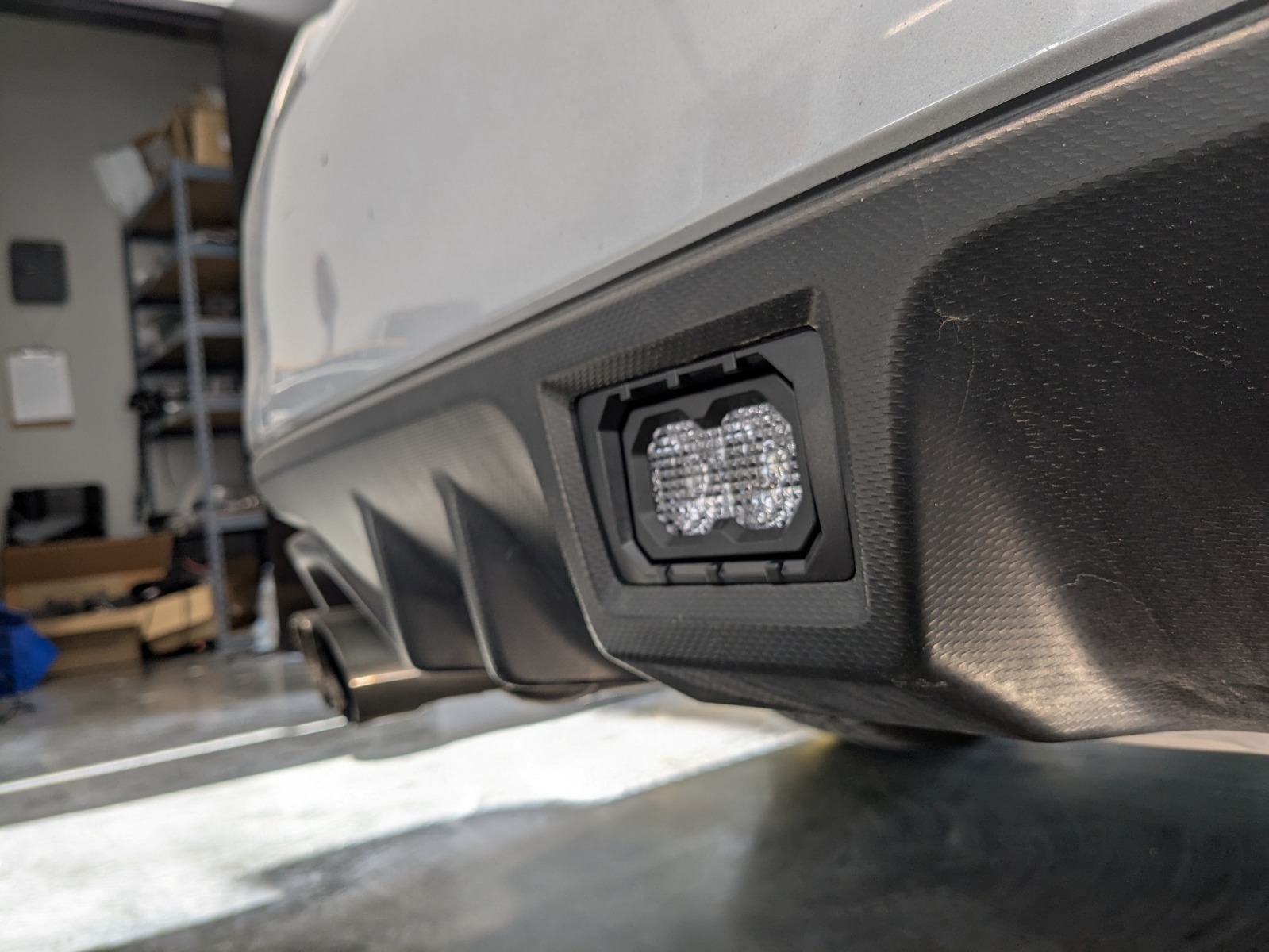
Step 26 — Install Rear Support Bracket
From behind the bumper, position the support bracket against the brake light bezel.
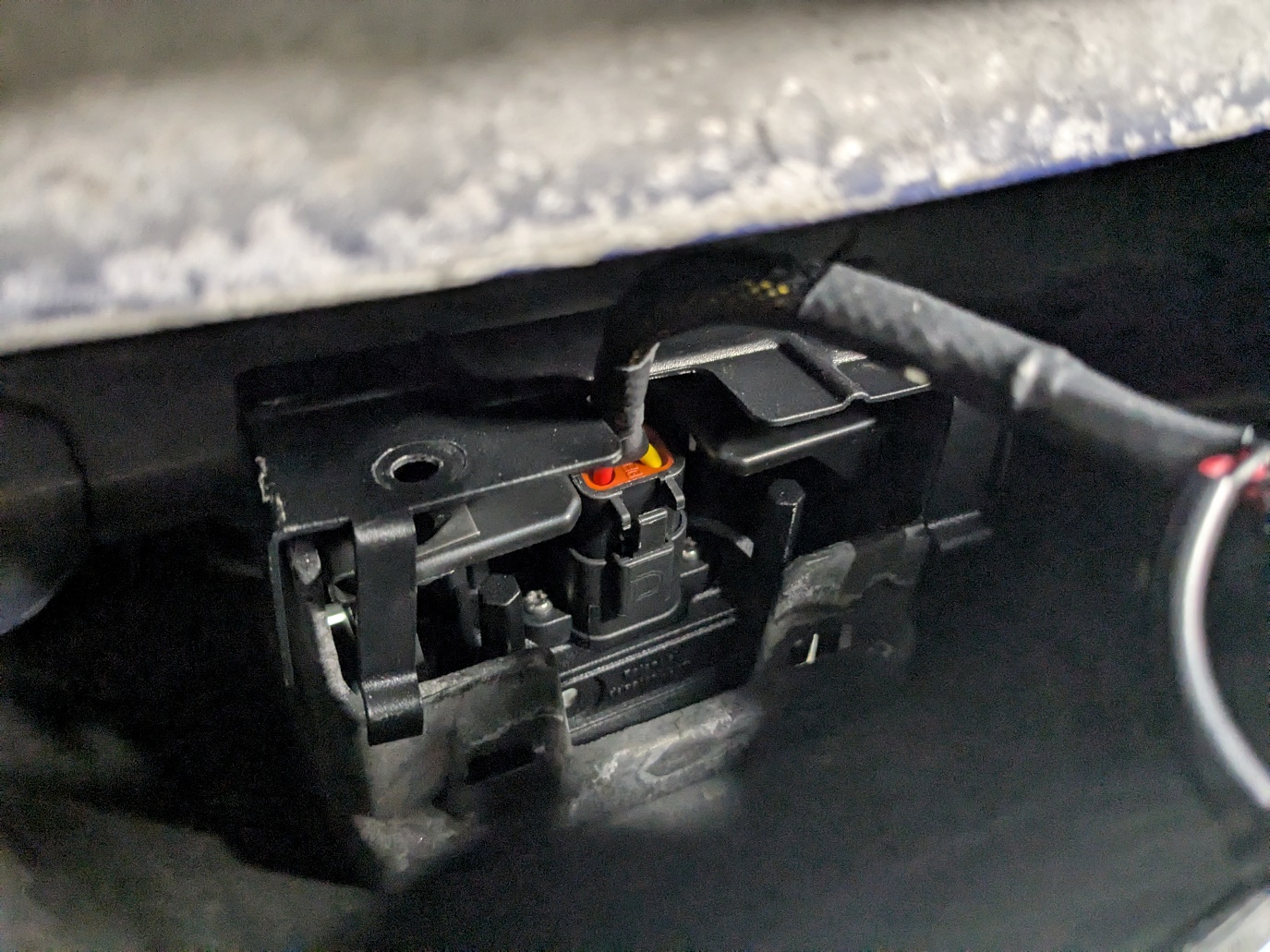
Step 27 — Secure Support Bracket
Install the bolts to secure the support bracket to the brake light bezel.
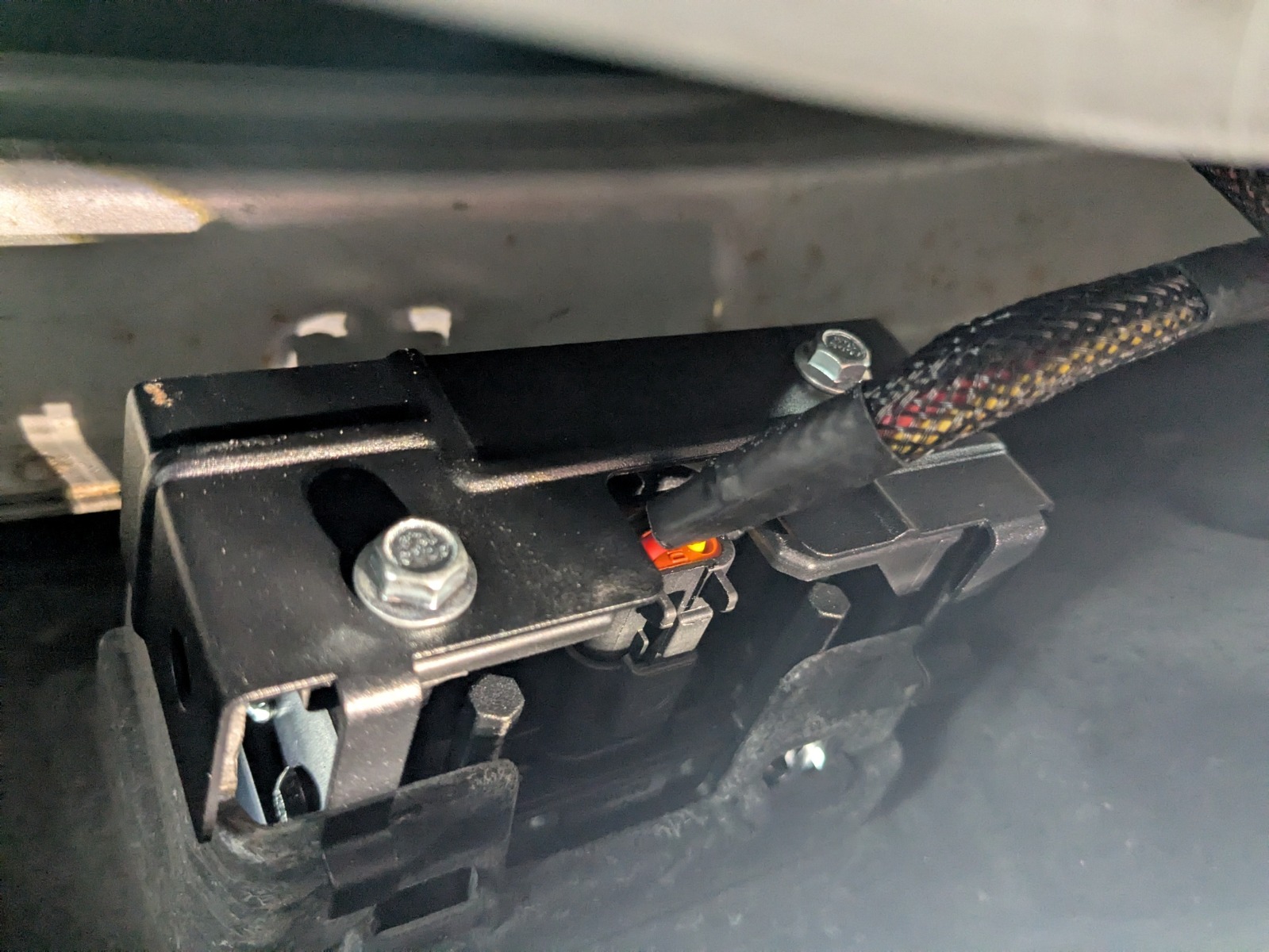
Step 28 — Install Side Push Clips
Install the plastic push clips into the sides of the support bracket.
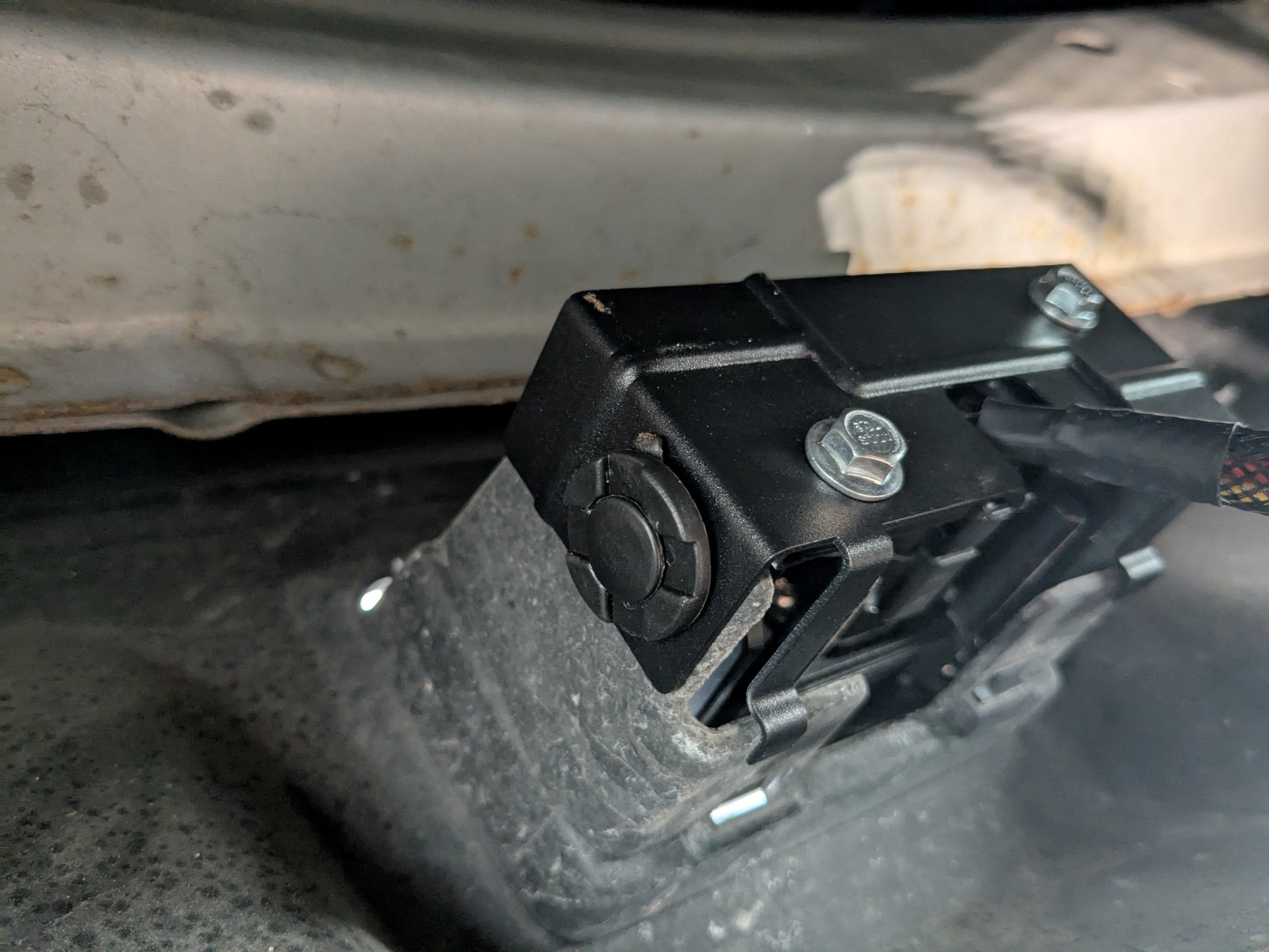
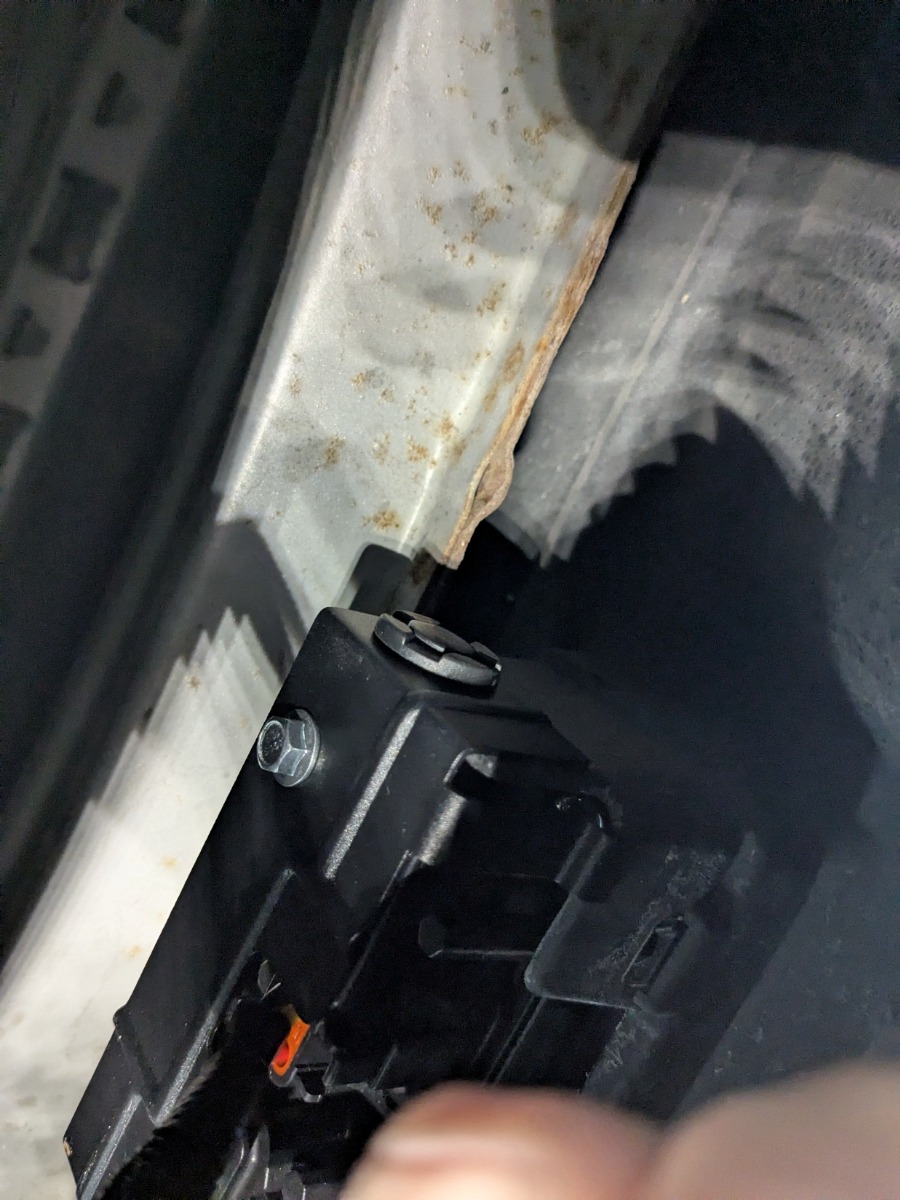
Step 29 — Secure Wiring
Zip-tie any loose or excess wiring to prevent movement.
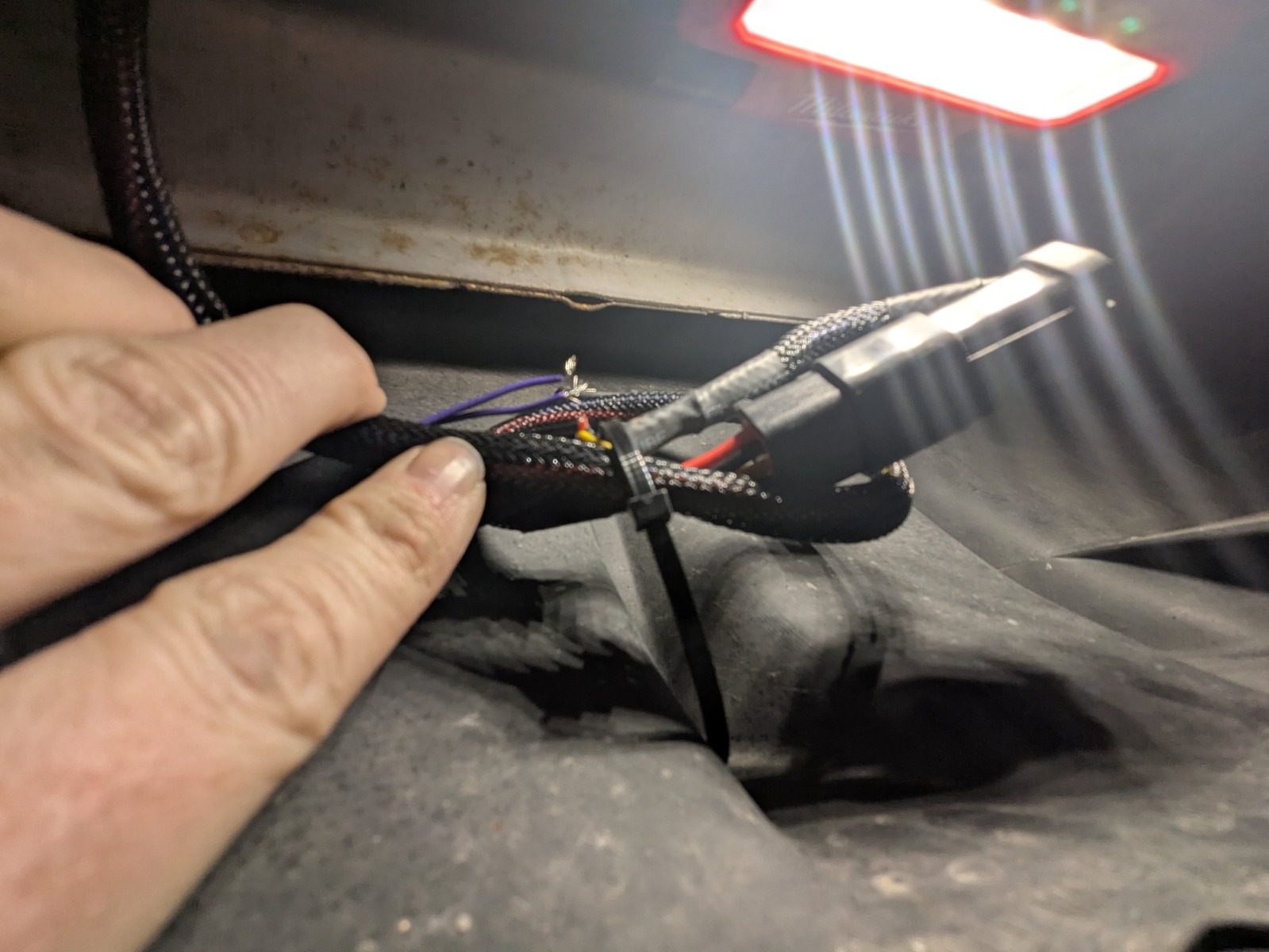
Step 30 — Test and Finalize Installation
Test the brake light for proper function.

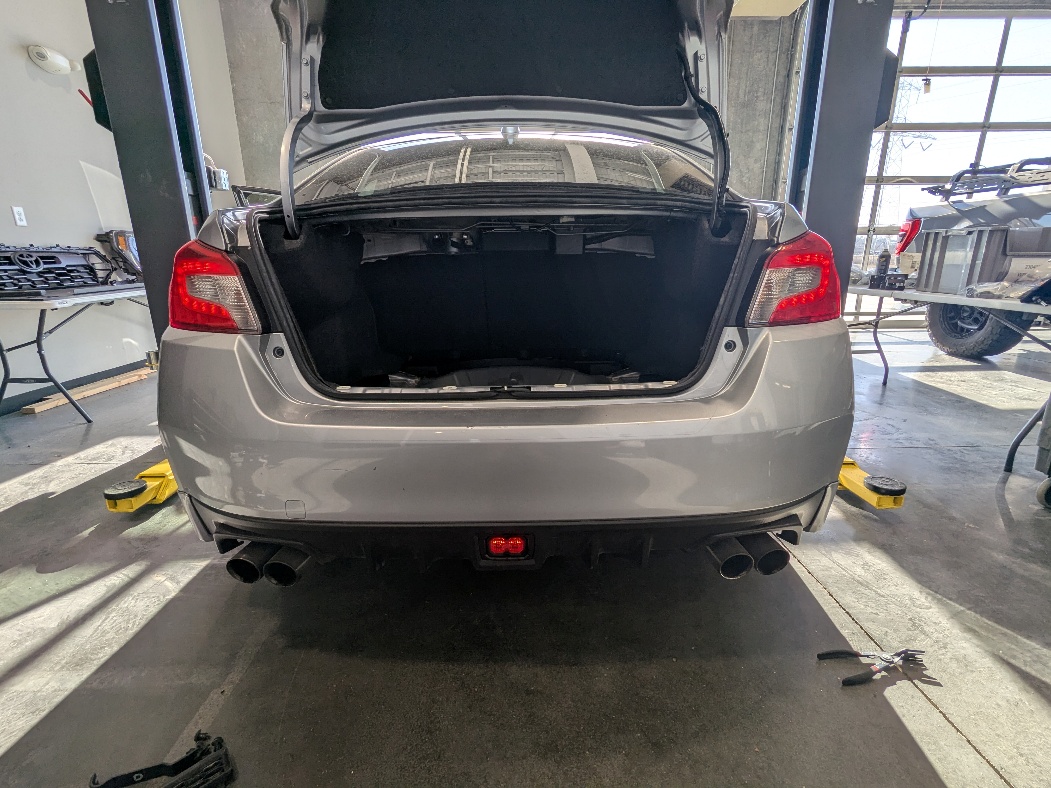
The installation is now complete. Enjoy your new 2015-2021 Subaru WRX/STi 4th Brake Light Kit!
Questions About the Installation?
If you have any questions about installing the 2015-2021 Subaru WRX/STi 4th Brake Light Kit, contact us via our support page.
Where Can I Buy the 2015-2021 Subaru WRX/STi 4th Brake Light Kit?
If you're ready to upgrade your 2015-2021 Subaru WRX or STi with the 4th Brake Light Kit, visit DiodeDynamics.com or use our Dealer Locator to find a dealer near you.
Want to know more about Diode Dynamics products? Visit DiodeDynamics.com and subscribe to our newsletter for new product releases and more!
This Installation Guide is for the following SKU: DD8066
Share This Post