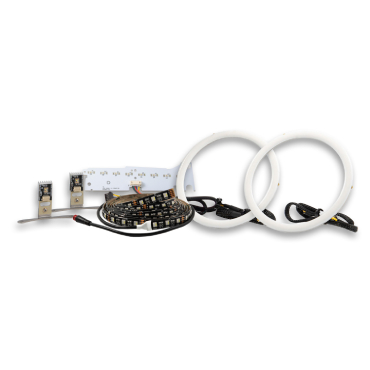


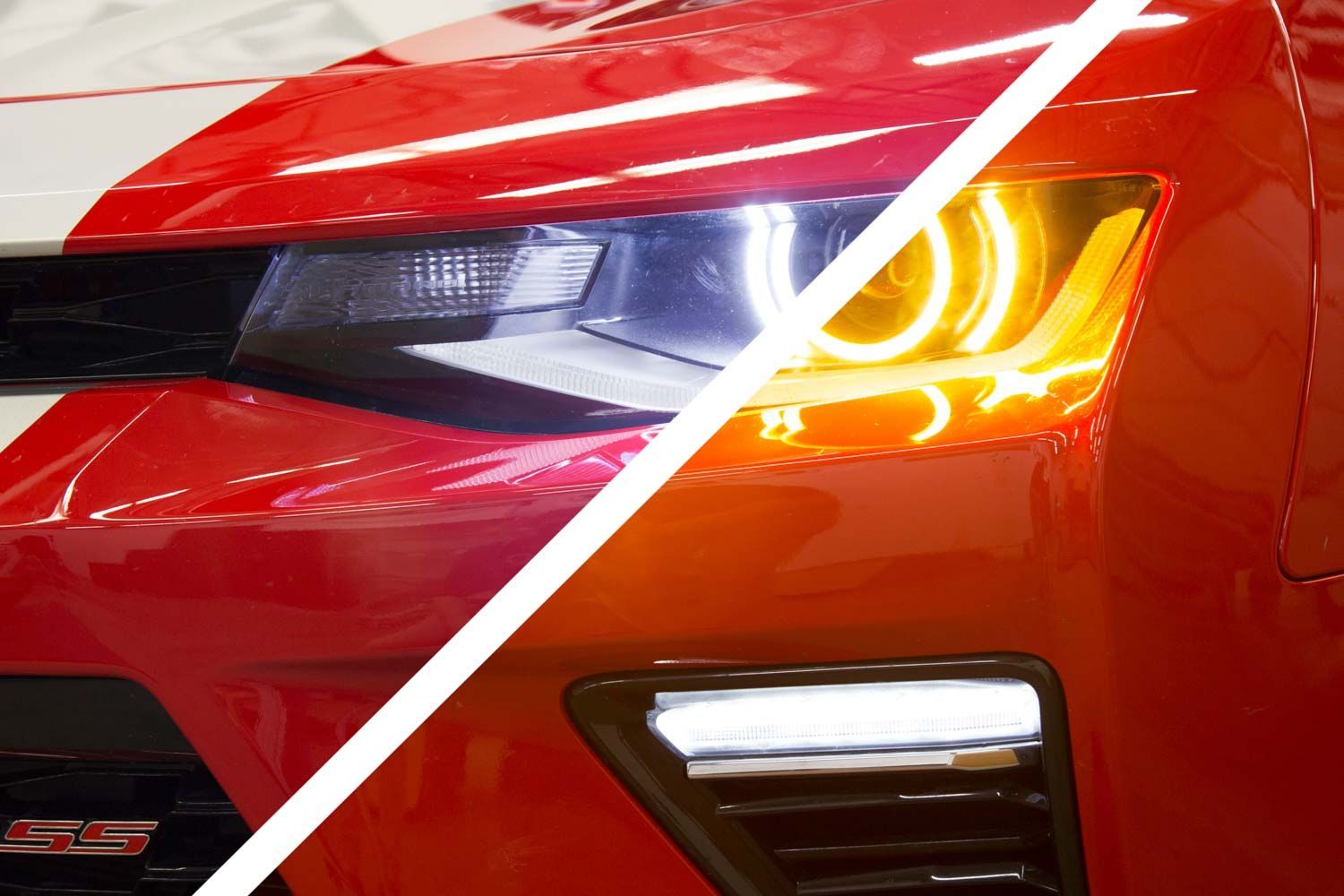
The Diode Dynamics Premium Switchback LED Halos for the 2016–2018 Chevrolet Camaro add a bold, functional accent inside the headlight. These halos operate as a bright white running light and switch to amber when the turn signal is activated, giving your Camaro a clean OEM-style upgrade with added visibility.
This guide walks through the installation process for the Camaro Premium Switchback LED Halos, including mounting the halos, routing wiring, connecting the driver, and tapping the appropriate factory wires.
Please note: Headlights must be opened before proceeding with installation. This process can be completed by heating and prying the lens from the housing. We recommend viewing example videos online to understand the process however, professional installation is strongly recommended. Please contact Diode Dynamics if you need assistance locating an installer.
Table of Contents
- Installation Tools
- Installation Instructions
- Questions About the Installation?
- Where Can I Buy the Premium Switchback LED Halos?
Installation Tools
- Beading wire or epoxy (for mounting halos)
- Basic hand tools for headlight removal
- Heat gun or oven (for opening headlights)
- Wire taps or soldering tools
Time Required: Approximately 2–4 hours.
Installation Instructions
Step 1 – Open the headlight housing
Remove the headlights from the vehicle and open the housings by heating and carefully separating the lens from the housing. Because this process is permanent, professional installation is strongly recommended.
Step 2 – Mount the halos
Once the headlight is open, mount the LED halos to the projector bezel using beading wire or epoxy. Ensure the halos are securely mounted and evenly positioned.
Step 3 – Route the wiring
Route the halo wiring to the rear of the headlight housing. Seal any holes created during this process to maintain a proper seal when the headlight is reassembled.
Step 4 – Connect the halos to the driver
Connect the halo connectors to the driver, then connect the driver to the pigtail. Do not connect the LED halos directly to the pigtail without the driver, as the driver is required to regulate power.
Step 5 – Tap factory wires
Tap the bare wires on the pigtail to the appropriate factory wires to control halo operation:
- Red wire (White DRL): Parking/DRL signal
- White wire (Low Power): Low beam signal
- Black wire: Ground
- Yellow wire (Amber): Turn signal
These connections dictate when the halos illuminate in white or amber.

Step 6 – Mount the driver
Mount the driver outside of the headlight housing for serviceability, in a location away from the engine block to avoid excessive heat buildup. Secure and tidy all wiring.
Step 7 – Test and reinstall
Test the system thoroughly to ensure proper operation of both the white running light and amber turn signal functions. Once confirmed, reseal the headlight housing and reinstall it on the vehicle.

Questions About the Installation?
If you have any questions about installing the Diode Dynamics Premium Switchback LED Halos for 2016–2018 Chevrolet Camaro, contact us via our support page.
Where Can I Buy the Premium Switchback LED Halos for 2016–2018 Chevrolet Camaro?
If you're ready to upgrade your 2016–2018 Chevrolet Camaro with the Premium Switchback LED Halos, visit DiodeDynamics.com or use our Dealer Locator to find a dealer near you.
Want to know more about Diode Dynamics products? Visit DiodeDynamics.com and subscribe to our newsletter for new product releases and more!
This Installation Guide is for the following SKUs: DD2218
Share This Post