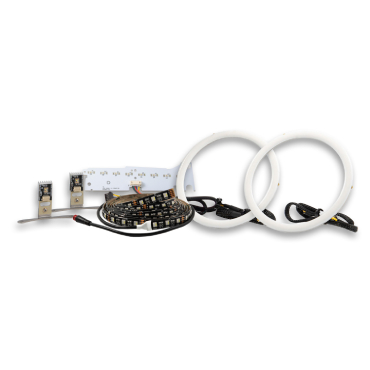





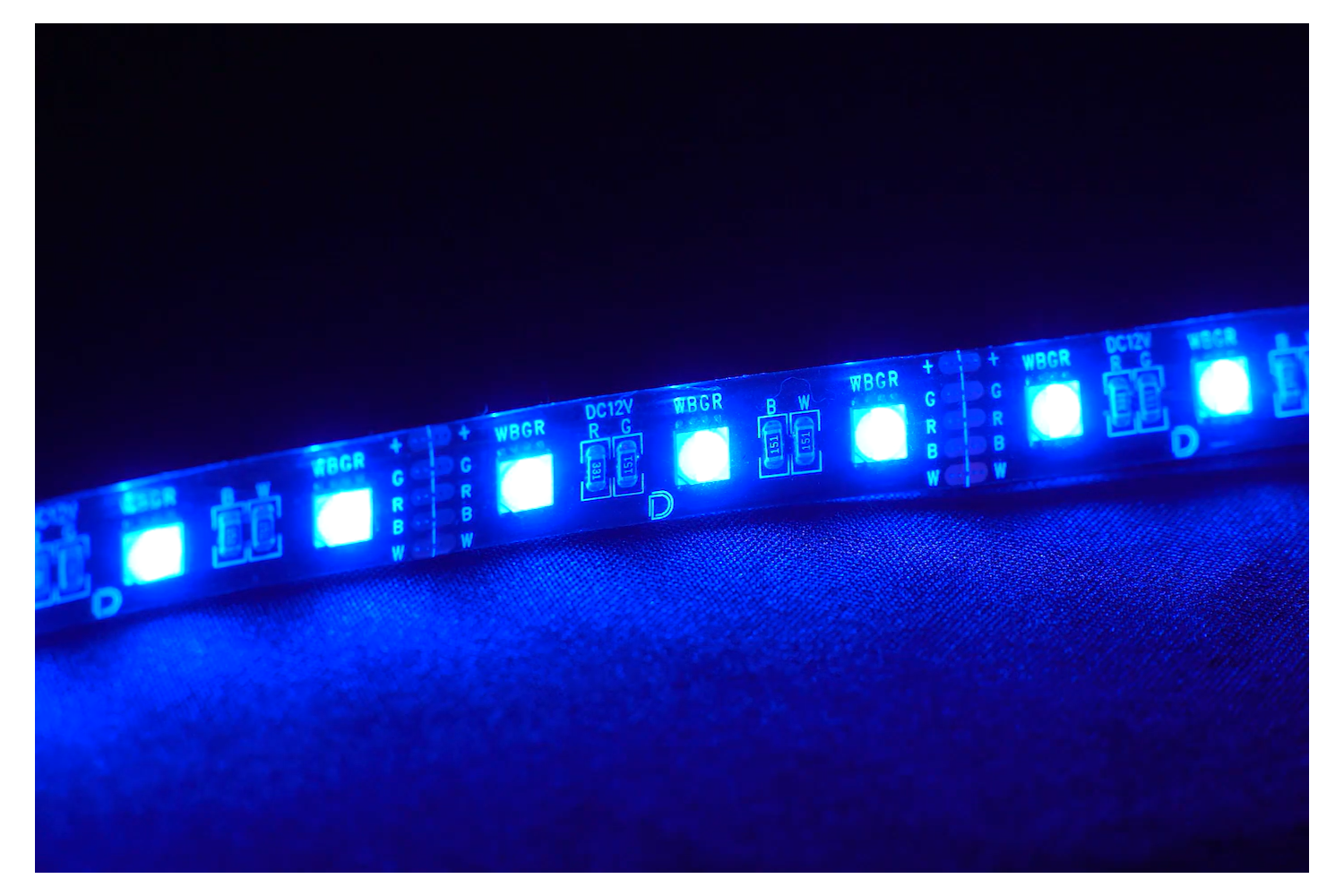
Adding interior accent lighting is an easy way to enhance the look and feel of your vehicle, and the Diode Dynamics Footwell LED Kit makes it simple to achieve a clean, professional result. With full RGBW color control optionally available, this kit allows you to customize your interior lighting to match your style.
This guide will walk you through the installation process for the Diode Dynamics Footwell LED Kit, including wiring, testing, and mounting the LED strips securely in your vehicle.
Table of Contents
- Installation Video
- Installation Tools
- Installation Instructions
- Questions About the Installation?
- Where Can I Buy the Footwell LED Kit?
Installation Video
Installation Tools
- Drill with 3/4” drill bit
- Needle nose pliers
- Phillips screwdriver
- Flathead screwdriver
- Socket wrench set
Time Required: Approximately 1–2 hours.
Installation Instructions
Step 1 – Locate power and ground
Locate a 12V power source and a suitable ground in your vehicle. Common locations include the 12V outlet (cigarette lighter) or an ignition-powered source.
Step 2 – Splice power and ground wires
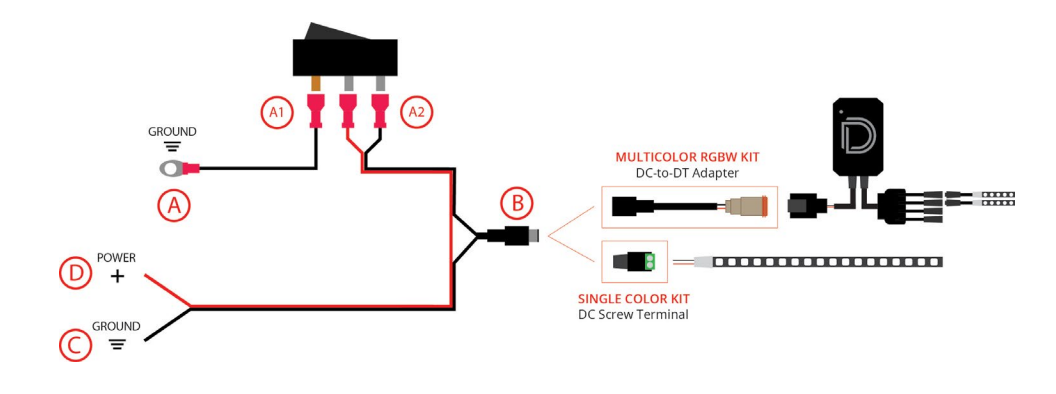
Using the provided red quick-splice connectors, connect the red power wire to the 12V power source and the black wire to a solid ground identified in Step 1.
Step 3 – Connect the LED strips to the controller
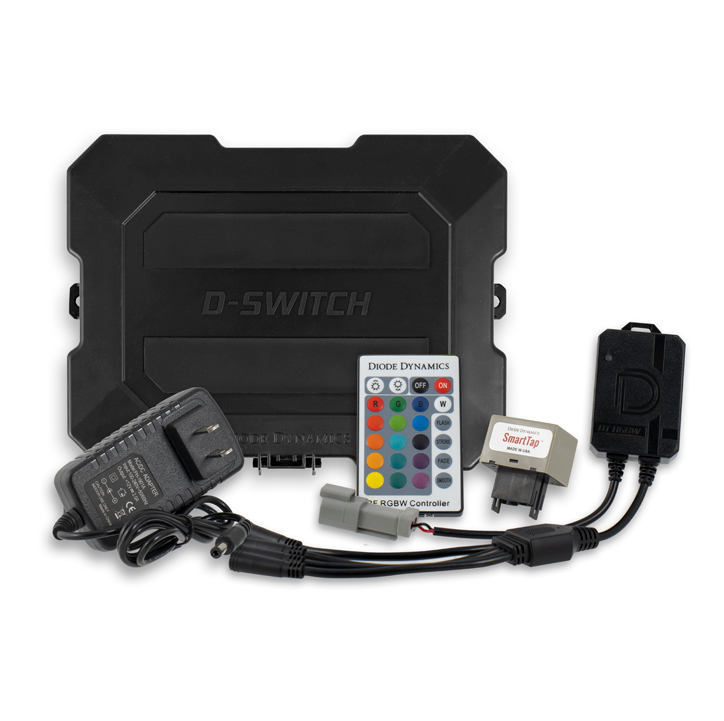
For the RGBW Multicolor Kit, plug the DC connector into the included DC-to-DT adapter. Then connect the DT connector to the RGBW controller. Plug the M8 connector from each LED strip into the controller.
For the Single Color Kit, insert the red (+) and black (-) wires on each strip into the positive (+) and negative (-) slots on the green tip of the DC screw terminal. Plug each DC screw terminal into the splitter wire. Then plug the splitter wire into the DC connector
Step 4 – Wire the switch
Connect the pink spade connectors to the silver pins on the back of the switch. Attach the additional ground wire to the copper pin on the switch and ground it to a bare metal bolt.
Step 5 – Test the system
Test the system for proper operation before mounting the LED strips. If you purchased the RGBW kit, the lights should cycle through red, green, and blue during startup.
Step 6 – Mount the LED strips
Once proper operation is confirmed, mount the LED strips in the footwell area using the provided mounting options. The included 1/2" wide black hook Velcro strips can be used to secure the LED strips or wiring to flat interior surfaces, allowing for easy repositioning or removal if needed. Ensure the strips are secure and hidden from direct view.
Step 7 – Troubleshooting (if needed)
- If the kit does not illuminate, verify that all power and ground connections are secure.
- Try flipping the polarity if necessary, and confirm the spade connectors are installed on the correct switch terminals.
- Check that the spades are both on the silver male prongs on the switch, and the additional ground is on the copper pin.
The installation is now complete. Enjoy your new Footwell LED Kit!
Questions About the Installation?
If you have any questions about installing the Diode Dynamics Footwell LED Kit, contact us via our support page.
Where Can I Buy the Diode Dynamics Footwell LED Kit?
If you're ready to upgrade your vehicle’s interior with the Diode Dynamics Footwell LED Kit, visit DiodeDynamics.com or use our Dealer Locator to find a dealer near you.
Want to know more about Diode Dynamics products? Visit DiodeDynamics.com and subscribe to our newsletter for new product releases and more!
This Installation Guide is for the following SKUs: DD0438, DD0443
Share This Post