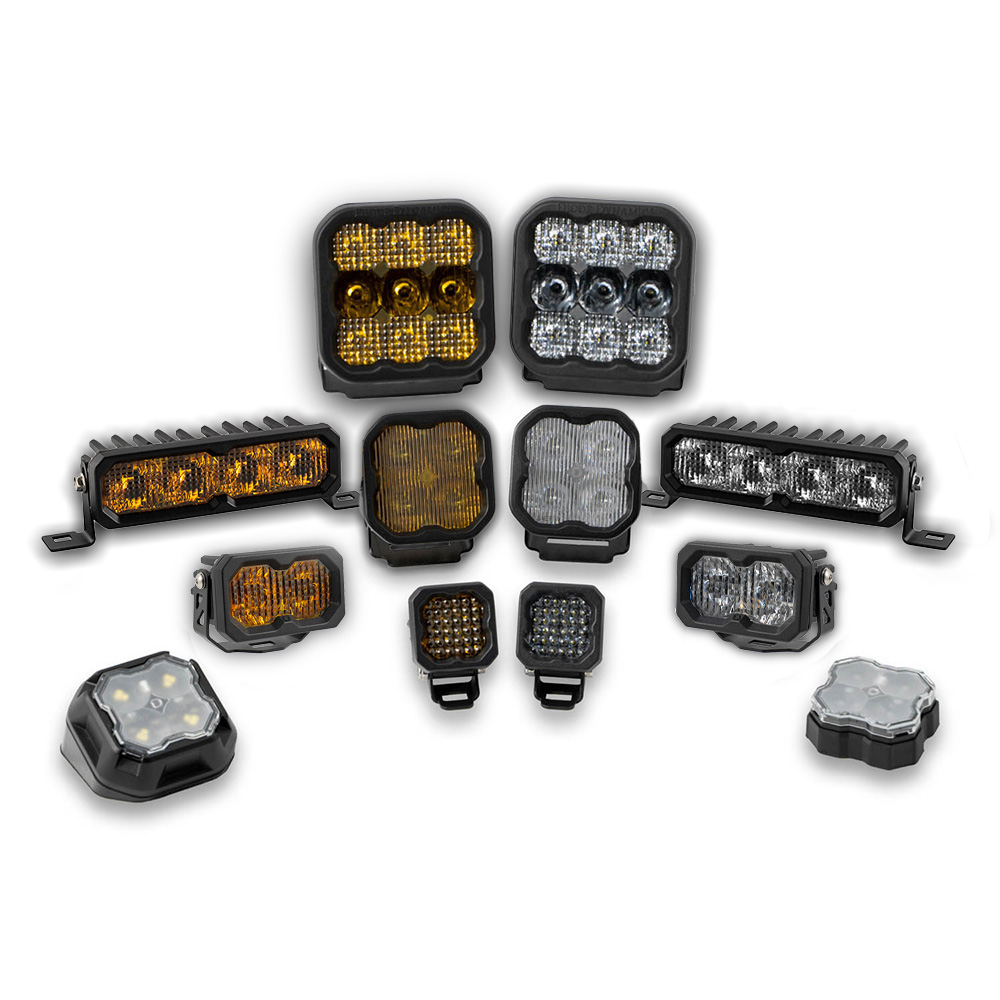
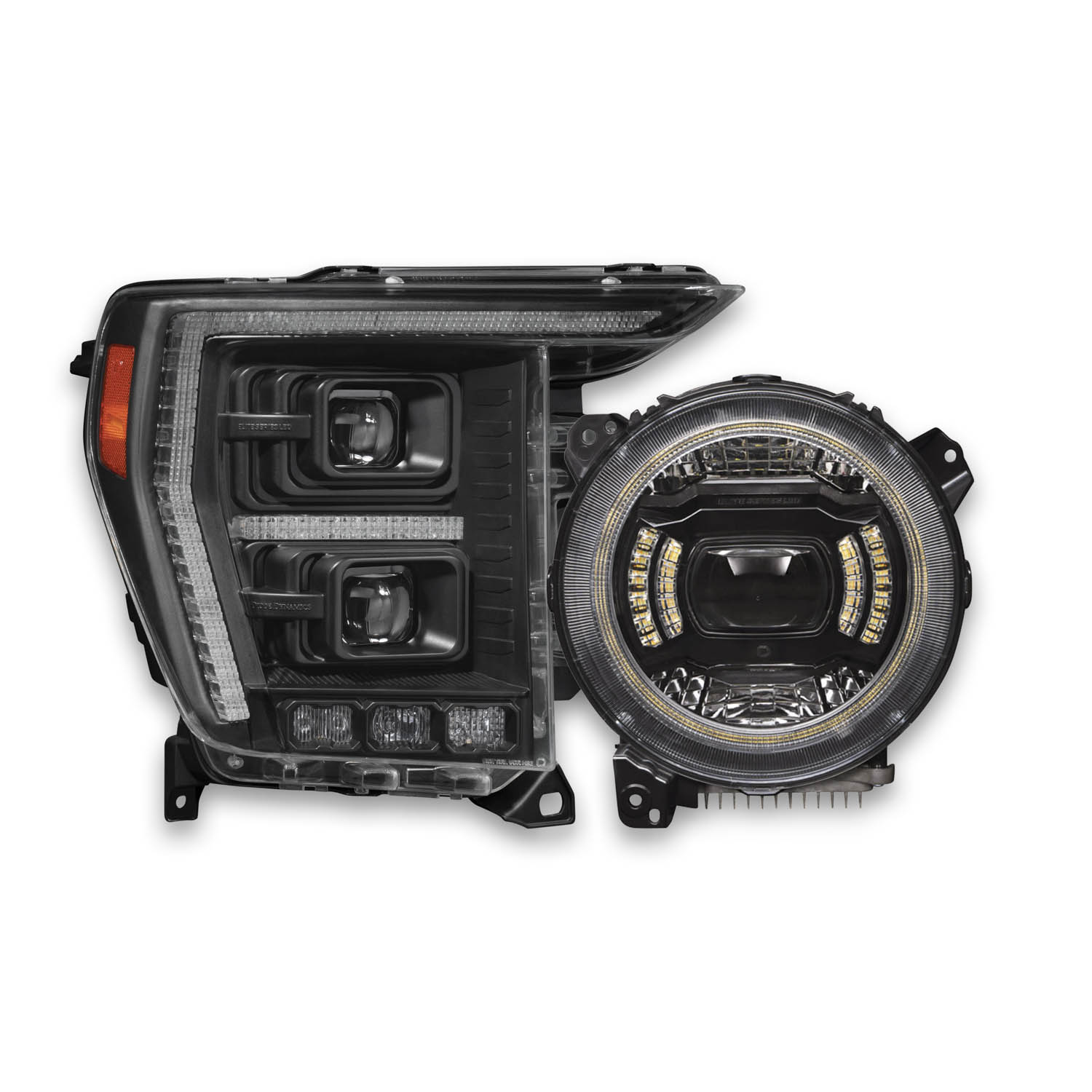
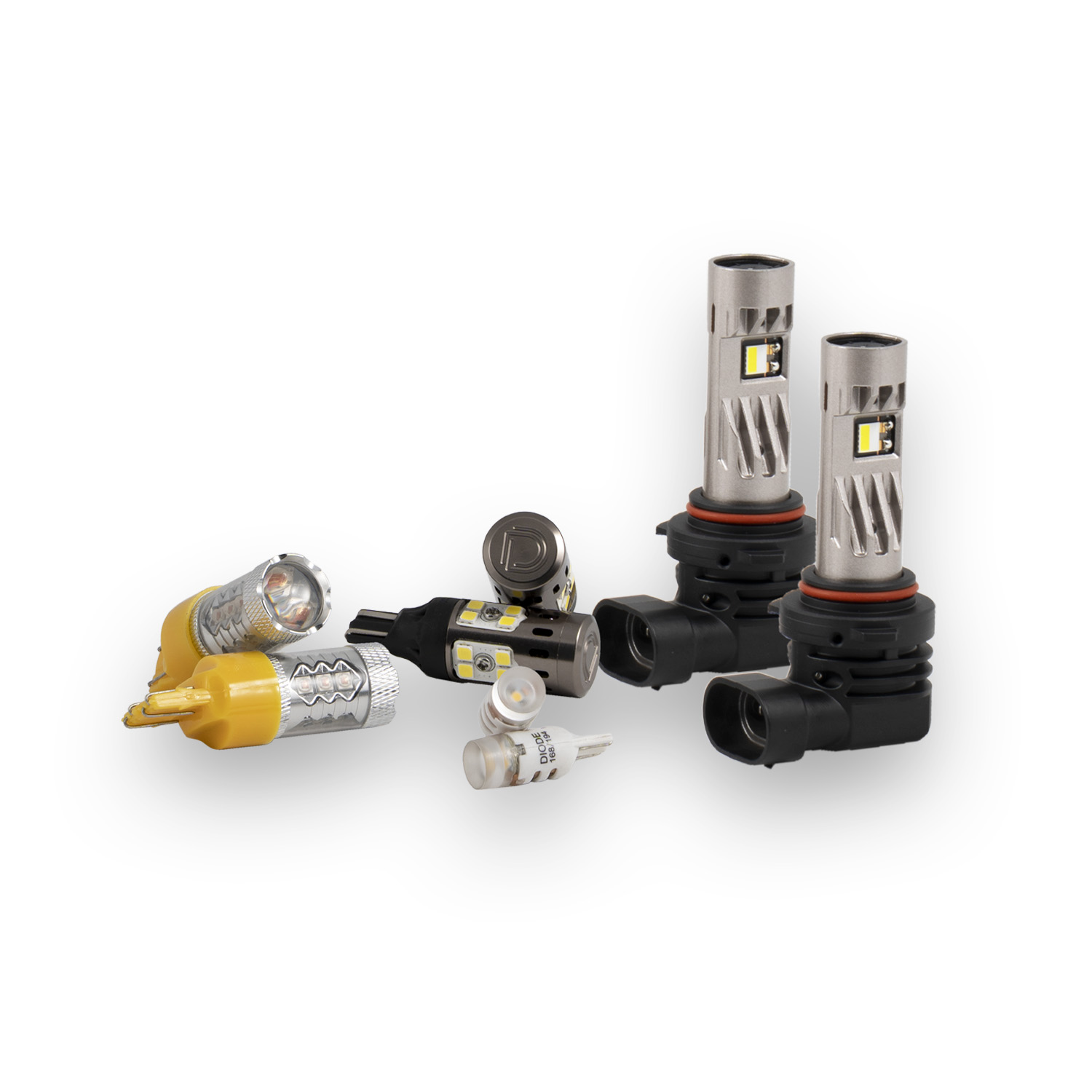
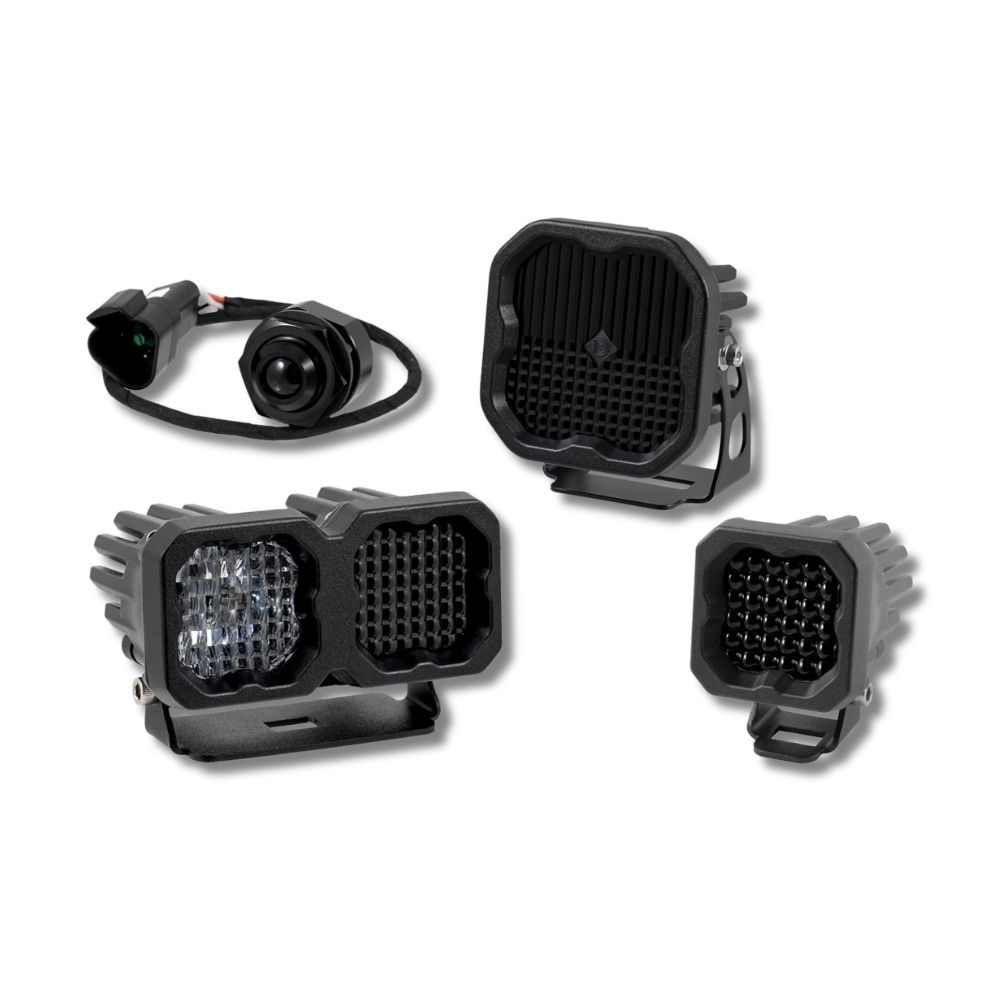
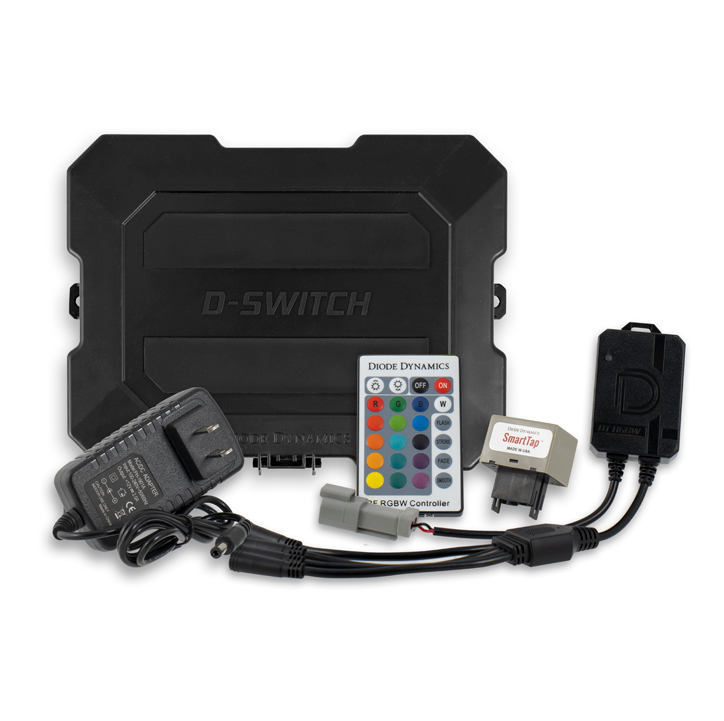


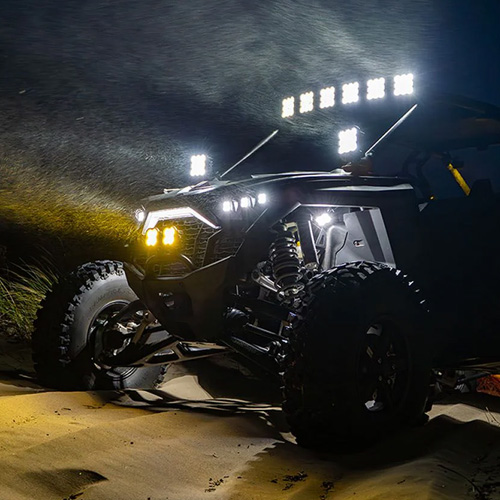

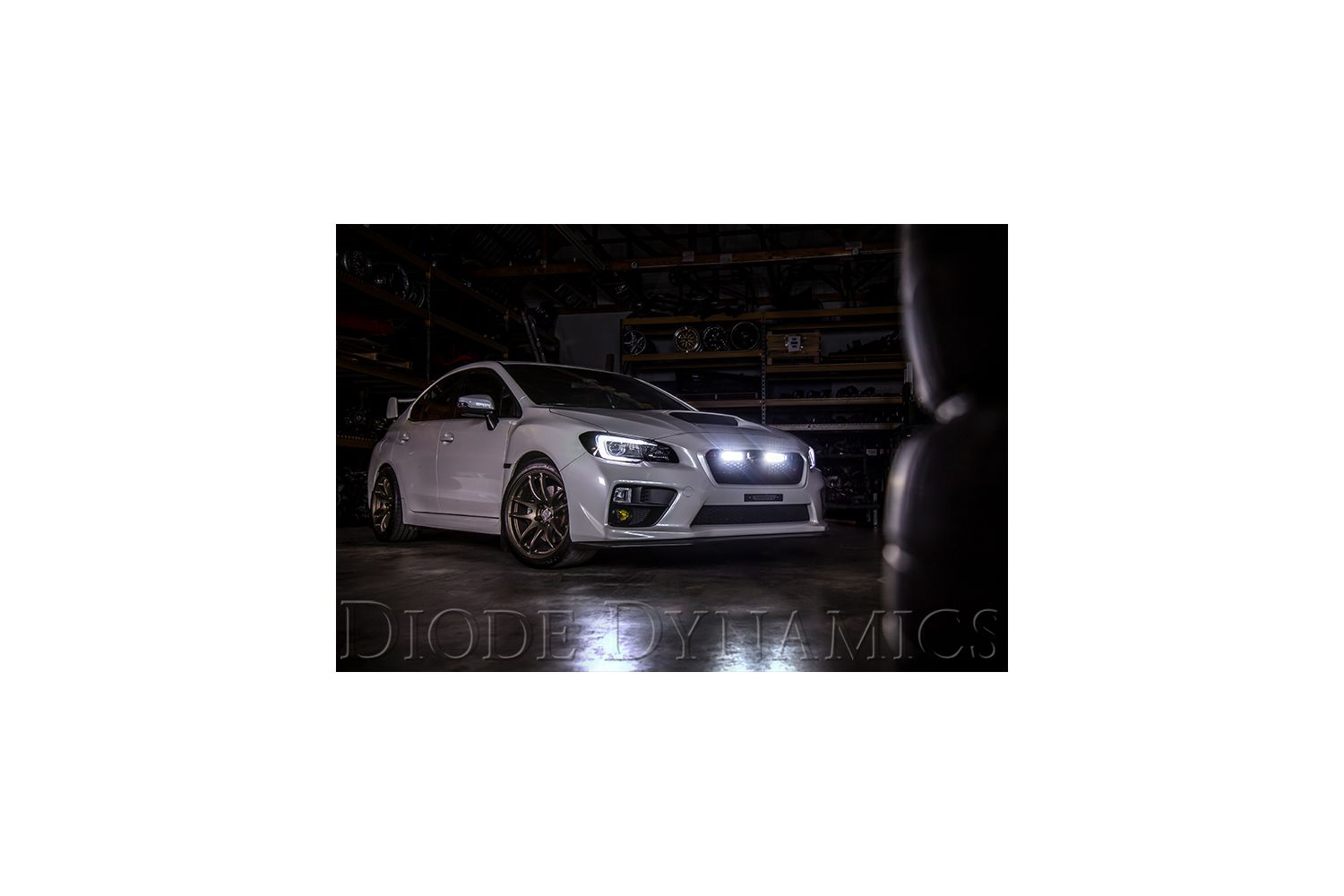
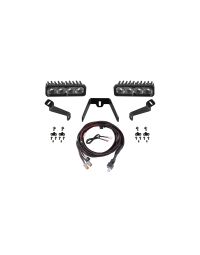
Upgrade the front-end lighting on your 2015–2017 Subaru WRX or STi with the Diode Dynamics LED Driving Light Kit. Designed to integrate cleanly using factory mounting points, this kit delivers powerful, road-legal illumination while maintaining an OEM-style appearance.
This guide walks through the full installation process, including bumper removal, bracket and light mounting, wiring, and final alignment to ensure optimal performance and fitment.
Table of Contents
- Installation Tools
- Installation Instructions
- Questions About the Installation?
- Where Can I Buy the Product?
Installation Tools
- 10mm socket wrench
- 12mm socket wrench
- Plastic trim removal tool
Time Required: Approximately 1–2 hours.
Installation Instructions
Step 1 – Remove upper bumper hardware
Using a 10mm socket and a plastic trim removal tool, remove the six bolts and four plastic rivets located along the top edge of the bumper inside the engine bay.

Step 2 – Remove lower and side fasteners
Remove the plastic rivet located between the fender and bumper on each side. Next, remove the six plastic rivets located underneath the bumper.

Step 3 – Detach the bumper
With all bolts and rivets removed, detach the bumper by pressing the clips along the side below each headlight. Pull the bumper straight back and set it aside on a soft surface.

Step 4 – Remove factory mounting bolts
With the bumper removed, locate and remove the 12mm bolt in the center and the two 10mm bolts on the sides of the mounting area.

Step 5 – Attach light bars to the bracket
Using the included hardware, attach both LED light bars to the bracket. Only hand-tighten the hardware at this stage to allow for final adjustment.
Step 6 – Install the bracket assembly
Using the factory mounting points, mount the bracket assembly and reinstall the original bolts. Hand-tighten the hardware, as the bracket design allows for adjustment to ensure proper bumper fitment.
Note: If you have the New Stage Series Lightbars, an extra adapter bracket must be installed before installing to the main bracket assembly.


Step 7 – Mount the switch
Choose a suitable location for the switch and route the wiring harness to that location. This may require routing through the firewall. Unplug the toggle switch to make routing easier, drill an appropriately sized hole, then reconnect and mount the switch.
Step 8 – Connect the wiring harness
Connect the wiring harness to the light bars, then route the harness to the battery. Avoid moving parts or areas with excessive heat, and follow factory wiring paths where possible.

Step 9 – Connect to the battery and finalize installation
Loosen the 12mm and 10mm nuts on the battery terminals. Connect the black wire to the negative terminal and the red wire to the positive terminal. Before tightening all mounting hardware, align the light bars properly, test operation, then reinstall the factory bumper to complete the installation.
Questions About the Installation?
If you have any questions about installing the 2015–2017 Subaru WRX/STi LED Driving Light Kit for your vehicle, contact us via our support page.
Where Can I Buy the 2015–2017 Subaru WRX/STi LED Driving Light Kit?
If you're ready to upgrade your 2015–2017 Subaru WRX or STi with the LED Driving Light Kit, visit DiodeDynamics.com or use our Dealer Locator to find a dealer near you.
Want to know more about Diode Dynamics products? Visit DiodeDynamics.com and subscribe to our newsletter for new product releases and more!
This Installation Guide is for the following SKUs: DD8589, DD8590, DD8591, DD8592, DD8593, DD8594, DD8595, DD8596, DD8849, DD8850, DD8851, DD8852, DD6009, DD6011
Share This Post