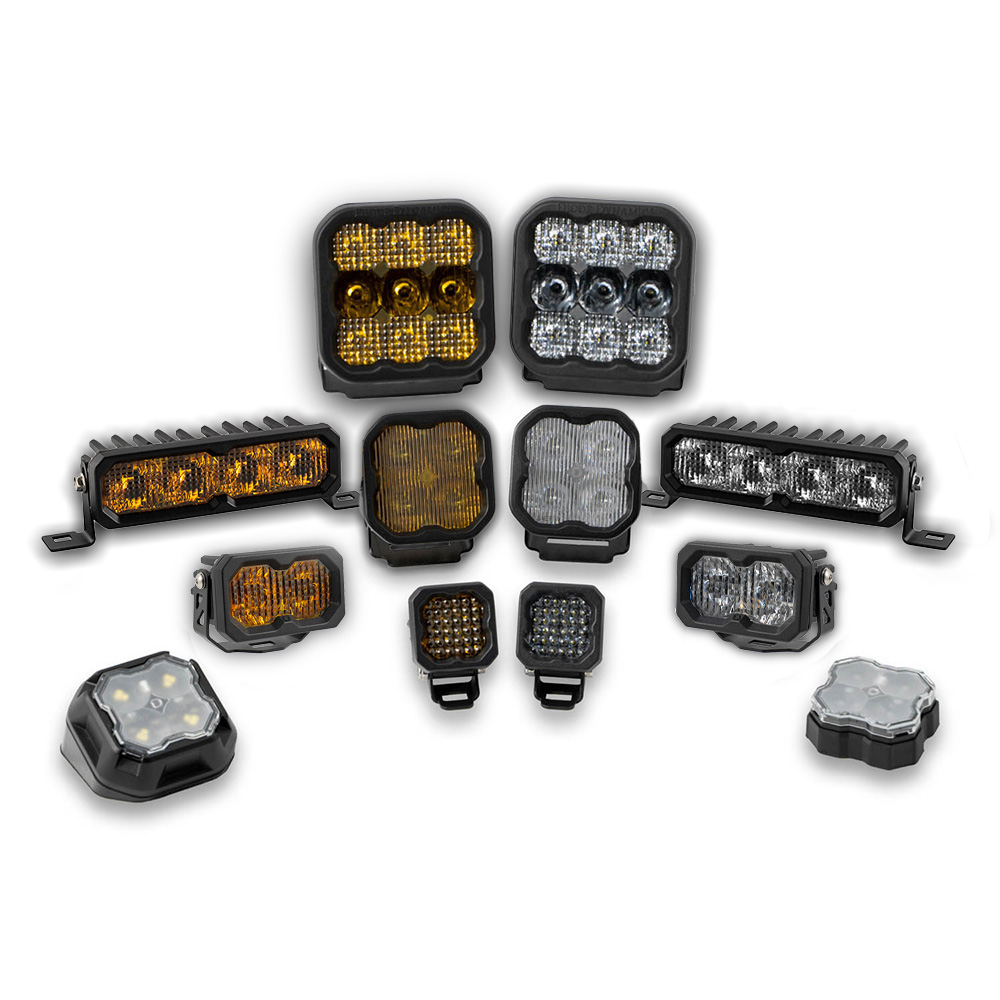
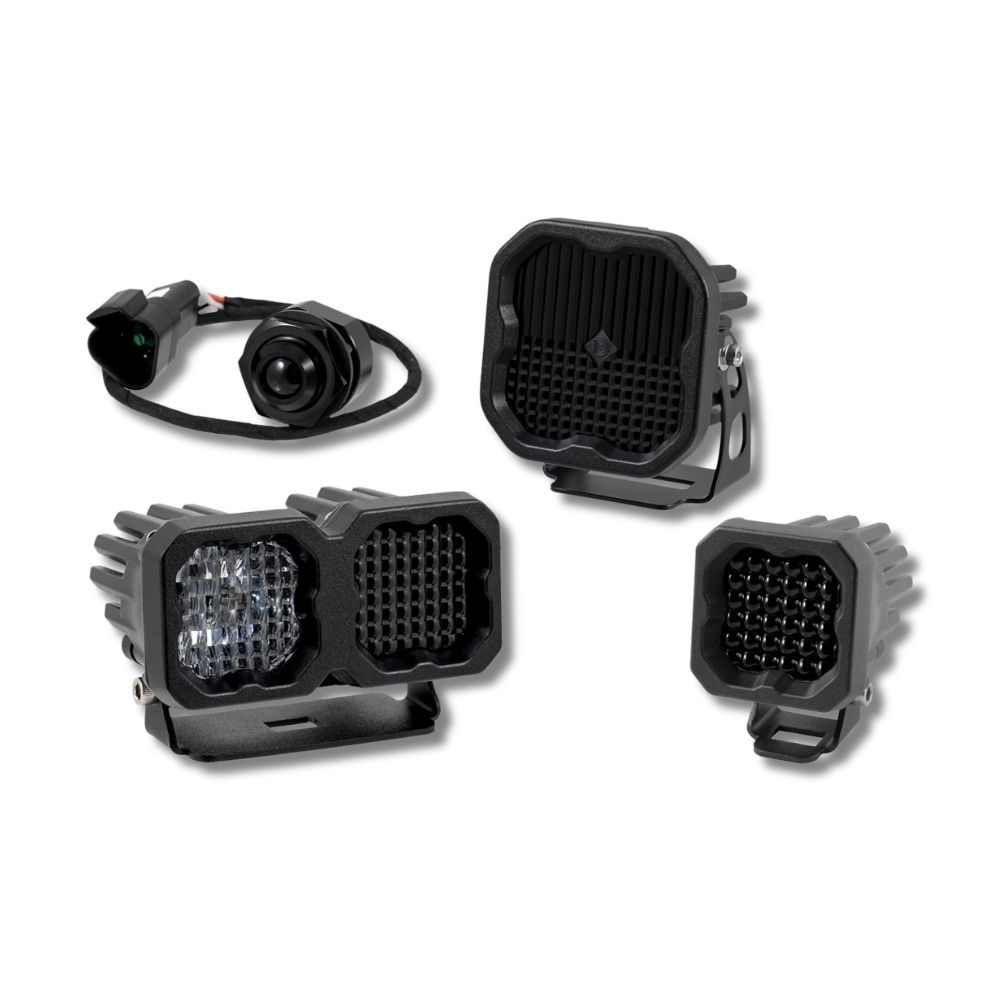



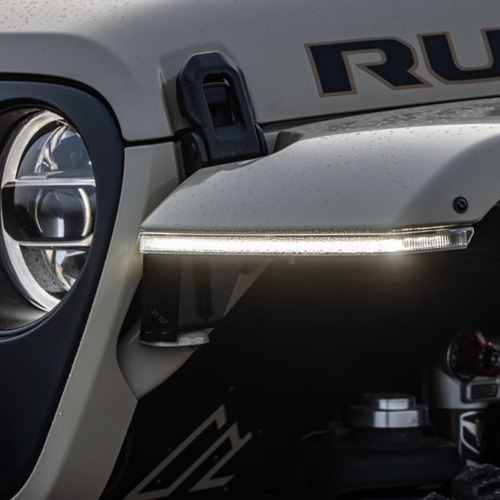

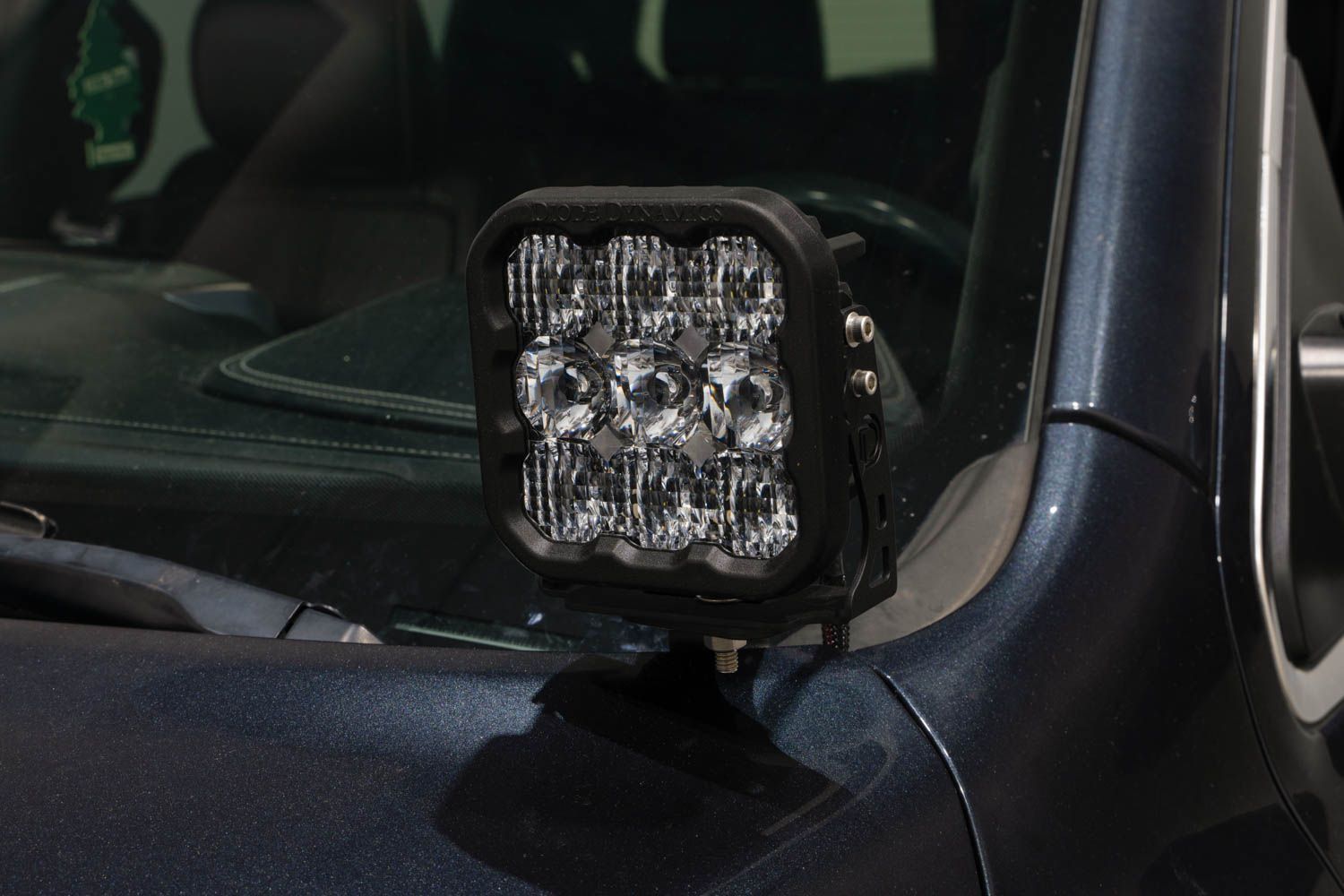
The Stage Series Backlit LED Ditch Light Kit for the 2019-2023 Ram 1500 allows you to easily mount two SS5, SS3, or SSC2 LED Pods above the hood near the A-Pillars. The following installation guide will provide detailed instructions on installing the Stage Series Backlit LED Ditch Light Kit for the 2019-2023 Ram 1500. Check out the installation video and continue reading for step-by-step instructions below!
Table of Contents
Installation Video
Installation Tools
- Ratchet
- 13mm Socket
- 4mm Hex Key
- 1/2" Wrench
Mounting Instructions
Step 1 - Loosen Hinge Nuts.
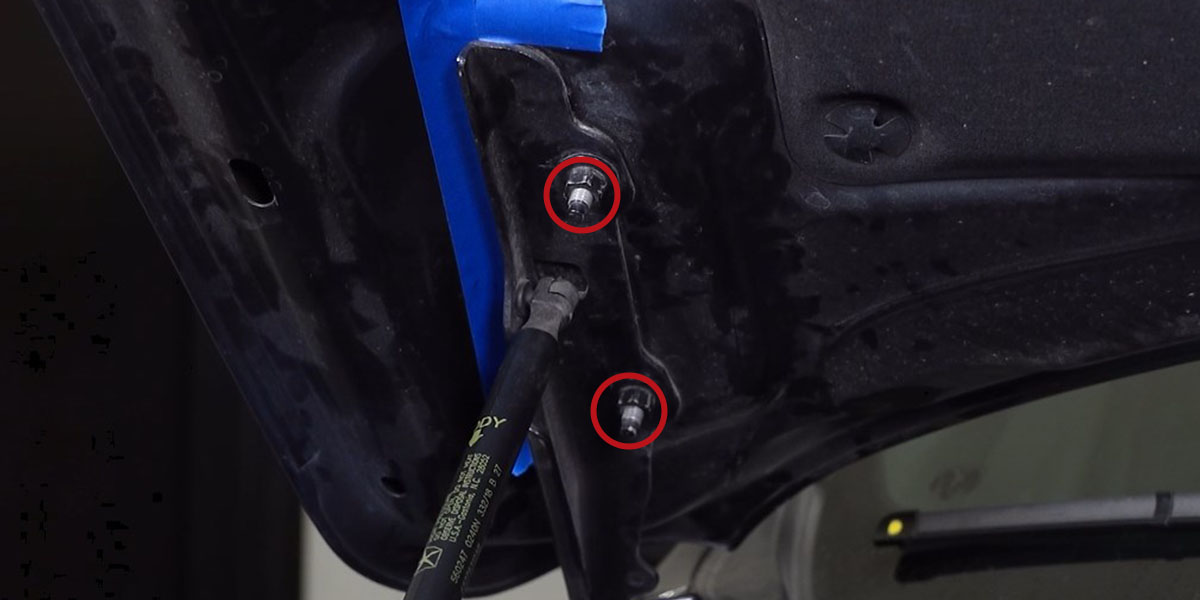
Begin the installation by opening the hood and marking the location of the passenger side hood hinge with tape to make sure it stays aligned with the hood during the installation.
Then, with a 13mm socket, loosen but do not remove the factory nuts holding the passenger side hood to the hood hinge bracket. The nuts should be loosened enough to allow the ditch light bracket to slide between the bottom of the hood hinge bracket and the loosened nuts.
Step 2 - Install Passenger Side Bracket.
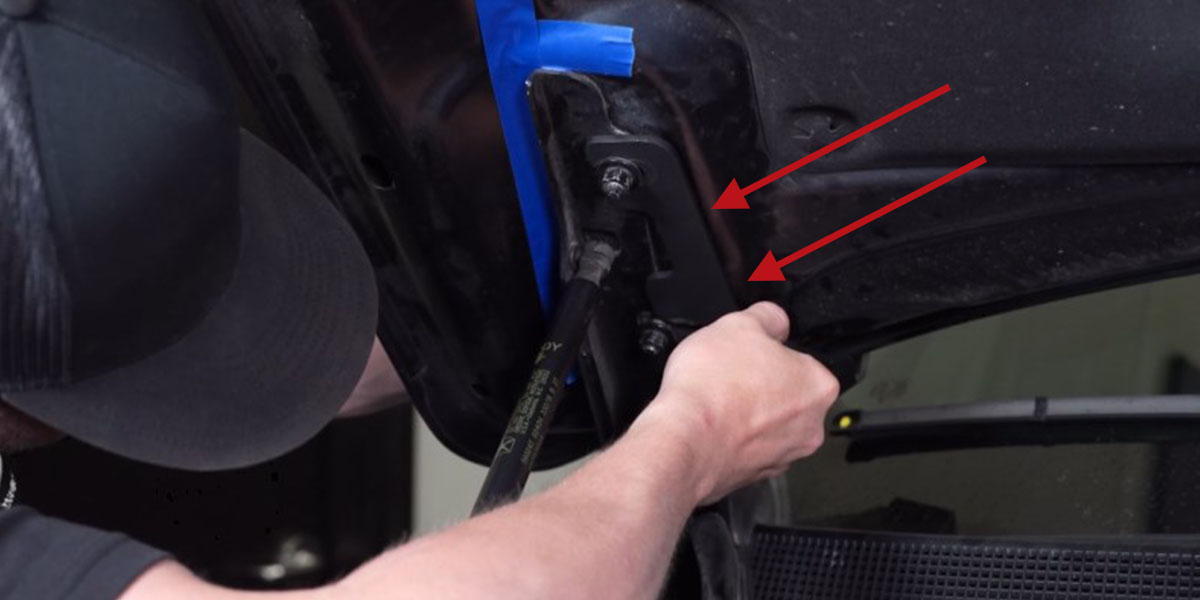
Slide the bracket marked RIGHT onto the upper nut and washer. Then rotate the bracket over the lower nut and washer. Hand-tighten the nuts so the bracket can be adjusted.
Step 3 - Adjust Bracket.
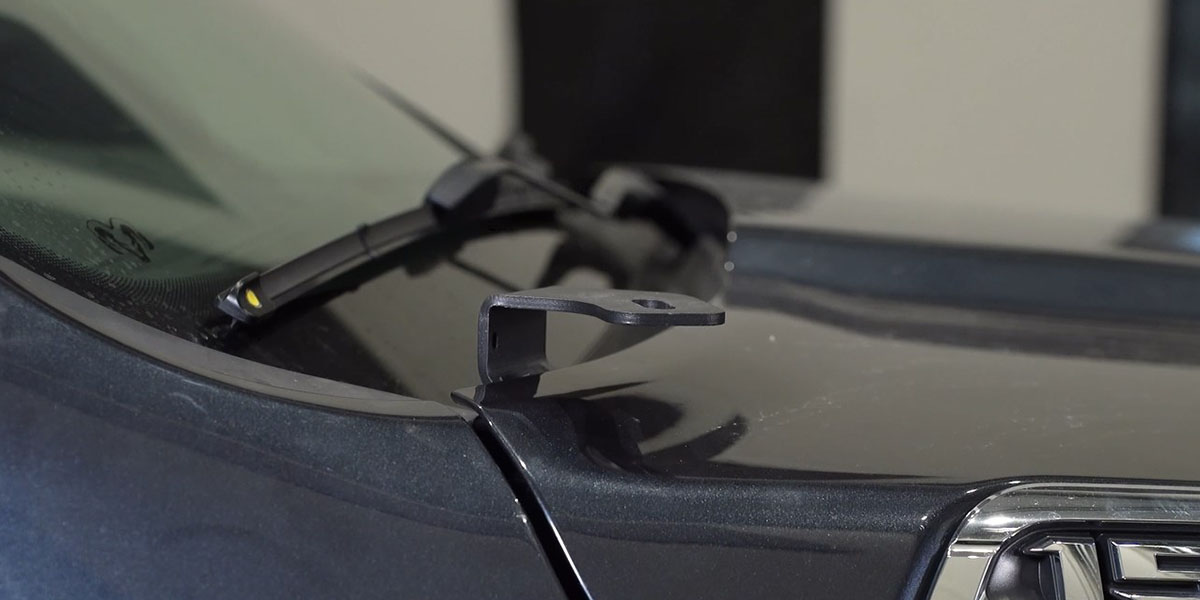
Close the hood and adjust the bracket so that the windshield wiper does not come in contact with the back of the bracket while in the on or off position.
Step 4 - Tighten Hinge Nuts.
Open the hood and tighten the two hood hinge nuts using a 13mm socket. Make sure that the hood hinges have maintained alignment with the hood, and remove the tape.
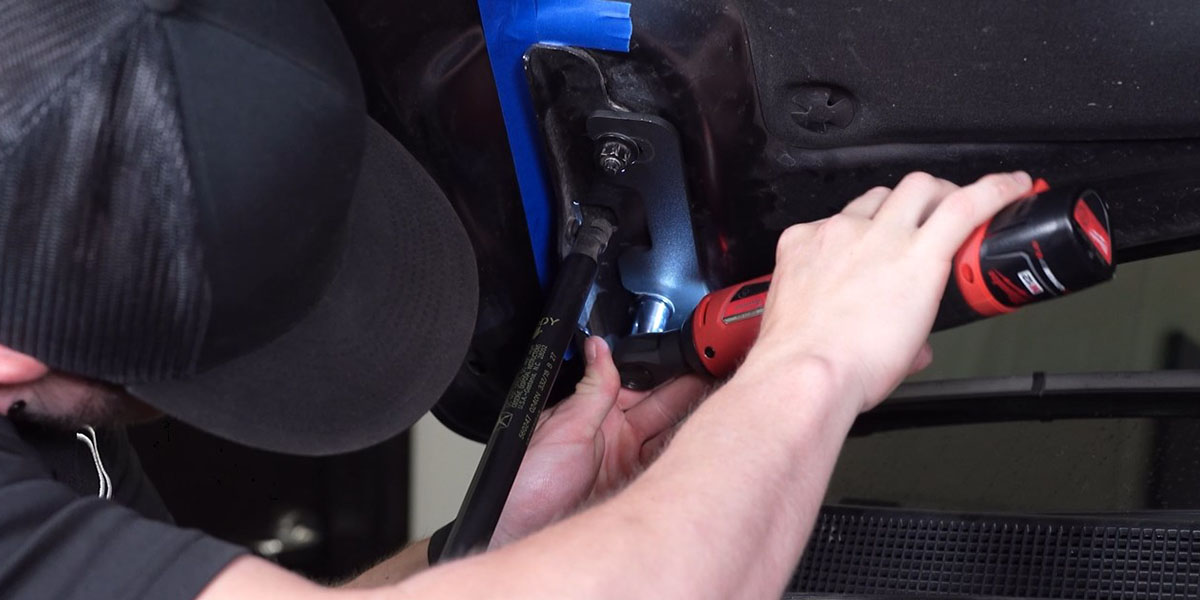
Step 5 - Install Driver's Side Bracket
Repeat steps 1-4 to install the bracket marked LEFT onto the driver's side.
Make sure to install the bracket between the windshield washer fluid line and the hood.
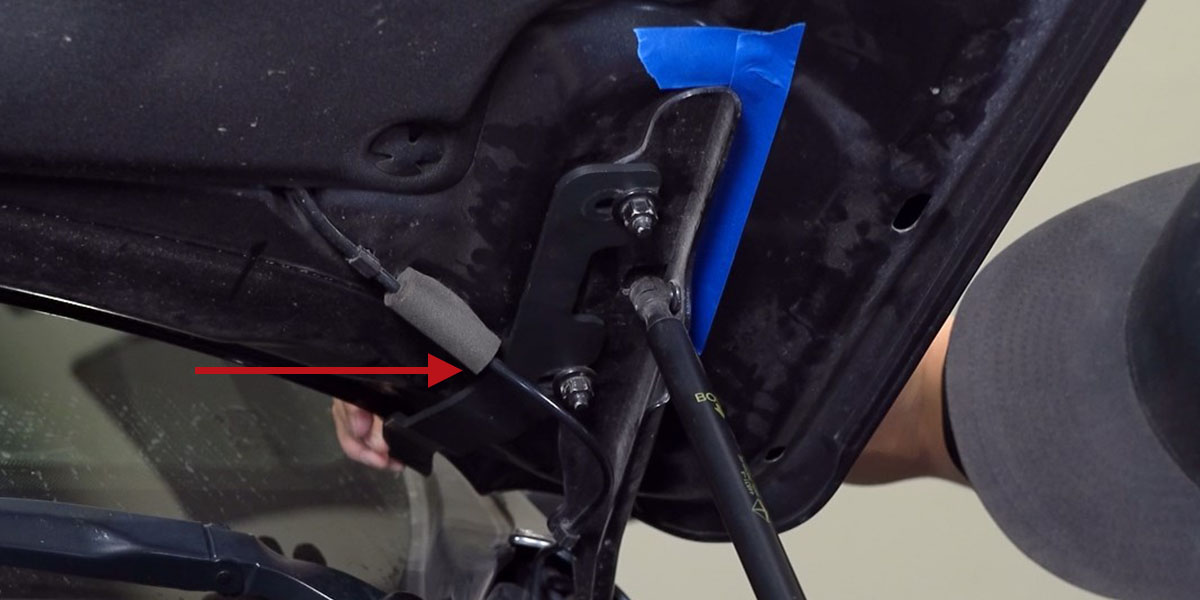
Step 6 - Mount LED Pods.
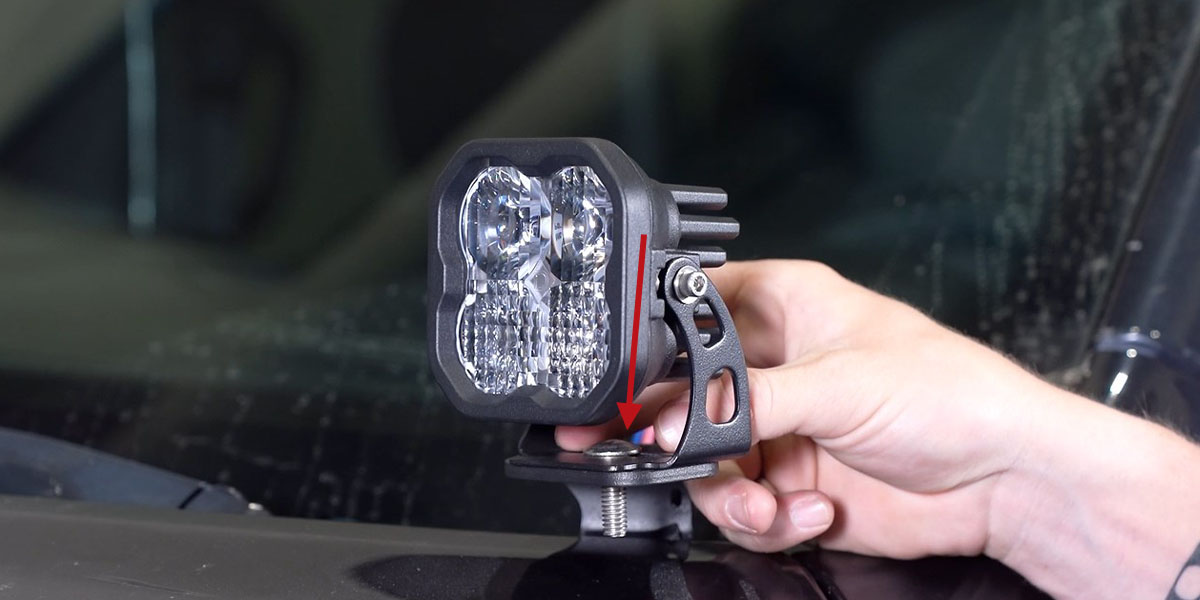
Close the hood and mount your Stage Series LED Pods to the ditch light brackets using the linked SS5, SS3, or SSC2 Universal Mounting Guide.
Wiring Instructions
Step 7 - Route Wiring Harness.
Route the included wiring harness along the suggested wiring path shown below.
The passenger's side wiring is routed from the battery, along the main factory wiring harness underneath the rain catch. It then goes underneath the subframe into the fender dead space. Then, pull the wiring up behind the hood hinge and underneath the cowl to reach the LED pod.
The driver's side wiring should route under the subframe into the fender dead space. Then, pull the wiring up behind the hood hinge and underneath the cowl to reach the LED pod.
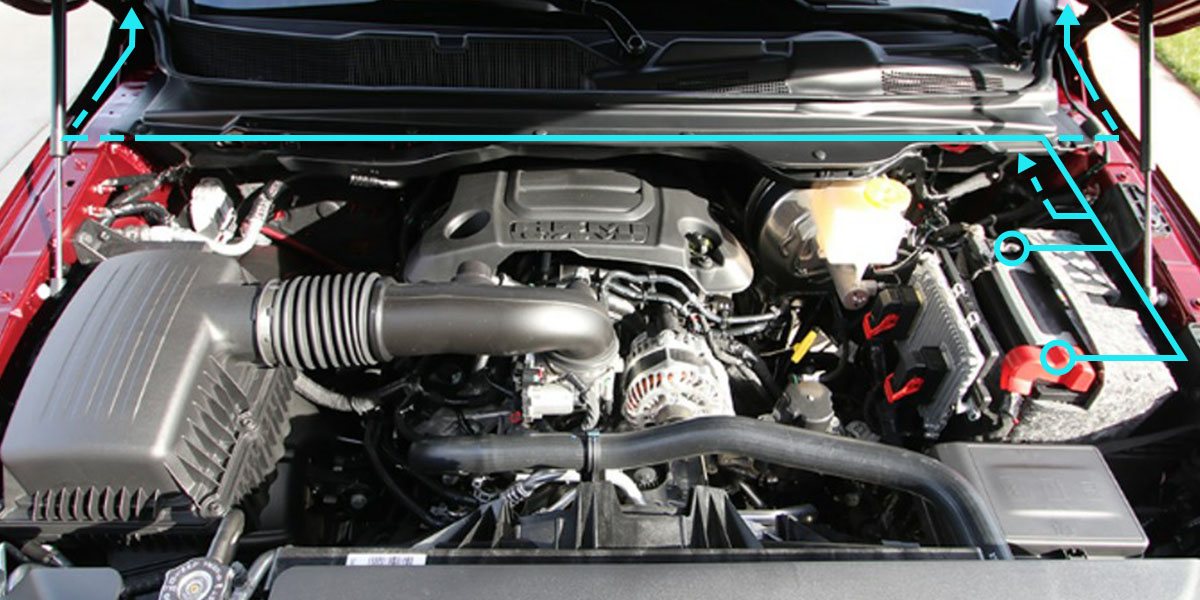
Step 8 - Connect to Power.
Connect the DT connectors on the harness to the back of the LED pods. A small cutout has been designed on each bracket to aid in wire routing. Use the included zip ties to secure the wiring away from the hood hinge.
Then, connect the harness to the battery. Refer to the wiring harness guide for detailed wiring instructions.
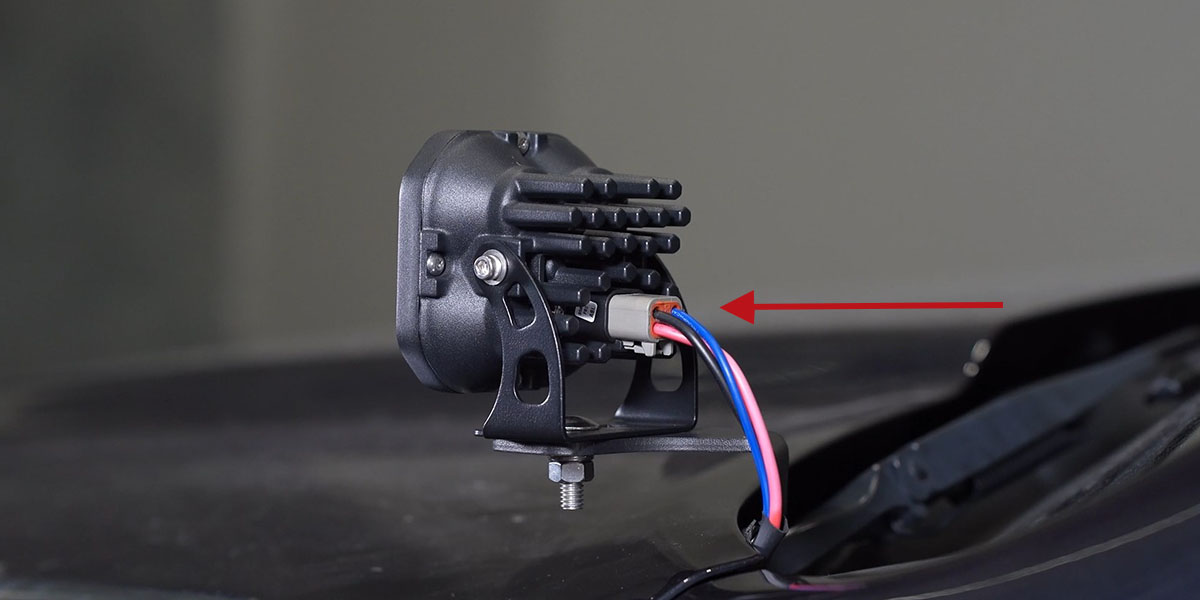
Step 9 - Aim Pod Lights.
Aim the installed LED Pods as desired. Then, tighten down the hardware using a 5/32” Allen key and a 13mm wrench.
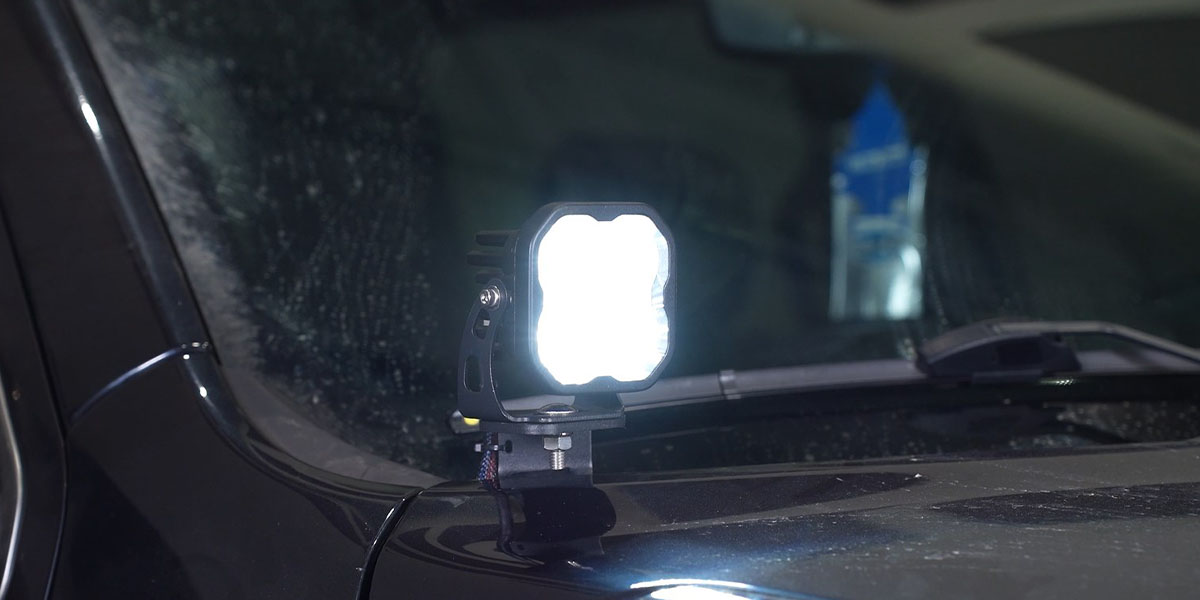
Step 10 - Test Function.
Test the function of your lights. Then, secure the wiring harness with the included zip ties to complete the installation.
SS5 Backlight Color Programming
The following programming instructions apply only to ditch light kits equipped with SS5 LED Pods. SS5 LED Pods offer multiple backlight color options, including White (default), Red, Blue, Green, Purple, Yellow, Amber, and Teal.
- Start with all backlight power OFF.
- Cycle backlight power ON and OFF three times within three seconds, spacing each ON press about one second apart.
- After the third cycle, the backlight will enter programming mode.
- Continue cycling power at the same steady pace to scroll through the available colors.
- When the desired color is displayed, leave the backlight ON.
- After five seconds, the color will save automatically and exit programming mode.
- Turn power OFF.
The selected color will appear any time backlight power is applied during normal operation.
SS5 Backlight Color Reset
The following reset procedure applies only to ditch light kits equipped with SS5 LED Pods. If multiple SS5 LED Pods are connected to the same backlight circuit and the colors become unsynchronized, perform the following reset procedure.
- Enter backlight programming mode by cycling power ON and OFF three times, using the same one-second timing.
- Continue cycling power through all available colors twice. This requires at least sixteen total power cycles.
- After all colors have displayed twice, all connected lights will reset to White.
- Leave the backlight ON for five seconds to save the reset.
- Program the desired backlight color as outlined above if needed.
Questions about the Installation?
If you have any questions or issues installing the Stage Series Backlit LED Ditch Light Kit in your 2019-2023 Ram 1500, please contact us for further information.
Where Can I Buy a Stage Series Backlit LED Ditch Light Kit for the 2019-2023 Ram 1500?
If you’re ready to upgrade your 2019-2023 Ram 1500 with a Stage Series Backlit LED Ditch Light Kit, you can purchase one by clicking here or using our dealer locator to find a dealer near you.
Want to know more about Diode Dynamics products? Visit DiodeDynamics.com and subscribe to our newsletter for new product releases and more!
This Installation Guide is for the following SKUs: DD7594, DD7595, DD7596, DD7597, DD7598, DD7599, DD7600, DD7601, DD7602, DD7603, DD7604, DD7605, DD7606.
Share This Post